- 対象年齢4+
- カテゴリ写真/ビデオ
- 開発元Franco Sponga
- 言語英語
- サイズ15.5 MB
App Storeの公式ページにリンクしています
Download.orgはAirLensのファイルを一切ホストしていません。ボタンを押すと、Franco Spongaが公開しているApp Storeのアプリページが開きます。ページの最終確認:2026/11/29。
スクリーンショット

概要
開発元はこのテキストをお使いの言語で提供していません。
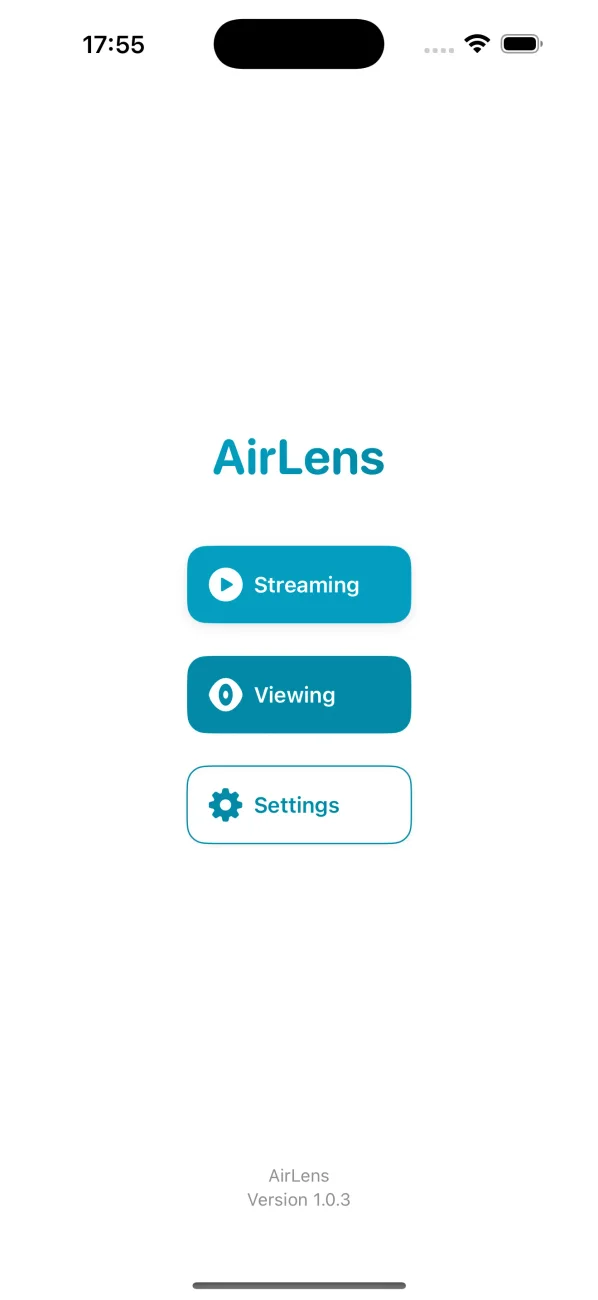
AirLens – Turn Your iPhone into a Wireless Camera
Stream live video from your iPhone or iPad to another iOS device or a web browser on the same Wi-Fi network. Set up your camera, choose your view, and control it from another screen—without cables, extra hardware, or an account.
KEY FEATURES
• Live Video with Optional Audio
Watch your camera feed live. Enable the microphone on the camera device when you need sound, or leave it off for video-only streaming.
• Watch in the App or Your Browser
Discover nearby cameras in AirLens on another iPhone or iPad, or open the stream link in a browser on the same network.
• Capture Photos and Record Video Remotely
Take a photo or start and stop video recording from the viewer. Captures are saved on the camera device. Video recordings do not include audio.
• Control Your Camera from the Viewer
Adjust zoom, switch between available lenses, and toggle the torch on supported devices.
• Focus Where You Need It
Tap to focus and pinch to zoom directly on the camera device before or during your stream.
• Automatic Streaming Quality
AirLens adjusts streaming quality automatically to suit your devices and network conditions.
• No Account Required
Connect over your local network without signing up. Live streaming does not automatically record your feed—you choose when to take photos or record video.
HOW IT WORKS
1. Connect both devices to the same Wi-Fi network.
2. Open AirLens on the camera device and tap “Use as a camera.”
3. On another iPhone or iPad, tap “View a camera” and select your stream. To watch in a browser, open the address available from the camera’s share button.
4. Enable remote capture on the camera device to take photos and record video from the viewer.
PLEASE NOTE
Keep AirLens open in the foreground on the camera device while streaming.
Camera access is required. Microphone access is optional and is used for live audio. Allow local network access for device discovery and connection, and Photos access when saving captures.
Both devices must be on the same local network. AirLens is designed for local viewing, not access over the internet.
For app-to-app viewing, use the latest version of AirLens on both devices. Available lenses, torch support, video quality, and performance depend on your devices and network.
新機能
バージョン 1.13 · 2026/11/27
Updated interface with Liquid Glass controls, improved camera switching, and bug fixes.
アプリのプライバシー
このアプリのデータの取り扱いについて、Franco SpongaがApp Storeで申告している内容です。
-
データの収集なし
開発元はこのアプリからデータを収集しません。
プライバシーの取り扱いは、ご利用の機能やお客様の年齢などに応じて異なる場合があります。
情報
- 販売元
- Franco Sponga
- カテゴリ
- 写真/ビデオ
- バージョン
- 1.13
- 更新日
- 2026/11/27
- リリース
- 2025/6/14
- サイズ
- 15.5 MB
- 必要条件
- iOS 17.0以降
- 対象年齢
- 4+
- 価格
- 無料
- 言語
- 英語
- 著作権
- © 2025 Franco Sponga