Amber - Simple Markdown
Write Markdown like a note
Diseñada para iPhone, iPad, Mac
2,99 €
- Clasificación por edad4+
- CategoríaProductividad
- DesarrolladorDONGWOOK LEE
- IdiomasInglés+ 3 más
- Tamaño13,9 MB
Enlaza a la página oficial de App Store
Download.org no aloja ningún archivo de Amber - Simple Markdown. El botón abre la página de la aplicación en App Store, donde la publica DONGWOOK LEE. Ficha comprobada por última vez el 18/11/2026.
Capturas de pantalla
Acerca de
El desarrollador no ha proporcionado este texto en tu idioma.
Your writing should stay yours—and remain easy to open with other tools.
Amber is a Markdown document app that stores regular .md files in iCloud Drive. You can see the originals in the Files app on iPhone and iPad or in Finder on Mac, so your work never depends on a proprietary document format.
Natural to write, clear to read
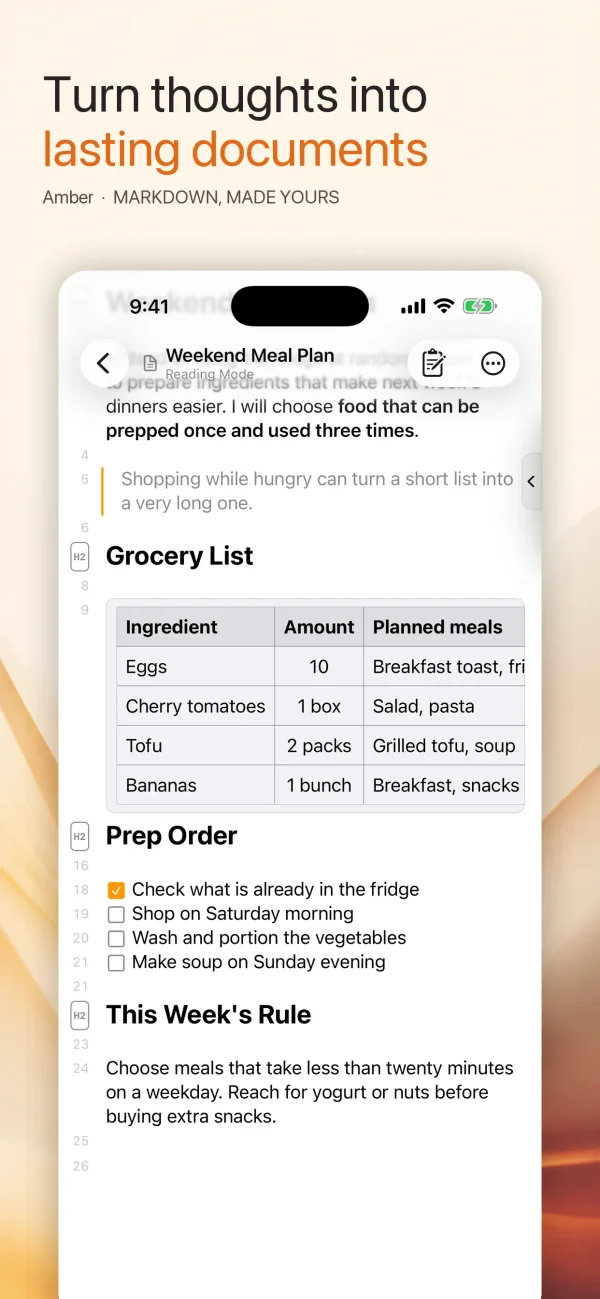
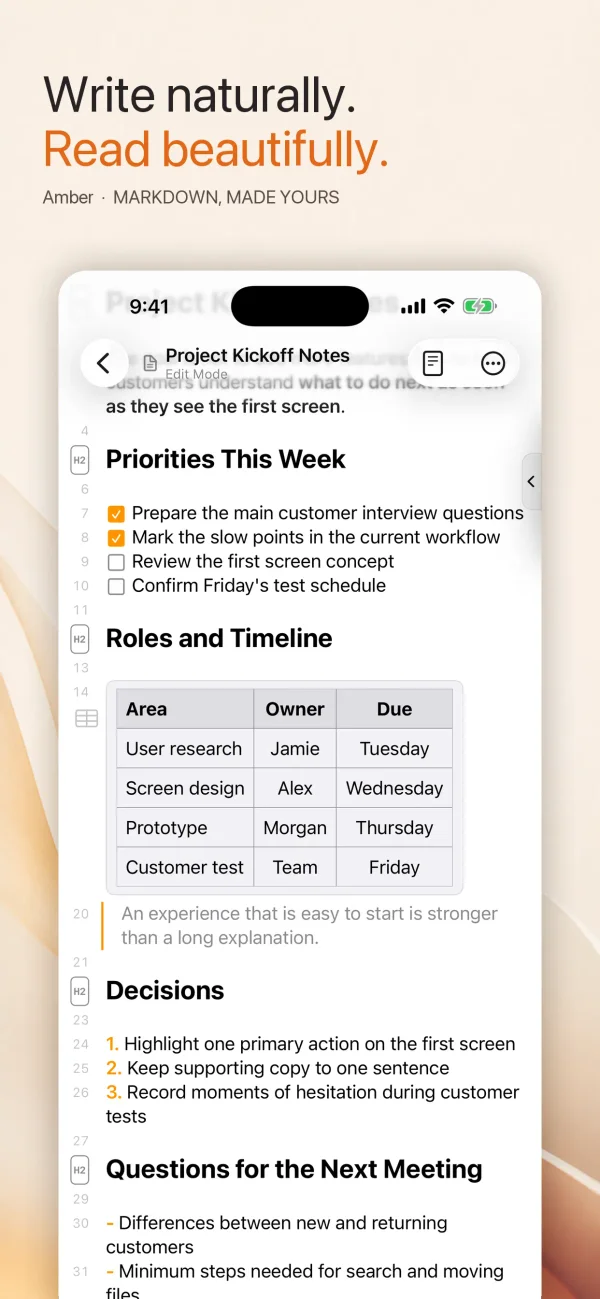
Markdown markers appear when you need them, while headings, lists, quotes, links, images, checkboxes, and code blocks stay easy to read. Reading Mode lets you select and copy without worrying about accidental edits. Editing Mode gets you straight back to writing.
Tables you can edit in place
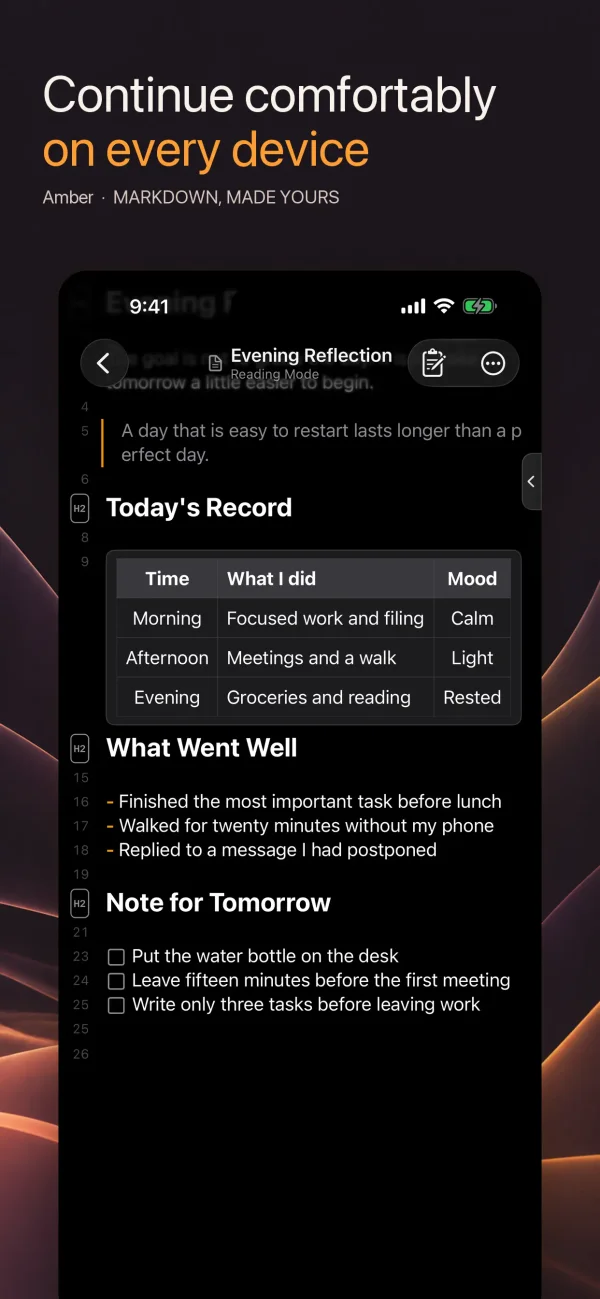
Amber turns Markdown tables into clear, editable grids. Change cells, add or remove rows and columns, choose header rows or columns, and adjust alignment without leaving the document. The source remains regular Markdown.
Stay oriented in long documents
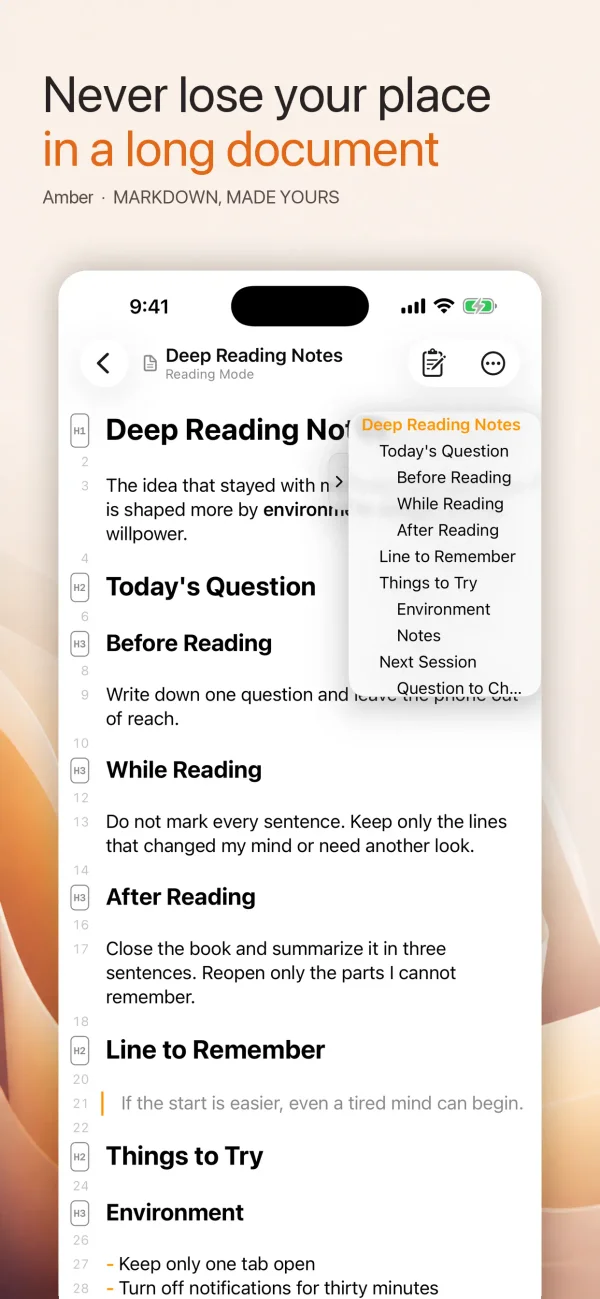
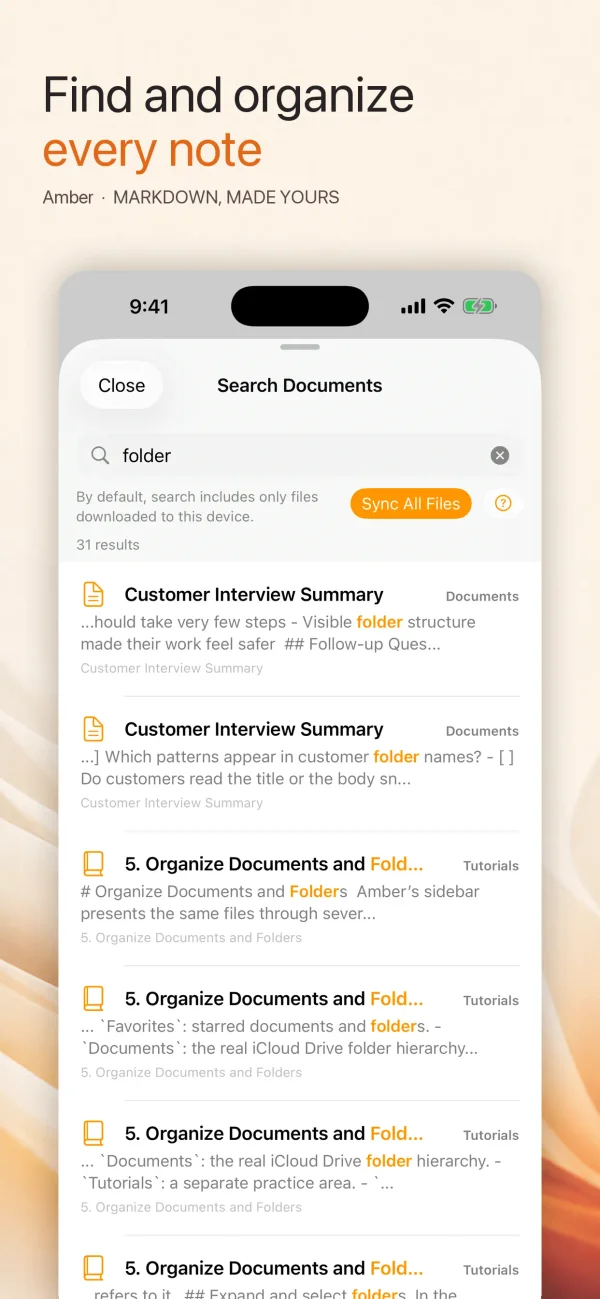
Jump to any section with the heading navigator, or fold a heading to see only the shape of your document. Find within the current file, search your entire library, use line numbers, and move back or forward between documents.
Keep a growing library organized
Recent Documents, Favorites, and folders keep important files close. Choose a destination before creating a document or folder, then rename, move, delete, and restore items with a familiar flow on iPhone, iPad, and Mac.
Recover from accidental changes
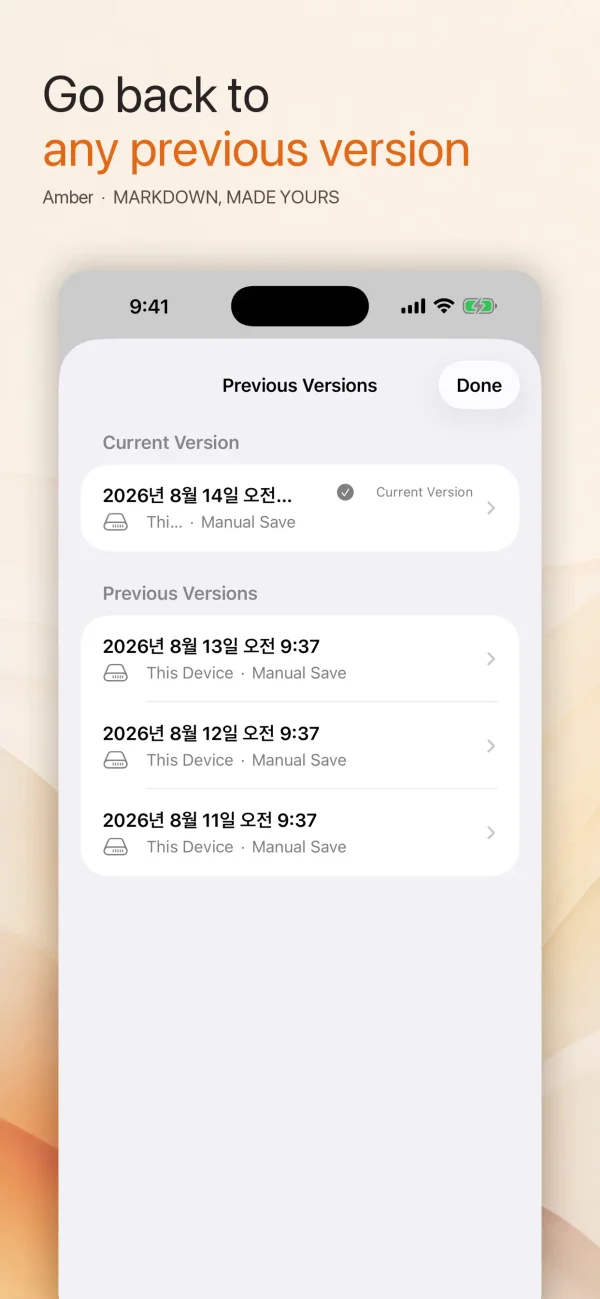
Amber can keep earlier contents in version history on the current device. Preview an older version, compare it with the current document, and restore the one you need. History is stored separately on each device rather than in iCloud, and its storage limit is under your control.
Continue across iPhone, iPad, and Mac
Your documents sync through iCloud Drive. Capture a thought on iPhone, shape a longer draft on iPad, and work with the original files in Finder on Mac. No separate Amber account is required.
Amber includes an interface and built-in guides in Korean, English, Japanese, and Russian.
Terms of Use and EULA:
https://www.apple.com/legal/internet-services/itunes/dev/stdeula/
Privacy Policy:
https://drfranken.net/apps/amber/privacyPolicy_en.html
Novedades
Versión 2.0 · 22/8/2026
Amber 2.0 is a major update that refreshes the reading and writing experience across iPhone, iPad, and Mac.
• View Markdown tables as clear grids, then edit cells, rows, columns, headers, and alignment right in the document.
• Use Reading Mode to select and copy without accidental changes, or switch to Editing Mode and start writing immediately.
• Recent Documents, Favorites, folders, search, creation, Trash, and Settings now feel consistent across devices.
• Find what you need faster with improved search across your entire library, even with many documents or very long files.
• Move back and forward between documents, see a centered title and current mode, and jump through long files with the heading navigator.
• Enjoy more natural headings, lists, quotes, dividers, links, images, checkboxes, code blocks, folding, and line numbers.
• Get smoother typing and scrolling in long documents, plus more reliable document switching and iCloud syncing.
• Learn Amber from the beginning with completely rewritten guides in four languages.
Privacidad de la aplicación
Lo que DONGWOOK LEE declara en App Store sobre cómo esta aplicación gestiona los datos.
-
No se recopilan datos
El desarrollador no recopila ningún dato de esta aplicación.
Las prácticas de privacidad pueden variar, por ejemplo, según las funciones que uses o tu edad.
Información
- Vendedor
- DONGWOOK LEE
- Categoría
- Productividad
- Versión
- 2.0
- Actualizado
- 22/8/2026
- Publicado
- 18/3/2026
- Tamaño
- 13,9 MB
- Requiere
- iOS 17.4 o posterior
- Clasificación por edad
- 4+
- Precio
- 2,99 €
- Idiomas
- Inglés, Japonés, Coreano, Ruso
- Copyright
- © 2026 drfranken
Quizá también te guste
-
 Obsession: Goal AccountabilityProductividad
-
 TypeFlow: Teclado IA EscritorGramática y Traductor en Vivo
-
 OraKit – PDF & File ToolsEscanea, OCR y convierte
-
 FlipScapeProductividad
-
 Calendar ScheduleProductividad
-
 CalculatorKBTeclado matemático científico
-
 CalUnityProductividad
-
 Just Did - Task TrackerProductividad
-
 Recall ContactsProductividad
-
 Turnos: Cuadrante y CalendarioHoras trabajadas y extras