App Designer
Create and run Apps offline
Diseñada para iPhone, iPad, Mac
2,99 €
- Clasificación por edad4+
- CategoríaPara desarrolladores
- DesarrolladorNorbert Grieger
- IdiomasInglés
- Tamaño39,8 MB
Enlaza a la página oficial de App Store
Download.org no aloja ningún archivo de App Designer. El botón abre la página de la aplicación en App Store, donde la publica Norbert Grieger. Ficha comprobada por última vez el 8/11/2026.
Capturas de pantalla

Acerca de
El desarrollador no ha proporcionado este texto en tu idioma.
Turn your iPhone, iPad or Mac into a powerful Swift development environment.
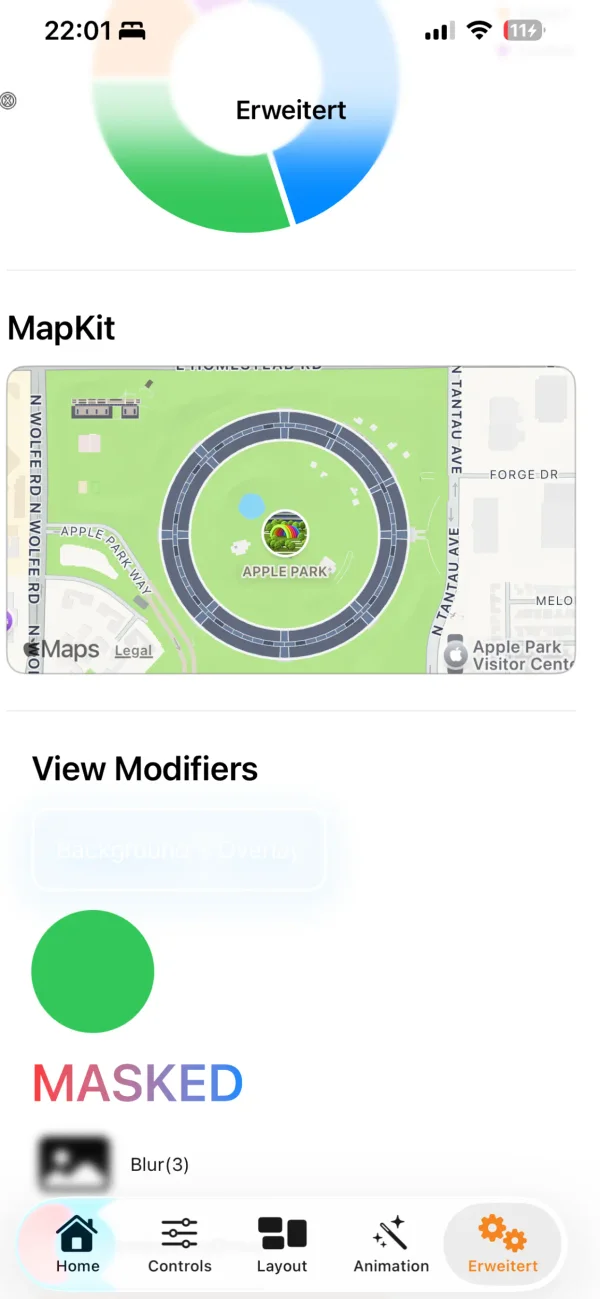
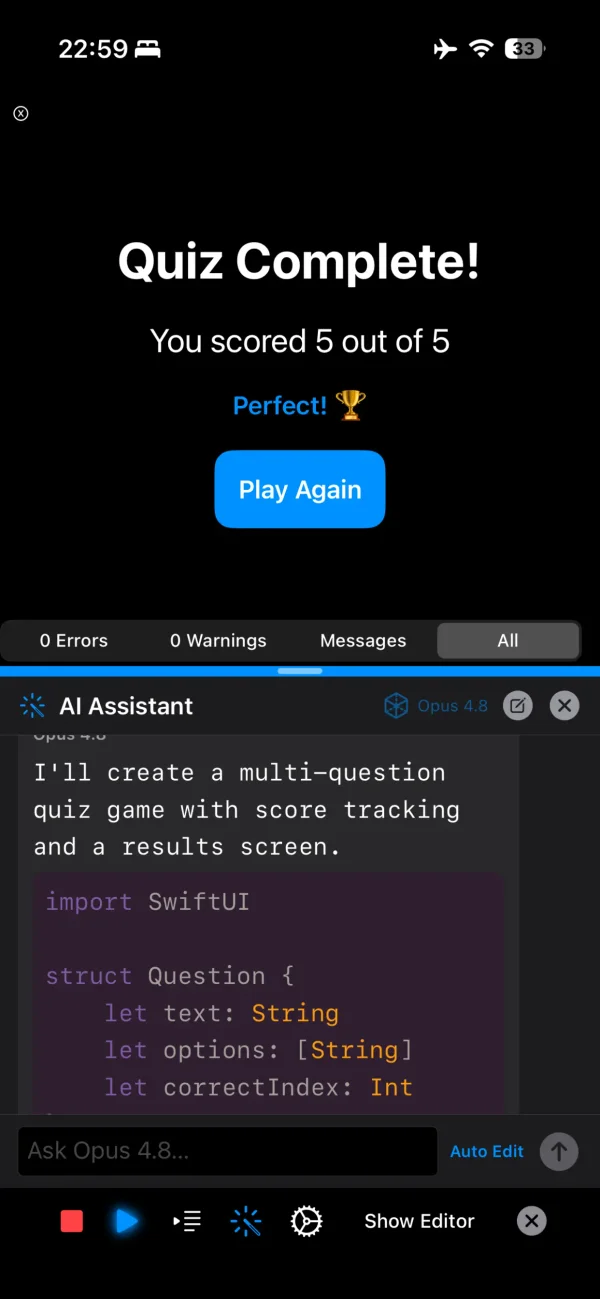
App Designer lets you write, run, preview, organize, and debug Swift code directly on your device — completely offline and without Xcode. Build SwiftUI, UIKit, and RealityKit projects with live code execution, a built-in canvas preview, professional editing tools, Xcode project import/export, and an integrated AI assistant that can work offline or with your own online provider.
Write Swift Anywhere
Run Swift code instantly and see real-time output while you build. Preview SwiftUI and UIKit interfaces side by side with your code and bring your ideas to life directly on your device.
Professional Code Editor
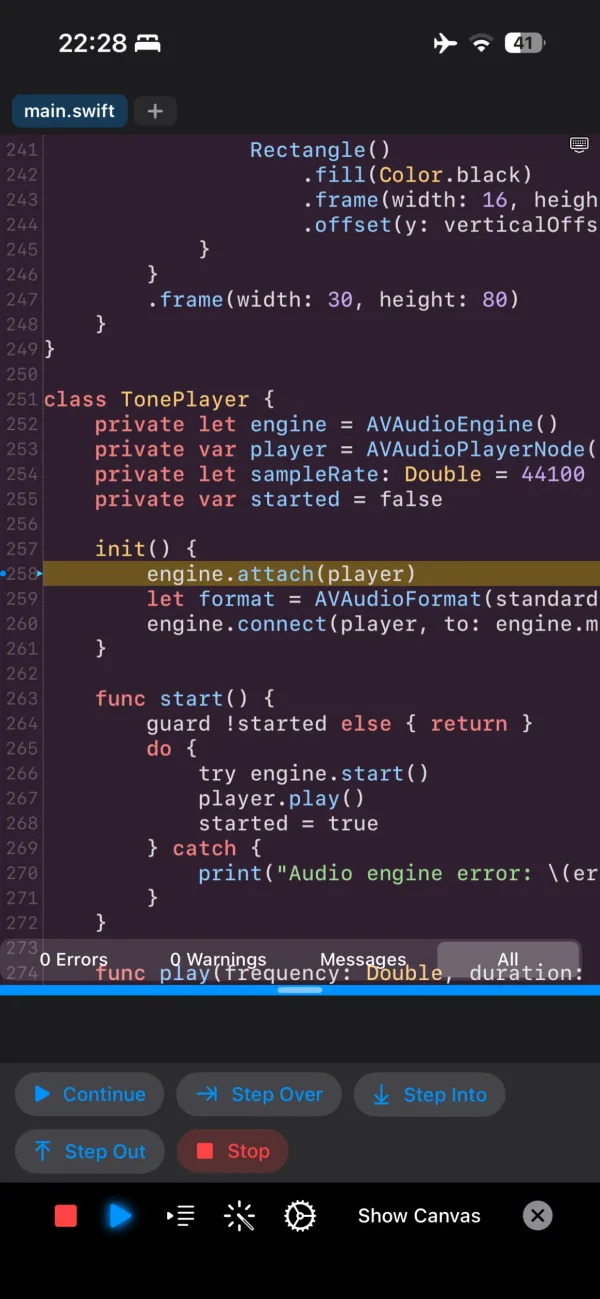
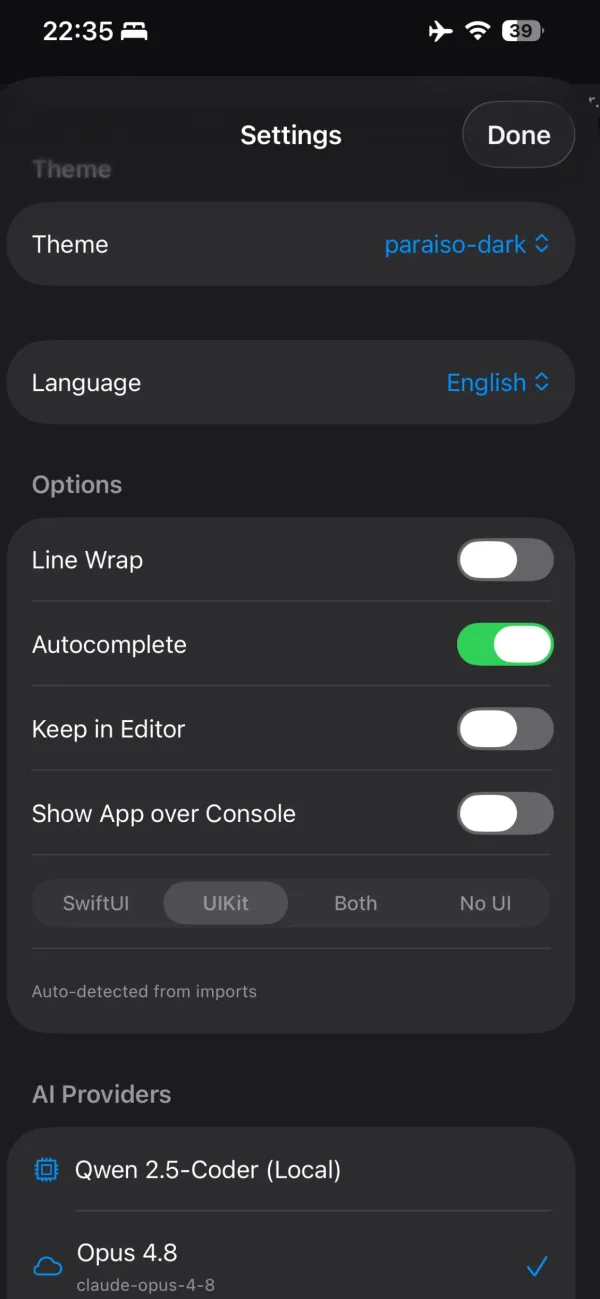
Enjoy syntax highlighting with 89 color themes, smart autocomplete for Swift, SwiftUI, and UIKit, adjustable font size, line wrap, bracket matching, and automatic bracket insertion.
Built-in Debugging Tools
Set breakpoints, step through your code, highlight the current execution line, and view inline errors and warnings directly in the editor.
SwiftUI, UIKit & RealityKit
Create modern SwiftUI interfaces with VStack, HStack, NavigationStack, @State, gestures, animations, and more. Build UIKit views with buttons, labels, Auto Layout, and Core Animation. Explore 3D content with RealityKit, including RealityView, MeshResource, and Entity loading.
Xcode Project Import & Export
Import existing Xcode projects, continue working on the go, and export them back to Xcode when you're ready to keep building on your Mac.
Project & Asset Management
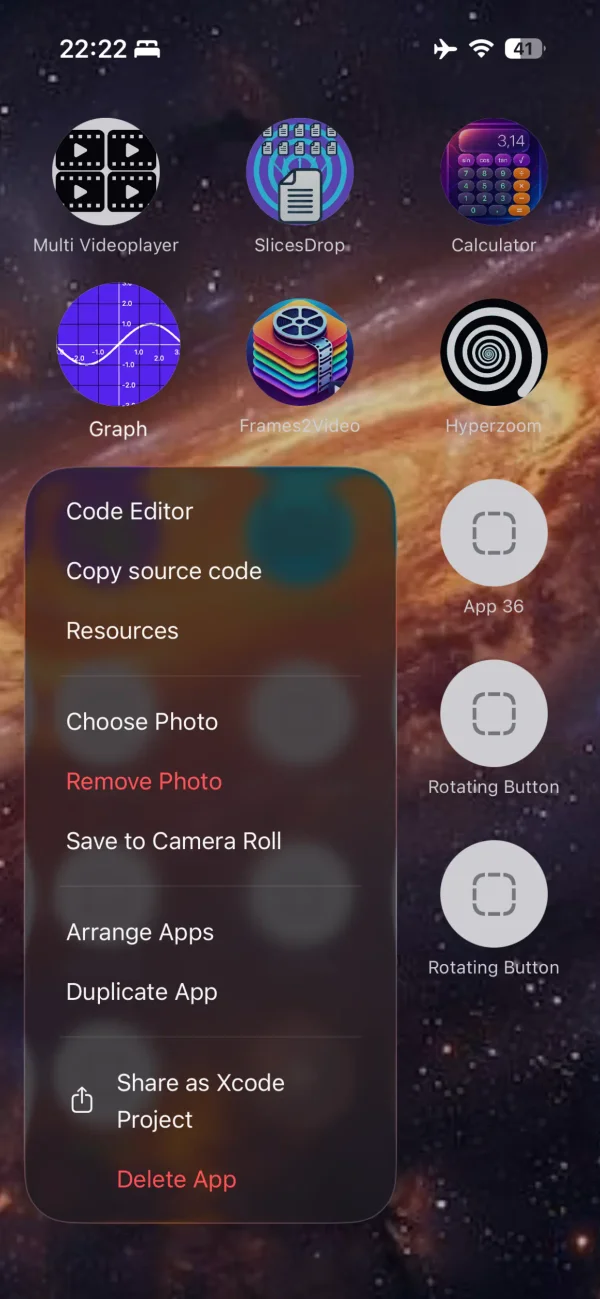
Manage your growing app gallery with folders, multiple pages, sorting options, Spotlight-style search, and an “Only Active” filter. Browse resources with a built-in file explorer, import images and files, add custom app icons, personalize your gallery with wallpapers, and duplicate, rename, or delete projects with ease.
Learn by Example
Start quickly with built-in example projects covering SwiftUI animations, UIKit layouts, file handling, image manipulation, and more.
100% Offline
No internet connection required.
App Designer gives you the tools to build real Swift apps right from your pocket.
Terms of Use (EULA): https://www.apple.com/legal/internet-services/itunes/dev/stdeula/
Novedades
Versión 8.0 · 21/6/2026
+ Xcode project import and export
+ Folders with support for multiple pages
+ Sort apps and folders manually, by newest, oldest, or alphabetically
+ RealityKit support (RealityView, MeshResource, Entity.load)
+ Spotlight-style app search with an “Only Active” filter
+ New file explorer for resources
+ Custom App Gallery wallpaper from Photos or Files
+ Example Calculator App
Privacidad de la aplicación
Lo que Norbert Grieger declara en App Store sobre cómo esta aplicación gestiona los datos.
-
No se recopilan datos
El desarrollador no recopila ningún dato de esta aplicación.
Las prácticas de privacidad pueden variar, por ejemplo, según las funciones que uses o tu edad.
Información
- Vendedor
- Norbert Grieger
- Categoría
- Para desarrolladores
- Versión
- 8.0
- Actualizado
- 21/6/2026
- Publicado
- 18/10/2019
- Tamaño
- 39,8 MB
- Requiere
- iOS 17.0 o posterior
- Clasificación por edad
- 4+
- Precio
- 2,99 €
- Idiomas
- Inglés
- Copyright
- © Recursivia
Quizá también te guste
-
 OpenCoderManPara desarrolladores
-
 Mossh: Codex SSH TerminalPara desarrolladores
-
 CodeMechaPara desarrolladores
-
 GizmoSQLPara desarrolladores
-
 HugoifyCreador de sitios web de auto
-
 SQLite Pro EditorPara desarrolladores
-
 DevForge - Developer ToolsPara desarrolladores
-
 JSON Navigator for SafariPara desarrolladores
-
 Logic Circuit Simulator ProPara desarrolladores
-
 Vulk - Creador de apps con IACrea y publica apps con IA