
App Designer
Create and run Apps offline
Dirancang untuk iPhone, iPad, Mac
Rp 59ribu
- Batasan usia4+
- KategoriAlat Pengembang
- PengembangNorbert Grieger
- BahasaInggris
- Ukuran39,8 MB
Tertaut ke halaman resmi App Store
Download.org tidak menyimpan file App Designer apa pun. Tombol ini membuka halaman aplikasi di App Store, tempat Norbert Grieger menerbitkannya. Halaman terakhir diperiksa pada 8/11/2026.
Tangkapan layar

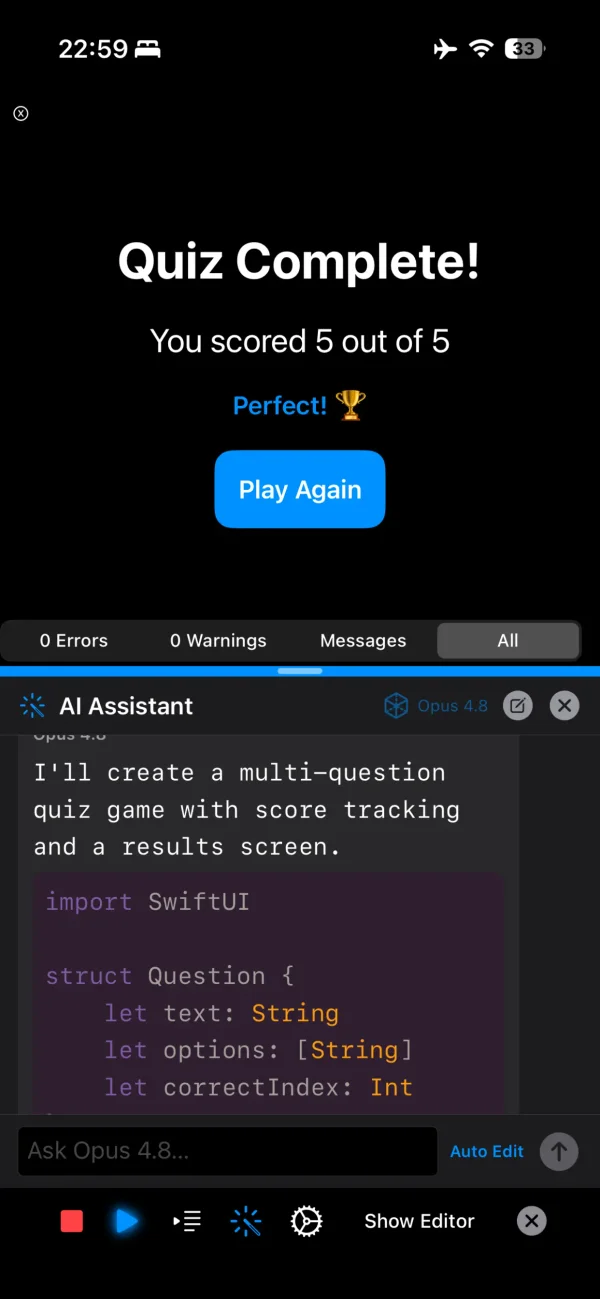
Tentang
Pengembang belum menyediakan teks ini dalam bahasa Anda.
Turn your iPhone, iPad or Mac into a powerful Swift development environment.
App Designer lets you write, run, preview, organize, and debug Swift code directly on your device — completely offline and without Xcode. Build SwiftUI, UIKit, and RealityKit projects with live code execution, a built-in canvas preview, professional editing tools, Xcode project import/export, and an integrated AI assistant that can work offline or with your own online provider.
Write Swift Anywhere
Run Swift code instantly and see real-time output while you build. Preview SwiftUI and UIKit interfaces side by side with your code and bring your ideas to life directly on your device.
Professional Code Editor
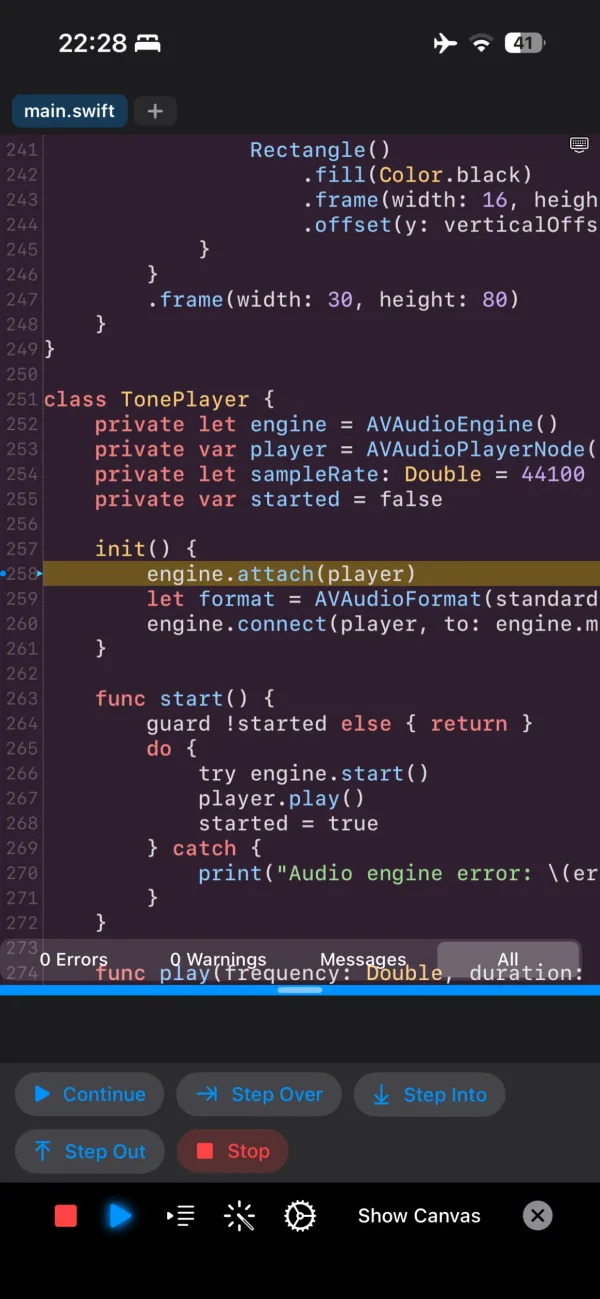
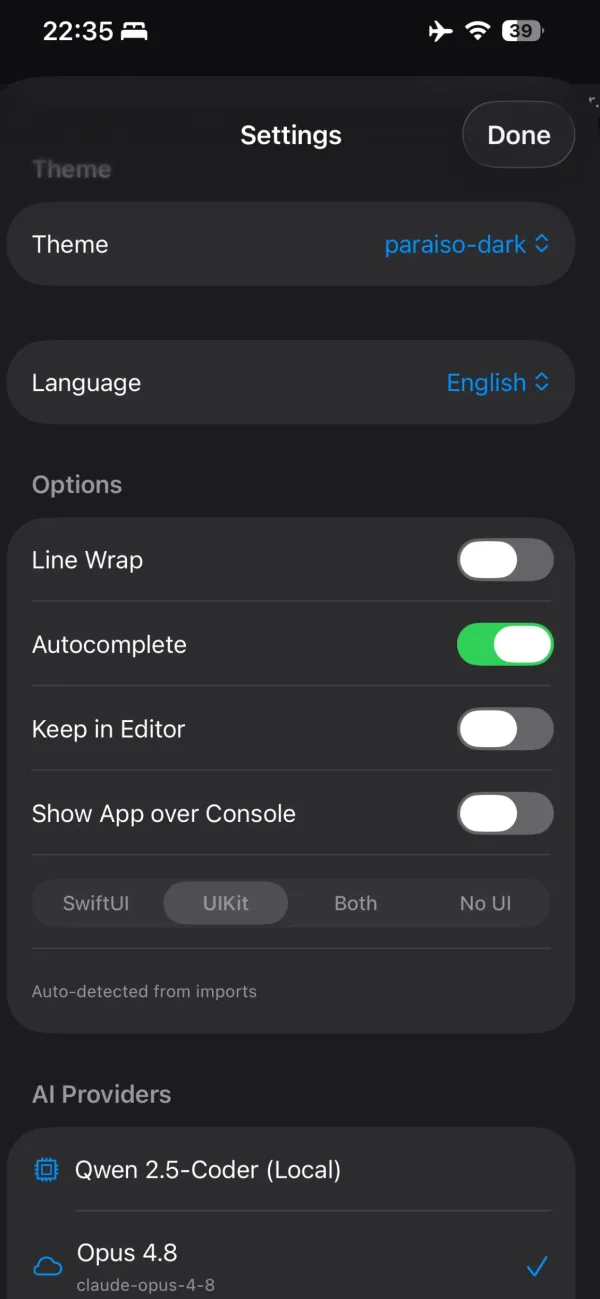
Enjoy syntax highlighting with 89 color themes, smart autocomplete for Swift, SwiftUI, and UIKit, adjustable font size, line wrap, bracket matching, and automatic bracket insertion.
Built-in Debugging Tools
Set breakpoints, step through your code, highlight the current execution line, and view inline errors and warnings directly in the editor.
SwiftUI, UIKit & RealityKit
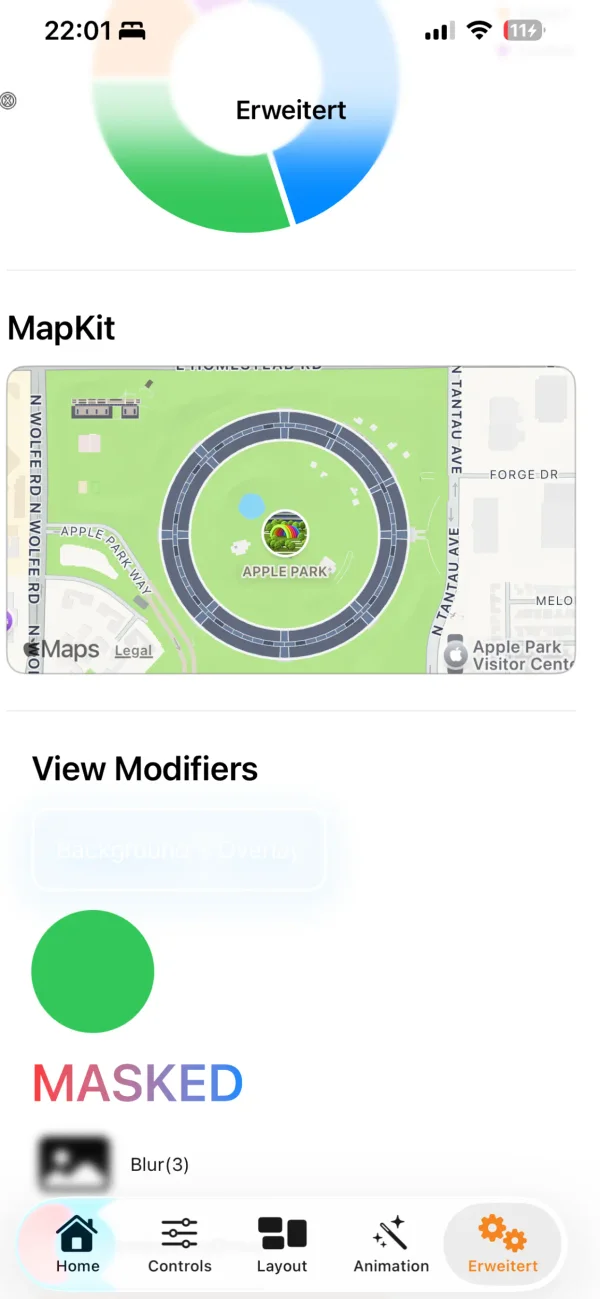
Create modern SwiftUI interfaces with VStack, HStack, NavigationStack, @State, gestures, animations, and more. Build UIKit views with buttons, labels, Auto Layout, and Core Animation. Explore 3D content with RealityKit, including RealityView, MeshResource, and Entity loading.
Xcode Project Import & Export
Import existing Xcode projects, continue working on the go, and export them back to Xcode when you're ready to keep building on your Mac.
Project & Asset Management
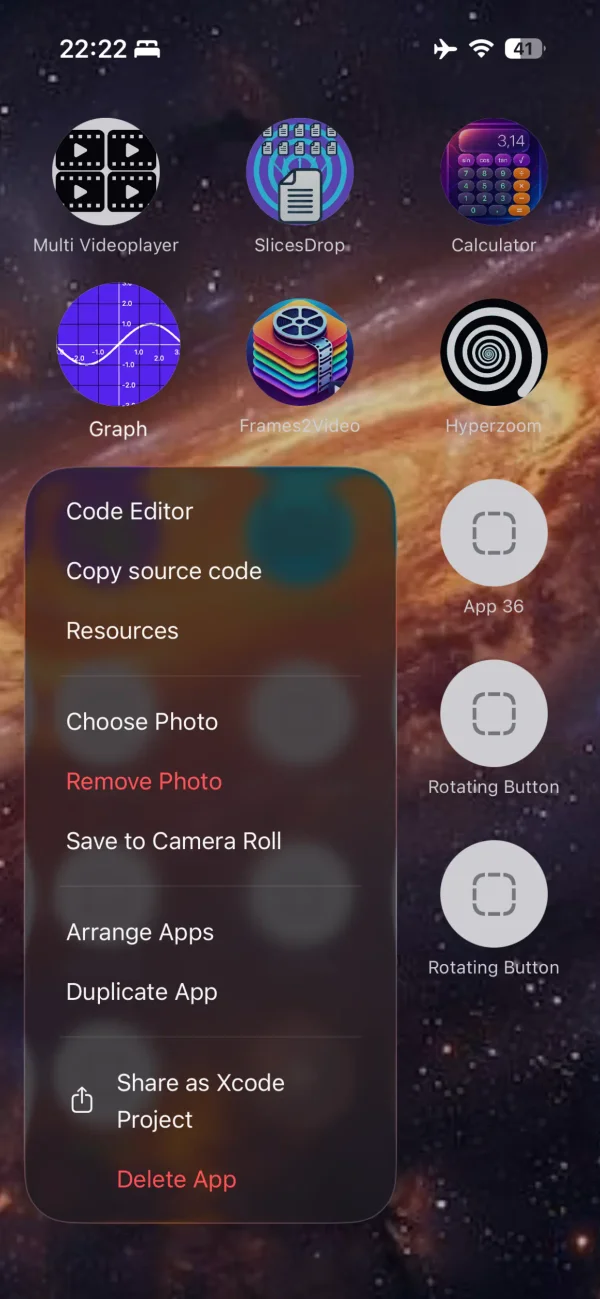
Manage your growing app gallery with folders, multiple pages, sorting options, Spotlight-style search, and an “Only Active” filter. Browse resources with a built-in file explorer, import images and files, add custom app icons, personalize your gallery with wallpapers, and duplicate, rename, or delete projects with ease.
Learn by Example
Start quickly with built-in example projects covering SwiftUI animations, UIKit layouts, file handling, image manipulation, and more.
100% Offline
No internet connection required.
App Designer gives you the tools to build real Swift apps right from your pocket.
Terms of Use (EULA): https://www.apple.com/legal/internet-services/itunes/dev/stdeula/
Yang baru
Versi 8.0 · 21/6/2026
+ Xcode project import and export
+ Folders with support for multiple pages
+ Sort apps and folders manually, by newest, oldest, or alphabetically
+ RealityKit support (RealityView, MeshResource, Entity.load)
+ Spotlight-style app search with an “Only Active” filter
+ New file explorer for resources
+ Custom App Gallery wallpaper from Photos or Files
+ Example Calculator App
Privasi aplikasi
Yang dinyatakan Norbert Grieger di App Store tentang cara aplikasi ini menangani data.
-
Data tidak dikumpulkan
Pengembang tidak mengumpulkan data apa pun dari aplikasi ini.
Praktik privasi dapat bervariasi, misalnya berdasarkan fitur yang Anda gunakan atau usia Anda.
Informasi
- Penjual
- Norbert Grieger
- Kategori
- Alat Pengembang
- Versi
- 8.0
- Diperbarui
- 21/6/2026
- Dirilis
- 18/10/2019
- Ukuran
- 39,8 MB
- Memerlukan
- iOS 17.0 atau yang lebih baru
- Batasan usia
- 4+
- Harga
- Rp 59ribu
- Bahasa
- Inggris
- Hak cipta
- © Recursivia
Mungkin Anda juga suka
-
 OpenCoderManAlat Pengembang
-
 Mossh: Codex SSH TerminalAlat Pengembang
-
 CodeMechaAlat Pengembang
-
 GizmoSQLAlat Pengembang
-
 HugoifyPembuat situs web swalayan mu
-
 SQLite Pro EditorAlat Pengembang
-
 DevForge - Developer ToolsAlat Pengembang
-
 JSON Navigator for SafariAlat Pengembang
-
 Logic Circuit Simulator ProAlat Pengembang
-
 Vulk - AI App BuilderAlat Pengembang