- 対象年齢4+
- カテゴリ開発ツール
- 開発元Norbert Grieger
- 言語英語
- サイズ39.8 MB
App Storeの公式ページにリンクしています
Download.orgはApp Designerのファイルを一切ホストしていません。ボタンを押すと、Norbert Griegerが公開しているApp Storeのアプリページが開きます。ページの最終確認:2026/11/8。
スクリーンショット

概要
開発元はこのテキストをお使いの言語で提供していません。
Turn your iPhone, iPad or Mac into a powerful Swift development environment.
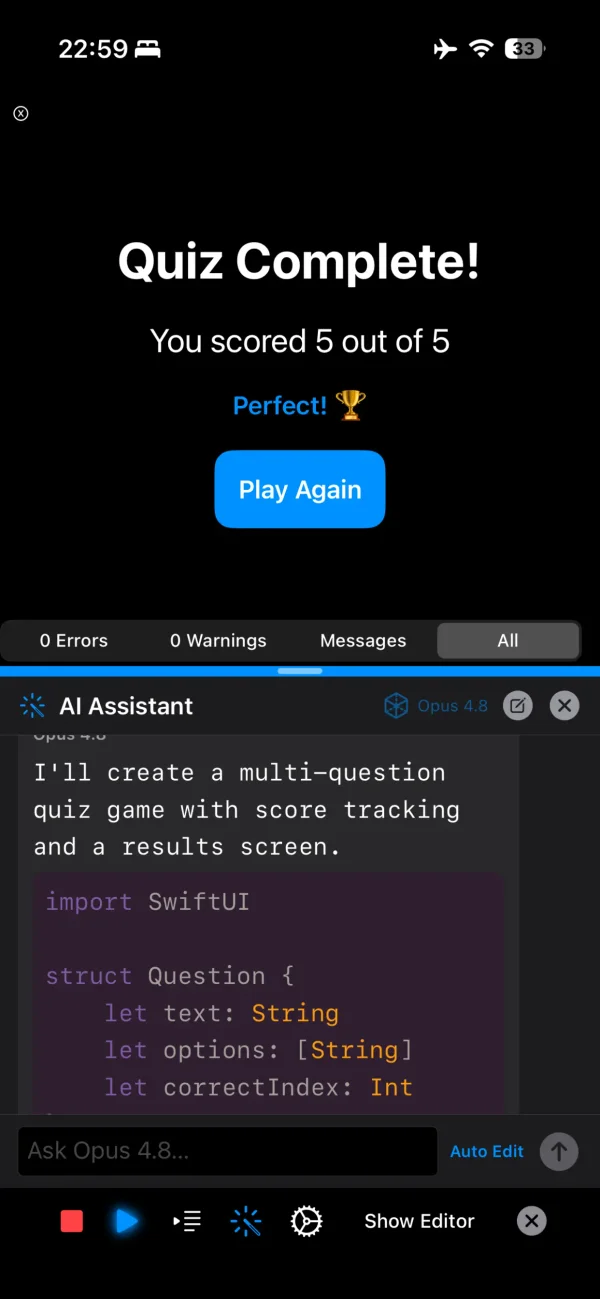
App Designer lets you write, run, preview, organize, and debug Swift code directly on your device — completely offline and without Xcode. Build SwiftUI, UIKit, and RealityKit projects with live code execution, a built-in canvas preview, professional editing tools, Xcode project import/export, and an integrated AI assistant that can work offline or with your own online provider.
Write Swift Anywhere
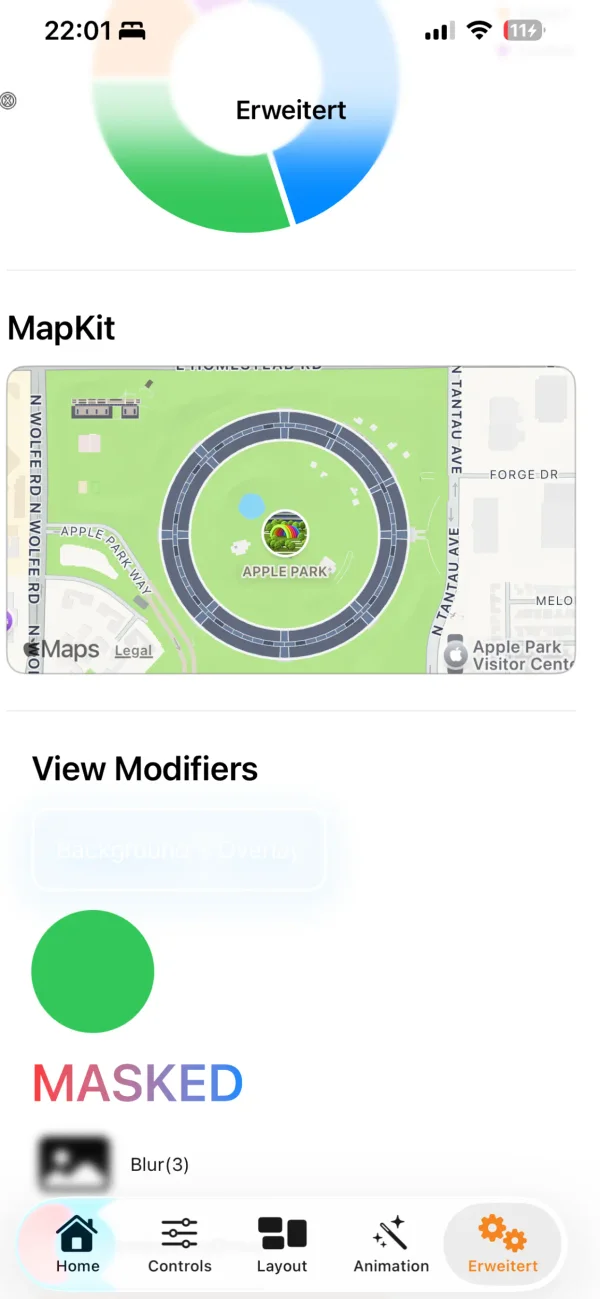
Run Swift code instantly and see real-time output while you build. Preview SwiftUI and UIKit interfaces side by side with your code and bring your ideas to life directly on your device.
Professional Code Editor
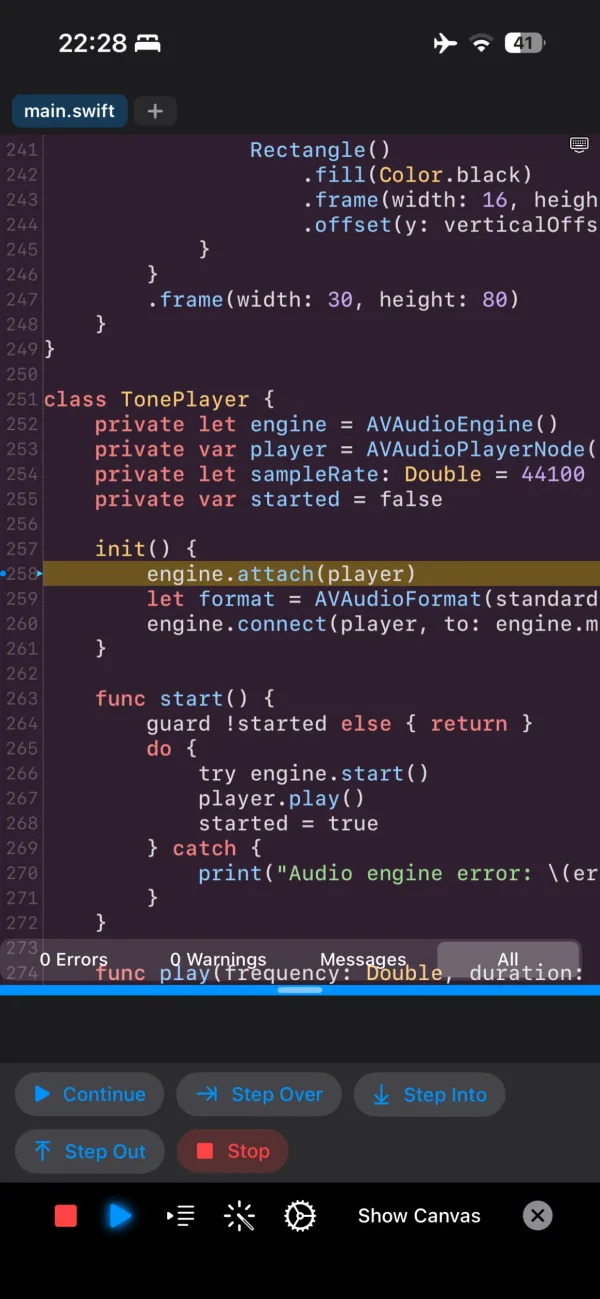
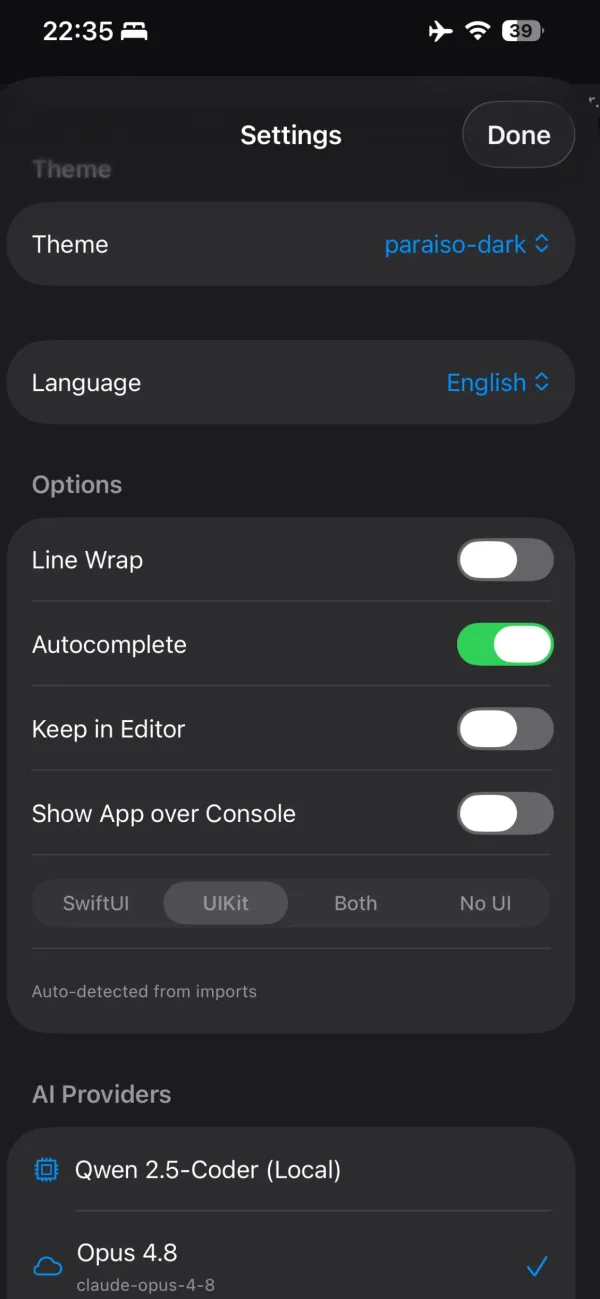
Enjoy syntax highlighting with 89 color themes, smart autocomplete for Swift, SwiftUI, and UIKit, adjustable font size, line wrap, bracket matching, and automatic bracket insertion.
Built-in Debugging Tools
Set breakpoints, step through your code, highlight the current execution line, and view inline errors and warnings directly in the editor.
SwiftUI, UIKit & RealityKit
Create modern SwiftUI interfaces with VStack, HStack, NavigationStack, @State, gestures, animations, and more. Build UIKit views with buttons, labels, Auto Layout, and Core Animation. Explore 3D content with RealityKit, including RealityView, MeshResource, and Entity loading.
Xcode Project Import & Export
Import existing Xcode projects, continue working on the go, and export them back to Xcode when you're ready to keep building on your Mac.
Project & Asset Management
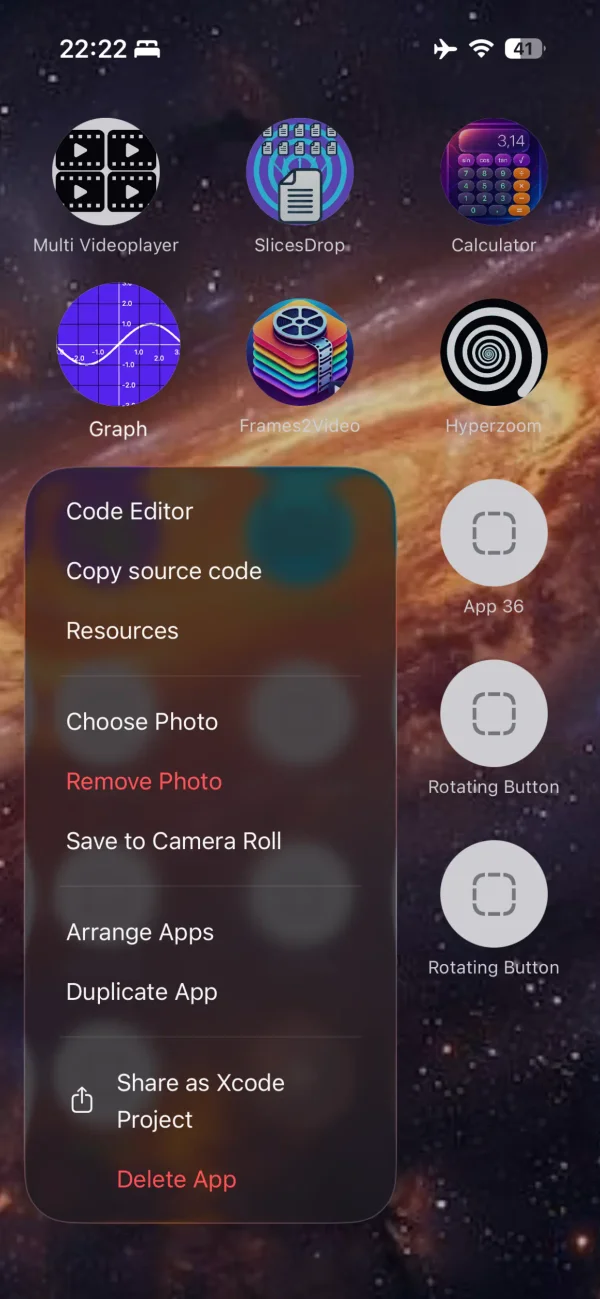
Manage your growing app gallery with folders, multiple pages, sorting options, Spotlight-style search, and an “Only Active” filter. Browse resources with a built-in file explorer, import images and files, add custom app icons, personalize your gallery with wallpapers, and duplicate, rename, or delete projects with ease.
Learn by Example
Start quickly with built-in example projects covering SwiftUI animations, UIKit layouts, file handling, image manipulation, and more.
100% Offline
No internet connection required.
App Designer gives you the tools to build real Swift apps right from your pocket.
Terms of Use (EULA): https://www.apple.com/legal/internet-services/itunes/dev/stdeula/
新機能
バージョン 8.0 · 2026/6/21
+ Xcode project import and export
+ Folders with support for multiple pages
+ Sort apps and folders manually, by newest, oldest, or alphabetically
+ RealityKit support (RealityView, MeshResource, Entity.load)
+ Spotlight-style app search with an “Only Active” filter
+ New file explorer for resources
+ Custom App Gallery wallpaper from Photos or Files
+ Example Calculator App
アプリのプライバシー
このアプリのデータの取り扱いについて、Norbert GriegerがApp Storeで申告している内容です。
-
データの収集なし
開発元はこのアプリからデータを収集しません。
プライバシーの取り扱いは、ご利用の機能やお客様の年齢などに応じて異なる場合があります。
情報
- 販売元
- Norbert Grieger
- カテゴリ
- 開発ツール
- バージョン
- 8.0
- 更新日
- 2026/6/21
- リリース
- 2019/10/18
- サイズ
- 39.8 MB
- 必要条件
- iOS 17.0以降
- 対象年齢
- 4+
- 価格
- ¥500
- 言語
- 英語
- 著作権
- © Recursivia