
Astropad Workbench
Mac remote desktop & terminal
Diseñada para iPhone, iPad
Gratis
- Clasificación por edad4+
- CategoríaUtilidades
- DesarrolladorAstro HQ
- IdiomasInglés
- Tamaño48,6 MB
Enlaza a la página oficial de App Store
Download.org no aloja ningún archivo de Astropad Workbench. El botón abre la página de la aplicación en App Store, donde la publica Astro HQ. Ficha comprobada por última vez el 21/11/2026.
Capturas de pantalla


Acerca de
El desarrollador no ha proporcionado este texto en tu idioma.
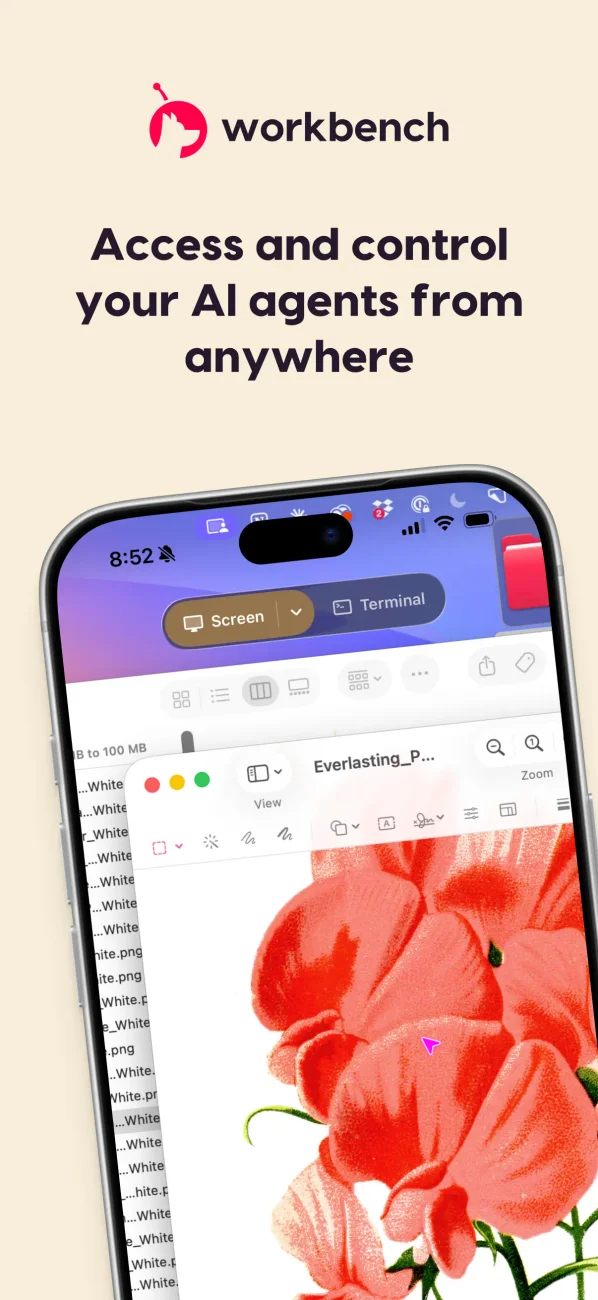
Access and control your Mac from anywhere, with full remote desktop and built-in terminal.
Workbench connects you to your Mac from your iPhone, iPad, or another Mac. Check in on AI agents and long-running jobs, run desktop apps, or drop into the command line without being tethered to your desk.
———
KEY FEATURES
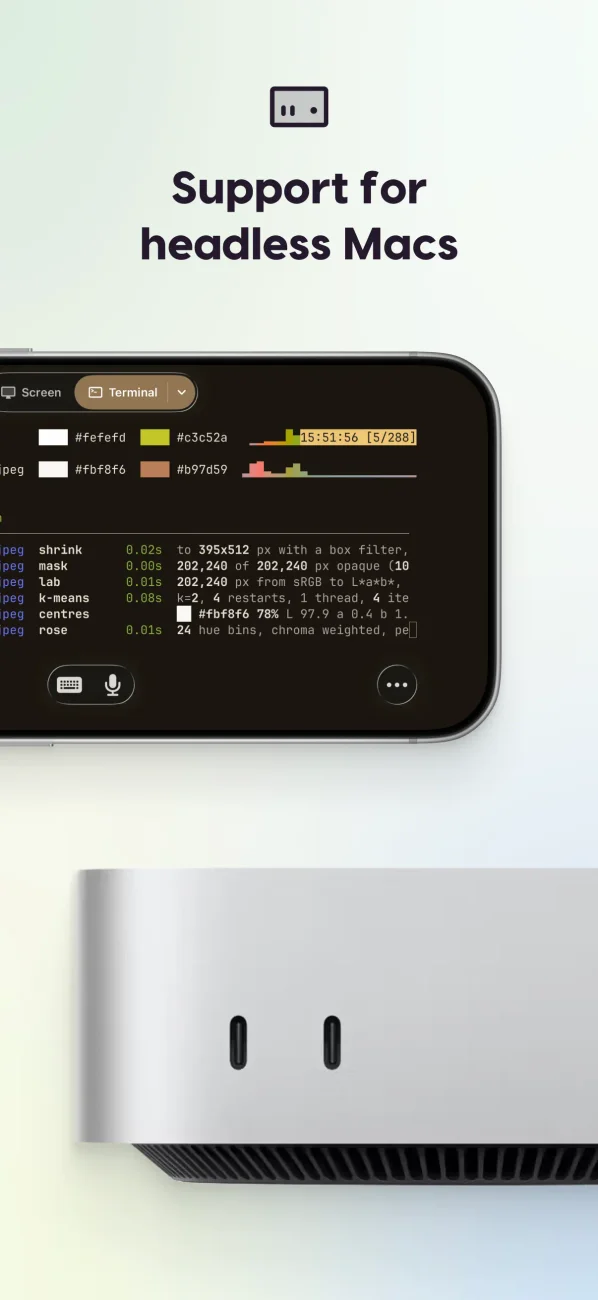
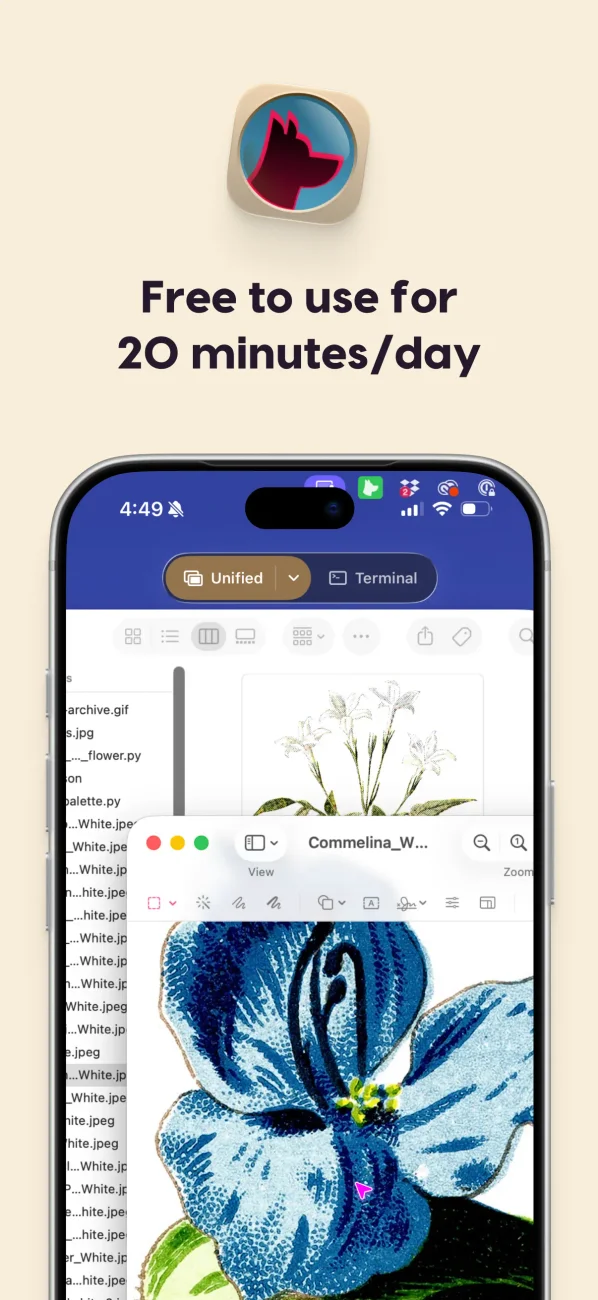
Desktop and terminal: Switch between your Mac's full desktop and a terminal right from the toolbar. Terminal sessions keep running after you disconnect, so you can pick up where you left off on another device.
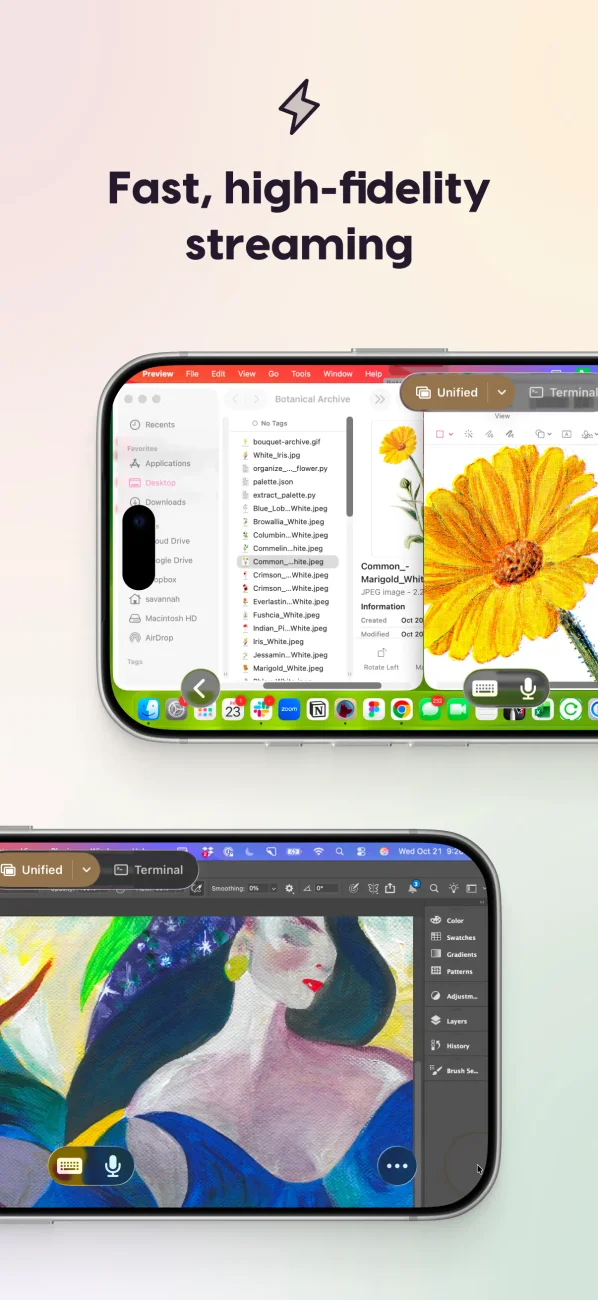
Unified display: Combine your Mac's displays into one screen that matches your device's resolution.
Headless Mac support: Run a Mac mini with no monitor attached. Workbench gives it a virtual display and manages sleep settings so it's always reachable.
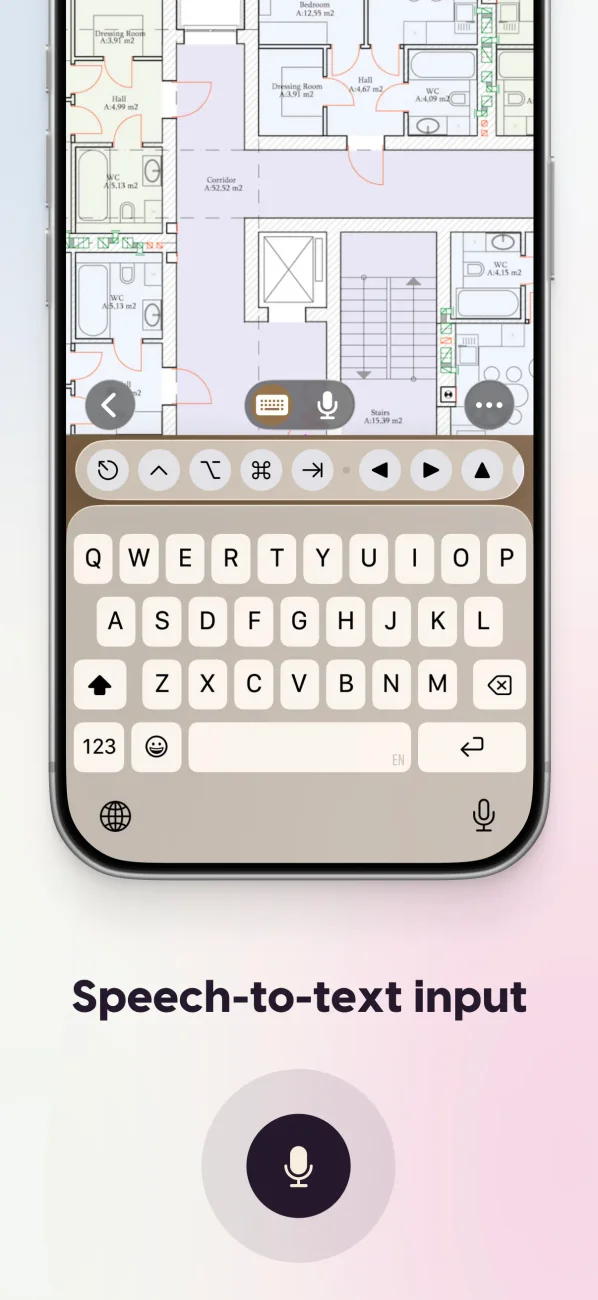
Voice input: Dictate prompts and commands from your iPhone or iPad, on the desktop or in the terminal.
Apple Pencil and keyboard support: Use your Apple Pencil for precise cursor control in Mac apps, and your keyboard to type and trigger shortcuts.
No-hassle connections: Connect instantly without port forwarding, VPNs, or router configuration.
Fast, high-fidelity streaming: Interact with your Mac in real time with responsive controls and sharp visuals.
Secure by design: Sessions are protected with end-to-end AES-256 encryption, and Astropad can't see your screen or activity.
Built for Apple devices: Workbench uses fully native apps built specifically for Mac, iPad, and iPhone.
———
DESIGNED FOR AI AGENT WORKFLOWS
Your agents don't stop when you leave your desk. Workbench lets you monitor progress, fix issues, and restart jobs from wherever you are.
It's just as useful for checking on tools and software that don't have a mobile app.
———
BUILT BY EX-APPLE ENGINEERS
From the team behind Astropad Studio and Luna Display, Workbench delivers fast, responsive control with crisp visuals and reliable performance on any network.
———
PRICING
Workbench includes a Free plan with 20 minutes of access per day. Upgrade to Unlimited for uninterrupted access (subscription required).
———
SYSTEM REQUIREMENTS
Mac: macOS 15 or later
iPhone: iOS 26 or later
iPad: iPadOS 26 or later
Novedades
Versión 1.4.1 · 12/11/2026
This 1.4.1 updates includes misc iPhone Duo and login fixes.
New in Workbench 1.4: Remote terminal, iPhone Duo support, and Mac-to-Mac file transfer.
REMOTE TERMINAL
Switch between your Mac’s desktop and terminal without reconnecting. Dictate prompts and commands with voice input, and pick up your terminal session across devices.
IPHONE DUO SUPPORT
Workbench runs natively on iPhone Duo from day one. Keep tabs on an agent in one pane without it taking over your whole phone.
MAC-TO-MAC FILE TRANSFER
Drag and drop files between Macs during terminal sessions.
Stay connected to your Mac and keep your AI agents moving, wherever you are.
Privacidad de la aplicación
Lo que Astro HQ declara en App Store sobre cómo esta aplicación gestiona los datos.
-
Datos vinculados a ti
Pueden recopilarse y vincularse a tu identidad.
- Información de contacto
- Contenido del usuario
- Identificadores
-
Datos no vinculados a ti
Pueden recopilarse, pero no se vinculan a tu identidad.
- Datos de uso
- Diagnóstico
Las prácticas de privacidad pueden variar, por ejemplo, según las funciones que uses o tu edad.
Información
- Vendedor
- Astro HQ LLC
- Categoría
- Utilidades
- Versión
- 1.4.1
- Actualizado
- 12/11/2026
- Publicado
- 24/3/2026
- Tamaño
- 48,6 MB
- Requiere
- iOS 26.0 o posterior
- Clasificación por edad
- 4+
- Precio
- Gratis
- Idiomas
- Inglés
- Copyright
- © 2026
Quizá también te guste
-
 Mirage – Remote DisplayPantalla remota: ordenadores
-
 Sill – Mac StreamingUtilidades
-
 Wider - Fullscreen BrowsingUtilidades
-
 Screens 5: VNC EscritorioAcceso rápido y seguro
-
 Remio Remote DesktopEscritorio remoto para tu PC
-
 Lens: Simple, Private BrowserUtilidades
-
 Deflector ◇Utilidades
-
 QuillCueUtilidades
-
 Litterbox - Post PeekerUtilidades
-
 Liquid ApolloUtilidades