- 対象年齢4+
- カテゴリユーティリティ
- 開発元Astro HQ
- 言語英語
- サイズ48.6 MB
App Storeの公式ページにリンクしています
Download.orgはAstropad Workbenchのファイルを一切ホストしていません。ボタンを押すと、Astro HQが公開しているApp Storeのアプリページが開きます。ページの最終確認:2026/11/21。
スクリーンショット


概要
開発元はこのテキストをお使いの言語で提供していません。
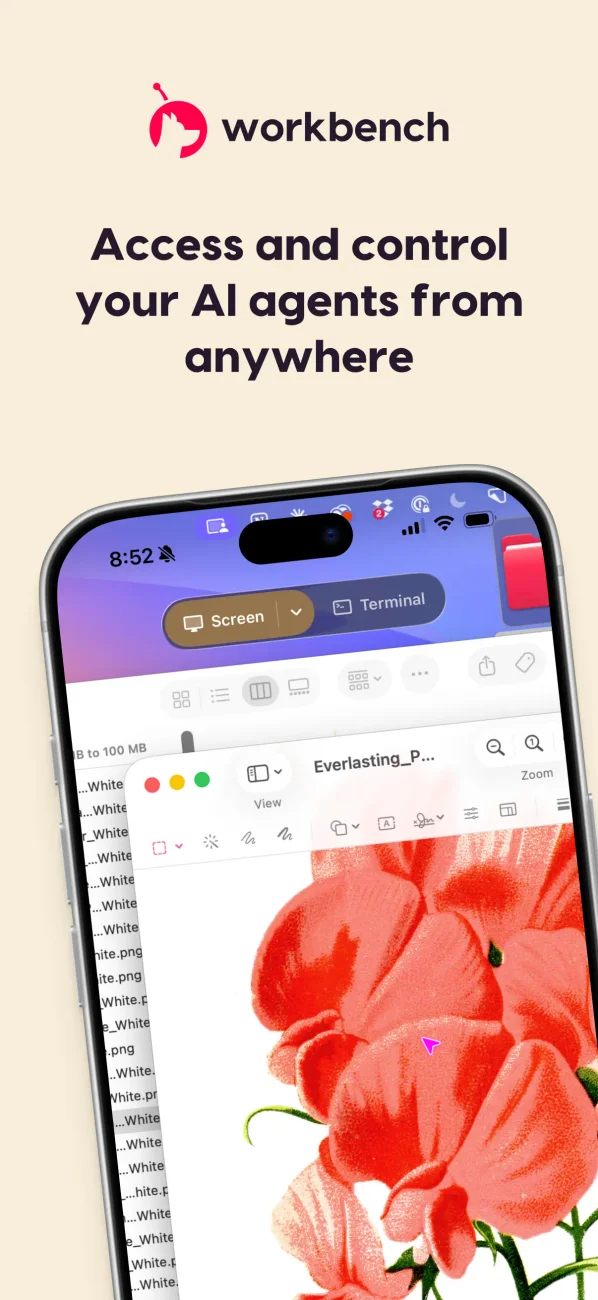
Access and control your Mac from anywhere, with full remote desktop and built-in terminal.
Workbench connects you to your Mac from your iPhone, iPad, or another Mac. Check in on AI agents and long-running jobs, run desktop apps, or drop into the command line without being tethered to your desk.
———
KEY FEATURES
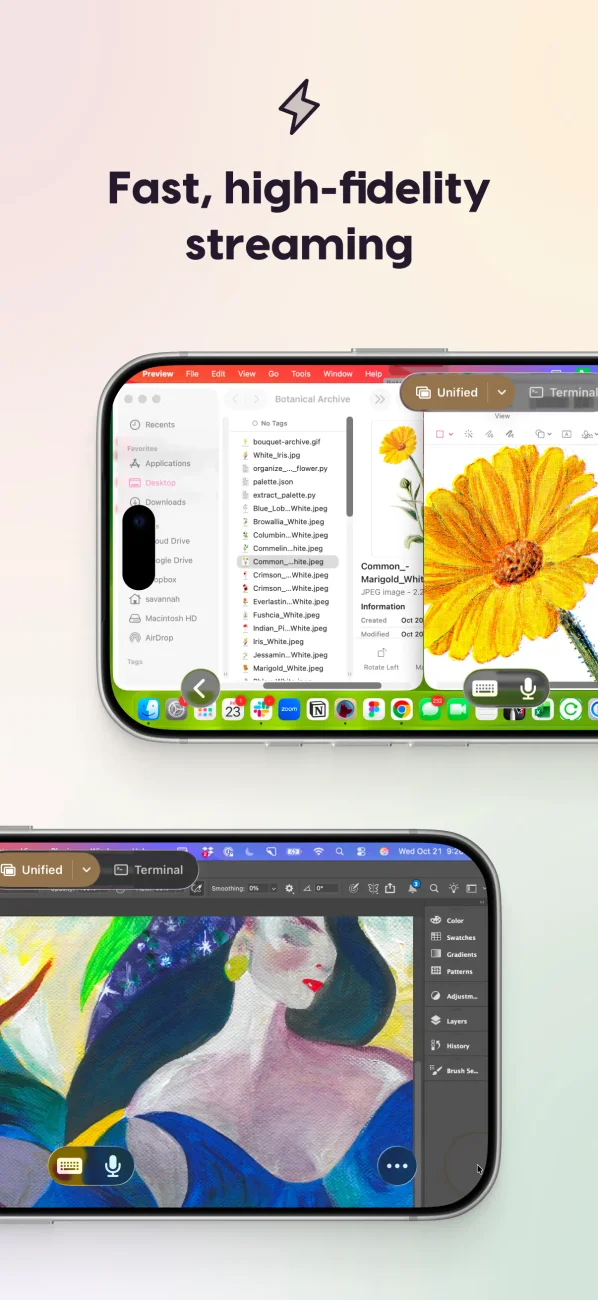
Desktop and terminal: Switch between your Mac's full desktop and a terminal right from the toolbar. Terminal sessions keep running after you disconnect, so you can pick up where you left off on another device.
Unified display: Combine your Mac's displays into one screen that matches your device's resolution.
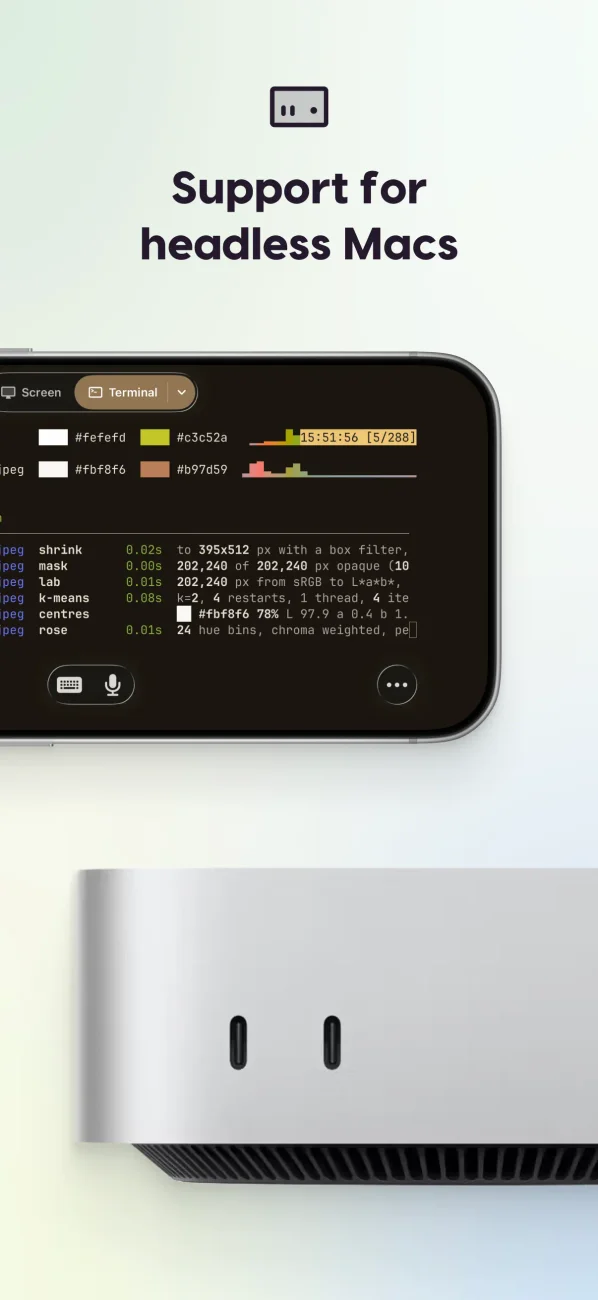
Headless Mac support: Run a Mac mini with no monitor attached. Workbench gives it a virtual display and manages sleep settings so it's always reachable.
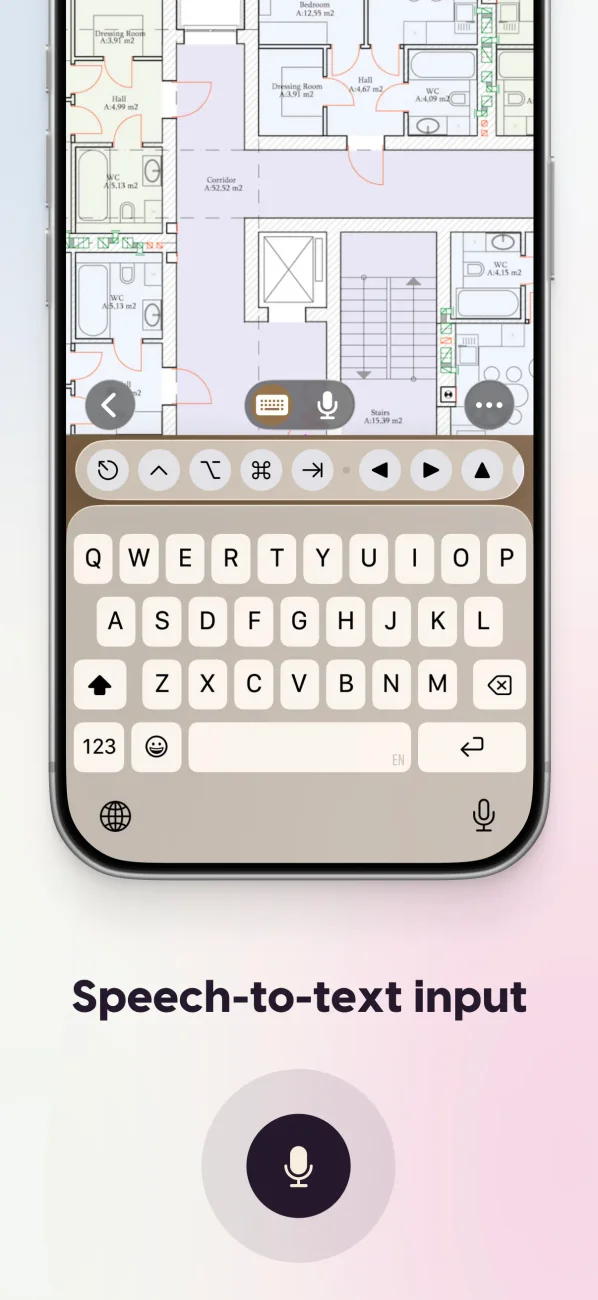
Voice input: Dictate prompts and commands from your iPhone or iPad, on the desktop or in the terminal.
Apple Pencil and keyboard support: Use your Apple Pencil for precise cursor control in Mac apps, and your keyboard to type and trigger shortcuts.
No-hassle connections: Connect instantly without port forwarding, VPNs, or router configuration.
Fast, high-fidelity streaming: Interact with your Mac in real time with responsive controls and sharp visuals.
Secure by design: Sessions are protected with end-to-end AES-256 encryption, and Astropad can't see your screen or activity.
Built for Apple devices: Workbench uses fully native apps built specifically for Mac, iPad, and iPhone.
———
DESIGNED FOR AI AGENT WORKFLOWS
Your agents don't stop when you leave your desk. Workbench lets you monitor progress, fix issues, and restart jobs from wherever you are.
It's just as useful for checking on tools and software that don't have a mobile app.
———
BUILT BY EX-APPLE ENGINEERS
From the team behind Astropad Studio and Luna Display, Workbench delivers fast, responsive control with crisp visuals and reliable performance on any network.
———
PRICING
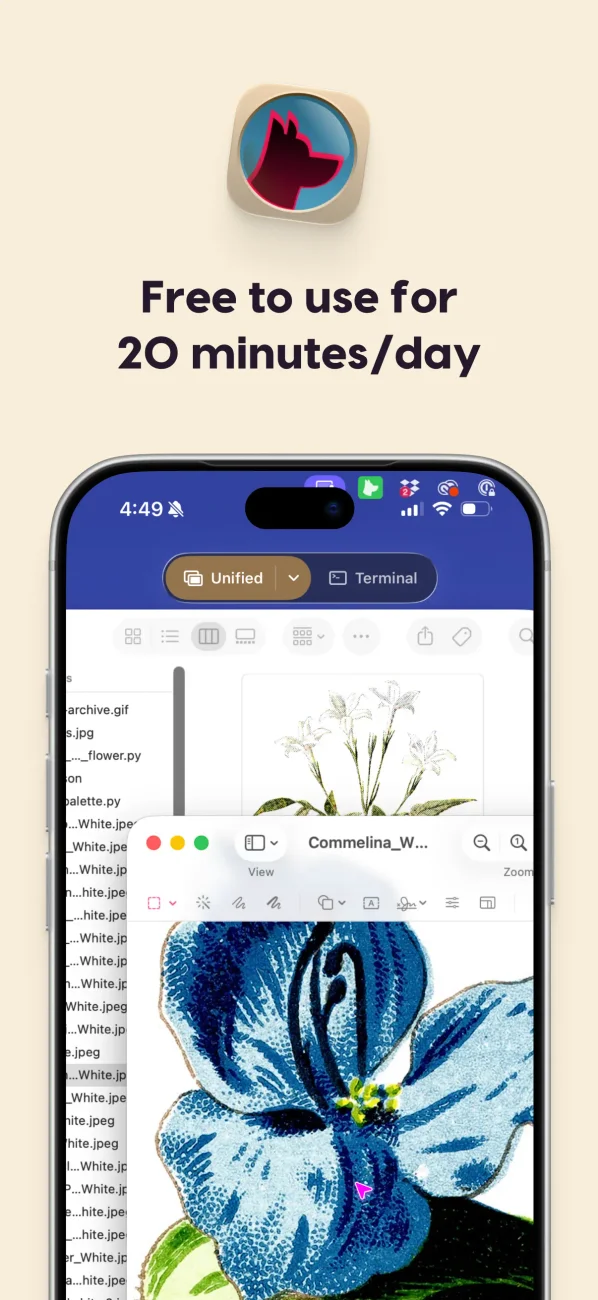
Workbench includes a Free plan with 20 minutes of access per day. Upgrade to Unlimited for uninterrupted access (subscription required).
———
SYSTEM REQUIREMENTS
Mac: macOS 15 or later
iPhone: iOS 26 or later
iPad: iPadOS 26 or later
新機能
バージョン 1.4.1 · 2026/11/12
This 1.4.1 updates includes misc iPhone Duo and login fixes.
New in Workbench 1.4: Remote terminal, iPhone Duo support, and Mac-to-Mac file transfer.
REMOTE TERMINAL
Switch between your Mac’s desktop and terminal without reconnecting. Dictate prompts and commands with voice input, and pick up your terminal session across devices.
IPHONE DUO SUPPORT
Workbench runs natively on iPhone Duo from day one. Keep tabs on an agent in one pane without it taking over your whole phone.
MAC-TO-MAC FILE TRANSFER
Drag and drop files between Macs during terminal sessions.
Stay connected to your Mac and keep your AI agents moving, wherever you are.
アプリのプライバシー
このアプリのデータの取り扱いについて、Astro HQがApp Storeで申告している内容です。
-
ユーザーに関連付けられたデータ
収集され、ユーザーの識別情報に関連付けられる場合があります。
- 連絡先情報
- ユーザーコンテンツ
- ID
-
ユーザーに関連付けられないデータ
収集される場合がありますが、ユーザーの識別情報には関連付けられません。
- 使用状況データ
- 診断
プライバシーの取り扱いは、ご利用の機能やお客様の年齢などに応じて異なる場合があります。
情報
- 販売元
- Astro HQ LLC
- カテゴリ
- ユーティリティ
- バージョン
- 1.4.1
- 更新日
- 2026/11/12
- リリース
- 2026/3/24
- サイズ
- 48.6 MB
- 必要条件
- iOS 26.0以降
- 対象年齢
- 4+
- 価格
- 無料
- 言語
- 英語
- 著作権
- © 2026
こちらもおすすめ
-
 Mirage – Remote Displayコンピュータのリモート表示
-
 Sill – Mac Streamingユーティリティ
-
 Wider - Fullscreen Browsingユーティリティ
-
 Screens 5: VNCリモートデスクトップ高速で安全なコンピュータアクセス
-
 Remio Remote Desktopリモートデスクトップ・遠隔操作・リモート操作・画面共有
-
 Lens: Simple, Private Browserユーティリティ
-
 Deflector ◇どこでもショートカット
-
 QuillCueユーティリティ
-
 Litterbox - Post Peekerユーティリティ
-
 Liquid Apolloユーティリティ