Bead Loom Creator
Diseñada para iPhone, iPad, iPod touch
Gratis · Compras en la aplicación
- Clasificación por edad4+
- CategoríaDiseño gráfico
- DesarrolladorSand Castle Designs, Inc
- IdiomasInglés
- Tamaño12,4 MB
Enlaza a la página oficial de App Store
Download.org no aloja ningún archivo de Bead Loom Creator. El botón abre la página de la aplicación en App Store, donde la publica Sand Castle Designs, Inc. Ficha comprobada por última vez el 23/11/2026.
Capturas de pantalla
Acerca de
El desarrollador no ha proporcionado este texto en tu idioma.
Bead Loom Pattern Creator for your mobile device.
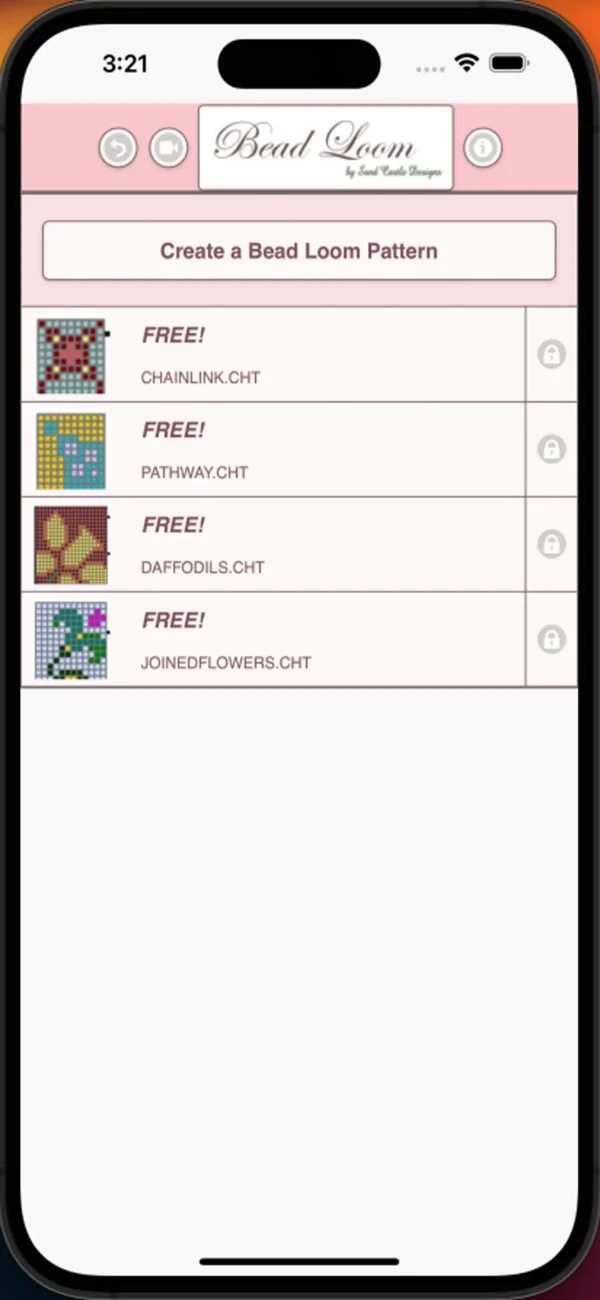
Comes with 4 free bead loom patterns. Download is free. To activate creation is $2.99
To create Bead Loom patterns, select Create a Bead Loom pattern button.
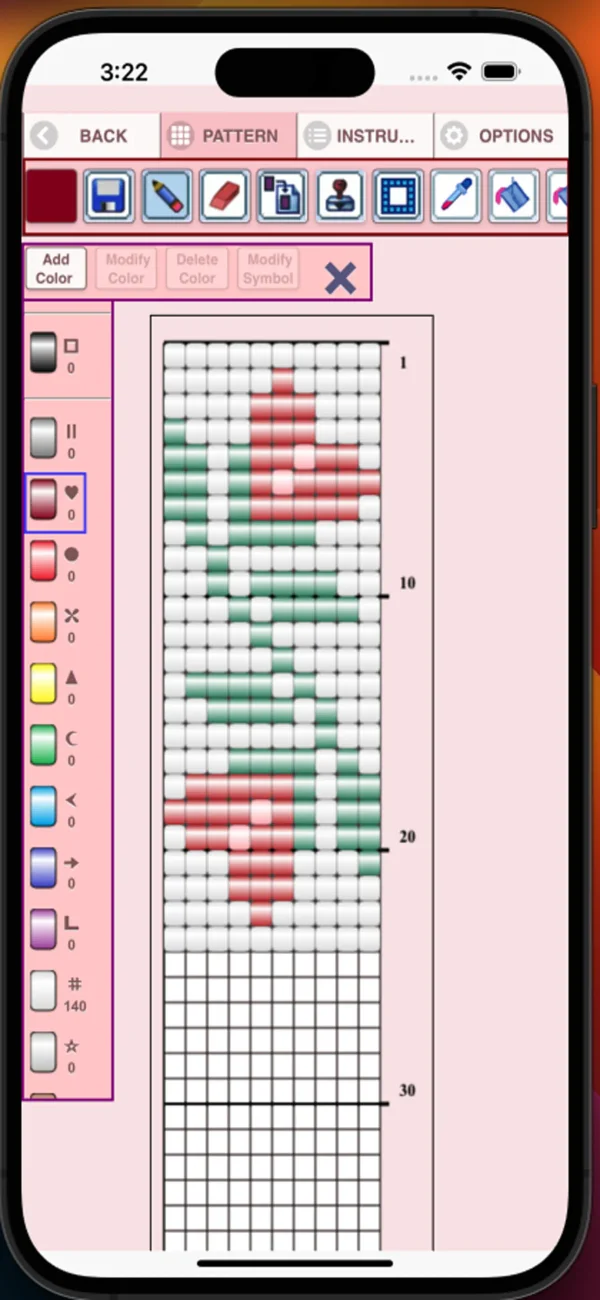
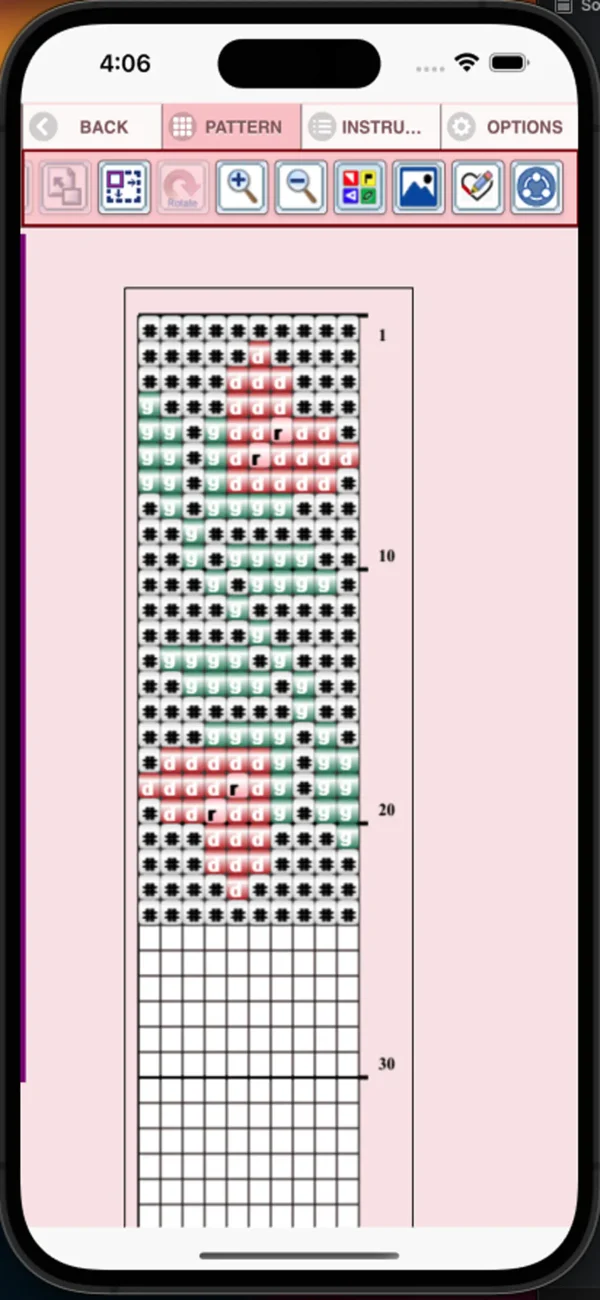
The Bead Loom pattern editor will appear. Fill in the squares with beads of any color.
To get started - Use the pencil to add beads to your bead loom pattern. Use the Eraser to remove beads from your pattern.
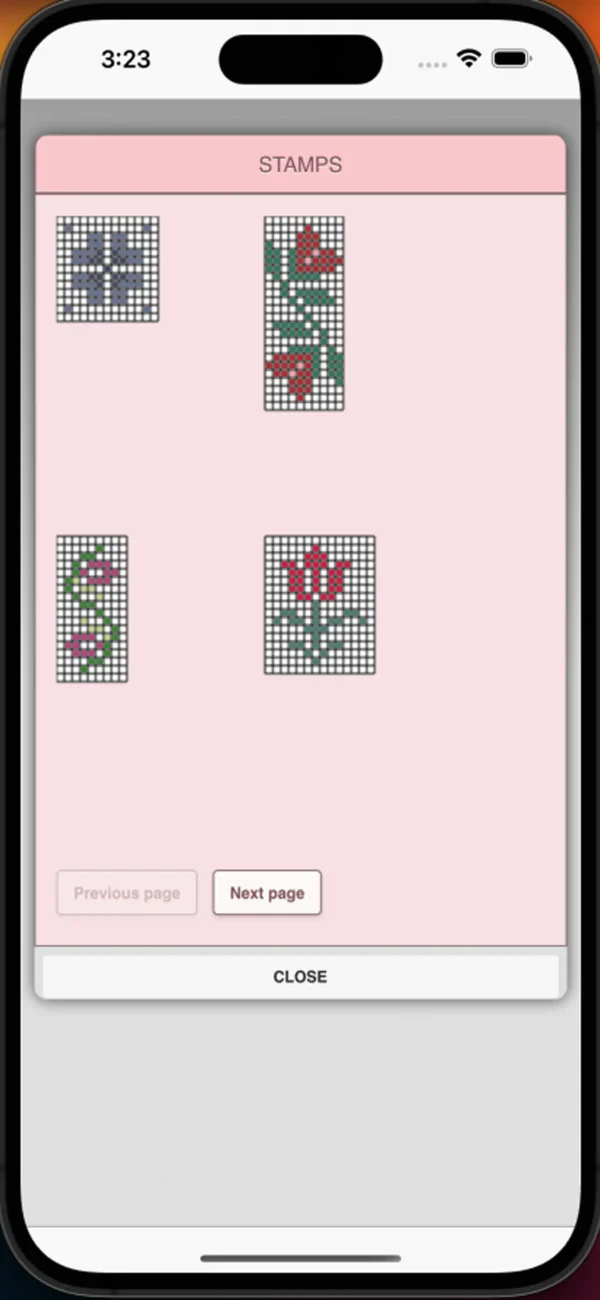
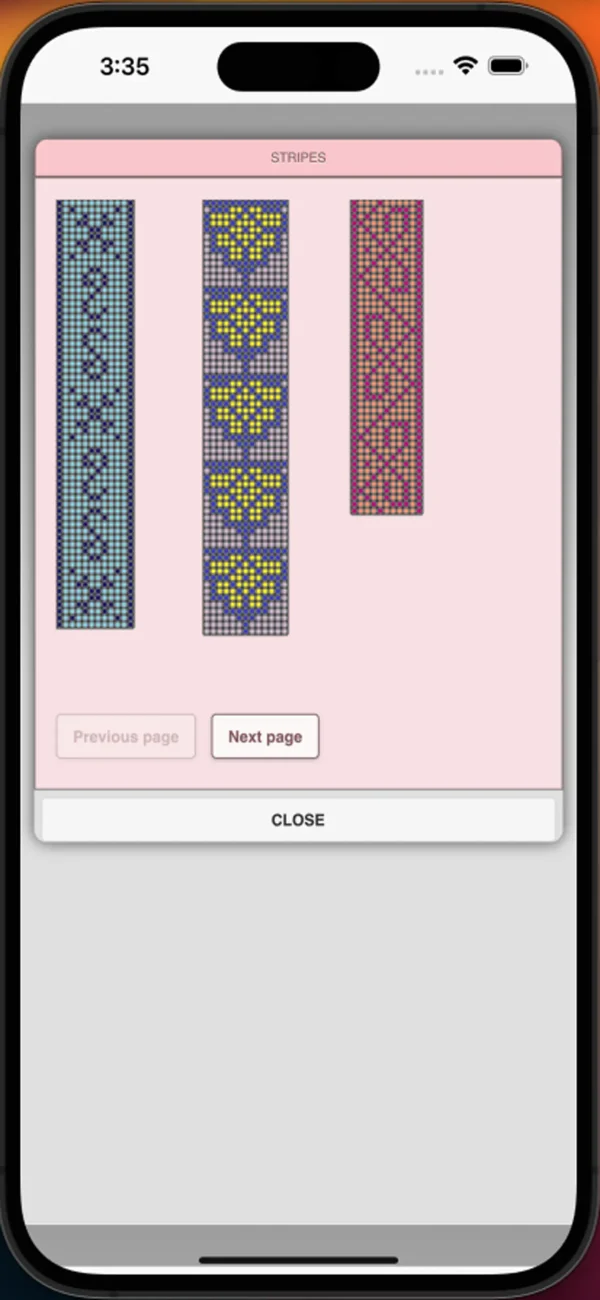
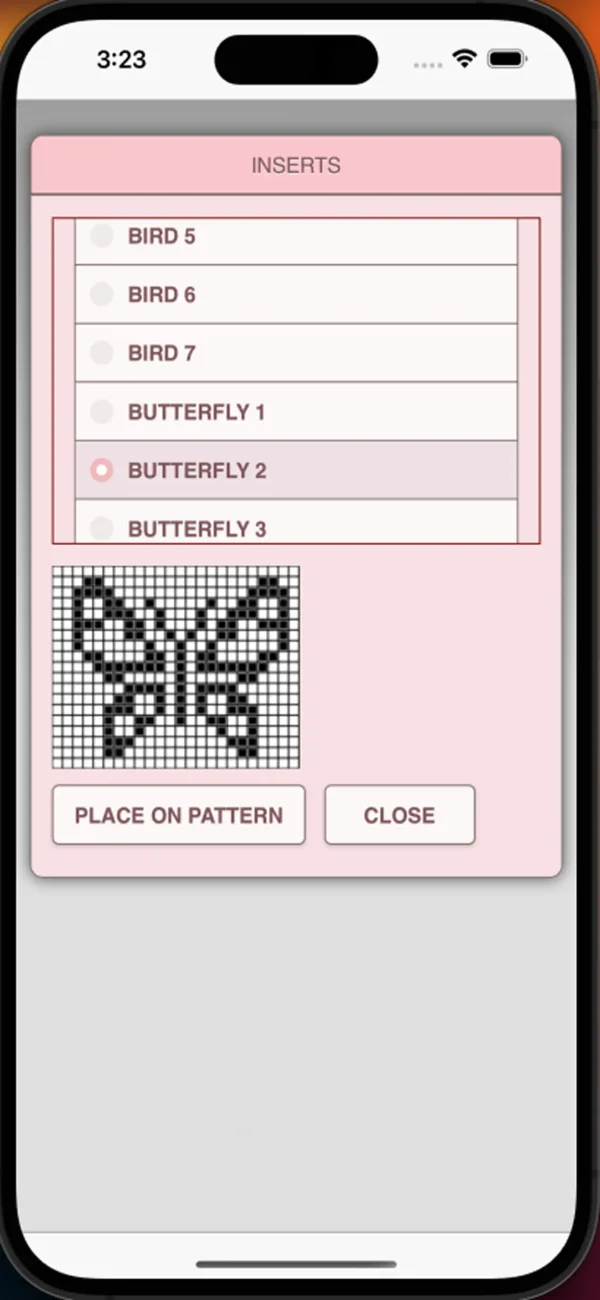
You also can select from over 400 stamps, inserts and borders to apply to your bead loom pattern.
Icons from left to right in the icon bar are:
Color icon - use to add new beads with different colors to your bead list.
Save icon - use to save your bead loom pattern.
Pencil icon - use to add beads to your bead loom pattern.
Eraser icon - use to remove beads from your bead loom pattern.
Stamps icon - selectable little stamps (little bead designs) to add to your bead loom pattern.
Patterns icon - selectable patterns to insert into your bead loom pattern.
Inserts icon - selectable list of bead patterns to add to your pattern (like roses).
Dropper icon - lets you extract a bead color from your pattern and add more of that bead to your bead loom pattern.
Bucket icon - use to fill selected area with beads of the current color.
Trim icon - remove squares from your bead loom pattern.
Undo icon - undo each last change you made to the bead loom pattern.
Redo icon - redo each change you undid.
Cut icon - remove some beads from the pattern.
Copy icon - copy some beads from the pattern.
Paste icon - paste copied beads to the pattern.
Zoom in icon - magnify the bead loom pattern.
Zoom out icon - minify the bead loom pattern.
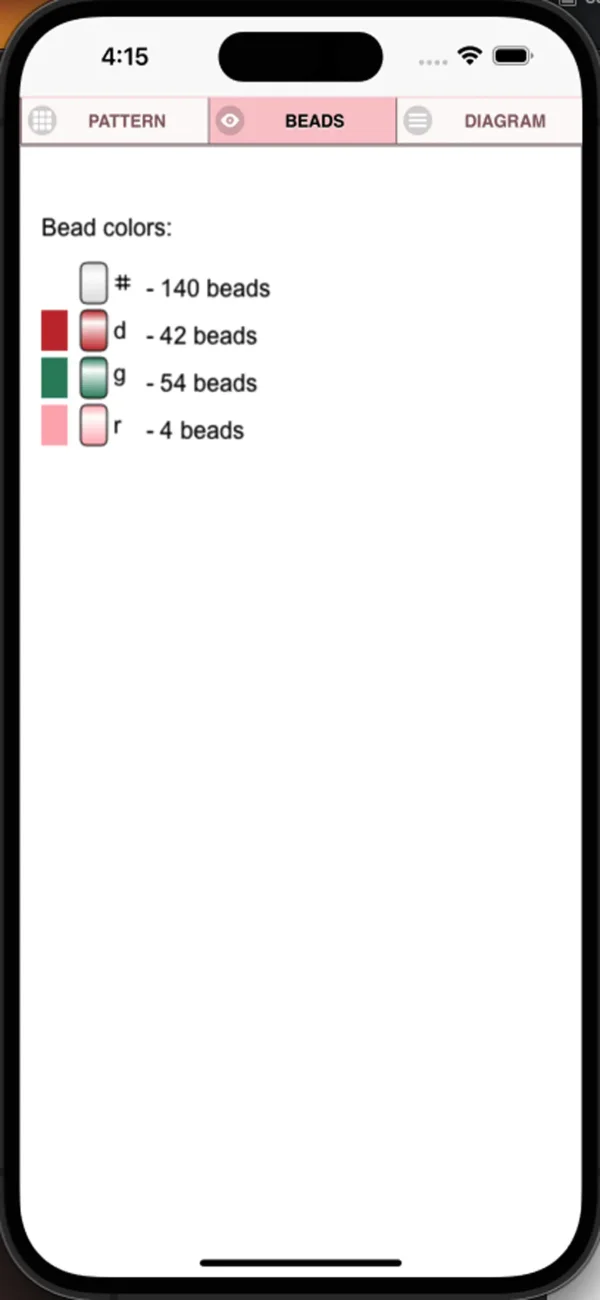
Symbols icon - display a unique symbol on the bead to indicate it's color value.
Picture icon - select a picture from your device and convert to a bead loom pattern.
Social media icon - email etc. your pattern.
Print icon - print your pattern.
Trace icon - select a picture from your device and it displays over your bead loom pattern. Now you can trace it.
Resize bars - resize bars are display at the bottom right corner of your bead loom pattern. Drag them to resize your bead loom pattern.
Novedades
Versión 11 · 19/11/2026
Minor updates. Added Age Restrictions for access to Social Media to post your patterns.
Privacidad de la aplicación
Lo que Sand Castle Designs, Inc declara en App Store sobre cómo esta aplicación gestiona los datos.
-
No se recopilan datos
El desarrollador no recopila ningún dato de esta aplicación.
Las prácticas de privacidad pueden variar, por ejemplo, según las funciones que uses o tu edad.
Información
- Vendedor
- Sand Castle Designs, Inc
- Categoría
- Diseño gráfico
- Versión
- 11
- Actualizado
- 19/11/2026
- Publicado
- 26/6/2023
- Tamaño
- 12,4 MB
- Requiere
- iOS 15.6 o posterior
- Clasificación por edad
- 4+
- Precio
- Gratis
- Compras en la aplicación
- Sí
- Idiomas
- Inglés
- Copyright
- © Sand Castle Designs, Inc.
Quizá también te guste
-
 BeadsDesignDiseño gráfico
-
 Threadologie: Bead PatternPeyote, Brick, Loom Designs
-
 Friendship Bracelet DesignerDiseño gráfico
-
 Rosario beads craftDiseño gráfico
-
 Stitcher Pixel ArtDiseño gráfico
-
 StitchSketchDiseño gráfico
-
 PXLBIT: Pixel art makerDiseño gráfico
-
 DartSide Pattern DraftingDiseño gráfico
-
 Telar: diseño de ligamentosUrdimbre, trama y tejido
-
 Estudio Patrones CuentasFotos a patrones de cuentas