Bead Loom Creator
Dirancang untuk iPhone, iPad, iPod touch
Gratis · Pembelian dalam aplikasi
- Batasan usia4+
- KategoriGrafik & Desain
- PengembangSand Castle Designs, Inc
- BahasaInggris
- Ukuran12,4 MB
Tertaut ke halaman resmi App Store
Download.org tidak menyimpan file Bead Loom Creator apa pun. Tombol ini membuka halaman aplikasi di App Store, tempat Sand Castle Designs, Inc menerbitkannya. Halaman terakhir diperiksa pada 23/11/2026.
Tangkapan layar
Tentang
Pengembang belum menyediakan teks ini dalam bahasa Anda.
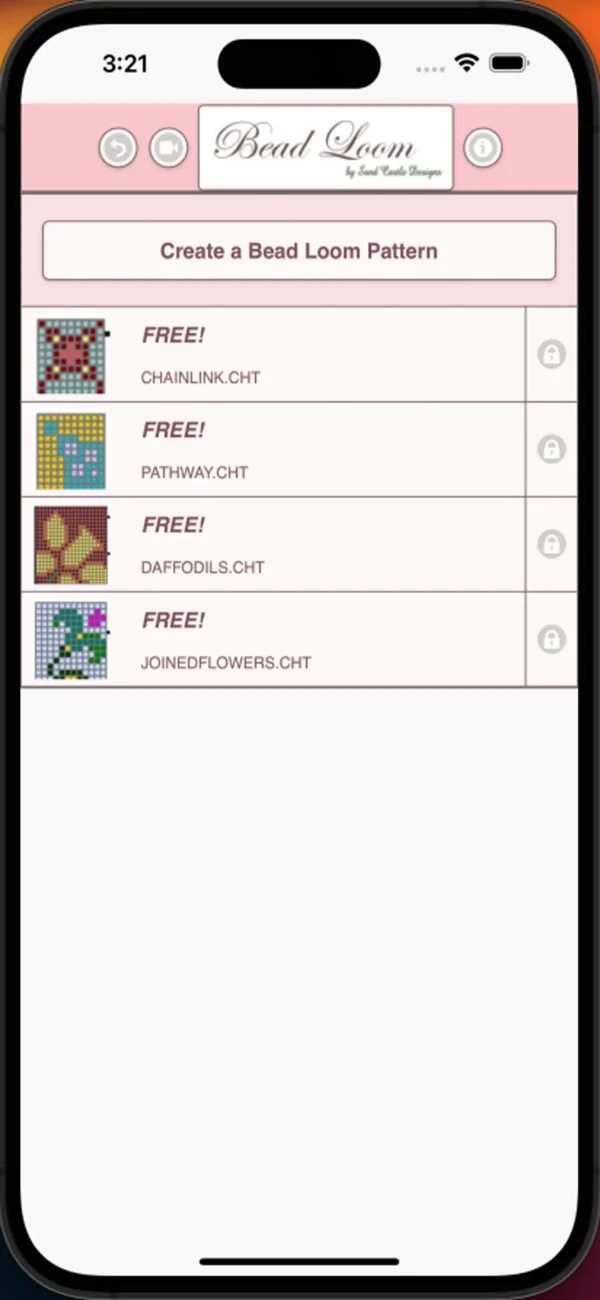
Bead Loom Pattern Creator for your mobile device.
Comes with 4 free bead loom patterns. Download is free. To activate creation is $2.99
To create Bead Loom patterns, select Create a Bead Loom pattern button.
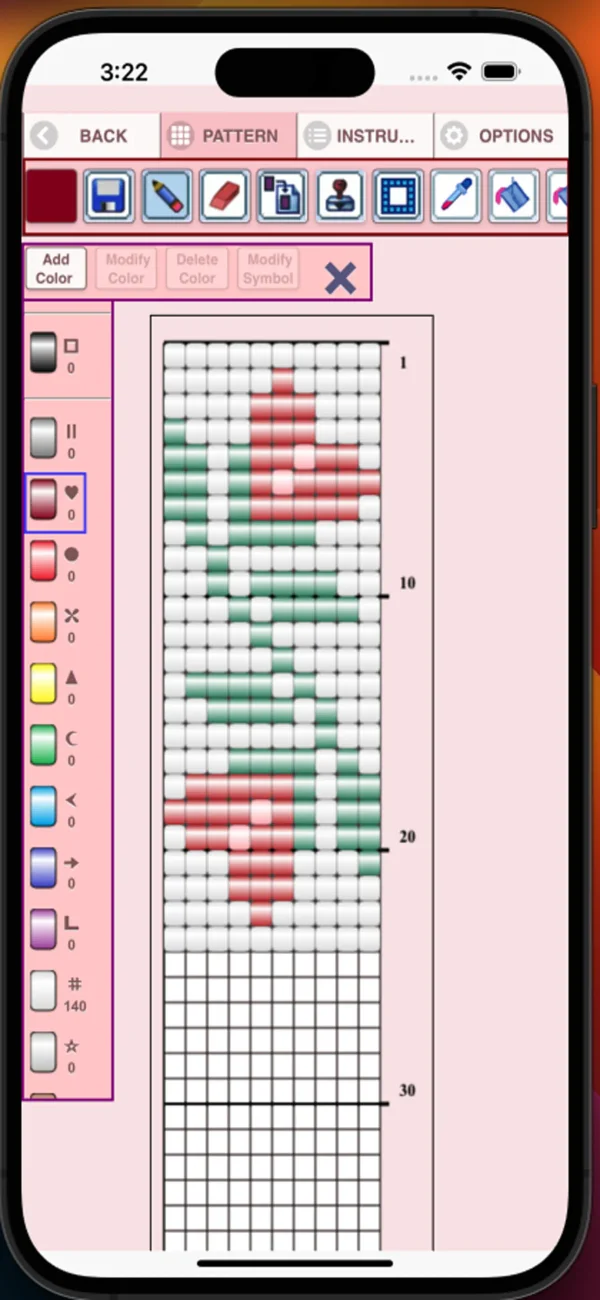
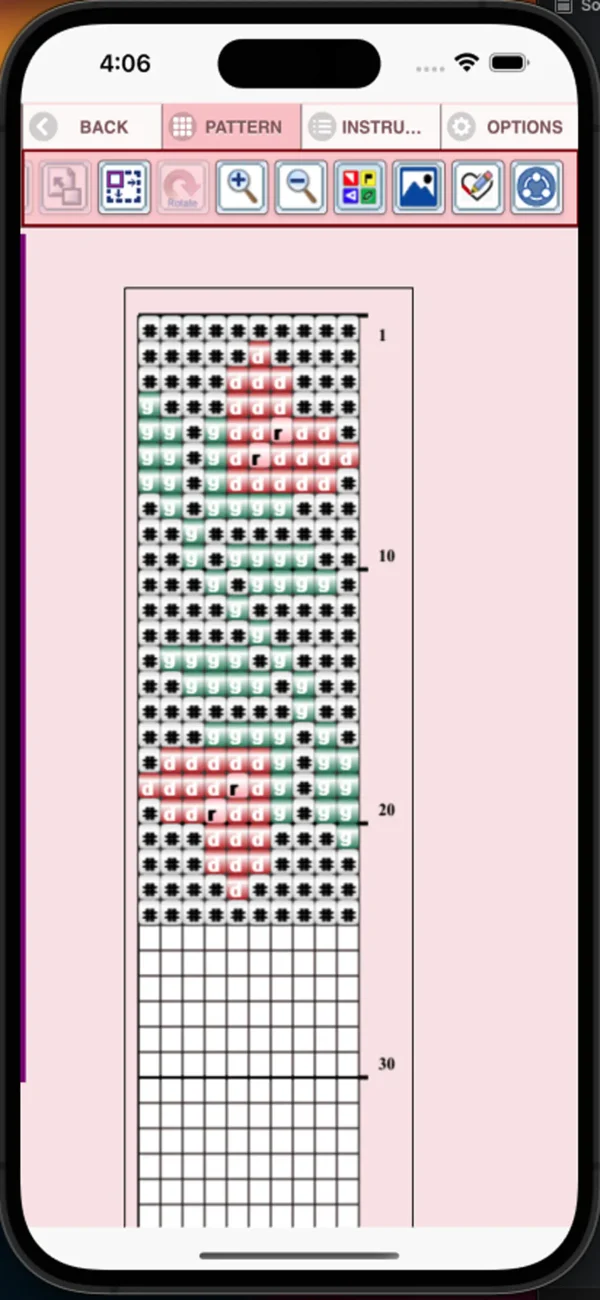
The Bead Loom pattern editor will appear. Fill in the squares with beads of any color.
To get started - Use the pencil to add beads to your bead loom pattern. Use the Eraser to remove beads from your pattern.
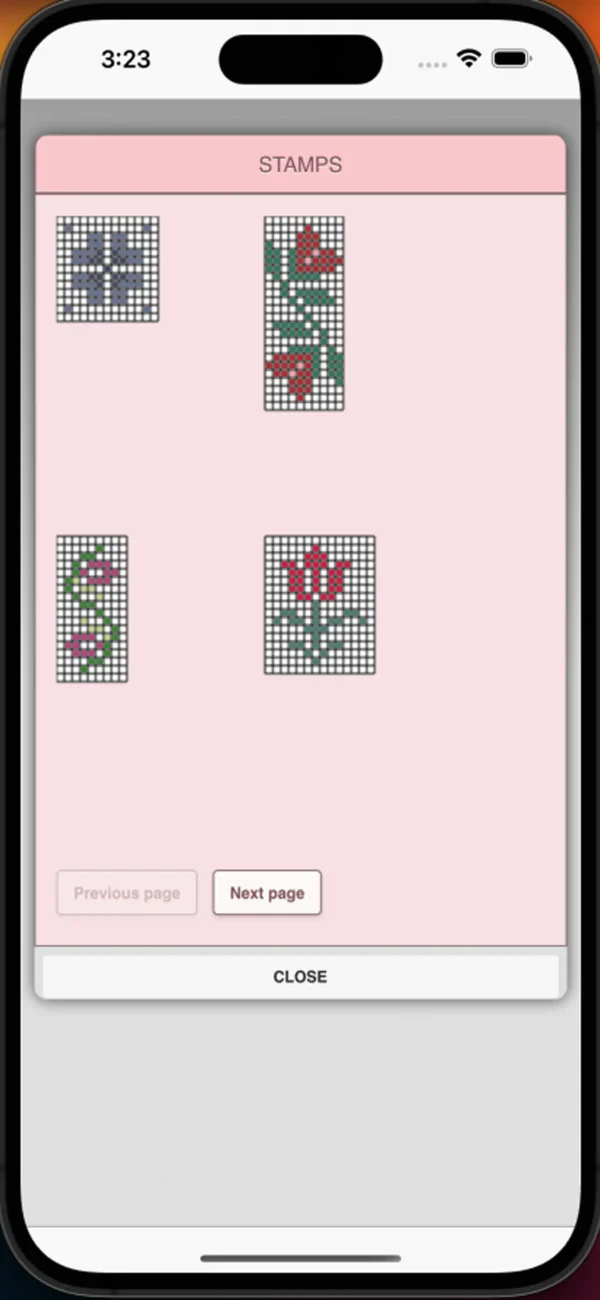
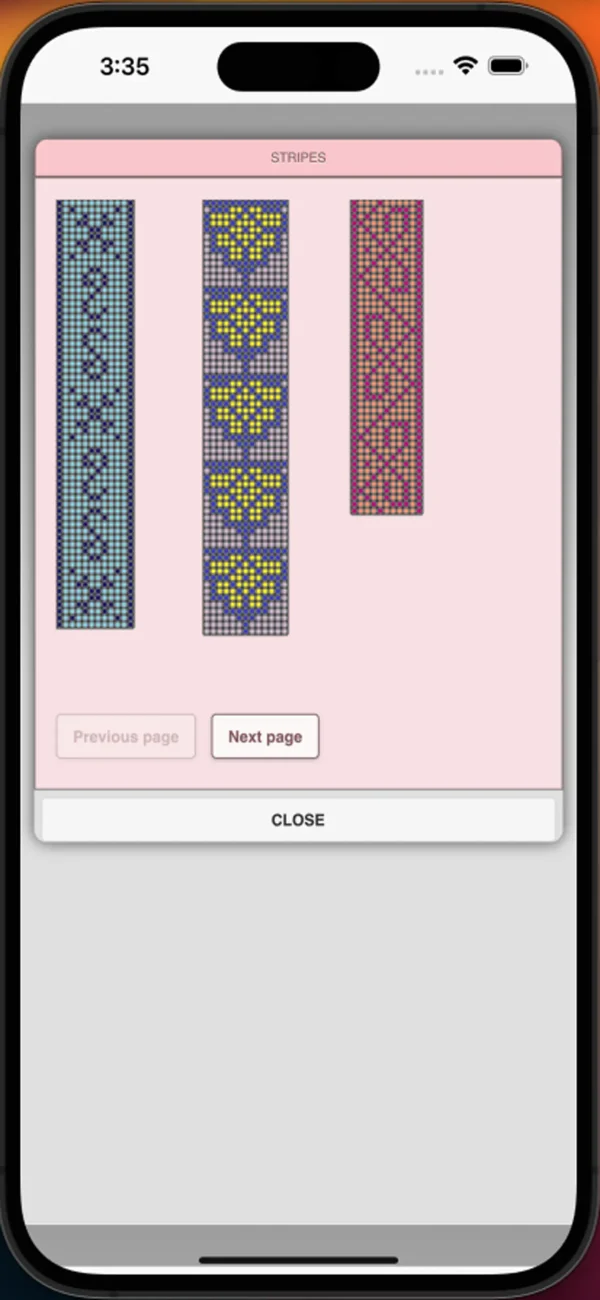
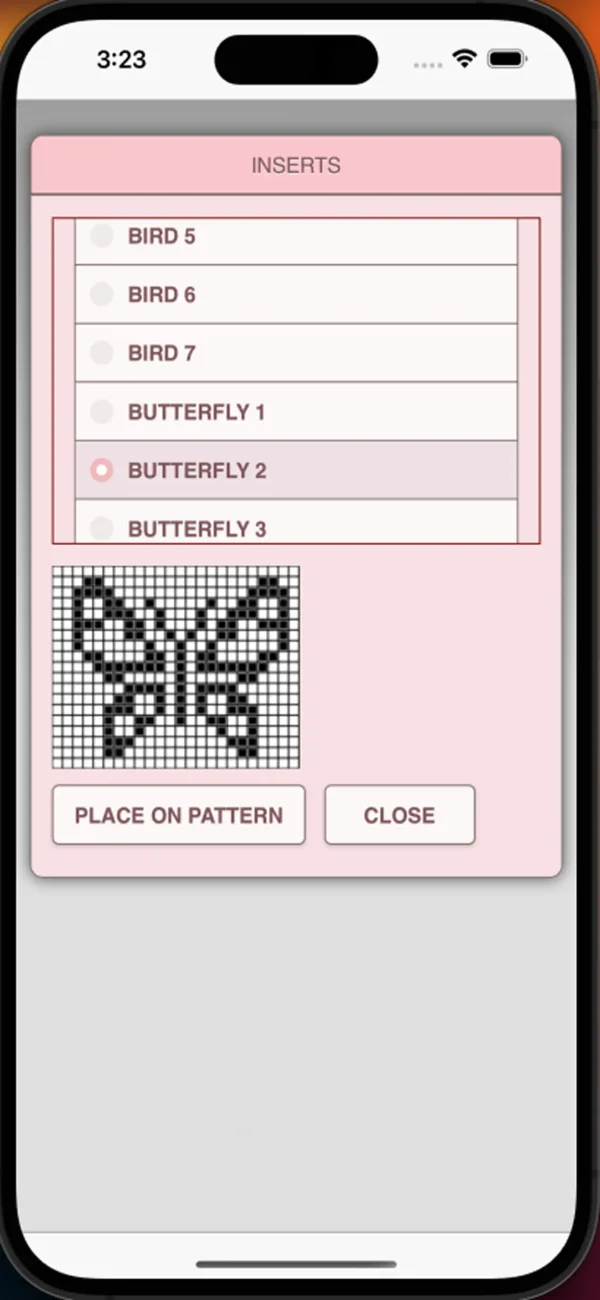
You also can select from over 400 stamps, inserts and borders to apply to your bead loom pattern.
Icons from left to right in the icon bar are:
Color icon - use to add new beads with different colors to your bead list.
Save icon - use to save your bead loom pattern.
Pencil icon - use to add beads to your bead loom pattern.
Eraser icon - use to remove beads from your bead loom pattern.
Stamps icon - selectable little stamps (little bead designs) to add to your bead loom pattern.
Patterns icon - selectable patterns to insert into your bead loom pattern.
Inserts icon - selectable list of bead patterns to add to your pattern (like roses).
Dropper icon - lets you extract a bead color from your pattern and add more of that bead to your bead loom pattern.
Bucket icon - use to fill selected area with beads of the current color.
Trim icon - remove squares from your bead loom pattern.
Undo icon - undo each last change you made to the bead loom pattern.
Redo icon - redo each change you undid.
Cut icon - remove some beads from the pattern.
Copy icon - copy some beads from the pattern.
Paste icon - paste copied beads to the pattern.
Zoom in icon - magnify the bead loom pattern.
Zoom out icon - minify the bead loom pattern.
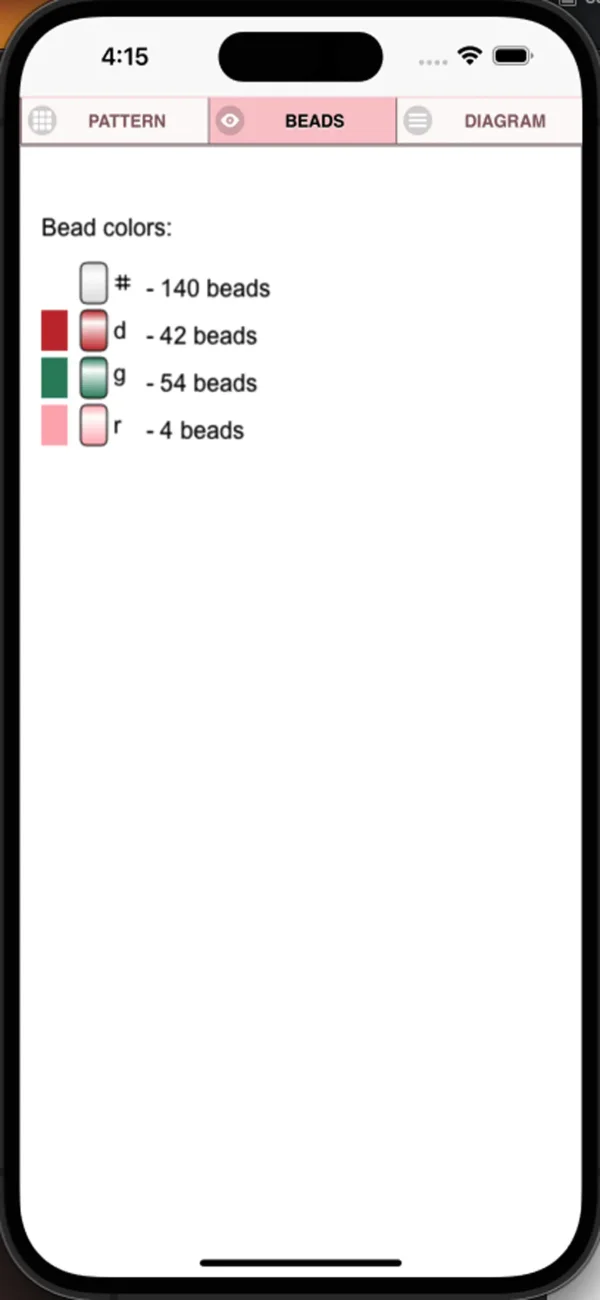
Symbols icon - display a unique symbol on the bead to indicate it's color value.
Picture icon - select a picture from your device and convert to a bead loom pattern.
Social media icon - email etc. your pattern.
Print icon - print your pattern.
Trace icon - select a picture from your device and it displays over your bead loom pattern. Now you can trace it.
Resize bars - resize bars are display at the bottom right corner of your bead loom pattern. Drag them to resize your bead loom pattern.
Yang baru
Versi 11 · 19/11/2026
Minor updates. Added Age Restrictions for access to Social Media to post your patterns.
Privasi aplikasi
Yang dinyatakan Sand Castle Designs, Inc di App Store tentang cara aplikasi ini menangani data.
-
Data tidak dikumpulkan
Pengembang tidak mengumpulkan data apa pun dari aplikasi ini.
Praktik privasi dapat bervariasi, misalnya berdasarkan fitur yang Anda gunakan atau usia Anda.
Informasi
- Penjual
- Sand Castle Designs, Inc
- Kategori
- Grafik & Desain
- Versi
- 11
- Diperbarui
- 19/11/2026
- Dirilis
- 26/6/2023
- Ukuran
- 12,4 MB
- Memerlukan
- iOS 15.6 atau yang lebih baru
- Batasan usia
- 4+
- Harga
- Gratis
- Pembelian dalam aplikasi
- Ya
- Bahasa
- Inggris
- Hak cipta
- © Sand Castle Designs, Inc.
Mungkin Anda juga suka
-
 BeadsDesignGrafik & Desain
-
 Threadologie: Bead PatternGrafik & Desain
-
 Friendship Bracelet DesignerGrafik & Desain
-
 Rosario beads craftGrafik & Desain
-
 Stitcher Pixel ArtGrafik & Desain
-
 StitchSketchGrafik & Desain
-
 PXLBIT: Pixel art makerGrafik & Desain
-
 DartSide Pattern DraftingGrafik & Desain
-
 Desain Tenun: Rancangan KainLungsi, Pakan, Gun, Injakan
-
 Studio Pola ManikFoto jadi pola manik