Bead Loom Creator
Được thiết kế cho iPhone, iPad, iPod touch
Miễn phí · Mua hàng trong ứng dụng
- Độ tuổi4+
- Danh mụcĐồ Họa & Thiết Kế
- Nhà phát triểnSand Castle Designs, Inc
- Ngôn ngữTiếng Anh
- Kích thước12,4 MB
Liên kết đến trang App Store chính thức
Download.org không lưu trữ tệp nào của Bead Loom Creator. Nút này mở trang ứng dụng trên App Store, nơi Sand Castle Designs, Inc phát hành ứng dụng. Trang được kiểm tra lần cuối: 23/11/2026.
Ảnh chụp màn hình
Giới thiệu
Nhà phát triển chưa cung cấp nội dung này bằng ngôn ngữ của bạn.
Bead Loom Pattern Creator for your mobile device.
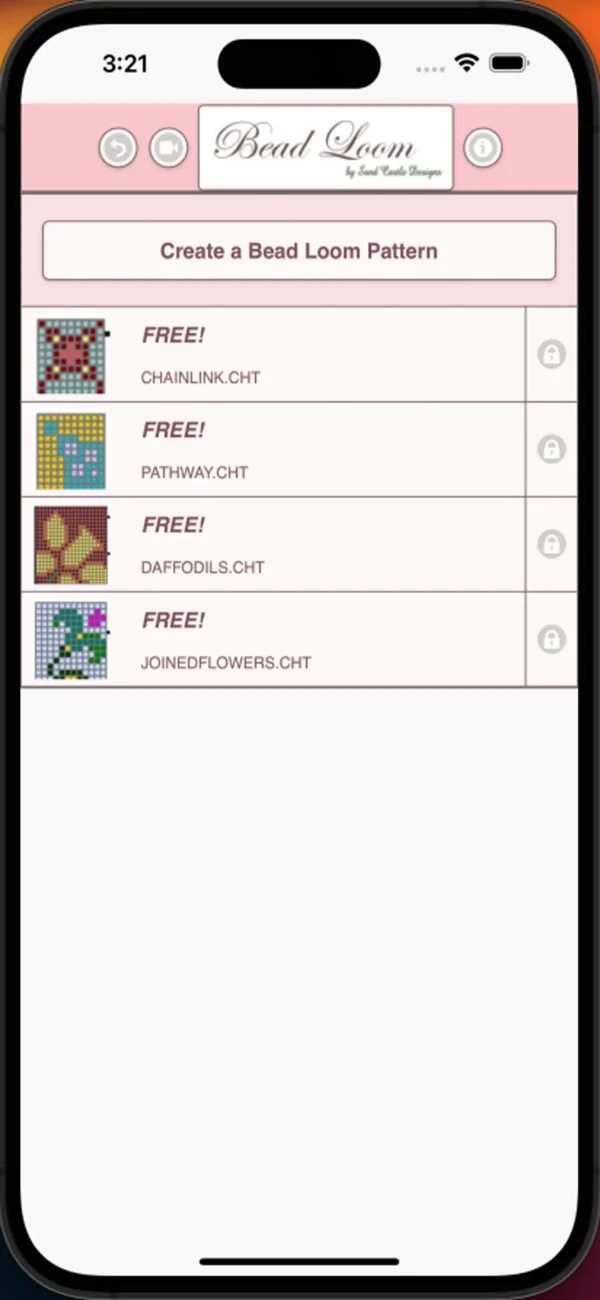
Comes with 4 free bead loom patterns. Download is free. To activate creation is $2.99
To create Bead Loom patterns, select Create a Bead Loom pattern button.
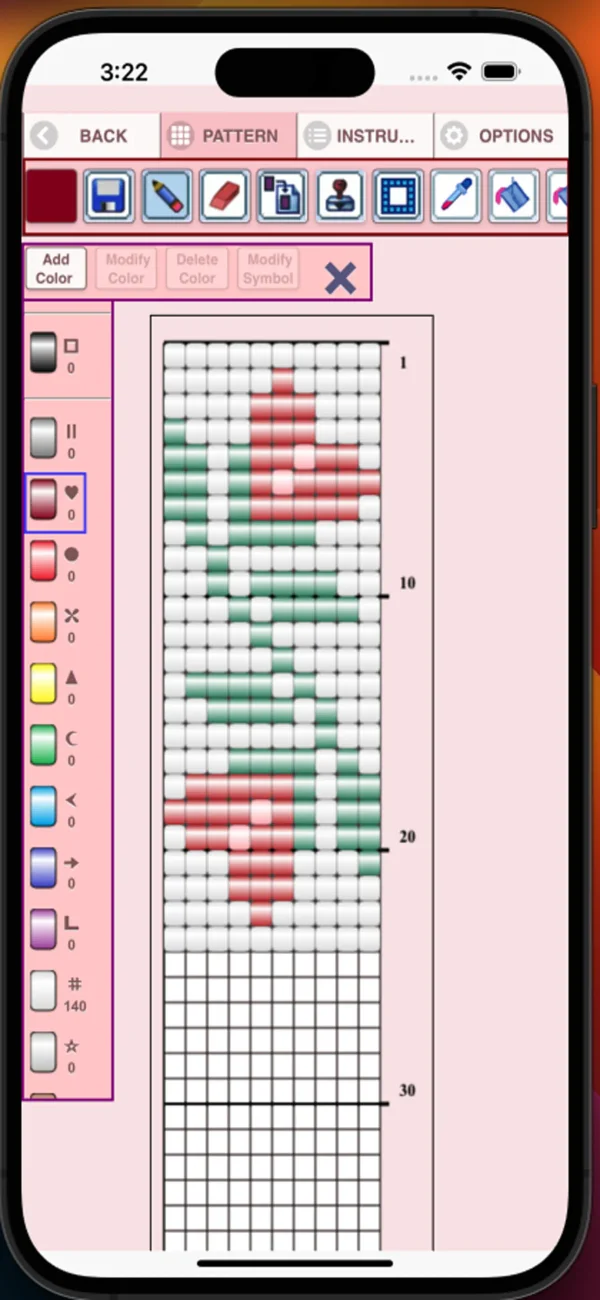
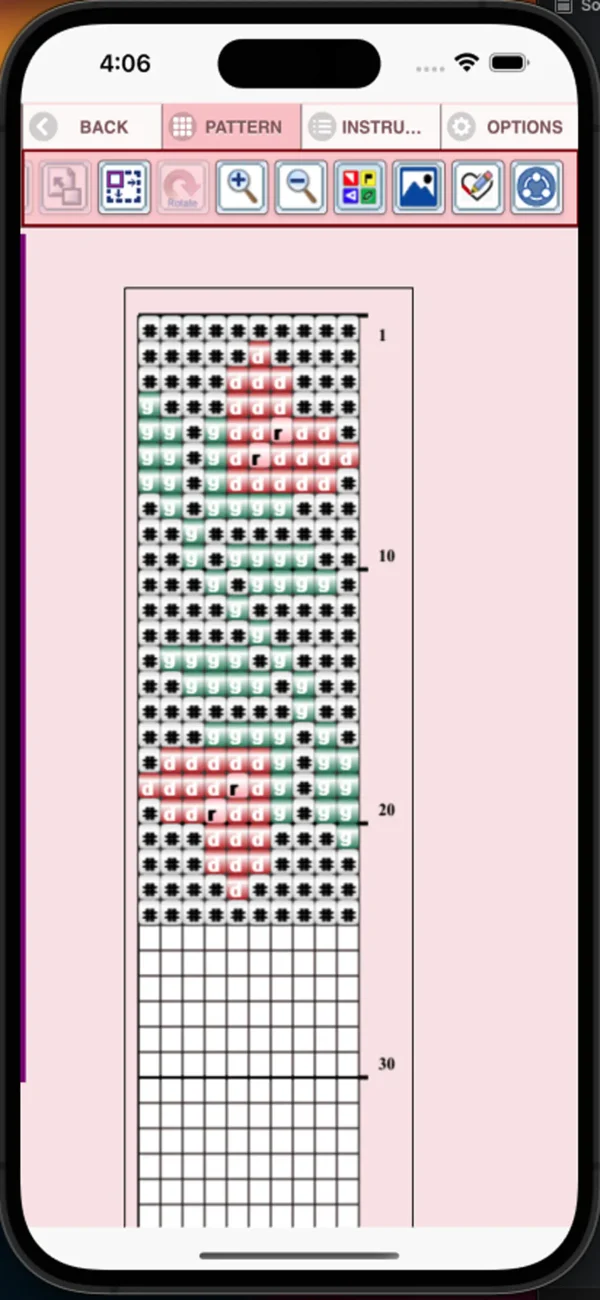
The Bead Loom pattern editor will appear. Fill in the squares with beads of any color.
To get started - Use the pencil to add beads to your bead loom pattern. Use the Eraser to remove beads from your pattern.
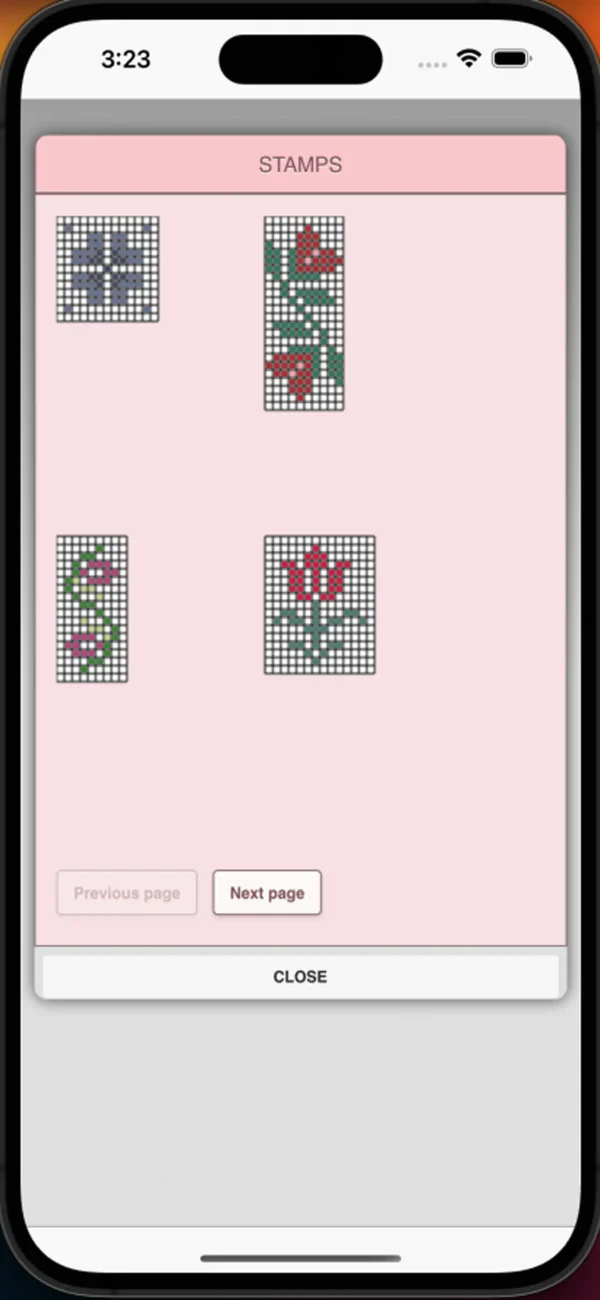
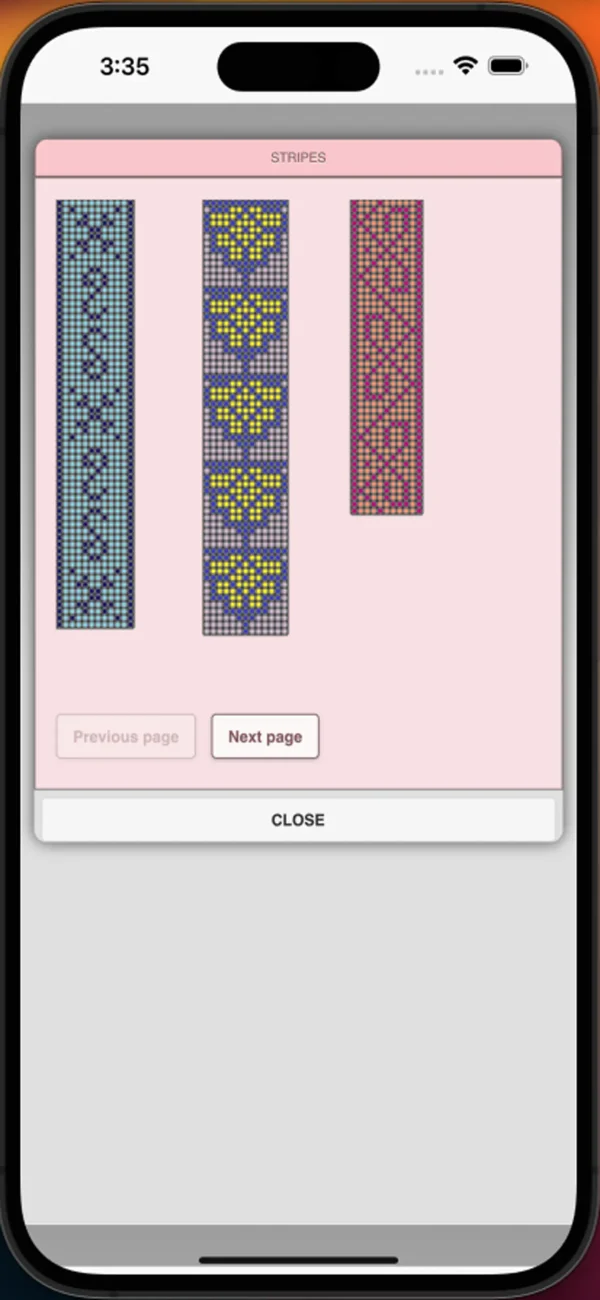
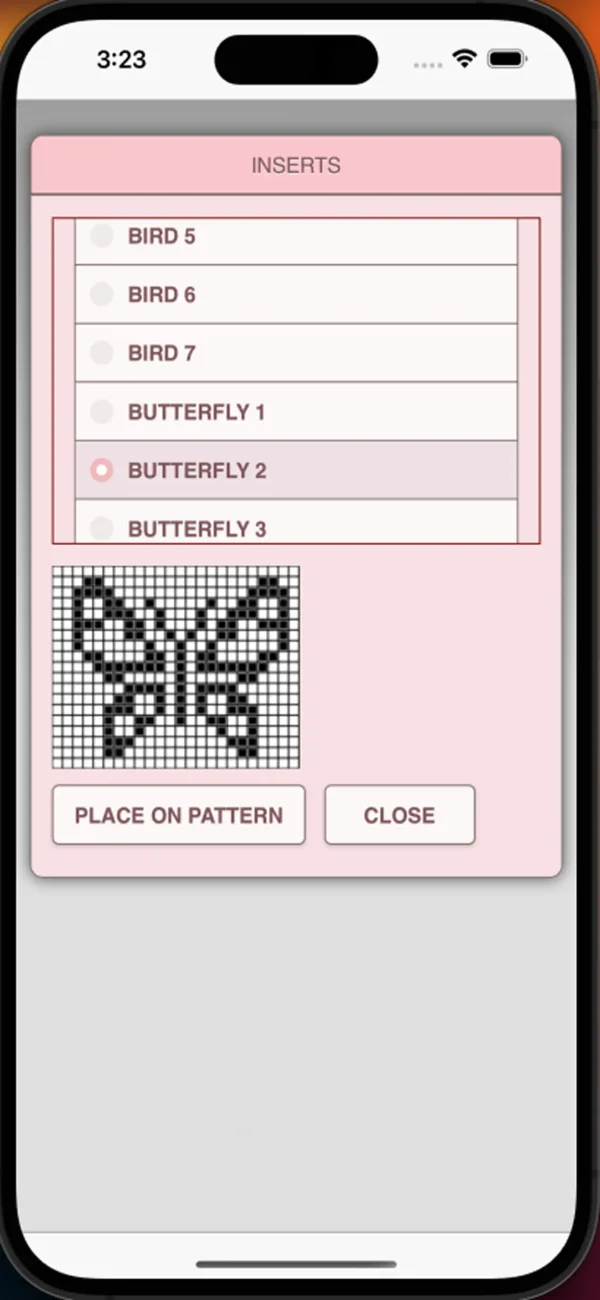
You also can select from over 400 stamps, inserts and borders to apply to your bead loom pattern.
Icons from left to right in the icon bar are:
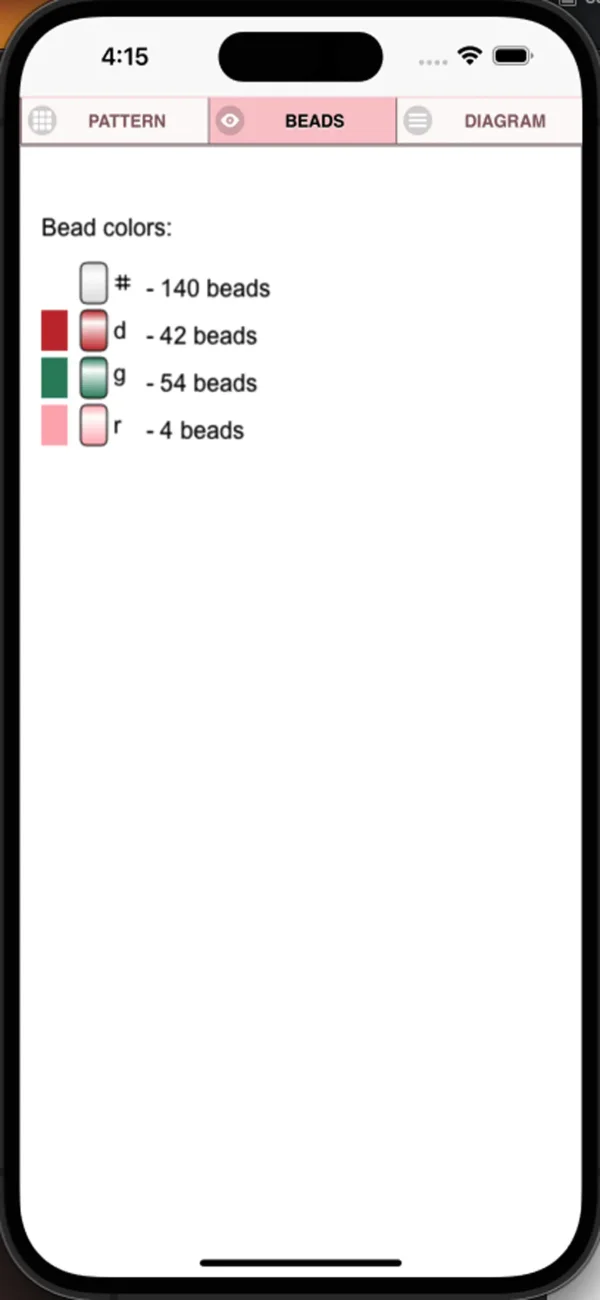
Color icon - use to add new beads with different colors to your bead list.
Save icon - use to save your bead loom pattern.
Pencil icon - use to add beads to your bead loom pattern.
Eraser icon - use to remove beads from your bead loom pattern.
Stamps icon - selectable little stamps (little bead designs) to add to your bead loom pattern.
Patterns icon - selectable patterns to insert into your bead loom pattern.
Inserts icon - selectable list of bead patterns to add to your pattern (like roses).
Dropper icon - lets you extract a bead color from your pattern and add more of that bead to your bead loom pattern.
Bucket icon - use to fill selected area with beads of the current color.
Trim icon - remove squares from your bead loom pattern.
Undo icon - undo each last change you made to the bead loom pattern.
Redo icon - redo each change you undid.
Cut icon - remove some beads from the pattern.
Copy icon - copy some beads from the pattern.
Paste icon - paste copied beads to the pattern.
Zoom in icon - magnify the bead loom pattern.
Zoom out icon - minify the bead loom pattern.
Symbols icon - display a unique symbol on the bead to indicate it's color value.
Picture icon - select a picture from your device and convert to a bead loom pattern.
Social media icon - email etc. your pattern.
Print icon - print your pattern.
Trace icon - select a picture from your device and it displays over your bead loom pattern. Now you can trace it.
Resize bars - resize bars are display at the bottom right corner of your bead loom pattern. Drag them to resize your bead loom pattern.
Có gì mới
Phiên bản 11 · 19/11/2026
Minor updates. Added Age Restrictions for access to Social Media to post your patterns.
Quyền riêng tư của ứng dụng
Những gì Sand Castle Designs, Inc khai báo trên App Store về cách ứng dụng này xử lý dữ liệu.
-
Dữ liệu không được thu thập
Nhà phát triển không thu thập bất kỳ dữ liệu nào từ ứng dụng này.
Phương thức đảm bảo quyền riêng tư có thể khác nhau, chẳng hạn như tuỳ theo các tính năng bạn sử dụng hoặc độ tuổi của bạn.
Thông tin
- Người bán
- Sand Castle Designs, Inc
- Danh mục
- Đồ Họa & Thiết Kế
- Phiên bản
- 11
- Cập nhật
- 19/11/2026
- Phát hành
- 26/06/2023
- Kích thước
- 12,4 MB
- Yêu cầu
- iOS 15.6 trở lên
- Độ tuổi
- 4+
- Giá
- Miễn phí
- Mua hàng trong ứng dụng
- Có
- Ngôn ngữ
- Tiếng Anh
- Bản quyền
- © Sand Castle Designs, Inc.
Có thể bạn cũng thích
-
 BeadsDesignĐồ Họa & Thiết Kế
-
 Threadologie: Bead PatternĐồ Họa & Thiết Kế
-
 Friendship Bracelet DesignerĐồ Họa & Thiết Kế
-
 Rosario beads craftĐồ Họa & Thiết Kế
-
 Stitcher Pixel ArtĐồ Họa & Thiết Kế
-
 StitchSketchĐồ Họa & Thiết Kế
-
 PXLBIT: Pixel art makerĐồ Họa & Thiết Kế
-
 DartSide Pattern DraftingĐồ Họa & Thiết Kế
-
 Thiết Kế Mẫu Dệt: Khung CửiLuồn Go, Nối Bàn Đạp, Xem Vải
-
 Studio Mẫu HạtẢnh thành mẫu hạt