
- Clasificación por edad4+
- CategoríaEstilo de vida
- Desarrolladorryuya matsuo
- IdiomasJaponés+ 1 más
- Tamaño5,3 MB
Enlaza a la página oficial de App Store
Download.org no aloja ningún archivo de Best Note Ever. El botón abre la página de la aplicación en App Store, donde la publica ryuya matsuo. Ficha comprobada por última vez el 15/11/2026.
Capturas de pantalla

Acerca de
El desarrollador no ha proporcionado este texto en tu idioma.
A notes app that stays simple.
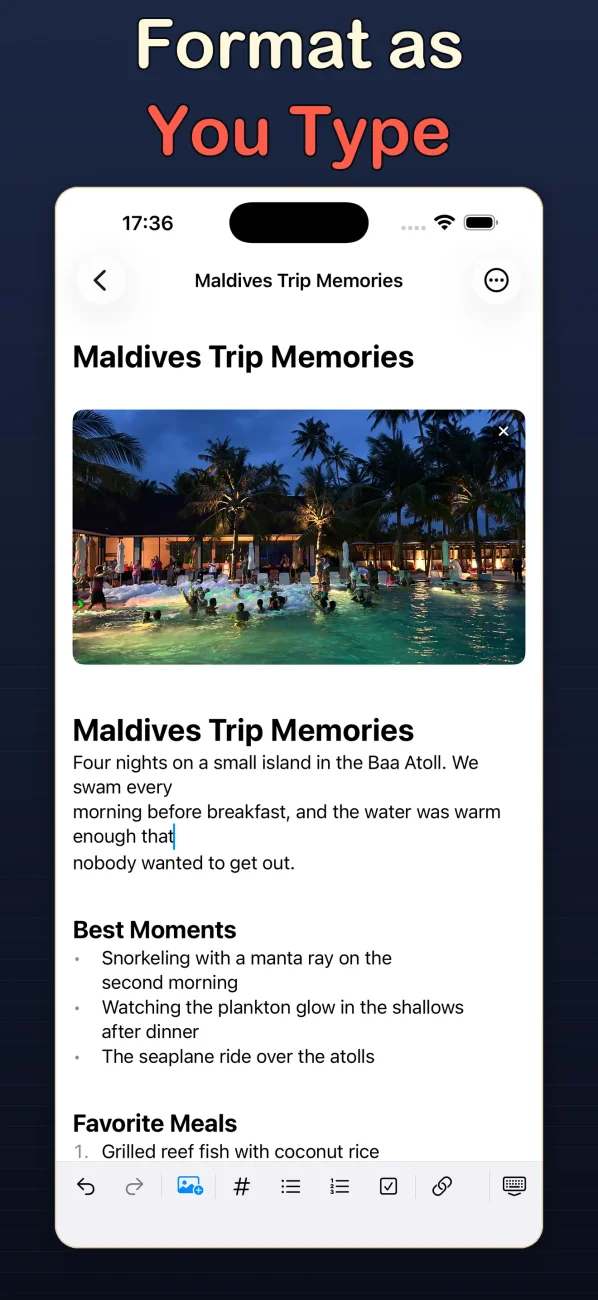
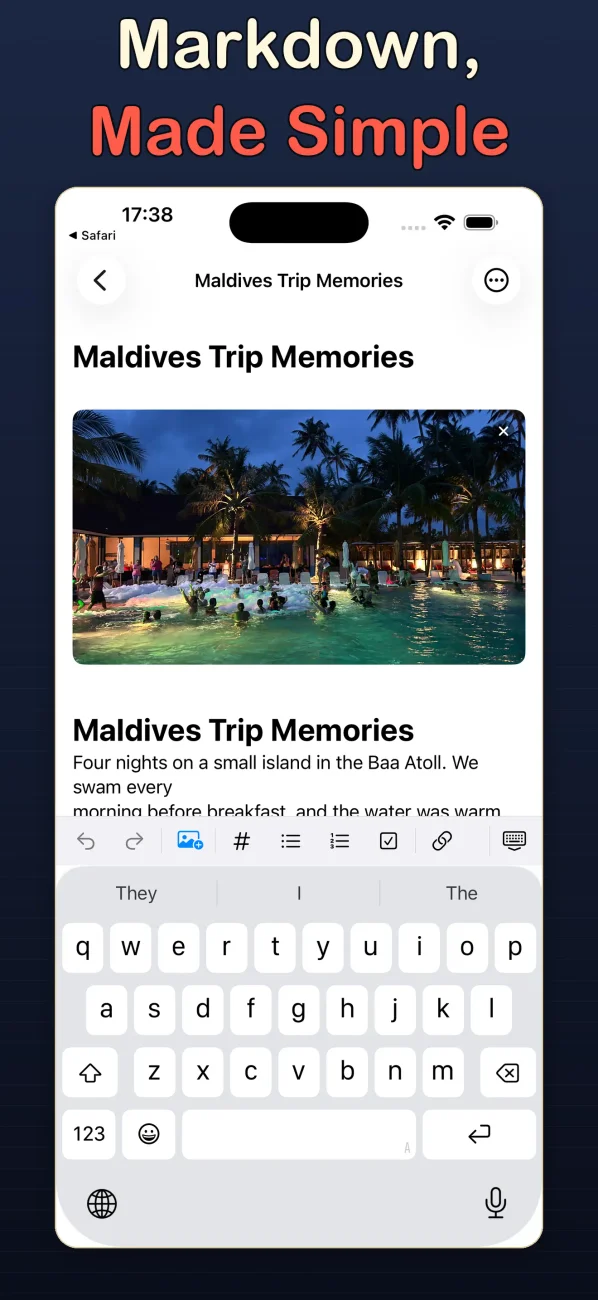
Write a title on the first line, then keep going. Headings, bullets, numbered lists and checkboxes appear as you type, so there is no preview mode to switch to and no formatting bar to fight with.
FORMATTING THAT GETS OUT OF THE WAY
Type the shorthand and the markers disappear, leaving only the result.
• # for a title, ## and ### for sections
• - for a bullet
• 1. for a numbered list
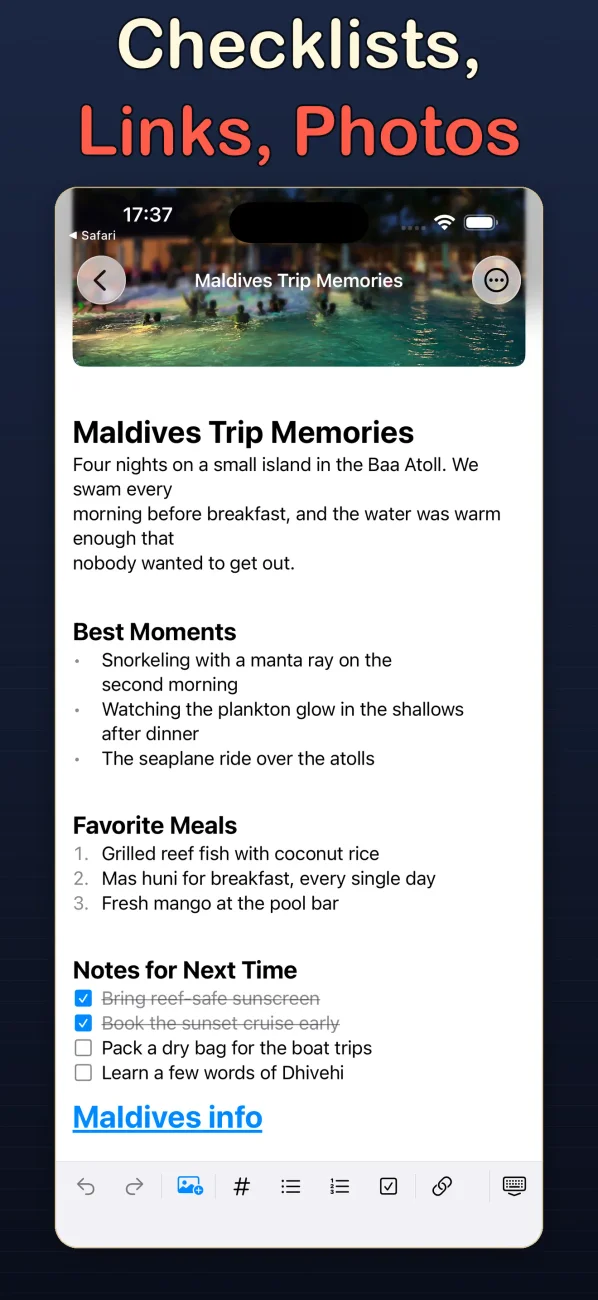
• - [ ] for a checkbox you can tick with one tap
• [text](https://...) for a link, showing the label instead of the URL
Checked items get a strikethrough so you can see progress at a glance. Tap a checkbox anywhere, even while the keyboard is open.
PHOTOS IN LINE
Add a photo from your library and it sits in the note where you put it. Tap to open it full screen, pinch to zoom. Photos are resized on the way in, so a note full of pictures does not balloon.
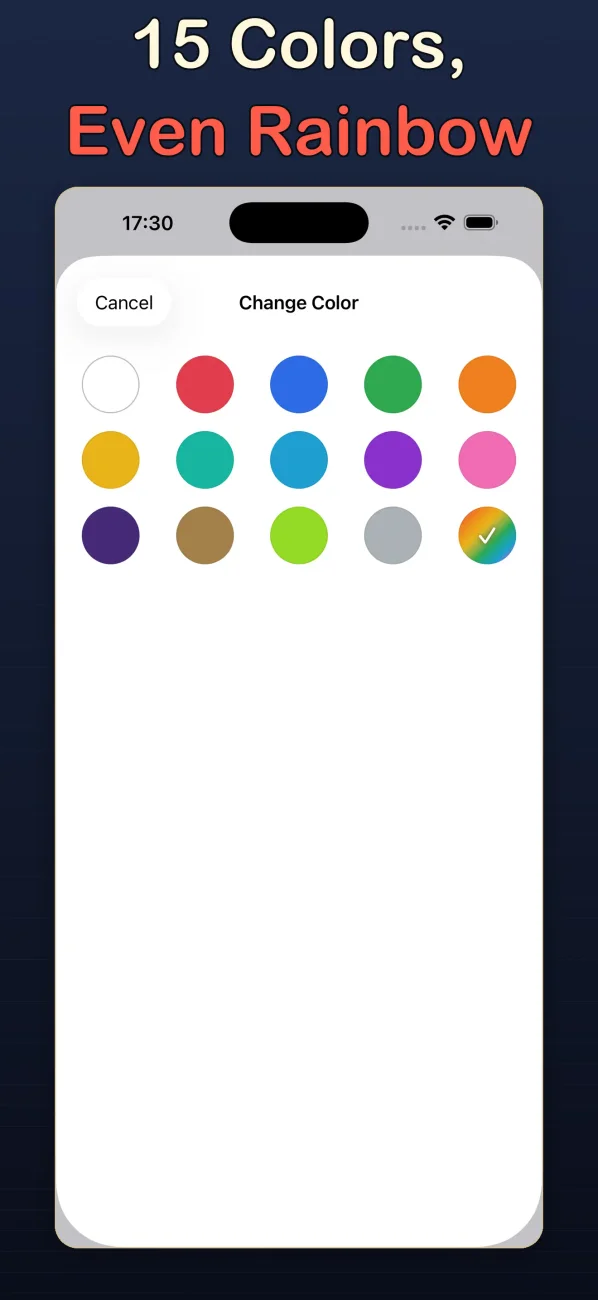
FIFTEEN COLORS, INCLUDING RAINBOW
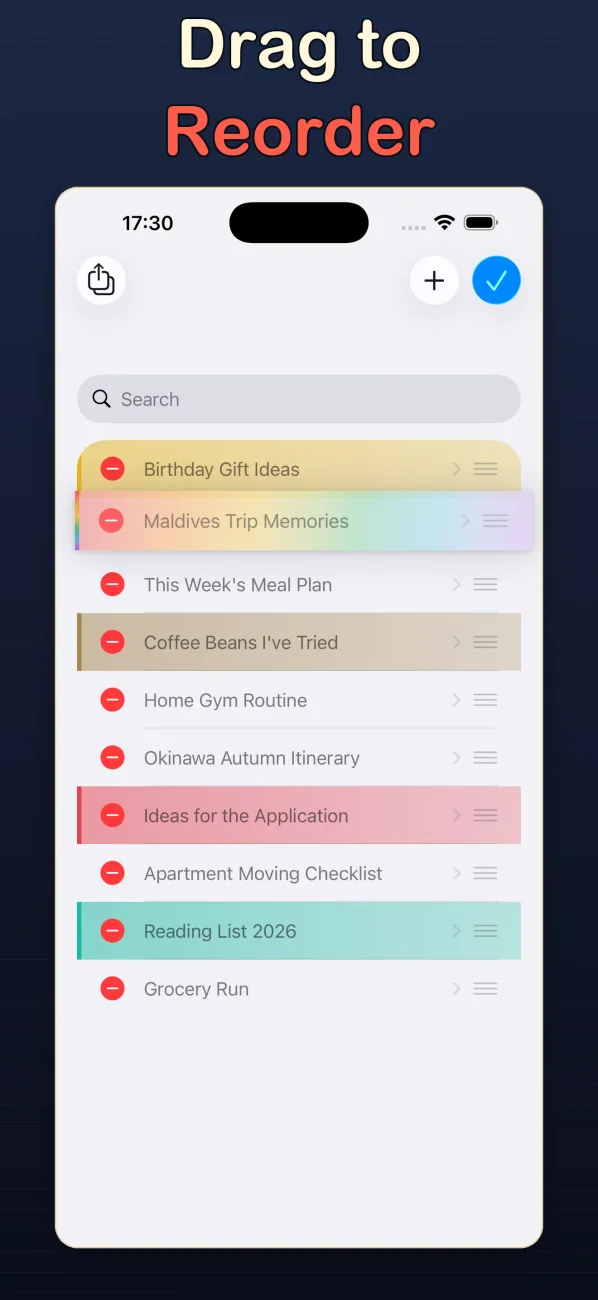
Give a note a color and the whole row is tinted with a soft gradient and an accent stripe, so you can find it without reading. Swipe for the next color, or press and hold to pick from all fifteen. One of them is a rainbow.
BUILT FOR EDITING
• Undo and redo, by button or Command-Z
• Return continues a list; Return on an empty item ends it
• Backspace at the start of a line removes the marker before joining lines
• Arrow keys move between lines with a hardware keyboard
• Drag to reorder, swipe to delete
TAKE YOUR WRITING WITH YOU
Export one note or all of them as .md files, with any photos collected into an images folder. Plain Markdown opens in almost anything, so nothing is locked in here.
ON IPAD
The list sits beside the note you are reading. Collapse the sidebar when you want the full width for one note.
YOUR NOTES STAY YOURS
No account, no sign-in, no sync service. The contents of your notes are saved on your device and are never sent anywhere.
BUILT TO BE USABLE
VoiceOver reads headings as headings. Text scales with your Dynamic Type setting, and the markers scale with it. Light and dark are both handled.
ALREADY USING THE APP?
Every note you wrote before this update opens exactly as it did, with the same plain text behavior. Nothing is reformatted and nothing is moved. If you want a note to use the new formatting, turn it on for that note from the menu, and turn it back off whenever you
like.
The app is free and shows a banner ad on the list screen.
Novedades
Versión 2.1 · 13/9/2026
Minor changes and improvements.
Privacidad de la aplicación
Lo que ryuya matsuo declara en App Store sobre cómo esta aplicación gestiona los datos.
-
Datos usados para rastrearte
Pueden usarse para rastrearte en aplicaciones y sitios web propiedad de otras empresas.
- Identificadores
- Datos de uso
-
Datos no vinculados a ti
Pueden recopilarse, pero no se vinculan a tu identidad.
- Identificadores
- Datos de uso
Las prácticas de privacidad pueden variar, por ejemplo, según las funciones que uses o tu edad.
Información
- Vendedor
- ryuya matsuo
- Categoría
- Estilo de vida
- Versión
- 2.1
- Actualizado
- 13/9/2026
- Publicado
- 29/9/2025
- Tamaño
- 5,3 MB
- Requiere
- iOS 18.4 o posterior
- Clasificación por edad
- 4+
- Precio
- Gratis
- Idiomas
- Japonés, Inglés
- Copyright
- © 2025 ryuya matsuo
Quizá también te guste
-
 MODE Notes: PlainTXT,BulletJNLEstilo de vida
-
 UniSheetEstilo de vida
-
 Fabit 〜ブックマーク管理&習慣化支援・可視化アプリ〜Estilo de vida
-
 ひみつメモ帳 - PINでロック保護Estilo de vida
-
 日めくりカレンダーアプリEstilo de vida
-
 買い物チェックリスト|忘れ物ゼロで効率的な買い物Estilo de vida
-
 family map tree shareComparte recuerdos en el mapa
-
 Timetable of LifeEstilo de vida
-
 ときどき日記 - さっと書ける、タイムライン日記Estilo de vida
-
 吉日カレンダーEstilo de vida