Best Note Ever
Markdown, checklists, photos
Dirancang untuk iPhone, iPad
Gratis
- Batasan usia4+
- KategoriGaya Hidup
- Pengembangryuya matsuo
- BahasaJepang+ 1 lainnya
- Ukuran5,3 MB
Tertaut ke halaman resmi App Store
Download.org tidak menyimpan file Best Note Ever apa pun. Tombol ini membuka halaman aplikasi di App Store, tempat ryuya matsuo menerbitkannya. Halaman terakhir diperiksa pada 15/11/2026.
Tangkapan layar

Tentang
Pengembang belum menyediakan teks ini dalam bahasa Anda.
A notes app that stays simple.
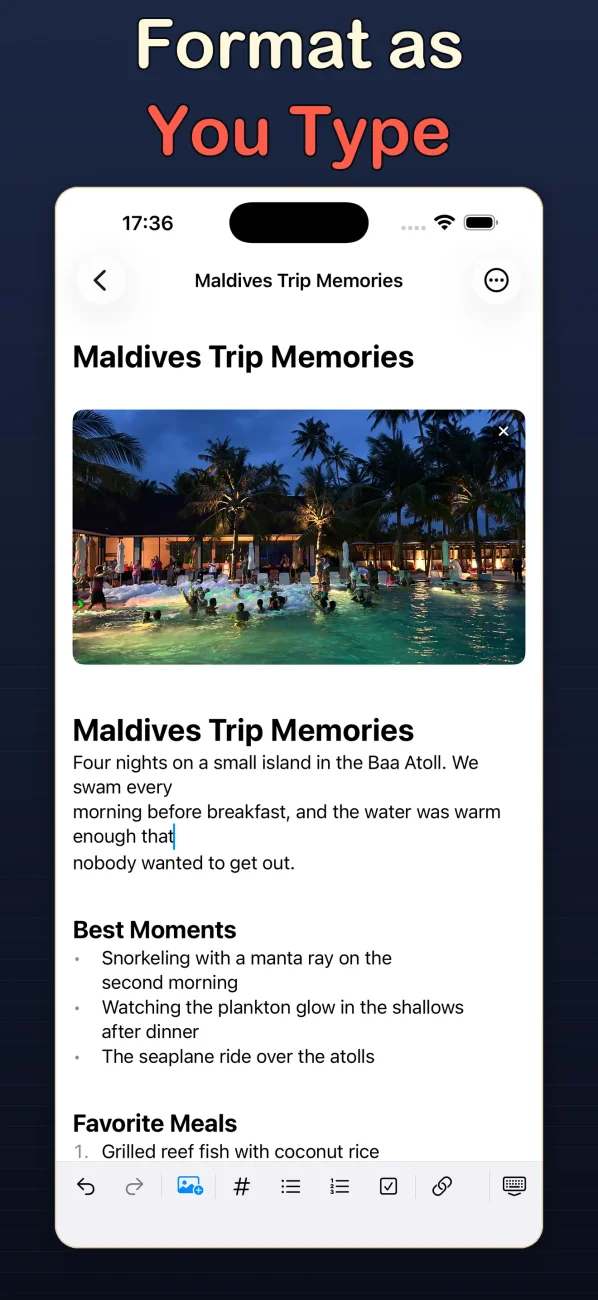
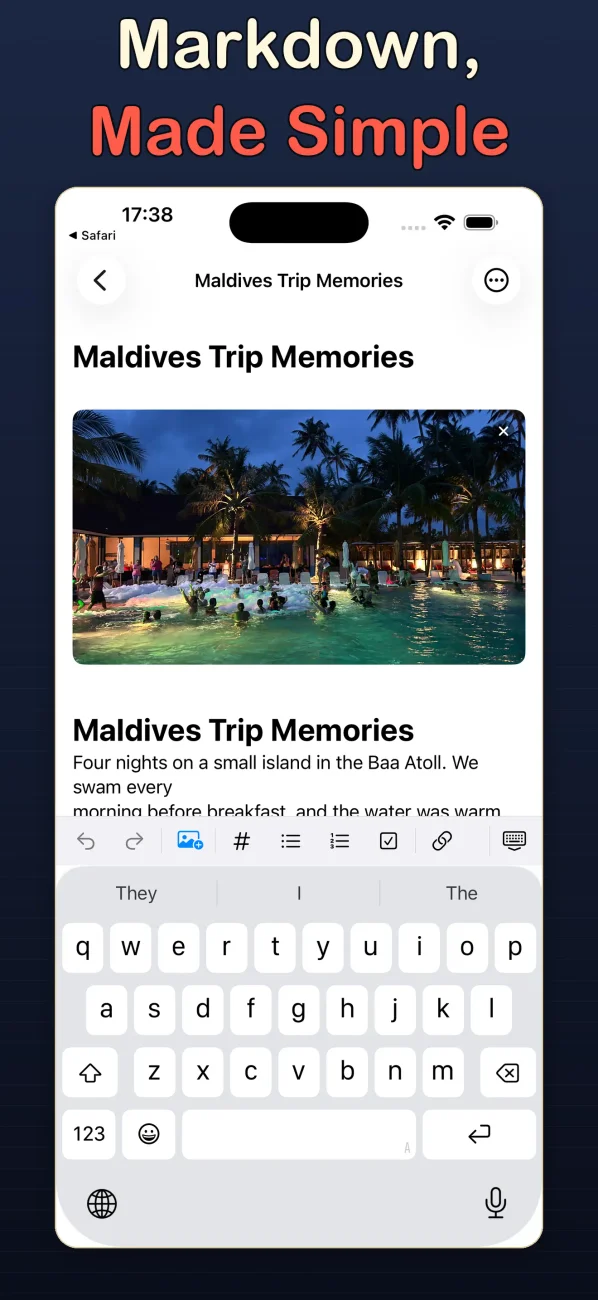
Write a title on the first line, then keep going. Headings, bullets, numbered lists and checkboxes appear as you type, so there is no preview mode to switch to and no formatting bar to fight with.
FORMATTING THAT GETS OUT OF THE WAY
Type the shorthand and the markers disappear, leaving only the result.
• # for a title, ## and ### for sections
• - for a bullet
• 1. for a numbered list
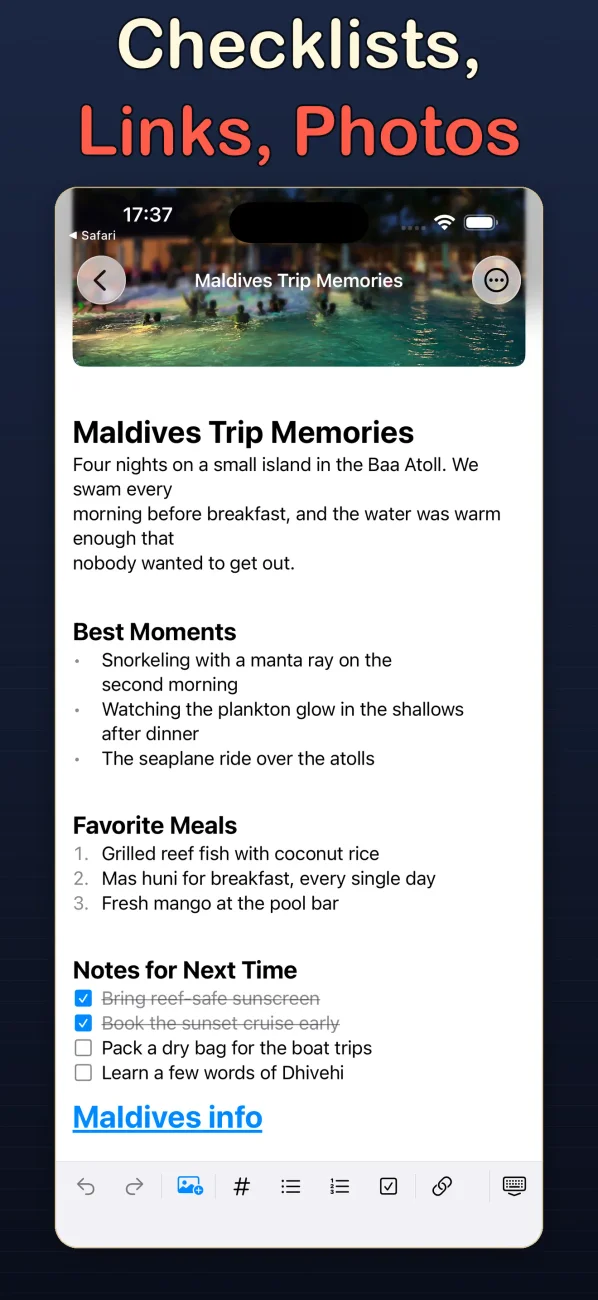
• - [ ] for a checkbox you can tick with one tap
• [text](https://...) for a link, showing the label instead of the URL
Checked items get a strikethrough so you can see progress at a glance. Tap a checkbox anywhere, even while the keyboard is open.
PHOTOS IN LINE
Add a photo from your library and it sits in the note where you put it. Tap to open it full screen, pinch to zoom. Photos are resized on the way in, so a note full of pictures does not balloon.
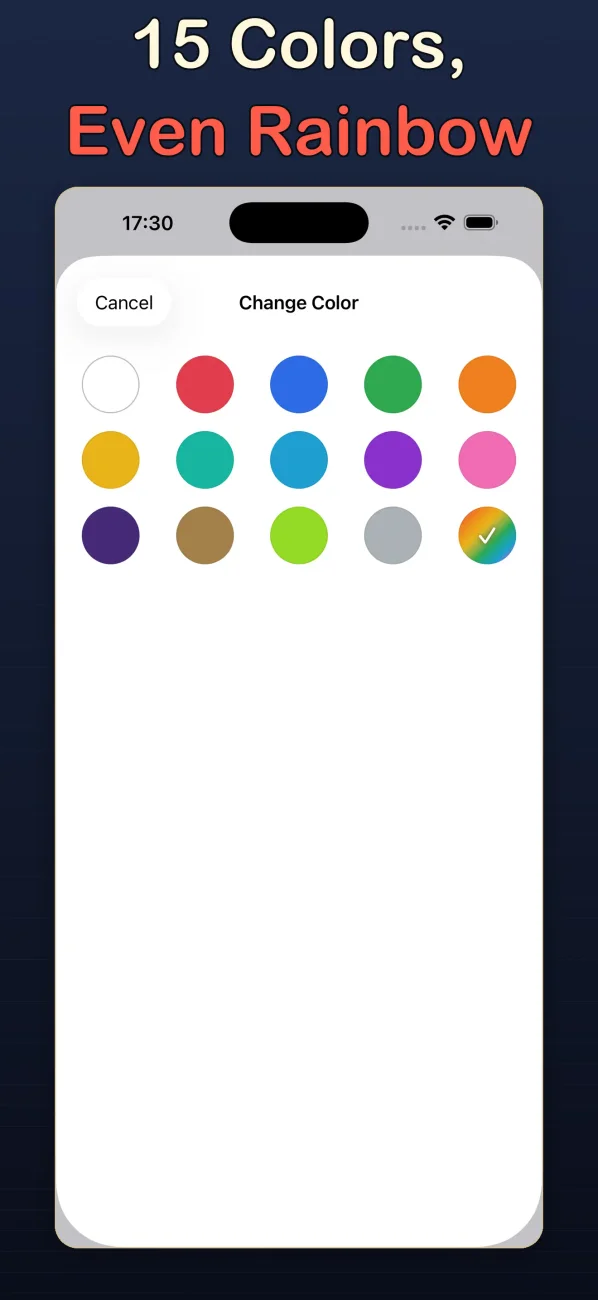
FIFTEEN COLORS, INCLUDING RAINBOW
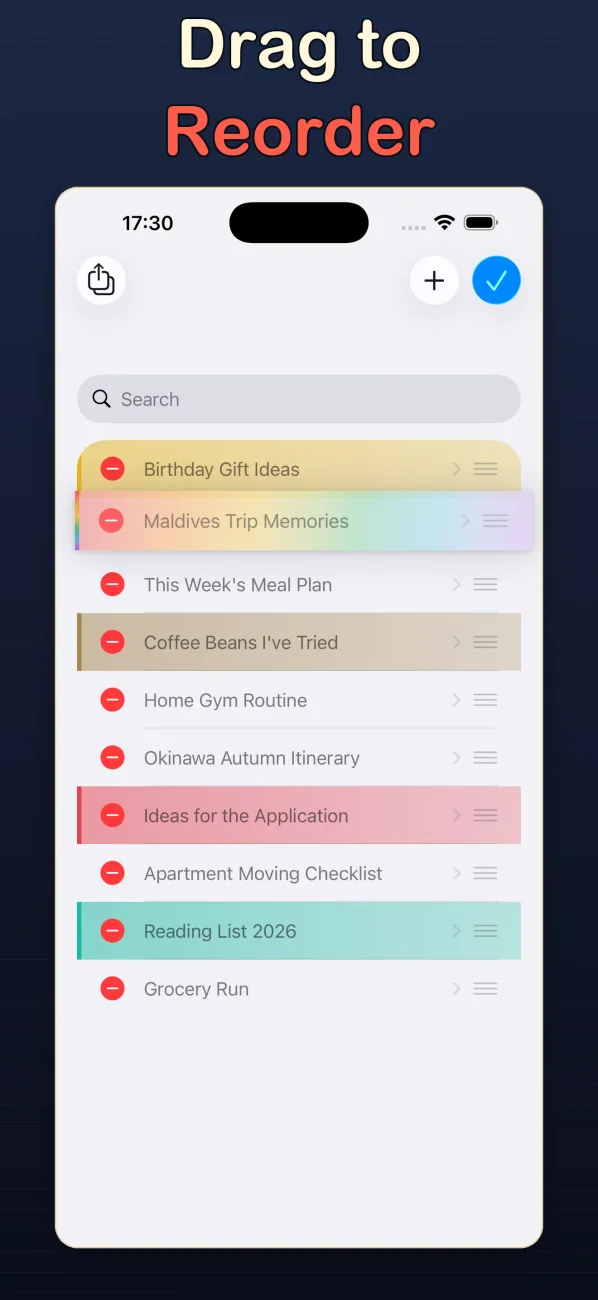
Give a note a color and the whole row is tinted with a soft gradient and an accent stripe, so you can find it without reading. Swipe for the next color, or press and hold to pick from all fifteen. One of them is a rainbow.
BUILT FOR EDITING
• Undo and redo, by button or Command-Z
• Return continues a list; Return on an empty item ends it
• Backspace at the start of a line removes the marker before joining lines
• Arrow keys move between lines with a hardware keyboard
• Drag to reorder, swipe to delete
TAKE YOUR WRITING WITH YOU
Export one note or all of them as .md files, with any photos collected into an images folder. Plain Markdown opens in almost anything, so nothing is locked in here.
ON IPAD
The list sits beside the note you are reading. Collapse the sidebar when you want the full width for one note.
YOUR NOTES STAY YOURS
No account, no sign-in, no sync service. The contents of your notes are saved on your device and are never sent anywhere.
BUILT TO BE USABLE
VoiceOver reads headings as headings. Text scales with your Dynamic Type setting, and the markers scale with it. Light and dark are both handled.
ALREADY USING THE APP?
Every note you wrote before this update opens exactly as it did, with the same plain text behavior. Nothing is reformatted and nothing is moved. If you want a note to use the new formatting, turn it on for that note from the menu, and turn it back off whenever you
like.
The app is free and shows a banner ad on the list screen.
Yang baru
Versi 2.1 · 13/9/2026
Minor changes and improvements.
Privasi aplikasi
Yang dinyatakan ryuya matsuo di App Store tentang cara aplikasi ini menangani data.
-
Data yang digunakan untuk melacak Anda
Dapat digunakan untuk melacak Anda di aplikasi dan situs web milik perusahaan lain.
- Pengenal
- Data penggunaan
-
Data yang tidak ditautkan dengan Anda
Dapat dikumpulkan, tetapi tidak ditautkan dengan identitas Anda.
- Pengenal
- Data penggunaan
Praktik privasi dapat bervariasi, misalnya berdasarkan fitur yang Anda gunakan atau usia Anda.
Informasi
- Penjual
- ryuya matsuo
- Kategori
- Gaya Hidup
- Versi
- 2.1
- Diperbarui
- 13/9/2026
- Dirilis
- 29/9/2025
- Ukuran
- 5,3 MB
- Memerlukan
- iOS 18.4 atau yang lebih baru
- Batasan usia
- 4+
- Harga
- Gratis
- Bahasa
- Jepang, Inggris
- Hak cipta
- © 2025 ryuya matsuo