
Brim Memo
Notes, synced across devices
Diseñada para iPhone, Mac
Compras en la aplicación
- Clasificación por edad4+
- CategoríaProductividad
- Desarrollador钰林 周
- IdiomasInglés+ 1 más
- Tamaño13,7 MB
Es posible que Brim Memo no esté disponible en App Store en este momento
No se pudo acceder a la ficha de la tienda en nuestra última comprobación. El enlace sigue llevando a la página oficial de App Store.
Capturas de pantalla
Acerca de
El desarrollador no ha proporcionado este texto en tu idioma.
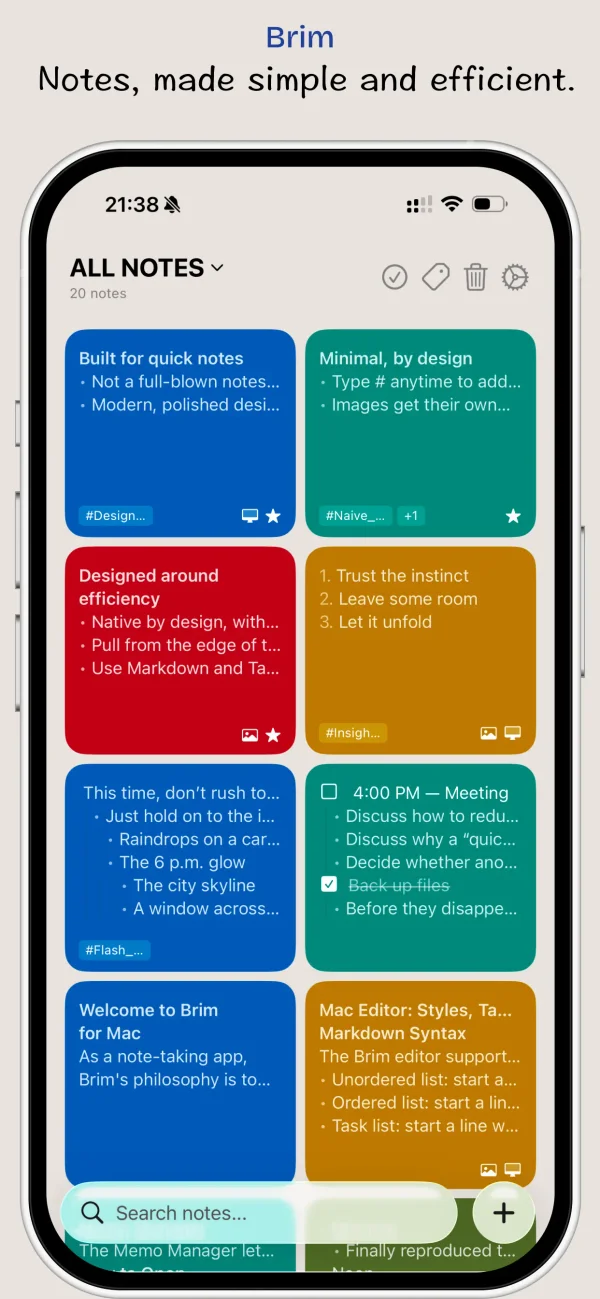
Brim is an app designed to do one thing well: notes.
Write down an idea the moment it appears, then find it easily when you need it. No more losing thoughts while opening an app. No complex note structures—everything is connected through your content and tags.
On iPhone, create a note instantly from Control Center or capture what’s in front of you with a photo. Keep ideas, tasks, links, and images within reach.
Capture Quickly, Stay in the Moment
Create a new note instantly from Control Center
Create notes with photos to save what you see and what it inspires
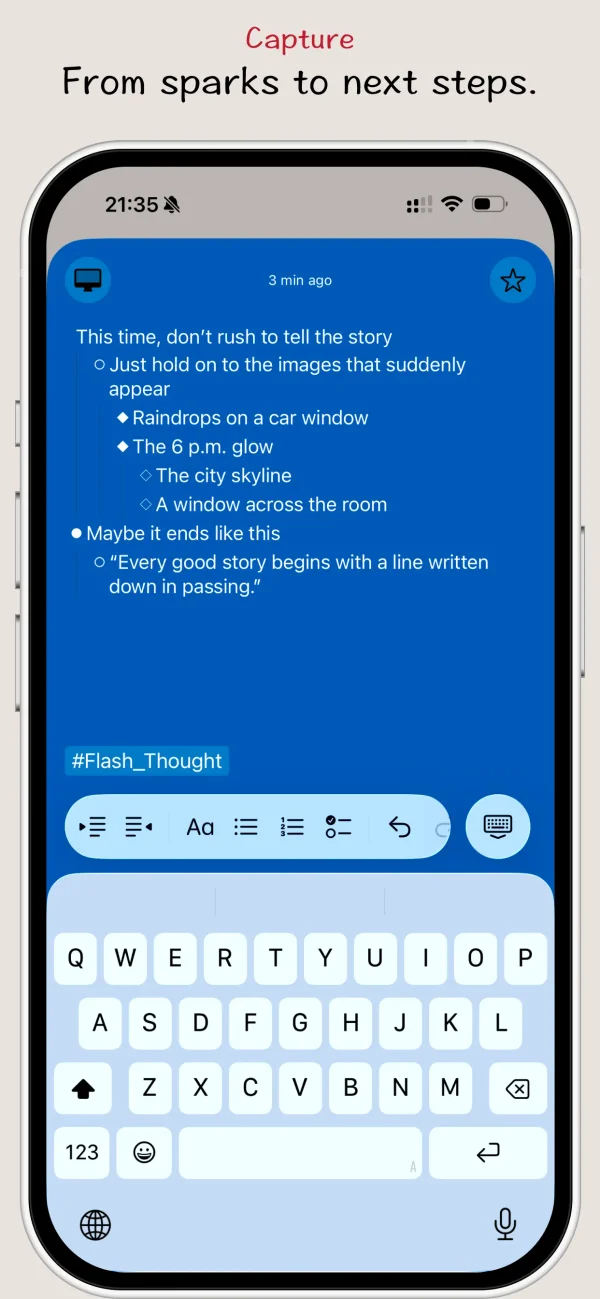
A smooth native editing experience that lets you capture thoughts right away
Write Clearly, See at a Glance
Use the editing action bar to quickly add bulleted lists, numbered lists, and checklists, along with bold, underline, highlight, and strikethrough styles
Support for up to 6 levels of indentation
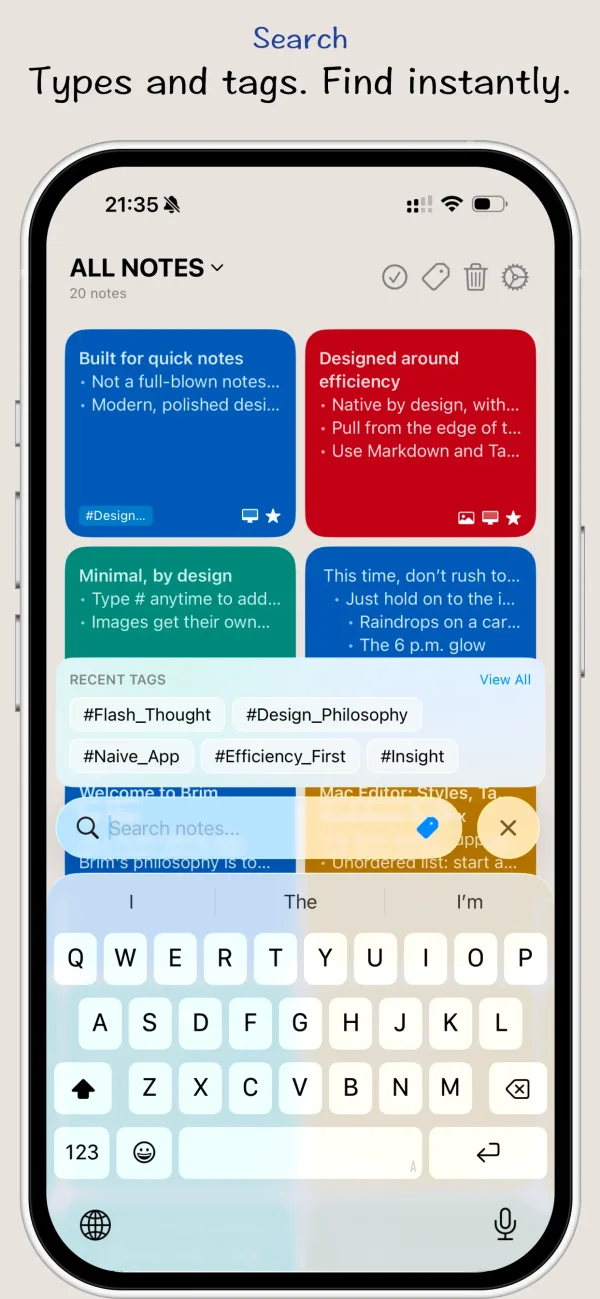
Add and manage #tags quickly in a dedicated tag panel
Add images to your notes
Stay Organized, Find Anything
Find what you need with favorites, tags, search, and filters
Browse notes by All, Favorites, Links, or Images
Deleted notes stay in the Trash for 3 days, so accidental deletions can be restored
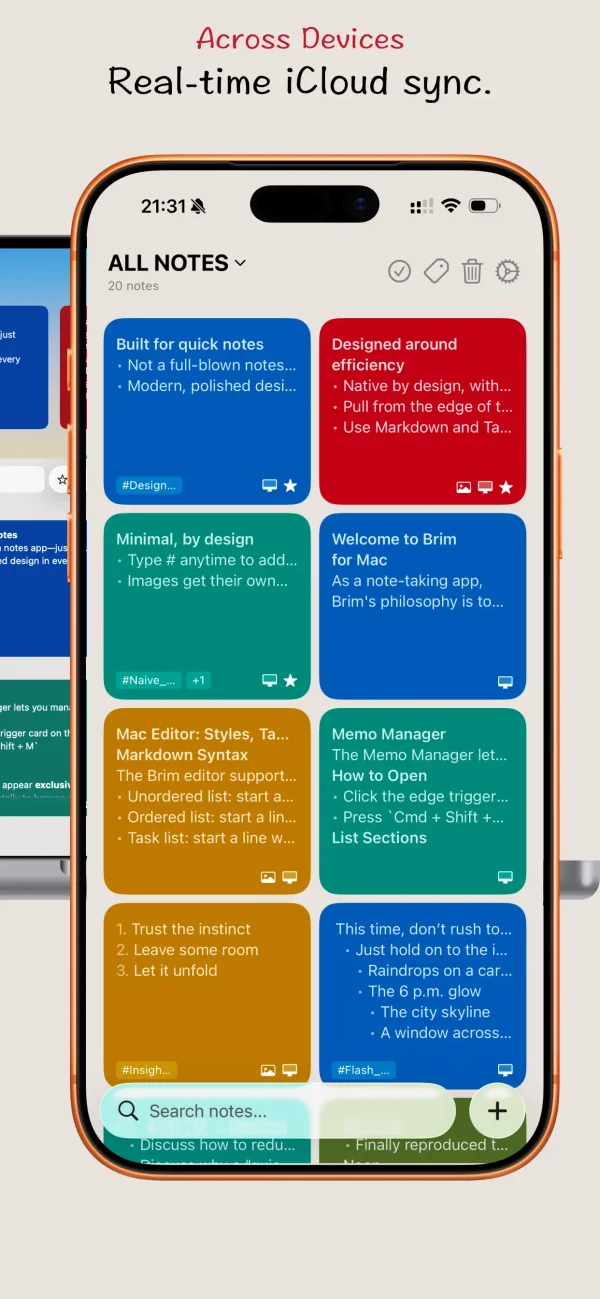
Move Seamlessly Across Your Apple Devices
Send notes to your Mac desktop
Brim Pro supports iCloud sync across your Apple devices
Brim Basic includes up to 4 notes, 4 tags, and 3 image attachments for free.
Brim Pro unlocks unlimited notes, tags, and image attachments, plus iCloud sync across devices. Choose from monthly or annual subscriptions (including a 7-day free trial for eligible users, as shown on the App Store), or make a one-time lifetime purchase. Prices, trial eligibility, and purchase terms are shown on the App Store and in the app.
Terms of Use (EULA):
https://www.apple.com/legal/internet-services/itunes/dev/stdeula/
Novedades
Versión v1.2.1 · 7/11/2026
A second paper for all five note colors: Note Color Style is now available.
• Settings > Appearance adds Note Color Style. Changes apply immediately and the choice is saved on this device.
• Mineral gives all five note colors a light mineral-paper surface with dark text, even when the app uses a dark appearance.
• Brim remains the default, so existing notes look the same. Switching doesn't change note colors, content, or sync.
• Fixed the close button height not matching the bottom toolbar in note details.
Privacidad de la aplicación
Lo que 钰林 周 declara en App Store sobre cómo esta aplicación gestiona los datos.
-
No se recopilan datos
El desarrollador no recopila ningún dato de esta aplicación.
Las prácticas de privacidad pueden variar, por ejemplo, según las funciones que uses o tu edad.
Información
- Vendedor
- 钰林 周
- Categoría
- Productividad
- Versión
- v1.2.1
- Actualizado
- 7/11/2026
- Publicado
- 1/9/2026
- Tamaño
- 13,7 MB
- Requiere
- iOS 18.0 o posterior
- Clasificación por edad
- 4+
- Compras en la aplicación
- Sí
- Idiomas
- Inglés, Chino simplificado
- Copyright
- © 2026 Zhou Yulin
Quizá también te guste
-
 Todo Line: To Do List ReminderProductividad
-
 StickyCue: Lock Screen CuesProductividad
-
 DewmoroDrop by drop, day by day.
-
 纸笺-手写笔记便签Productividad
-
 Floe Agent: AI WorkspaceProductividad
-
 DOO Daily PlannerProductividad
-
 Diple - Markdown NotesProductividad
-
 Brim - Calculadora de comprasLista del súper y presupuesto
-
 Codex UsageProductividad