- 対象年齢4+
- カテゴリ仕事効率化
- 開発元钰林 周
- 言語英語ほか1言語
- サイズ13.7 MB
App Storeの公式ページにリンクしています
Download.orgはBrim Memoのファイルを一切ホストしていません。ボタンを押すと、钰林 周が公開しているApp Storeのアプリページが開きます。ページの最終確認:2026/11/18。
スクリーンショット
概要
開発元はこのテキストをお使いの言語で提供していません。
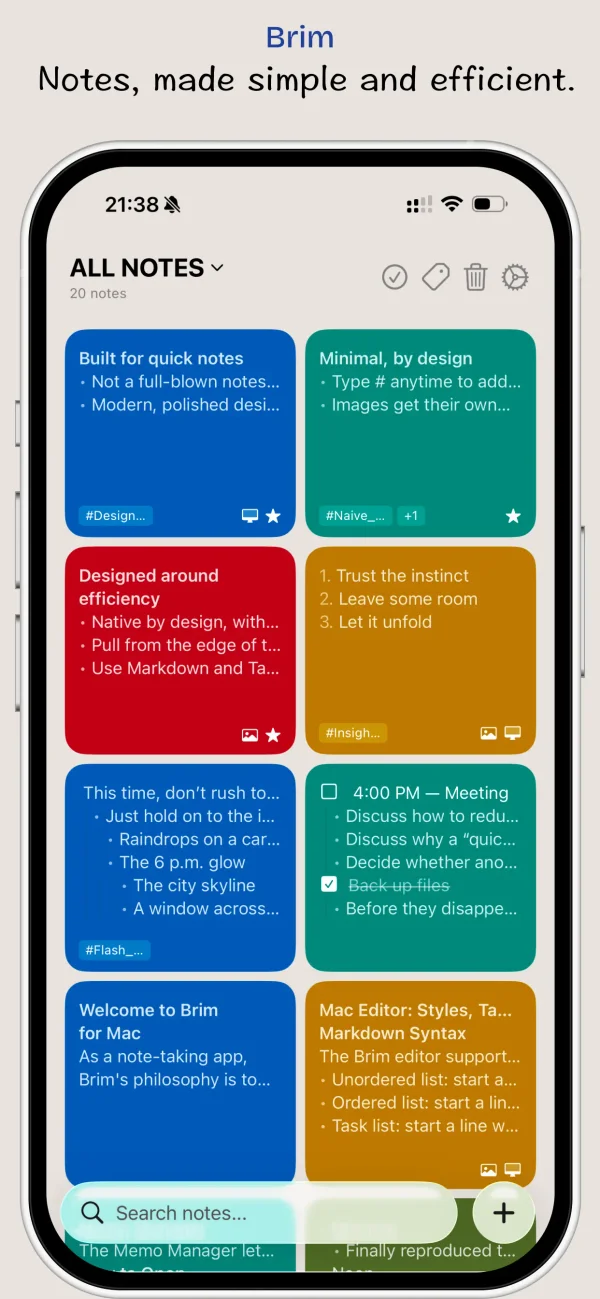
Brim is an app designed to do one thing well: notes.
Write down an idea the moment it appears, then find it easily when you need it. No more losing thoughts while opening an app. No complex note structures—everything is connected through your content and tags.
On iPhone, create a note instantly from Control Center or capture what’s in front of you with a photo. Keep ideas, tasks, links, and images within reach.
Capture Quickly, Stay in the Moment
Create a new note instantly from Control Center
Create notes with photos to save what you see and what it inspires
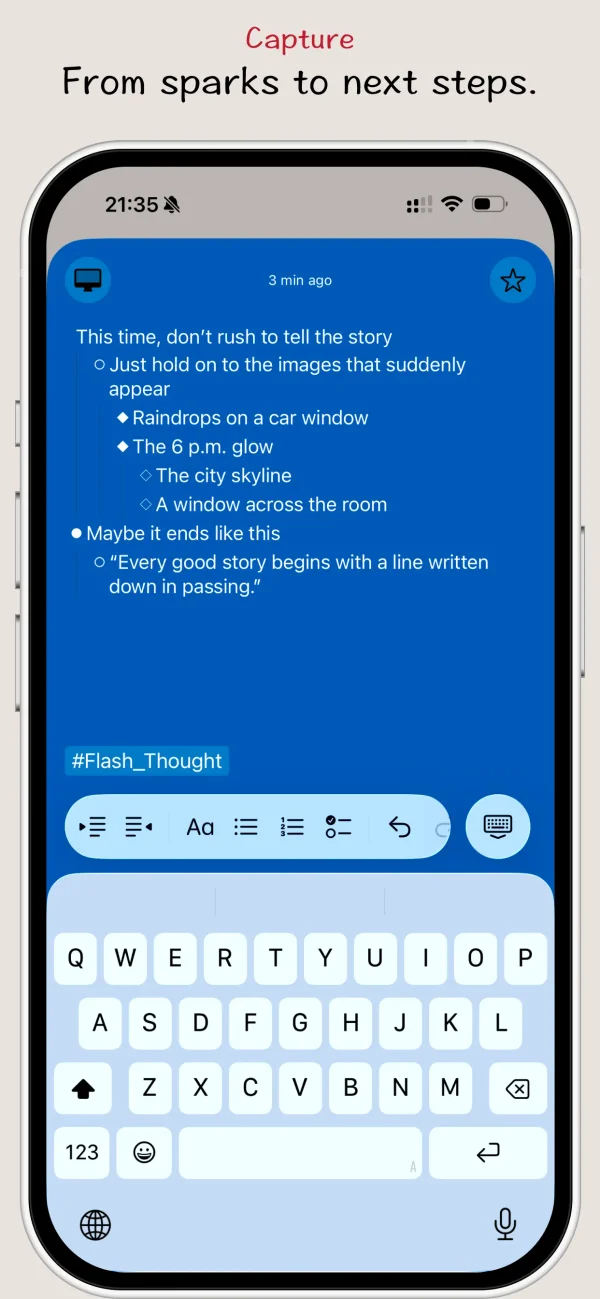
A smooth native editing experience that lets you capture thoughts right away
Write Clearly, See at a Glance
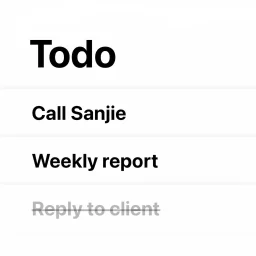
Use the editing action bar to quickly add bulleted lists, numbered lists, and checklists, along with bold, underline, highlight, and strikethrough styles
Support for up to 6 levels of indentation
Add and manage #tags quickly in a dedicated tag panel
Add images to your notes
Stay Organized, Find Anything
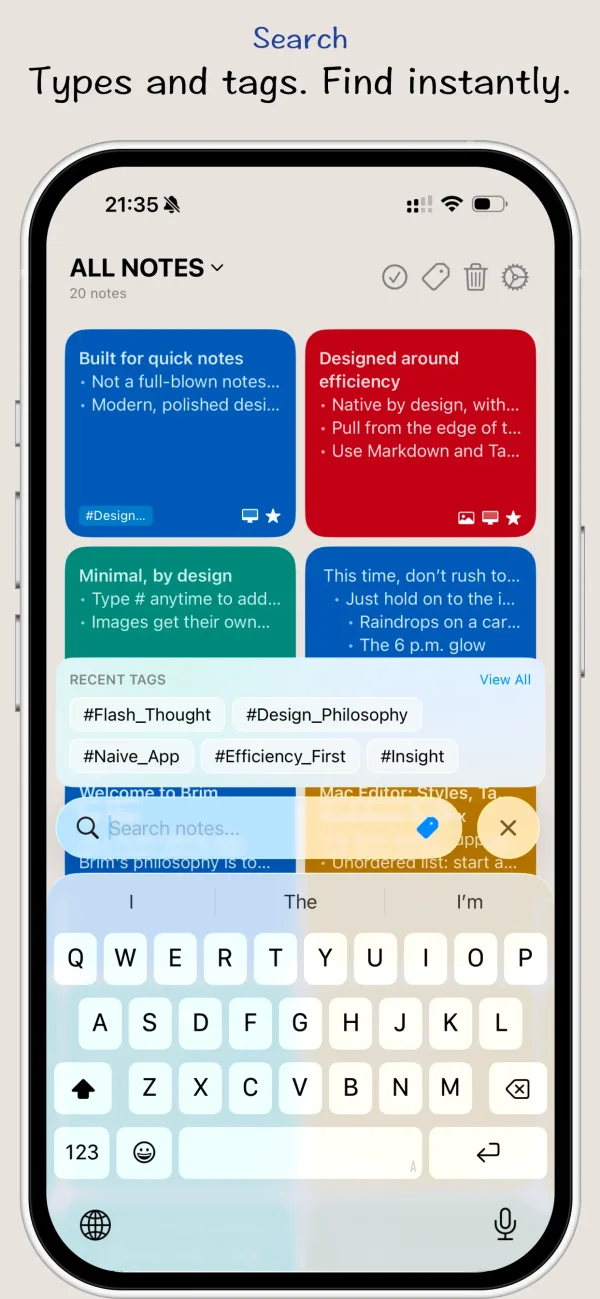
Find what you need with favorites, tags, search, and filters
Browse notes by All, Favorites, Links, or Images
Deleted notes stay in the Trash for 3 days, so accidental deletions can be restored
Move Seamlessly Across Your Apple Devices
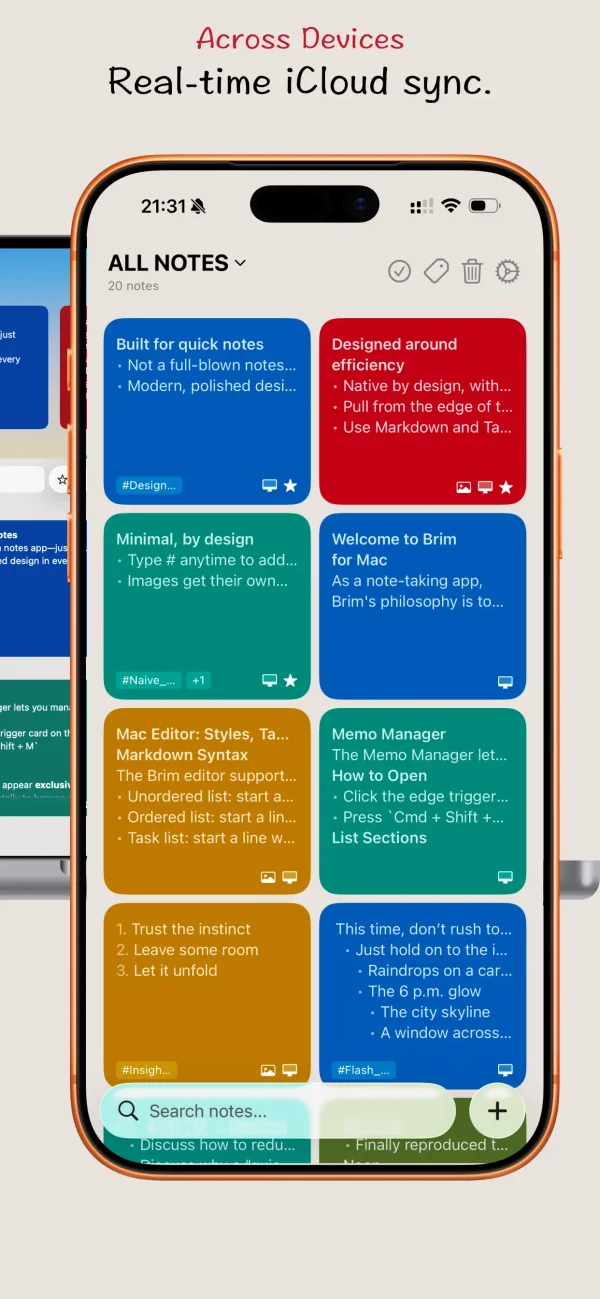
Send notes to your Mac desktop
Brim Pro supports iCloud sync across your Apple devices
Brim Basic includes up to 4 notes, 4 tags, and 3 image attachments for free.
Brim Pro unlocks unlimited notes, tags, and image attachments, plus iCloud sync across devices. Choose from monthly or annual subscriptions (including a 7-day free trial for eligible users, as shown on the App Store), or make a one-time lifetime purchase. Prices, trial eligibility, and purchase terms are shown on the App Store and in the app.
Terms of Use (EULA):
https://www.apple.com/legal/internet-services/itunes/dev/stdeula/
新機能
バージョン v1.2.1 · 2026/11/7
A second paper for all five note colors: Note Color Style is now available.
• Settings > Appearance adds Note Color Style. Changes apply immediately and the choice is saved on this device.
• Mineral gives all five note colors a light mineral-paper surface with dark text, even when the app uses a dark appearance.
• Brim remains the default, so existing notes look the same. Switching doesn't change note colors, content, or sync.
• Fixed the close button height not matching the bottom toolbar in note details.
アプリのプライバシー
このアプリのデータの取り扱いについて、钰林 周がApp Storeで申告している内容です。
-
データの収集なし
開発元はこのアプリからデータを収集しません。
プライバシーの取り扱いは、ご利用の機能やお客様の年齢などに応じて異なる場合があります。
情報
- 販売元
- 钰林 周
- カテゴリ
- 仕事効率化
- バージョン
- v1.2.1
- 更新日
- 2026/11/7
- リリース
- 2026/9/1
- サイズ
- 13.7 MB
- 必要条件
- iOS 18.0以降
- 対象年齢
- 4+
- 価格
- 無料
- アプリ内課金
- あり
- 言語
- 英語, 簡体字中国語
- 著作権
- © 2026 Zhou Yulin