
- Clasificación por edad4+
- DesarrolladorAman Kumar
- IdiomasInglés
- Tamaño11,4 MB
Enlaza a la página oficial de App Store
Download.org no aloja ningún archivo de Bunny Easter Eggs. El botón abre la página de la aplicación en App Store, donde la publica Aman Kumar. Ficha comprobada por última vez el 20/11/2026.
Capturas de pantalla
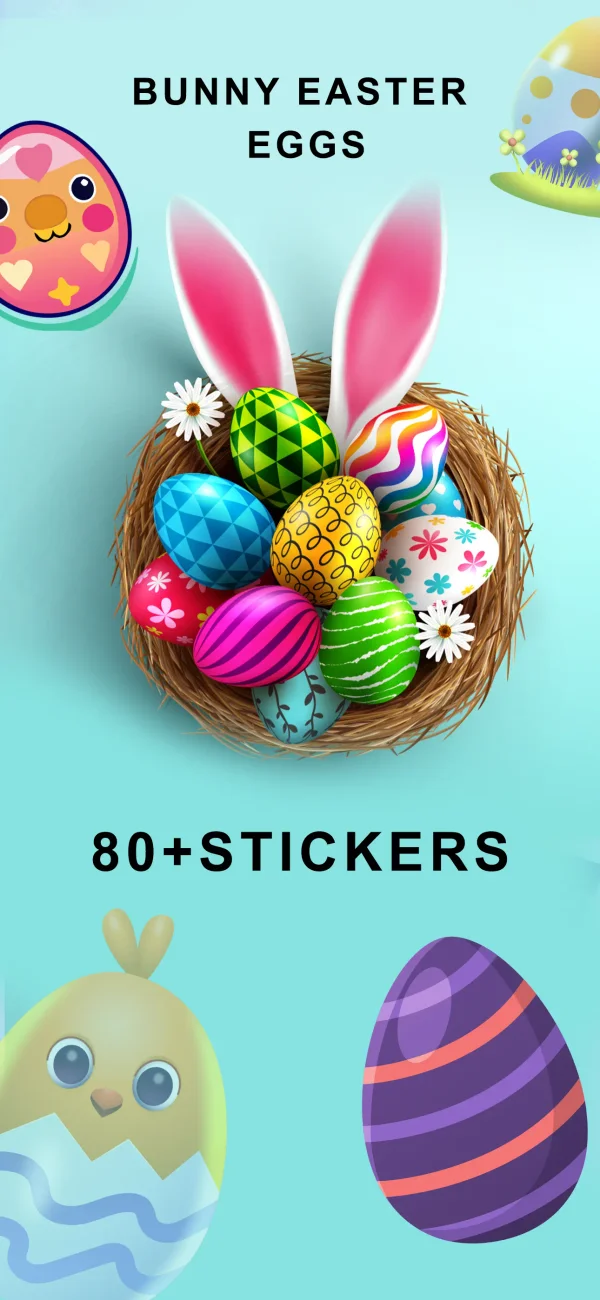
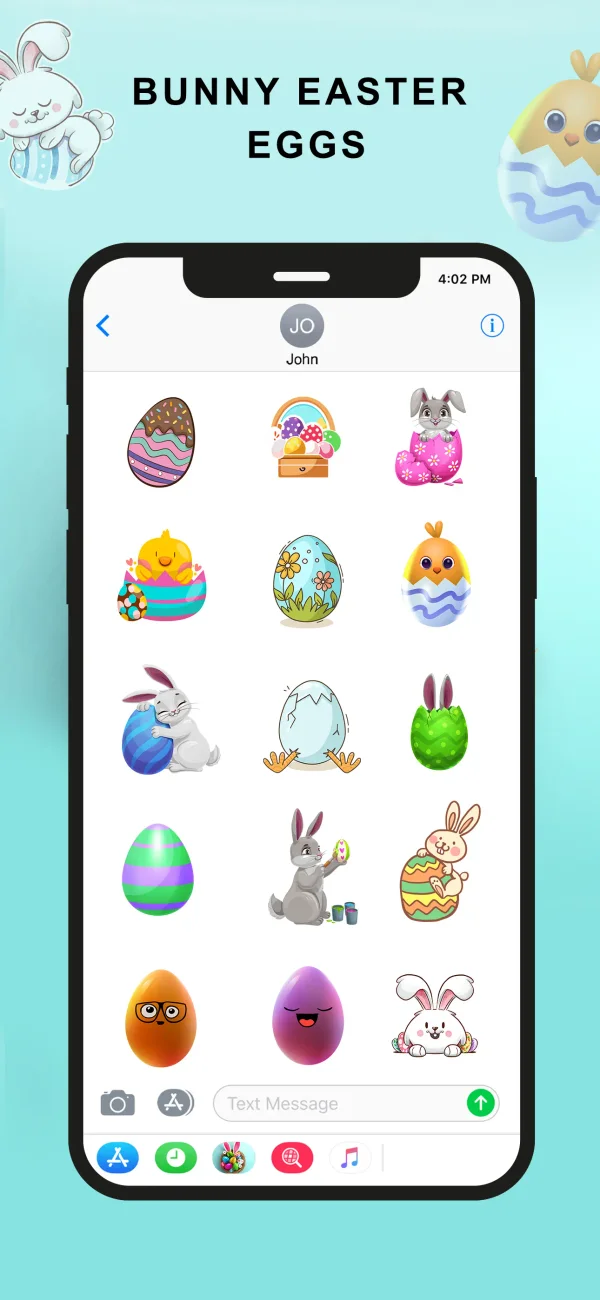
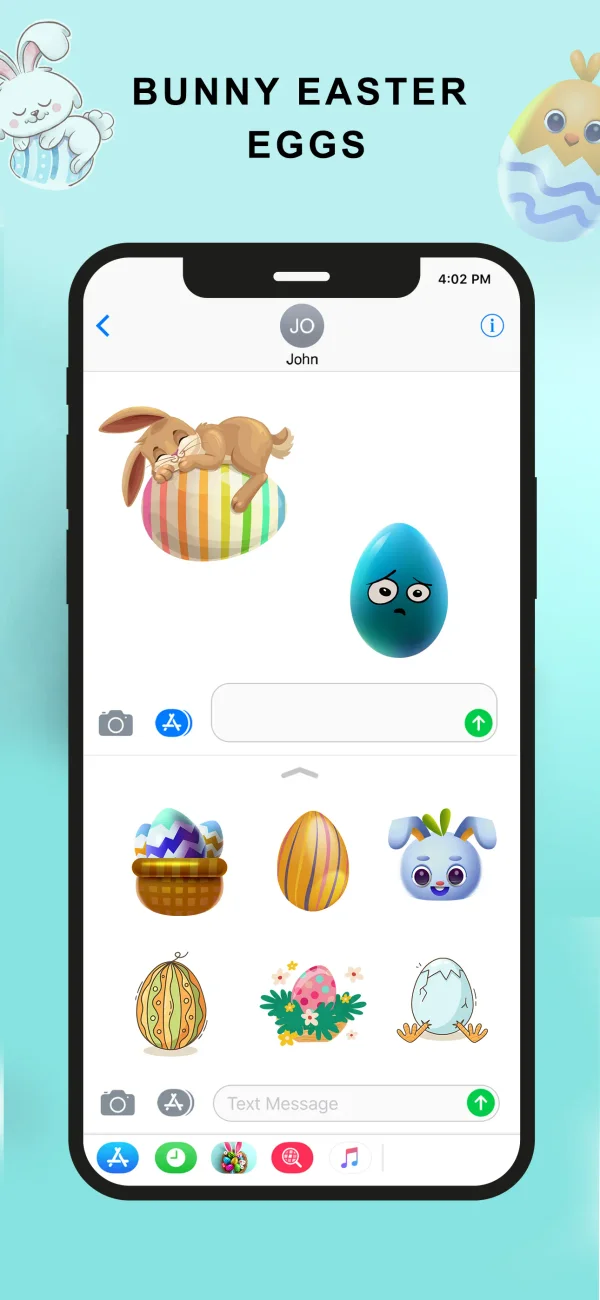

Acerca de
El desarrollador no ha proporcionado este texto en tu idioma.
Bunny Easter Eggs stickers for iMessage.Send your these stickers your friends and family.Bunny Easter Eggs cover a wide range of everyday activities.
Make your conversations more fun and expressive! Send creative stickers to friends and family directly inside iMessage.
How to Download and Install:
1. Open the Messages app on your iPhone.
2. Open any conversation or start a new message.
3. Tap the + button next to the message field to open the iMessage app drawer.
4. Tap Store.
5. Find the sticker pack you want.
6. Tap Get to download.
Once installed, the sticker app will automatically appear in your iMessage app drawer and is ready to use.
In Case of Already Installed:
- If the sticker app is already installed on your device, it will automatically appear in your iMessage app drawer.
- Tap the + button and select Stickers to view it.
- If needed, tap Edit to reorder or manage its position. No additional setup is required after installation.
How to Reorder Sticker Apps:
- On the Manage Sticker Apps screen, press and hold the three-line icon next to any app.
- Drag it up or down to change its position.
- Apps at the top appear first in the iMessage sticker drawer.
- Tap Done to save.
Remove Unwanted Sticker Apps:
-While in Edit mode, remove unwanted sticker apps from the list.
-This will hide them from your iMessage sticker drawer.
-After organizing your apps, tap Done to save your changes.
How to Send Stickers:
-Tap any sticker to instantly send it in your conversation.
-Touch and hold a sticker to drag and drop it onto a message bubble or photo.
-You can send stickers alone or combine them with text and emojis.
-Stickers can be placed anywhere in the chat to create fun reactions.
Novedades
Versión 1.3 · 14/8/2026
-Added and revised sticker pack.
-Improvements and stability fixes.
Privacidad de la aplicación
Lo que Aman Kumar declara en App Store sobre cómo esta aplicación gestiona los datos.
-
No se recopilan datos
El desarrollador no recopila ningún dato de esta aplicación.
Las prácticas de privacidad pueden variar, por ejemplo, según las funciones que uses o tu edad.
Información
- Vendedor
- Aman Kumar
- Versión
- 1.3
- Actualizado
- 14/8/2026
- Publicado
- 4/1/2018
- Tamaño
- 11,4 MB
- Requiere
- iOS 15.6 o posterior
- Clasificación por edad
- 4+
- Precio
- 0,99 €
- Idiomas
- Inglés
- Copyright
- © All right reserved
Quizá también te guste
-
 Happy Easter Stickers Funbobo pei
-
 USA Stickers • Patriotic PackNurlan Ispayev
-
 Cute Funny Cow StrickersBalveer Singh
-
 Cute Cat Stickers & EmojiYeon Tai Ang
-
 Cats Stickers °bobo pei
-
 Adhesivos lindo de Halloweenkazuya fujinami
-
 Gray toy poodle LOVEStickers
-
 Grateful Heart ThanksgivingYenty Jap
-
 Adornos De Navidad¡Decora para las fiestas!
-
 Cute otter - StickerLei Zhu