
- 対象年齢4+
- 開発元Aman Kumar
- 言語英語
- サイズ11.4 MB
App Storeの公式ページにリンクしています
Download.orgはBunny Easter Eggsのファイルを一切ホストしていません。ボタンを押すと、Aman Kumarが公開しているApp Storeのアプリページが開きます。ページの最終確認:2026/11/20。
スクリーンショット

概要
開発元はこのテキストをお使いの言語で提供していません。
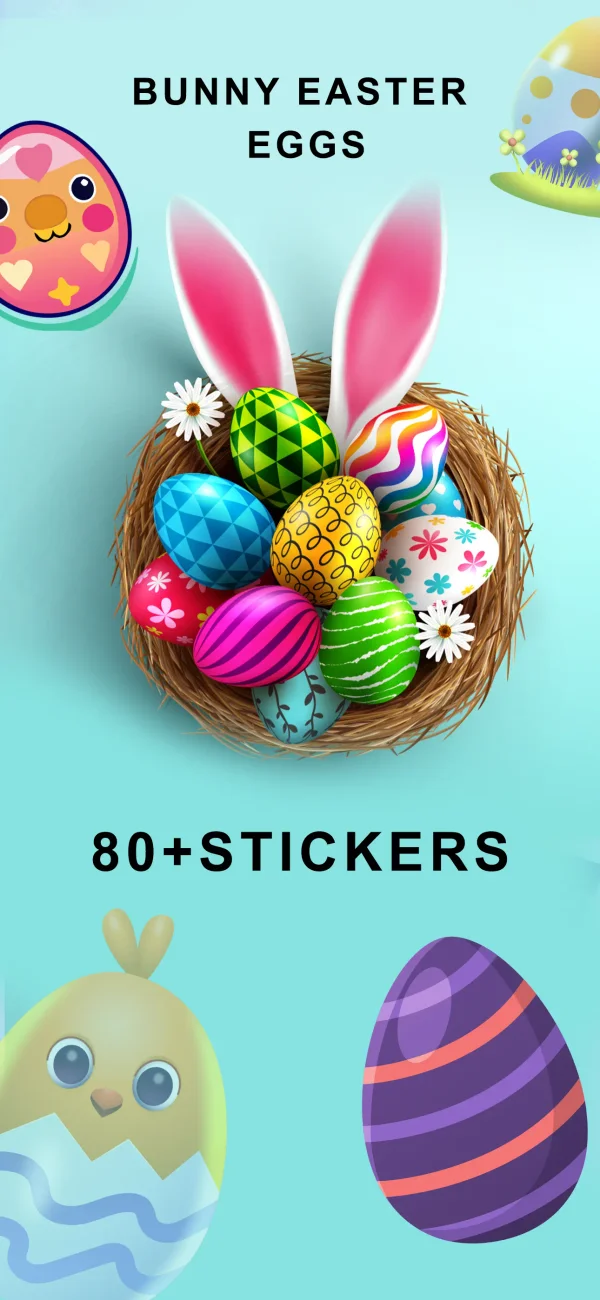
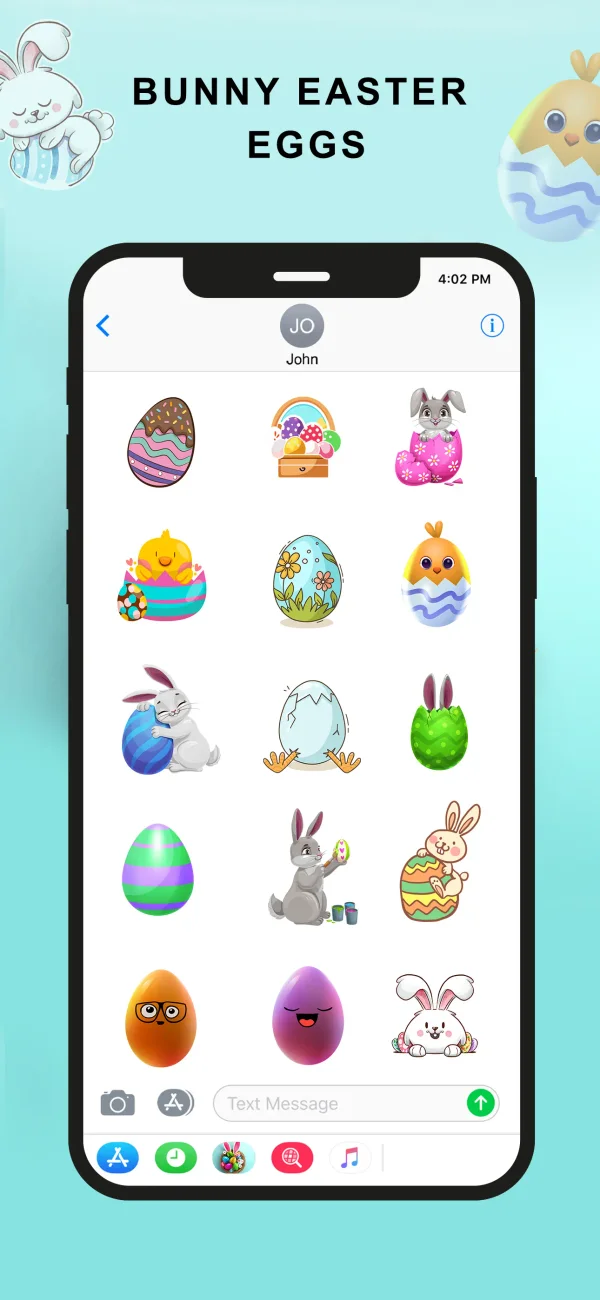
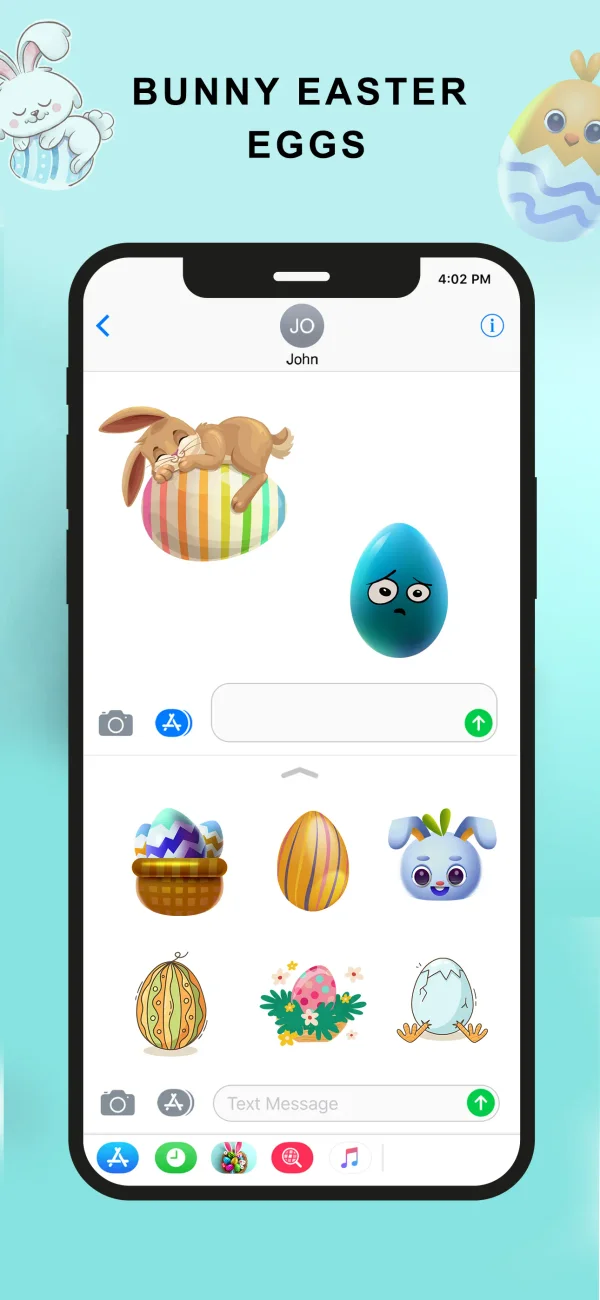
Bunny Easter Eggs stickers for iMessage.Send your these stickers your friends and family.Bunny Easter Eggs cover a wide range of everyday activities.
Make your conversations more fun and expressive! Send creative stickers to friends and family directly inside iMessage.
How to Download and Install:
1. Open the Messages app on your iPhone.
2. Open any conversation or start a new message.
3. Tap the + button next to the message field to open the iMessage app drawer.
4. Tap Store.
5. Find the sticker pack you want.
6. Tap Get to download.
Once installed, the sticker app will automatically appear in your iMessage app drawer and is ready to use.
In Case of Already Installed:
- If the sticker app is already installed on your device, it will automatically appear in your iMessage app drawer.
- Tap the + button and select Stickers to view it.
- If needed, tap Edit to reorder or manage its position. No additional setup is required after installation.
How to Reorder Sticker Apps:
- On the Manage Sticker Apps screen, press and hold the three-line icon next to any app.
- Drag it up or down to change its position.
- Apps at the top appear first in the iMessage sticker drawer.
- Tap Done to save.
Remove Unwanted Sticker Apps:
-While in Edit mode, remove unwanted sticker apps from the list.
-This will hide them from your iMessage sticker drawer.
-After organizing your apps, tap Done to save your changes.
How to Send Stickers:
-Tap any sticker to instantly send it in your conversation.
-Touch and hold a sticker to drag and drop it onto a message bubble or photo.
-You can send stickers alone or combine them with text and emojis.
-Stickers can be placed anywhere in the chat to create fun reactions.
新機能
バージョン 1.3 · 2026/8/14
-Added and revised sticker pack.
-Improvements and stability fixes.
アプリのプライバシー
このアプリのデータの取り扱いについて、Aman KumarがApp Storeで申告している内容です。
-
データの収集なし
開発元はこのアプリからデータを収集しません。
プライバシーの取り扱いは、ご利用の機能やお客様の年齢などに応じて異なる場合があります。
情報
- 販売元
- Aman Kumar
- バージョン
- 1.3
- 更新日
- 2026/8/14
- リリース
- 2018/1/4
- サイズ
- 11.4 MB
- 必要条件
- iOS 15.6以降
- 対象年齢
- 4+
- 価格
- ¥150
- 言語
- 英語
- 著作権
- © All right reserved
こちらもおすすめ
-
 Happy Easter Stickers Funbobo pei
-
 USA Stickers • Patriotic PackNurlan Ispayev
-
 Cute Funny Cow StrickersBalveer Singh
-
 Cute Cat Stickers & EmojiYeon Tai Ang
-
 Cats Stickers °bobo pei
-
 ハロウィーン可愛いステッカーkazuya fujinami
-
 Gray toy poodle LOVEステッカー
-
 Grateful Heart ThanksgivingYenty Jap
-
 クリスマスオーナメントステッカー祝日のために飾る!
-
 Cute otter - StickerLei Zhu