
- Yaş sınırı4+
- GeliştiriciAman Kumar
- Dillerİngilizce
- Boyut11,4 MB
Resmi App Store sayfasına bağlanır
Download.org, Bunny Easter Eggs için hiçbir dosya barındırmaz. Düğme, uygulamanın App Store üzerindeki sayfasını açar; uygulamayı orada Aman Kumar yayınlar. Sayfanın son kontrolü: 20.11.2026.
Ekran görüntüleri

Hakkında
Geliştirici bu metni dilinizde sunmamış.
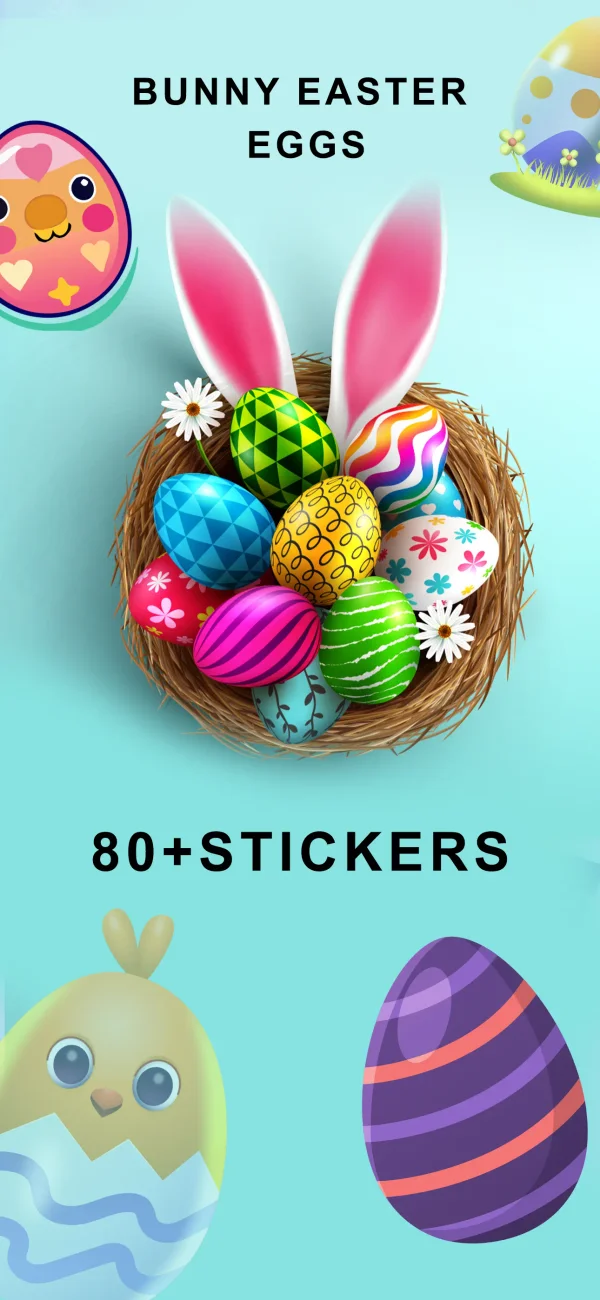
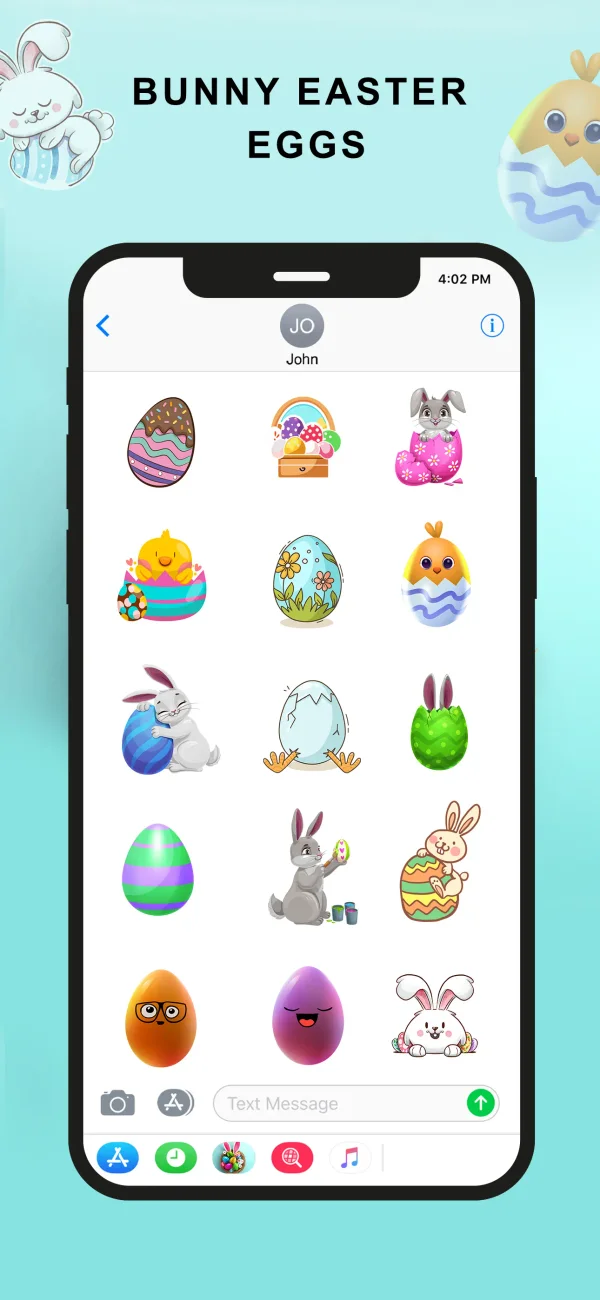
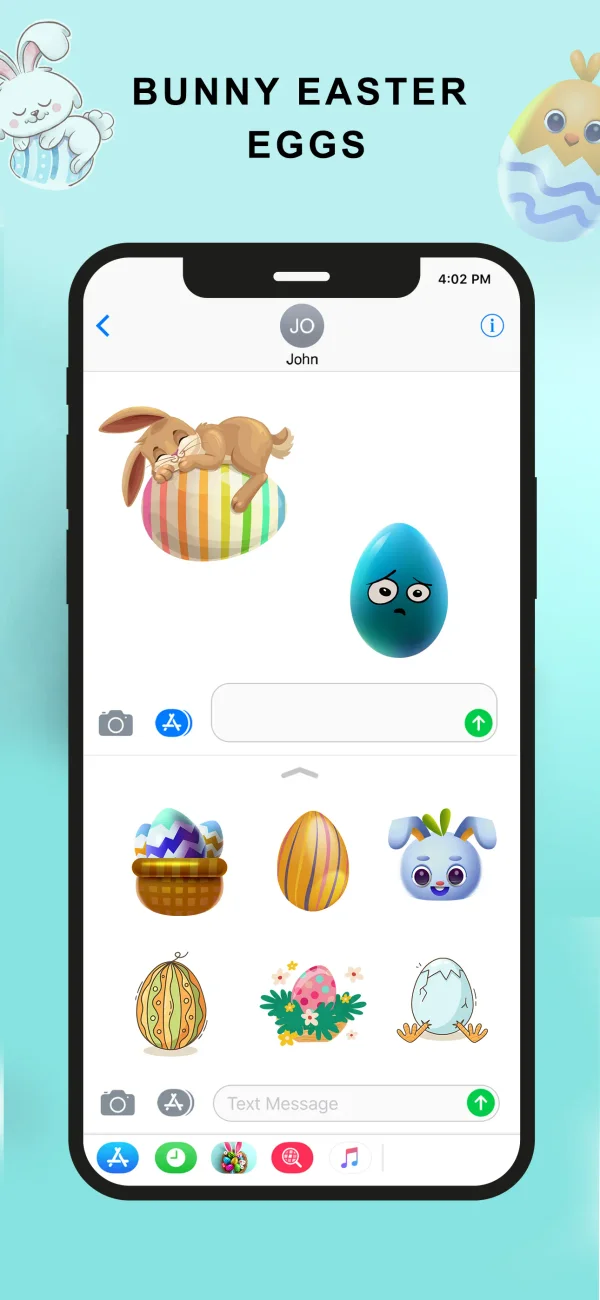
Bunny Easter Eggs stickers for iMessage.Send your these stickers your friends and family.Bunny Easter Eggs cover a wide range of everyday activities.
Make your conversations more fun and expressive! Send creative stickers to friends and family directly inside iMessage.
How to Download and Install:
1. Open the Messages app on your iPhone.
2. Open any conversation or start a new message.
3. Tap the + button next to the message field to open the iMessage app drawer.
4. Tap Store.
5. Find the sticker pack you want.
6. Tap Get to download.
Once installed, the sticker app will automatically appear in your iMessage app drawer and is ready to use.
In Case of Already Installed:
- If the sticker app is already installed on your device, it will automatically appear in your iMessage app drawer.
- Tap the + button and select Stickers to view it.
- If needed, tap Edit to reorder or manage its position. No additional setup is required after installation.
How to Reorder Sticker Apps:
- On the Manage Sticker Apps screen, press and hold the three-line icon next to any app.
- Drag it up or down to change its position.
- Apps at the top appear first in the iMessage sticker drawer.
- Tap Done to save.
Remove Unwanted Sticker Apps:
-While in Edit mode, remove unwanted sticker apps from the list.
-This will hide them from your iMessage sticker drawer.
-After organizing your apps, tap Done to save your changes.
How to Send Stickers:
-Tap any sticker to instantly send it in your conversation.
-Touch and hold a sticker to drag and drop it onto a message bubble or photo.
-You can send stickers alone or combine them with text and emojis.
-Stickers can be placed anywhere in the chat to create fun reactions.
Yenilikler
Sürüm 1.3 · 14.08.2026
-Added and revised sticker pack.
-Improvements and stability fixes.
Uygulama gizliliği
Bu uygulamanın verileri nasıl işlediği hakkında Aman Kumar tarafından App Store üzerinde yapılan beyan.
-
Veri toplanmıyor
Geliştirici bu uygulamadan hiçbir veri toplamıyor.
Gizlilik uygulamaları, örneğin kullandığınız özelliklere veya yaşınıza göre değişiklik gösterebilir.
Bilgiler
- Satıcı
- Aman Kumar
- Sürüm
- 1.3
- Güncellendi
- 14.08.2026
- Yayın tarihi
- 04.01.2018
- Boyut
- 11,4 MB
- Gereksinim
- iOS 15.6 veya sonrası
- Yaş sınırı
- 4+
- Fiyat
- ₺49,99
- Diller
- İngilizce
- Telif hakkı
- © All right reserved
Bunları da beğenebilirsiniz
-
 Happy Easter Stickers Funbobo pei
-
 USA Stickers • Patriotic PackNurlan Ispayev
-
 Cute Funny Cow StrickersBalveer Singh
-
 Cute Cat Stickers & EmojiYeon Tai Ang
-
 Cats Stickers °bobo pei
-
 Şirin Cadılar Bayramıkazuya fujinami
-
 Gray toy poodle LOVEÇıkartmalar
-
 Grateful Heart ThanksgivingYenty Jap
-
 Christmas Ornaments StickersWinkpass Creations, Inc.
-
 Cute otter - StickerLei Zhu