CC Pocket: Code Anywhere
Codex, Claude & Antigravity
Diseñada para iPhone, iPad, iPod touch
Gratis · Compras en la aplicación
- Clasificación por edad4+
- CategoríaPara desarrolladores
- DesarrolladorKota Hayashi
- IdiomasInglés+ 3 más
- Tamaño107,7 MB
Enlaza a la página oficial de App Store
Download.org no aloja ningún archivo de CC Pocket: Code Anywhere. El botón abre la página de la aplicación en App Store, donde la publica Kota Hayashi. Ficha comprobada por última vez el 26/11/2026.
Capturas de pantalla
Acerca de
El desarrollador no ha proporcionado este texto en tu idioma.
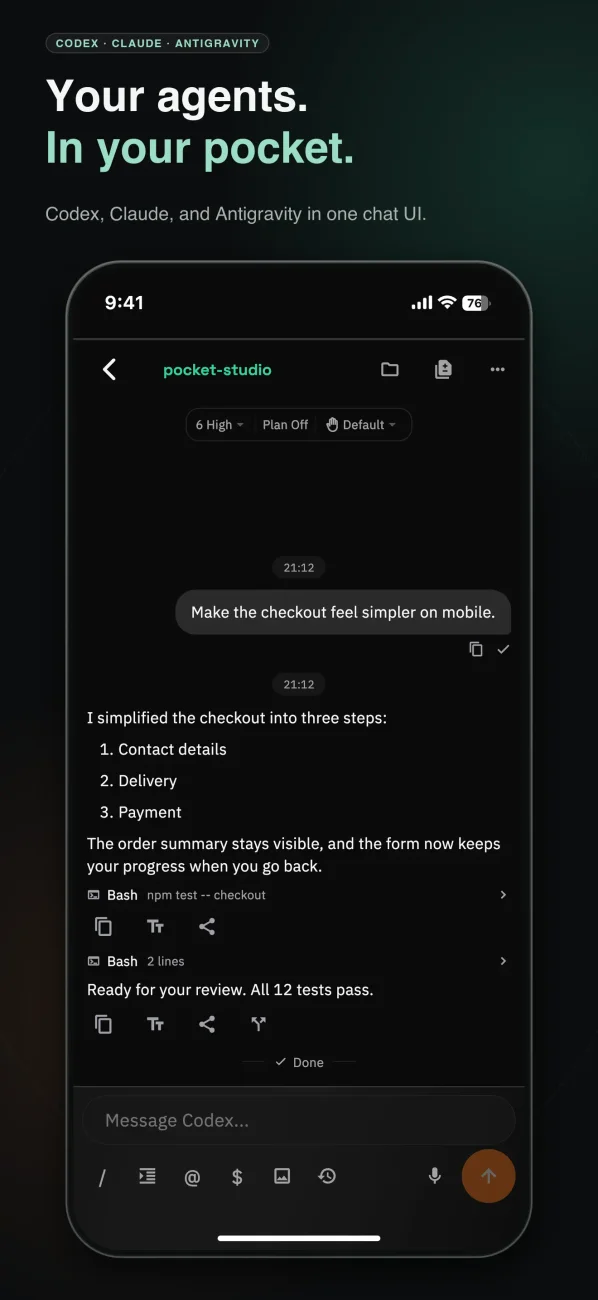
Your agents. In your pocket.
CC Pocket brings Codex, Claude, and Antigravity into one chat-first workspace built for your phone, tablet, and Mac. Your agents run on your own machine through a self-hosted Bridge Server—while you steer tasks, approve actions, review diffs, and ship changes from anywhere.
THREE AGENTS, ONE POCKET
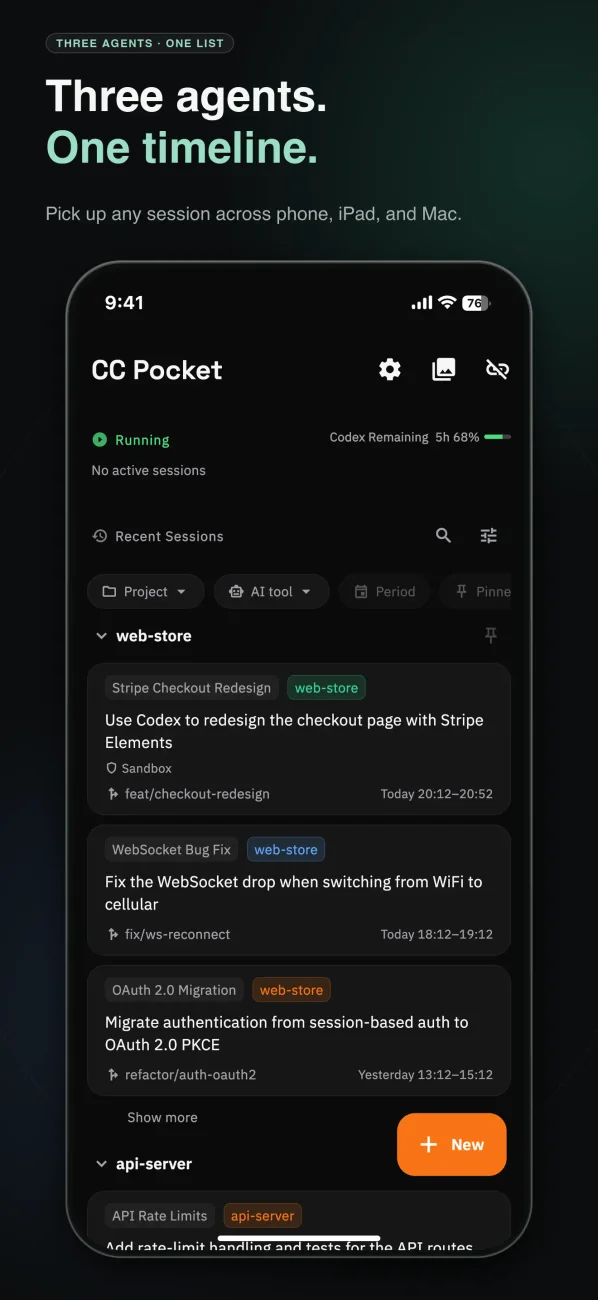
Start and resume Codex, Claude, and Antigravity sessions side by side. Switch models, thinking levels, and approval modes per session, check 5-hour/weekly plan usage and context usage at a glance, and enable only the agents you use.
CHAT-FIRST WITH LIVE ACTIVITY
Every session is a dedicated room for prompts, replies, structured questions, and plan reviews. Follow what your agent is doing in real time—thinking previews, running commands, editing files, and background task progress. Attach images or sketches, dictate with voice input, and write with Markdown completions.
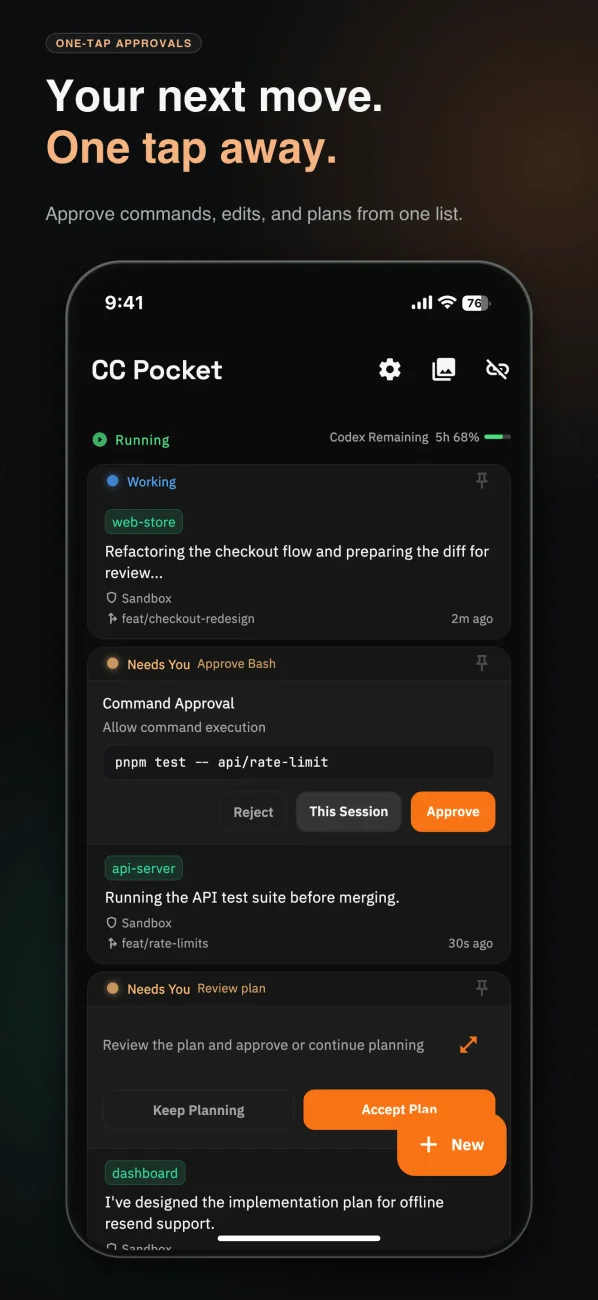
ONE-TAP APPROVALS
Handle waiting approvals across multiple running sessions from a single list. Approve commands, file edits, MCP requests, and implementation plans without switching back to your desk.
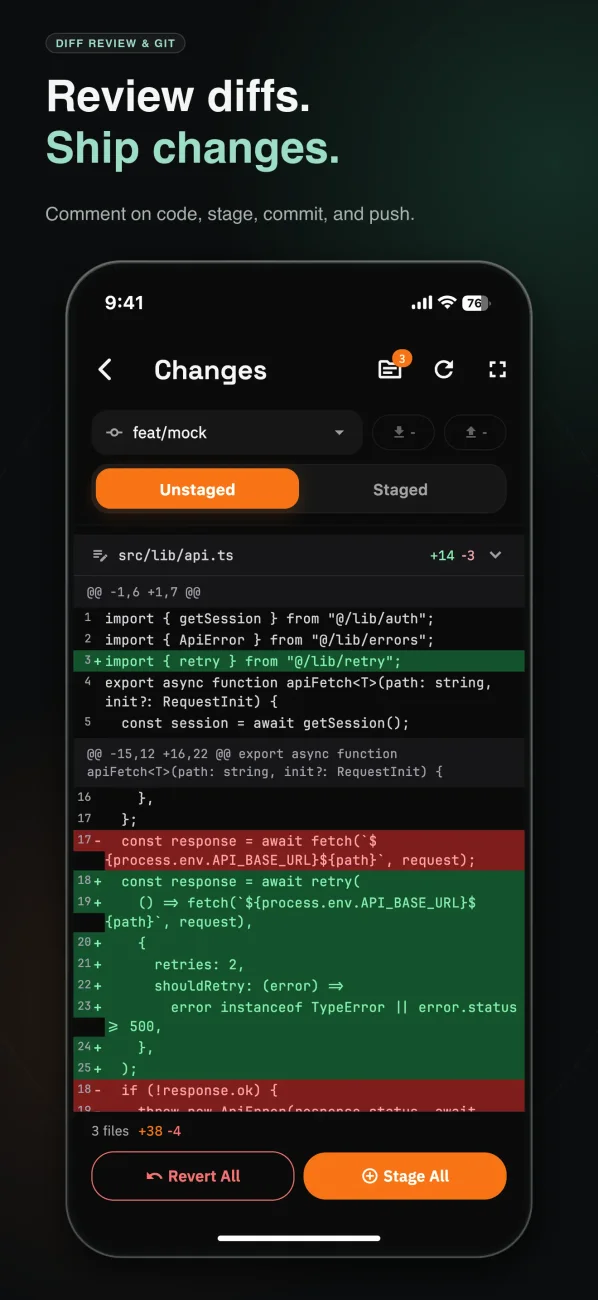
REVIEW DIFFS, GIT & GITHUB ISSUES/PRS
Explore project files and inspect syntax-highlighted code and image diffs. Comment on multiple diff lines to send focused feedback to your agent, then stage, commit, push, or revert—or isolate parallel work with git worktrees. Browse open GitHub Issues and PRs (with CI status and draft badges) and start a session straight from them.
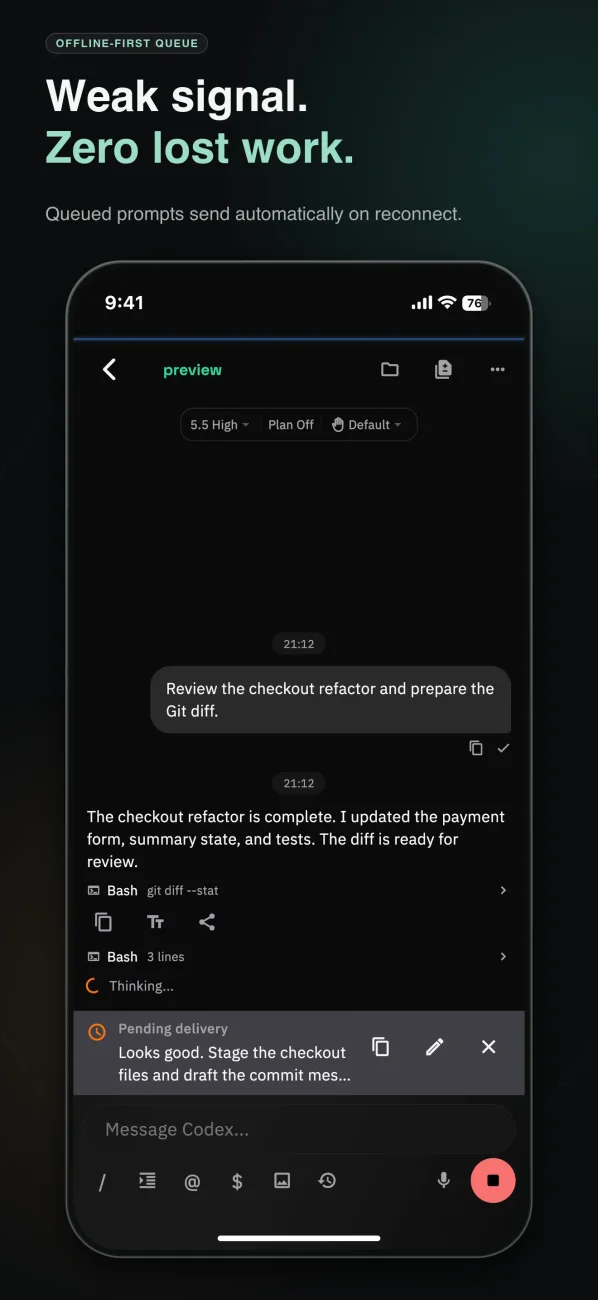
BUILT FOR MOBILE NETWORKS
Bad signal on the train or reached a usage limit? Outgoing messages wait in a queue and send automatically once you reconnect or limits reset, while missed streaming updates catch up seamlessly.
SAME WORK ON EVERY SCREEN
Move fluidly between iPhone, iPhone Duo, Android, iPad, and macOS (with experimental Linux and Windows builds). Resume sessions created in the CLI or desktop apps, and open chat, sessions, Explorer, and Git changes side by side on large screens.
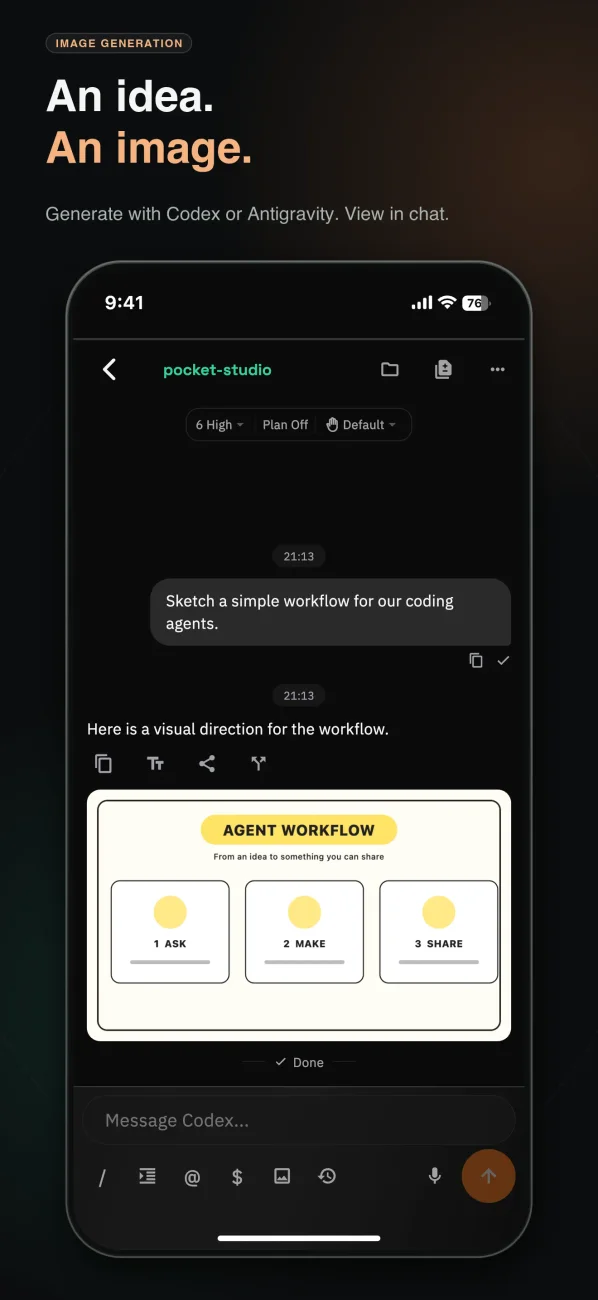
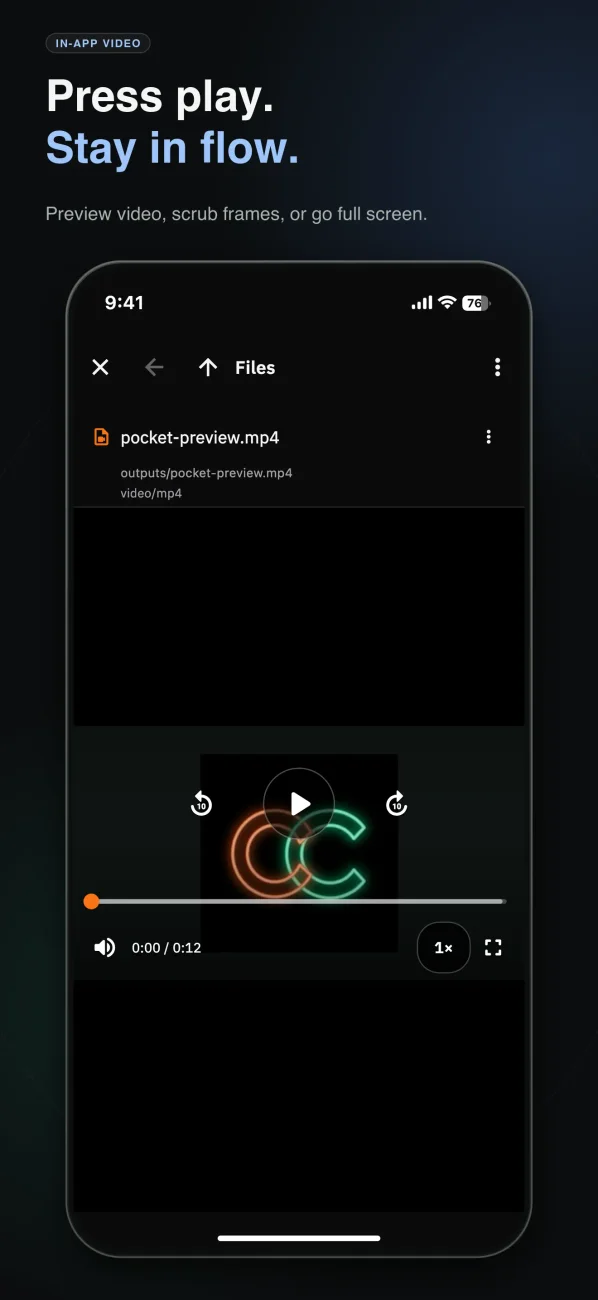
GENERATE & PREVIEW MEDIA
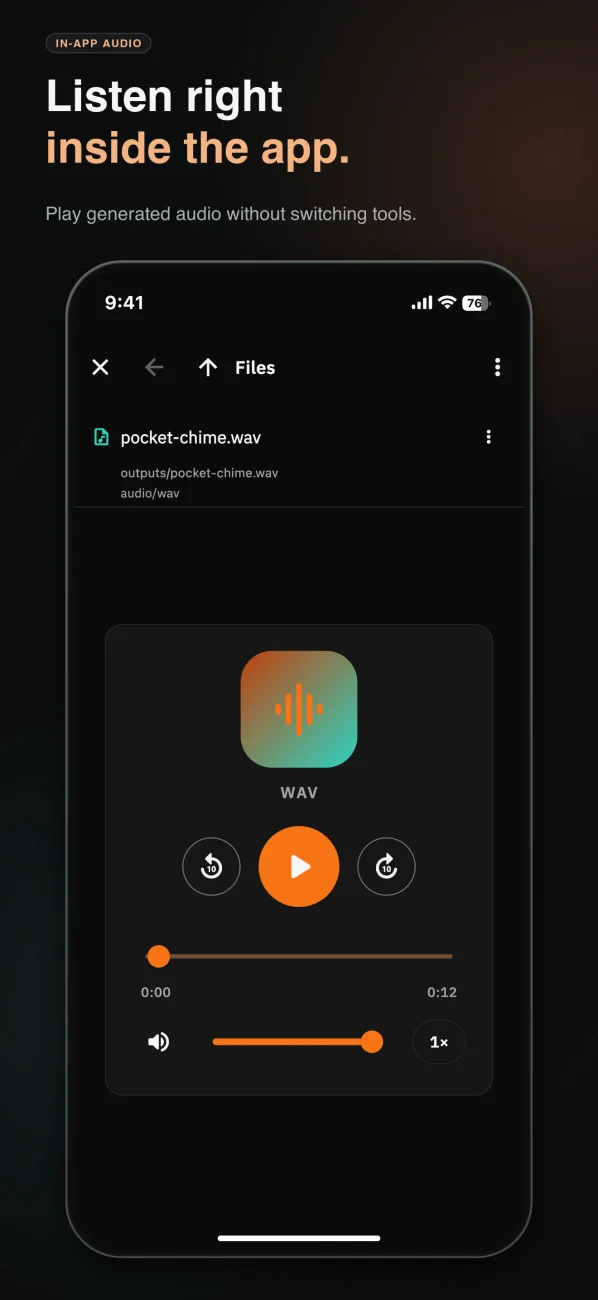
Generate images with Codex Imagegen or Antigravity and inspect them right in chat and your gallery. Preview video (MP4/MOV) and audio (WAV/MP3) files without leaving the app.
SELF-HOSTED ON YOUR MACHINES
Run the Bridge Server on Mac, Linux, or Windows. Connect by QR code or saved host, access securely away from home over Tailscale, and manage your Bridge remotely via SSH.
GET STARTED
1. Install Node.js 22.19.0+ and Codex, Claude, or Antigravity on your computer.
2. Run: npx @ccpocket/bridge@latest
3. Scan the QR code in CC Pocket and pick a project.
A reachable Bridge Server and a configured agent account are required. CC Pocket is free to use, with optional Supporter purchases. Agent service fees are separate.
CC Pocket is open source and is not affiliated with OpenAI, Anthropic, or Google.
https://github.com/K9i-0/ccpocket
TERMS OF USE
https://www.apple.com/legal/internet-services/itunes/dev/stdeula/
Novedades
Versión 1.184.1 · 25/11/2026
• UI refresh across the app: refined light and dark surfaces, a new emerald accent for Codex harmonized with Claude and Antigravity, streamlined code block headers, calmer chat and transcript cards, redesigned approval bars and session-list approval cards with clearer action hierarchy, and polished composer, session cards, and settings.
• Display mode presets & per-category filters: choose All, Recommended, or Custom in Settings, with individual toggles for Tasks / TODO, Thinking, Subagents & Swarm, Code edits & diffs, Other tool calls, and Tool outputs & screenshots. With Bridge 1.122.0 or newer, your filter preferences sync directly to the Bridge to cut network traffic.
• Antigravity Swarms: numbered workers now show distinct creature icons paired with their color palette, inline member icons beside @agent mentions, and brighter light-mode colors for clearer contrast.
• Antigravity task lists & plan cards: step checklists (agy 1.5.16) now render as task lists with skipped and failed icons, and Orchestrator handoff plans appear as plan cards. Requires Bridge 1.121.0 or newer.
• Better text selection: select seamlessly across prose and fenced code blocks without copying language labels, and copy from File Peek without including line numbers.
Privacidad de la aplicación
Lo que Kota Hayashi declara en App Store sobre cómo esta aplicación gestiona los datos.
-
Datos no vinculados a ti
Pueden recopilarse, pero no se vinculan a tu identidad.
- Identificadores
Las prácticas de privacidad pueden variar, por ejemplo, según las funciones que uses o tu edad.
Información
- Vendedor
- Kota Hayashi
- Categoría
- Para desarrolladores
- Versión
- 1.184.1
- Actualizado
- 25/11/2026
- Publicado
- 6/3/2026
- Tamaño
- 107,7 MB
- Requiere
- iOS 15.0 o posterior
- Clasificación por edad
- 4+
- Precio
- Gratis
- Compras en la aplicación
- Sí
- Idiomas
- Inglés, Japonés, Coreano, Chino simplificado
- Copyright
- © 2026 Kota Hayashi
Quizá también te guste
-
 LunelPara desarrolladores
-
 Clawdex: Code from PhonePara desarrolladores
-
 Happier: Claude, Codex remotosOpenCode, Cursor, Grok, Pi
-
 Onepilot: SSH Shell TerminalPara desarrolladores
-
 AgmentePara desarrolladores
-
 KittyLitterPara desarrolladores
-
 Btelo Coding – AI Vibe RemotePara desarrolladores
-
 RawClawPara desarrolladores
-
 ServerCC - Claude Code & CodexRemote Coding · SSH · tmux
-
 Pievra: Jules & Stitch AIAgente IA & Diseño UI