CellGlide - USB Tethering
USB & wireless internet share
Diseñada para iPhone
Gratis
- Clasificación por edad4+
- CategoríaUtilidades
- DesarrolladorXi Wang
- IdiomasInglés+ 2 más
- Tamaño5,5 MB
Enlaza a la página oficial de App Store
Download.org no aloja ningún archivo de CellGlide - USB Tethering. El botón abre la página de la aplicación en App Store, donde la publica Xi Wang. Ficha comprobada por última vez el 30/11/2026.
Capturas de pantalla


Acerca de
El desarrollador no ha proporcionado este texto en tu idioma.
Your computer, online anywhere.
Hotel Wi-Fi won’t connect? Broadband down at home? On a call at a café? Connect your iPhone to your computer with a cable, open CellGlide and tap Start sharing, and your computer keeps working on your phone’s connection. Unplug and the computer goes back to its own network.
Works with Mac, Linux and OpenWrt routers
• Mac and Linux computers: install the CellGlide app and it connects when you plug in
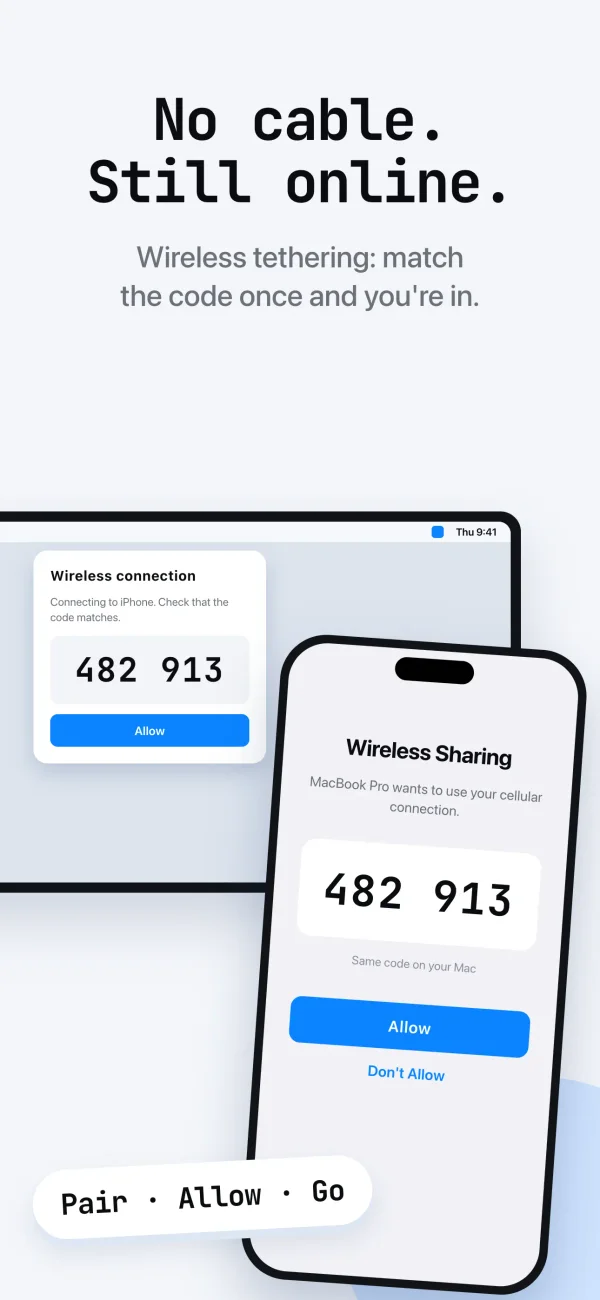
• No cable with you: pair your Mac once and it can connect to your iPhone wirelessly (Mac app 1.3.0 or later)
• When your iPhone is on Wi‑Fi, your computer can use that Wi‑Fi too and save cellular data
• OpenWrt routers: plug your iPhone into the router and the devices you choose go online through it, even when the home broadband is down
Why you can rely on it
• Plug in and go: with CellGlide on your computer it connects when you plug in, no setup each time
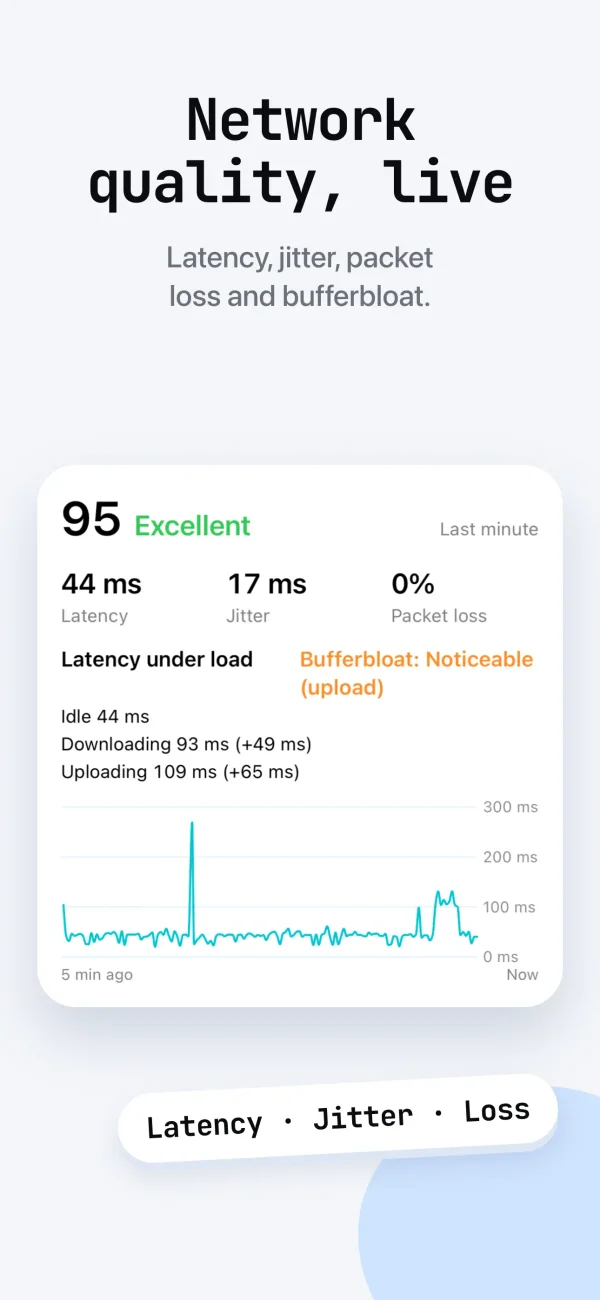
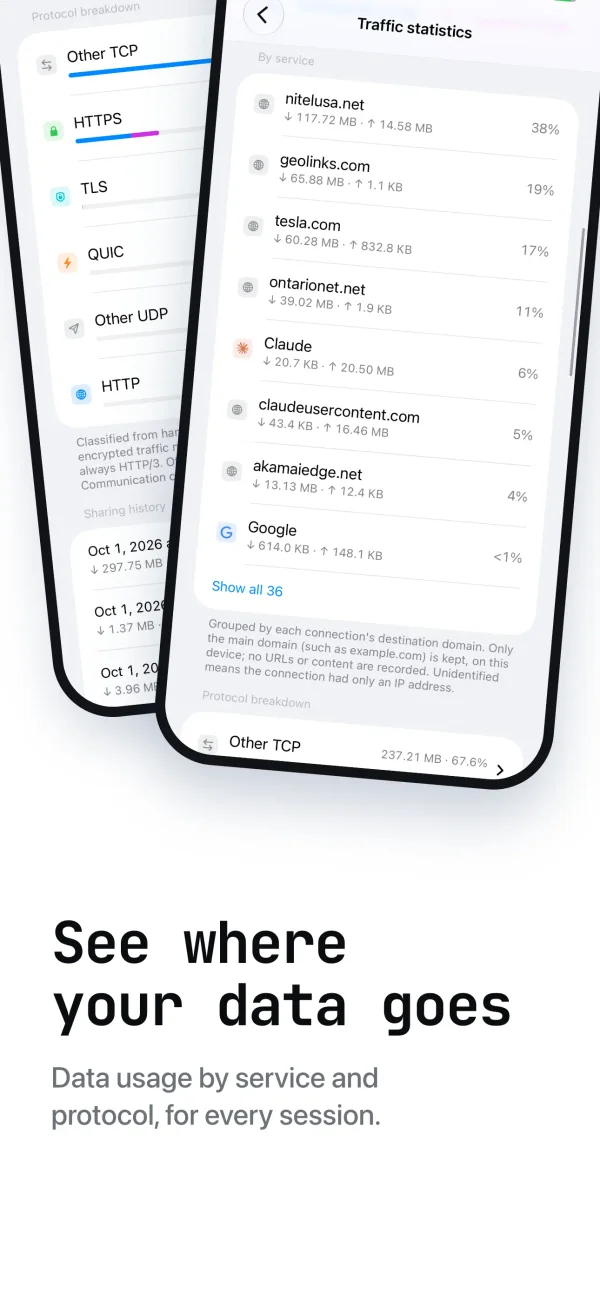
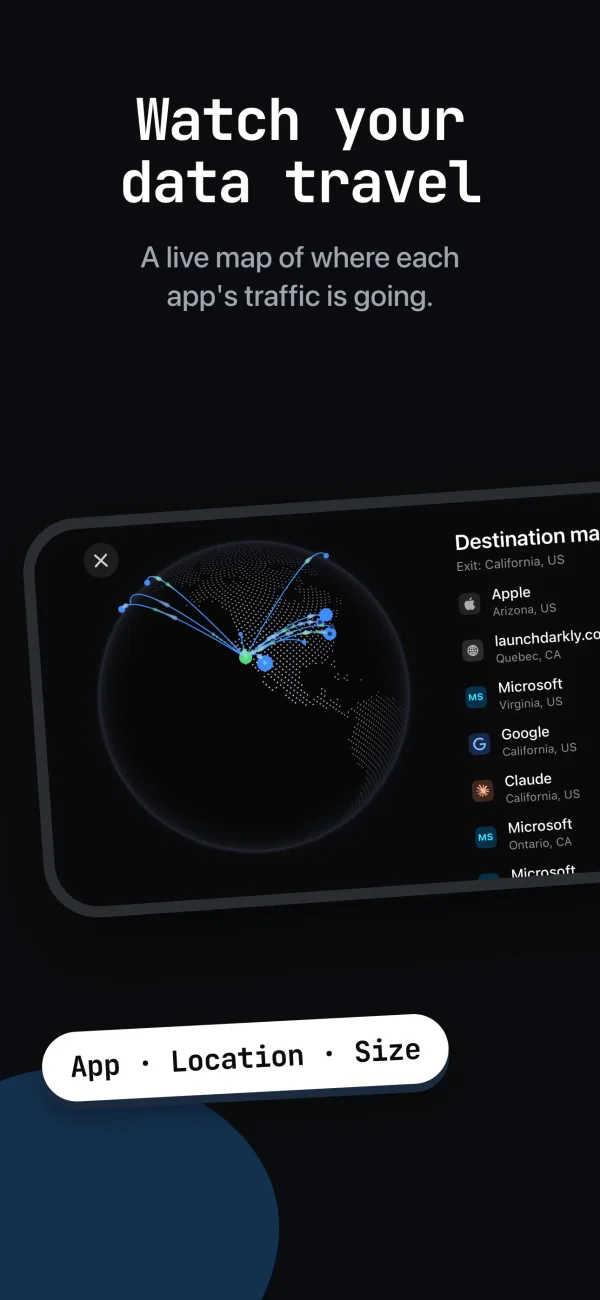
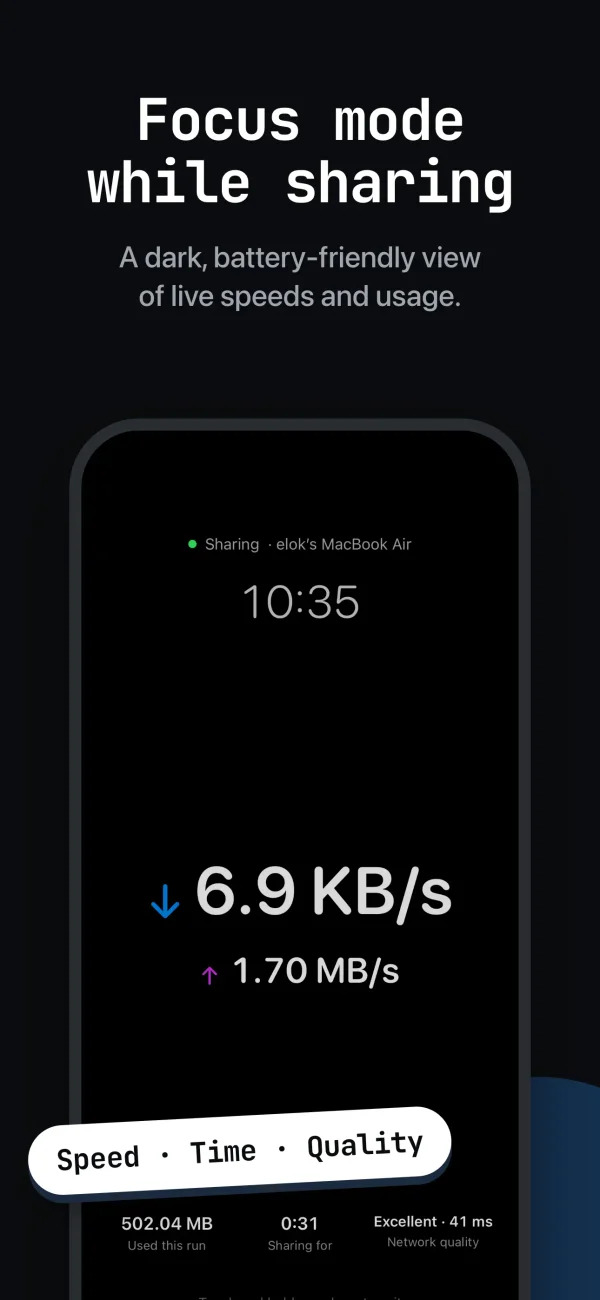
• See how it’s doing: live speeds, network quality, latency and loss, and a heads-up when something breaks
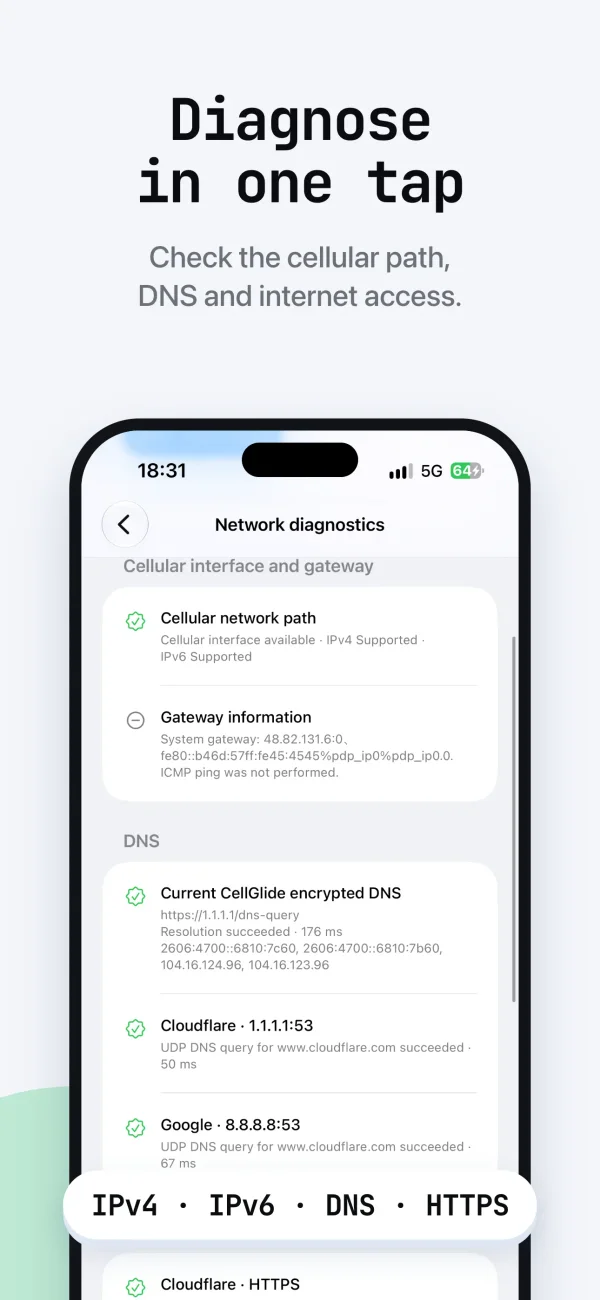
• Recovers on its own: retries when the phone’s connection drops; send diagnostics in one tap if you need help
• Leaves your settings alone: never changes Wi-Fi or other saved network settings
Clear on your iPhone too
• Dynamic Island countdown and live speeds, plus a black focus page that saves power
• This month’s data, allowance reminders and Data saver to protect your plan
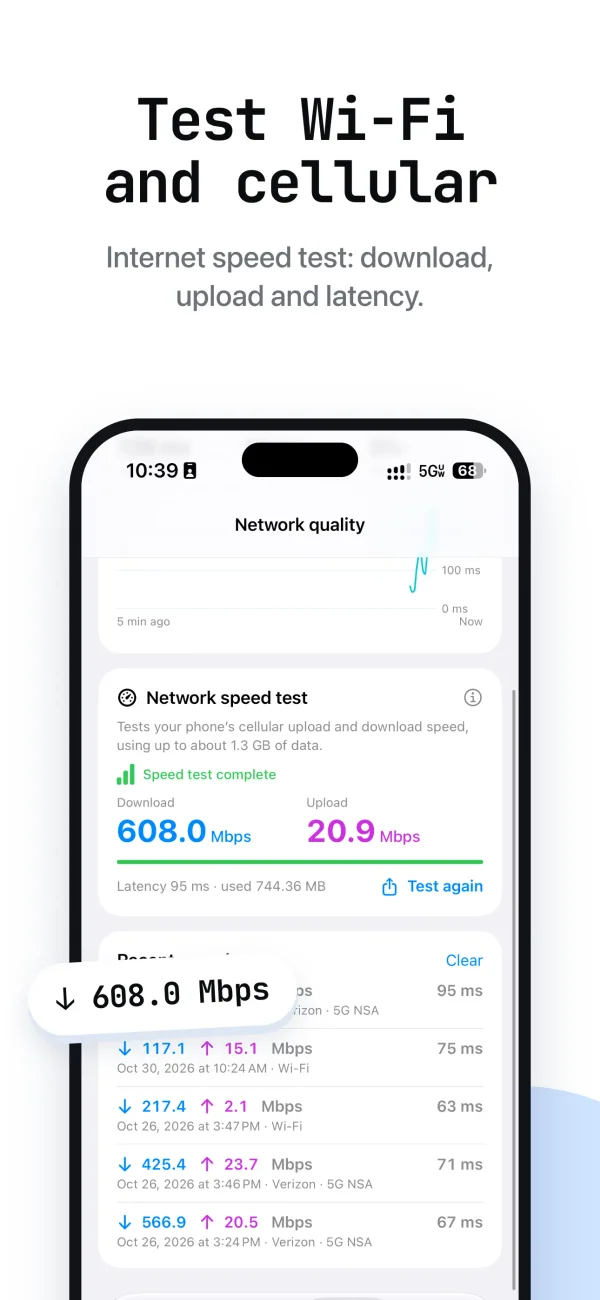
• Network quality, speed tests and recent results to compare places and networks
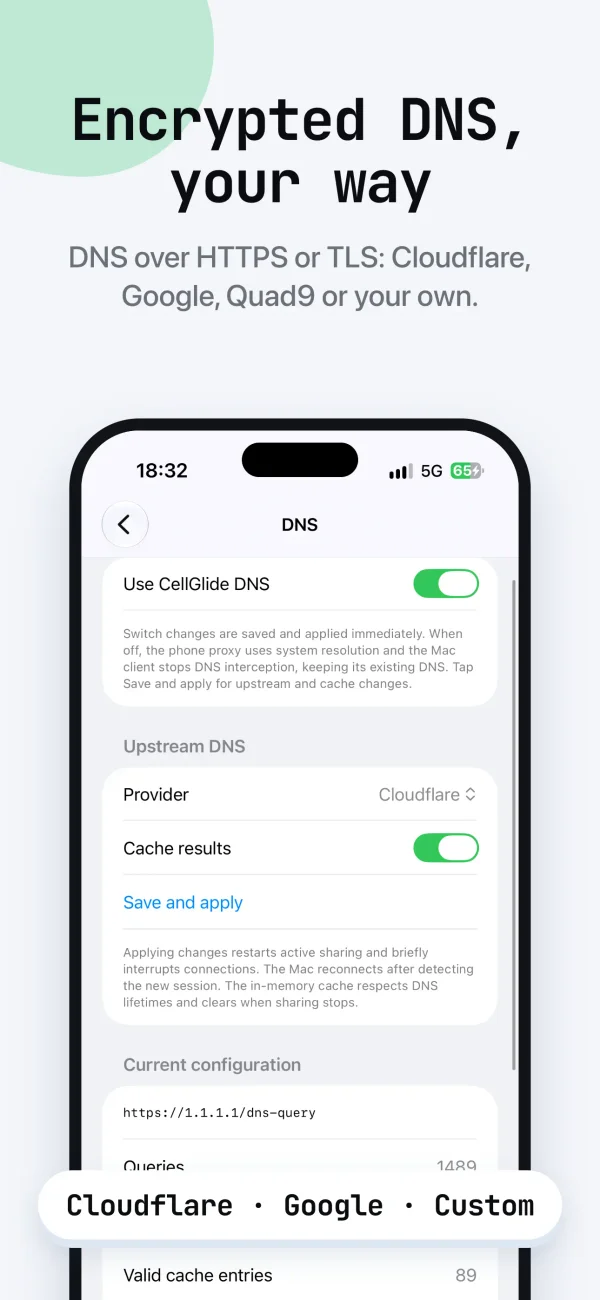
• Encrypted DNS (DNS over HTTPS, DNS over TLS) and DNS acceleration
• Ad and tracker blocking, with optional PCDN blocking for smoother video
Going online through your iPhone uses your cellular plan; follow your carrier’s terms. Requires CellGlide on your computer or router, free at cellglide.com; the Mac app needs macOS 13 or later.
Novedades
Versión 2.6.1 · 29/11/2026
• Fixed an issue where some websites failed to load on the computer while sharing the iPhone’s Wi‑Fi
• Reduced the app size by more than half for faster downloads and updates
• Network diagnostics now detects when iCloud Private Relay is slowing or blocking web pages, and shows how to resolve it
• Other bug fixes and stability improvements
Privacidad de la aplicación
Lo que Xi Wang declara en App Store sobre cómo esta aplicación gestiona los datos.
-
Datos vinculados a ti
Pueden recopilarse y vincularse a tu identidad.
- Información de contacto
- Contenido del usuario
- Diagnóstico
-
Datos no vinculados a ti
Pueden recopilarse, pero no se vinculan a tu identidad.
- Identificadores
- Datos de uso
Las prácticas de privacidad pueden variar, por ejemplo, según las funciones que uses o tu edad.
Información
- Vendedor
- Xi Wang
- Categoría
- Utilidades
- Versión
- 2.6.1
- Actualizado
- 29/11/2026
- Publicado
- 1/10/2026
- Tamaño
- 5,5 MB
- Requiere
- iOS 17.0 o posterior
- Clasificación por edad
- 4+
- Precio
- Gratis
- Idiomas
- Inglés, Chino simplificado, Español
- Copyright
- © Bllgo Labs Inc
Quizá también te guste
-
 JSTVUtilidades
-
 Jinx - System-Wide Ad BlockerUtilidades
-
 Device Status⁺ Monitor SistemaWidgets, Live Activity y PiP
-
 Portable WiFi - Mobile HotspotUtilidades
-
 Punto de acceso WiFi: portátilWiFi Around - Nearby Hotspots
-
 Case Tracker for USCISVerificar estado USCIS
-
 Cloudflare One AgentUtilidades
-
 ntfyUtilidades
-
 Clash - Rule Based ProxyUtilidades
-
 glinetUtilidades