- 対象年齢4+
- カテゴリユーティリティ
- 開発元Xi Wang
- 言語英語ほか2言語
- サイズ5.5 MB
App Storeの公式ページにリンクしています
Download.orgはCellGlide - USB Tetheringのファイルを一切ホストしていません。ボタンを押すと、Xi Wangが公開しているApp Storeのアプリページが開きます。ページの最終確認:2026/11/30。
スクリーンショット


概要
開発元はこのテキストをお使いの言語で提供していません。
Your computer, online anywhere.
Hotel Wi-Fi won’t connect? Broadband down at home? On a call at a café? Connect your iPhone to your computer with a cable, open CellGlide and tap Start sharing, and your computer keeps working on your phone’s connection. Unplug and the computer goes back to its own network.
Works with Mac, Linux and OpenWrt routers
• Mac and Linux computers: install the CellGlide app and it connects when you plug in
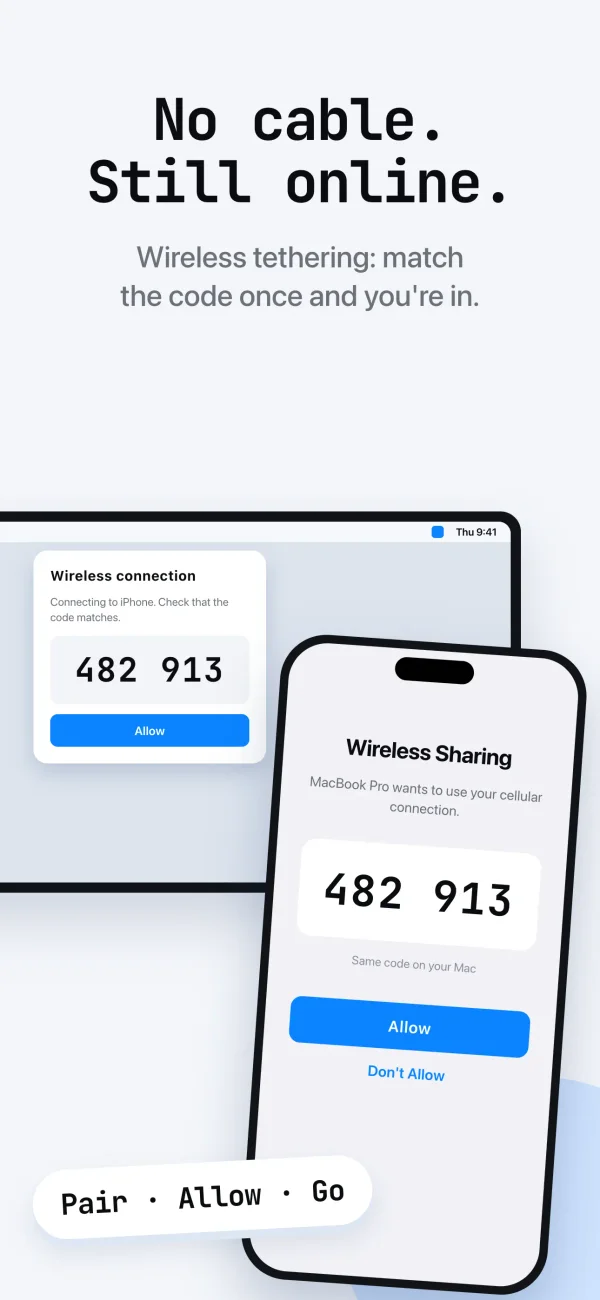
• No cable with you: pair your Mac once and it can connect to your iPhone wirelessly (Mac app 1.3.0 or later)
• When your iPhone is on Wi‑Fi, your computer can use that Wi‑Fi too and save cellular data
• OpenWrt routers: plug your iPhone into the router and the devices you choose go online through it, even when the home broadband is down
Why you can rely on it
• Plug in and go: with CellGlide on your computer it connects when you plug in, no setup each time
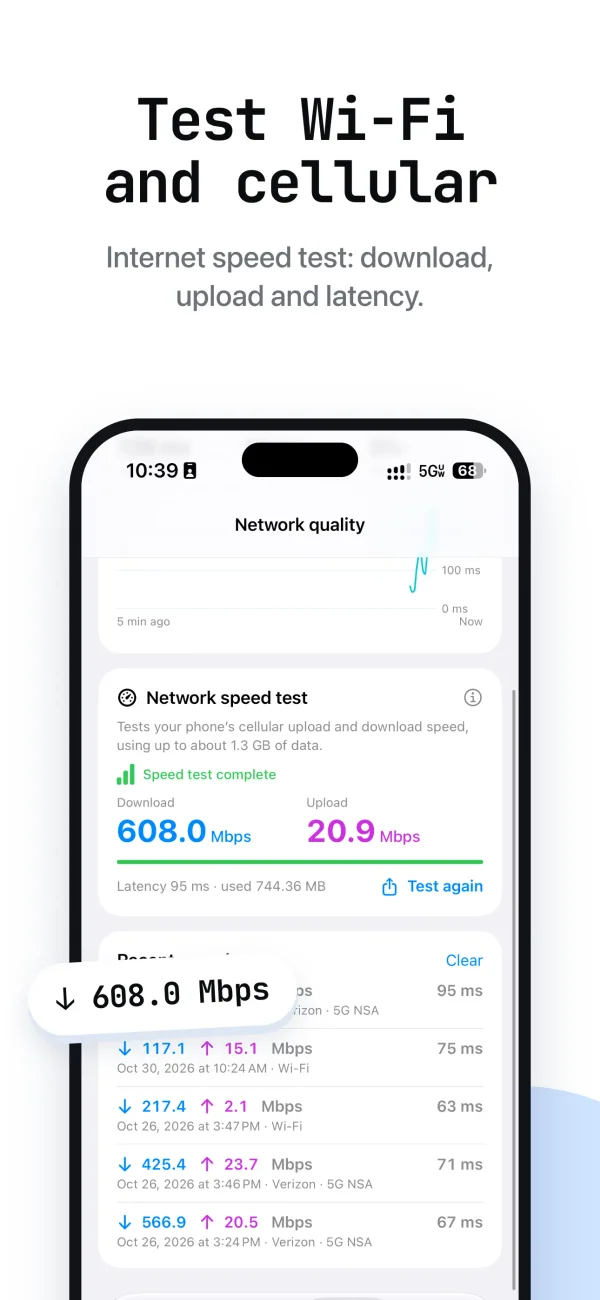
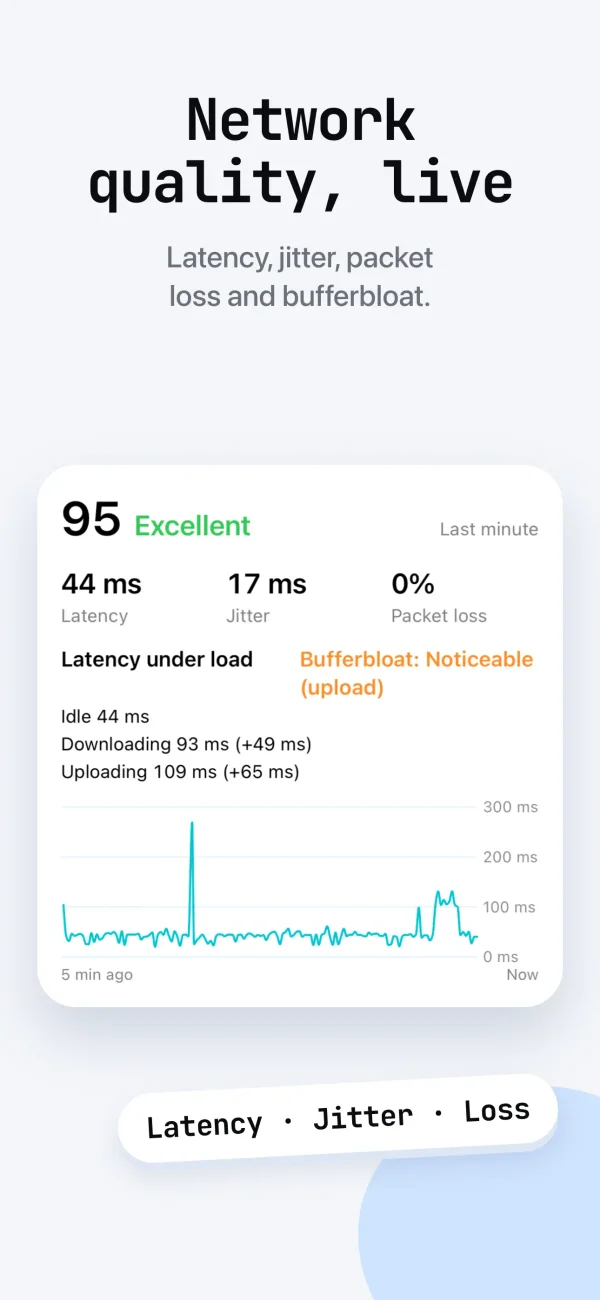
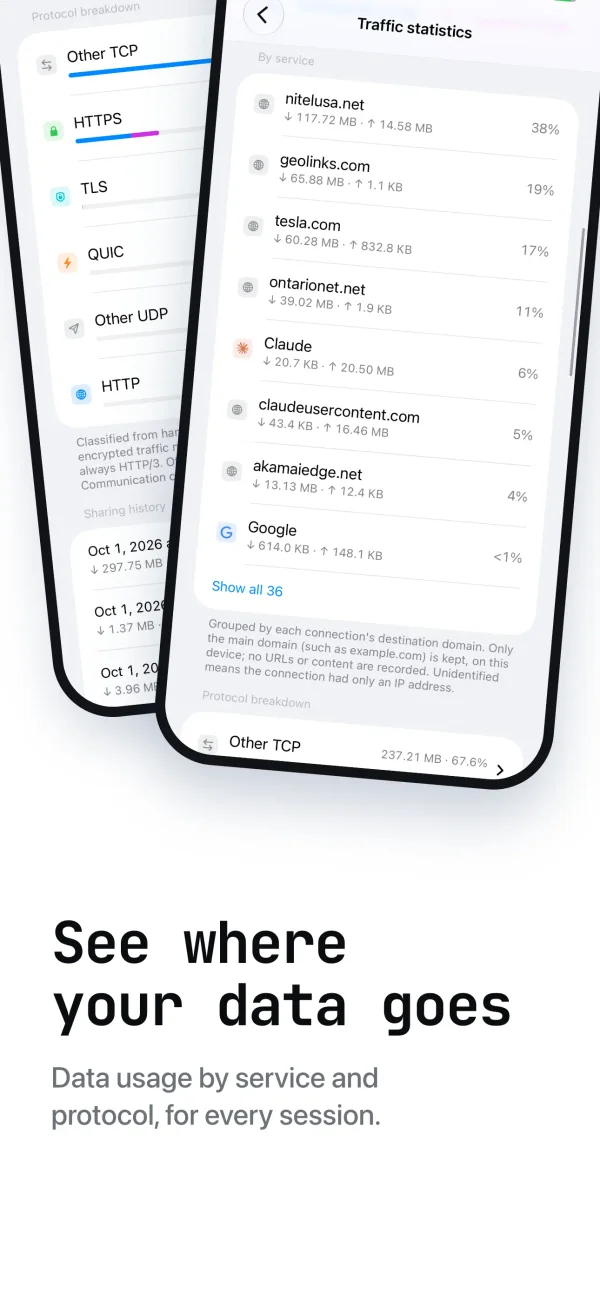
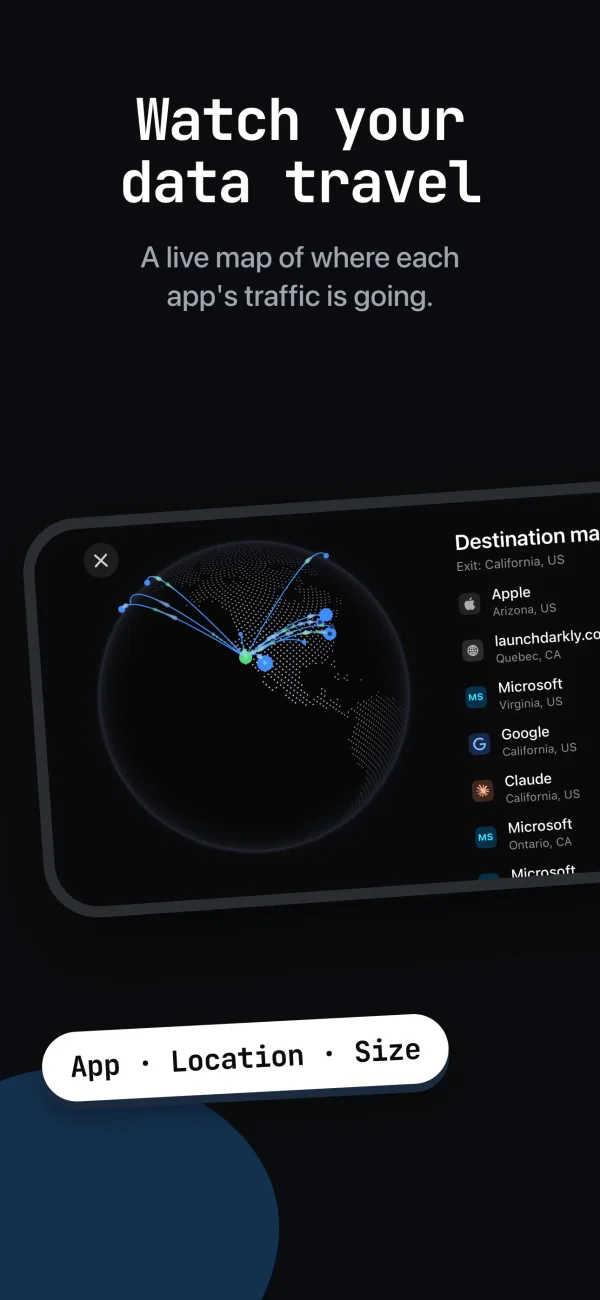
• See how it’s doing: live speeds, network quality, latency and loss, and a heads-up when something breaks
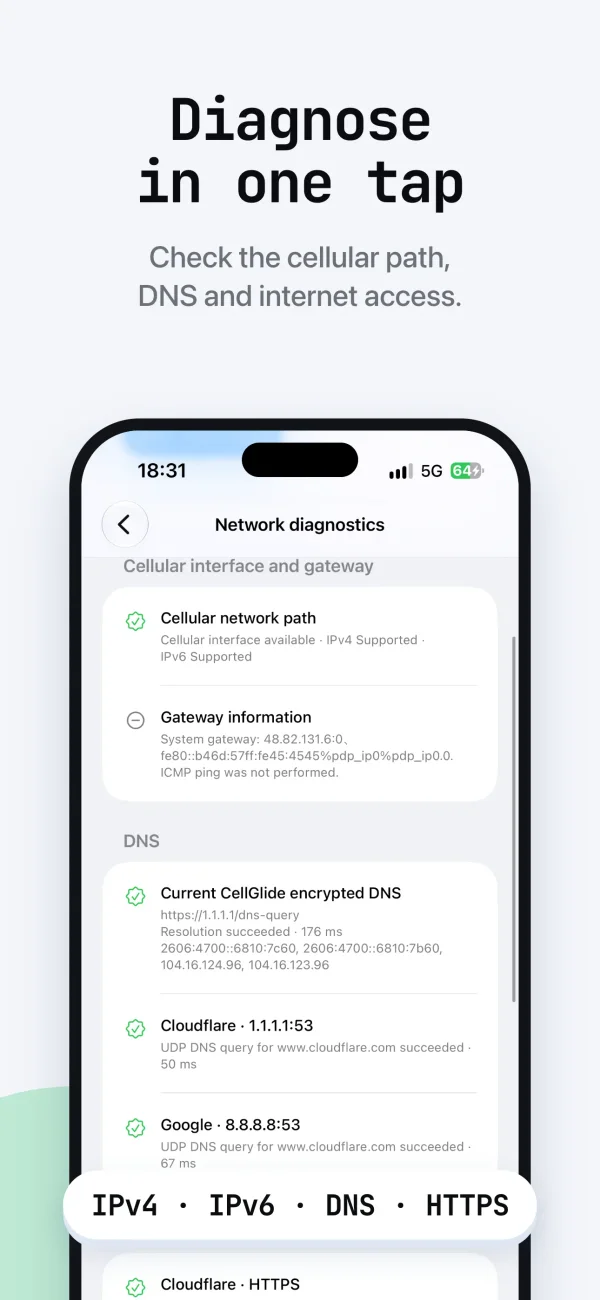
• Recovers on its own: retries when the phone’s connection drops; send diagnostics in one tap if you need help
• Leaves your settings alone: never changes Wi-Fi or other saved network settings
Clear on your iPhone too
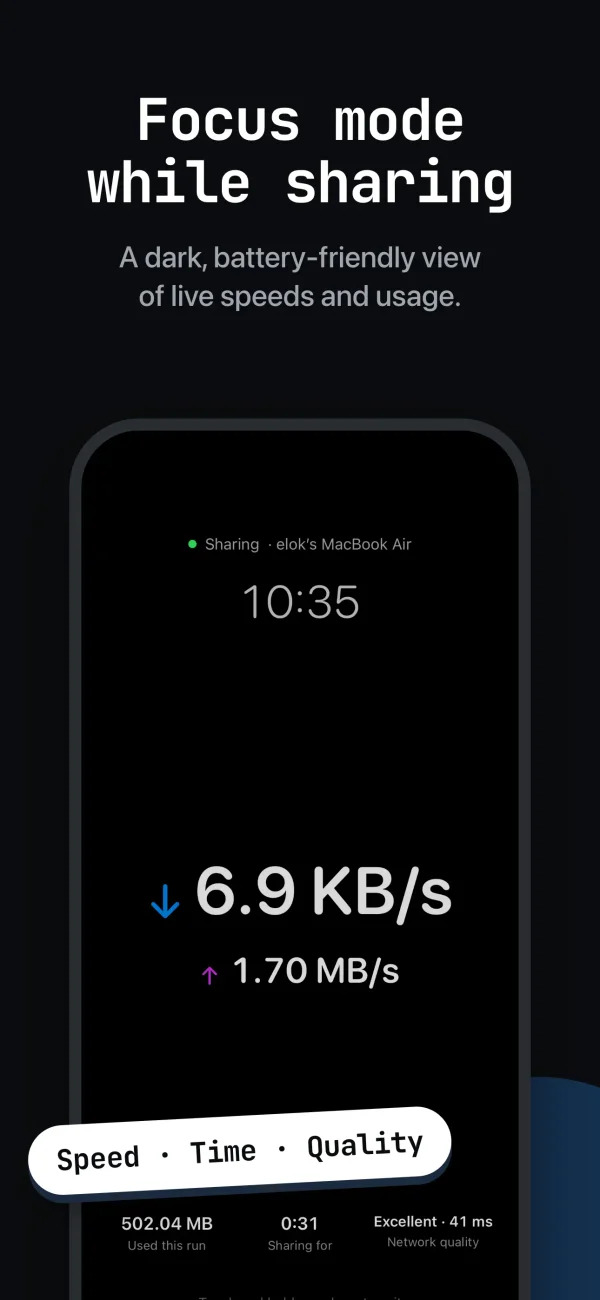
• Dynamic Island countdown and live speeds, plus a black focus page that saves power
• This month’s data, allowance reminders and Data saver to protect your plan
• Network quality, speed tests and recent results to compare places and networks
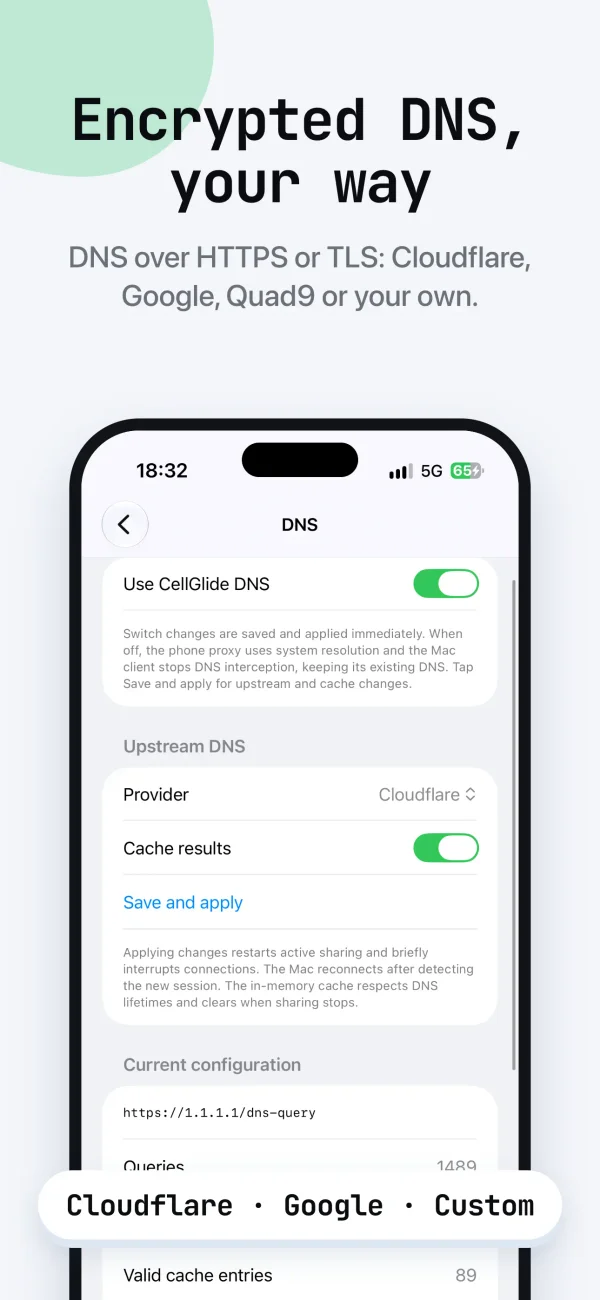
• Encrypted DNS (DNS over HTTPS, DNS over TLS) and DNS acceleration
• Ad and tracker blocking, with optional PCDN blocking for smoother video
Going online through your iPhone uses your cellular plan; follow your carrier’s terms. Requires CellGlide on your computer or router, free at cellglide.com; the Mac app needs macOS 13 or later.
新機能
バージョン 2.6.1 · 2026/11/29
• Fixed an issue where some websites failed to load on the computer while sharing the iPhone’s Wi‑Fi
• Reduced the app size by more than half for faster downloads and updates
• Network diagnostics now detects when iCloud Private Relay is slowing or blocking web pages, and shows how to resolve it
• Other bug fixes and stability improvements
アプリのプライバシー
このアプリのデータの取り扱いについて、Xi WangがApp Storeで申告している内容です。
-
ユーザーに関連付けられたデータ
収集され、ユーザーの識別情報に関連付けられる場合があります。
- 連絡先情報
- ユーザーコンテンツ
- 診断
-
ユーザーに関連付けられないデータ
収集される場合がありますが、ユーザーの識別情報には関連付けられません。
- ID
- 使用状況データ
プライバシーの取り扱いは、ご利用の機能やお客様の年齢などに応じて異なる場合があります。
情報
- 販売元
- Xi Wang
- カテゴリ
- ユーティリティ
- バージョン
- 2.6.1
- 更新日
- 2026/11/29
- リリース
- 2026/10/1
- サイズ
- 5.5 MB
- 必要条件
- iOS 17.0以降
- 対象年齢
- 4+
- 価格
- 無料
- 言語
- 英語, 簡体字中国語, スペイン語
- 著作権
- © Bllgo Labs Inc
こちらもおすすめ
-
 JSTVユーティリティ
-
 Jinx - 全局広告ブロック & プライバシー保護AppとSafariの広告を強力遮断。高速で安全
-
 Device Status⁺ システムモニターウィジェット・ライブアクティビティ
-
 Portable WiFi - Mobile Hotspotユーティリティ
-
 WiFi ホットスポット - ポータブル WiFiWiFi Around - Nearby Hotspots
-
 Case Tracker for USCISユーティリティ
-
 Cloudflare One Agentユーティリティ
-
 ntfyユーティリティ
-
 Clash - Rule Based Proxyユーティリティ
-
 glinetユーティリティ