Clipstack: Video Editor
Pro video editing, Duo-ready
Diseñada para iPhone
Gratis
- Clasificación por edad4+
- CategoríaFoto y vídeo
- DesarrolladorRyan Tag
- IdiomasInglés
- Tamaño7,7 MB
Enlaza a la página oficial de App Store
Download.org no aloja ningún archivo de Clipstack: Video Editor. El botón abre la página de la aplicación en App Store, donde la publica Ryan Tag. Ficha comprobada por última vez el 17/11/2026.
Capturas de pantalla
Acerca de
El desarrollador no ha proporcionado este texto en tu idioma.
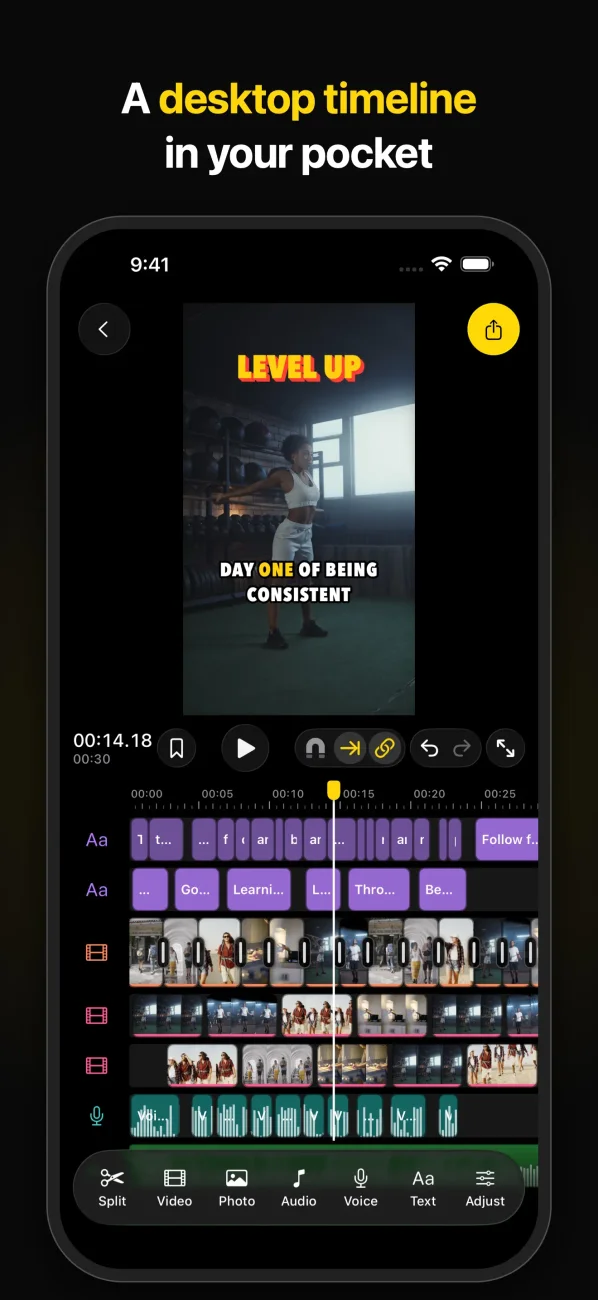
Edit like you're on a computer, right on your phone. Clipstack gives you a real multi-track timeline, auto captions and a voiceover-first workflow, with no account, no watermark and no subscription.
A REAL TIMELINE
• Stack video, photos, titles, voiceover and music on as many rows as you need
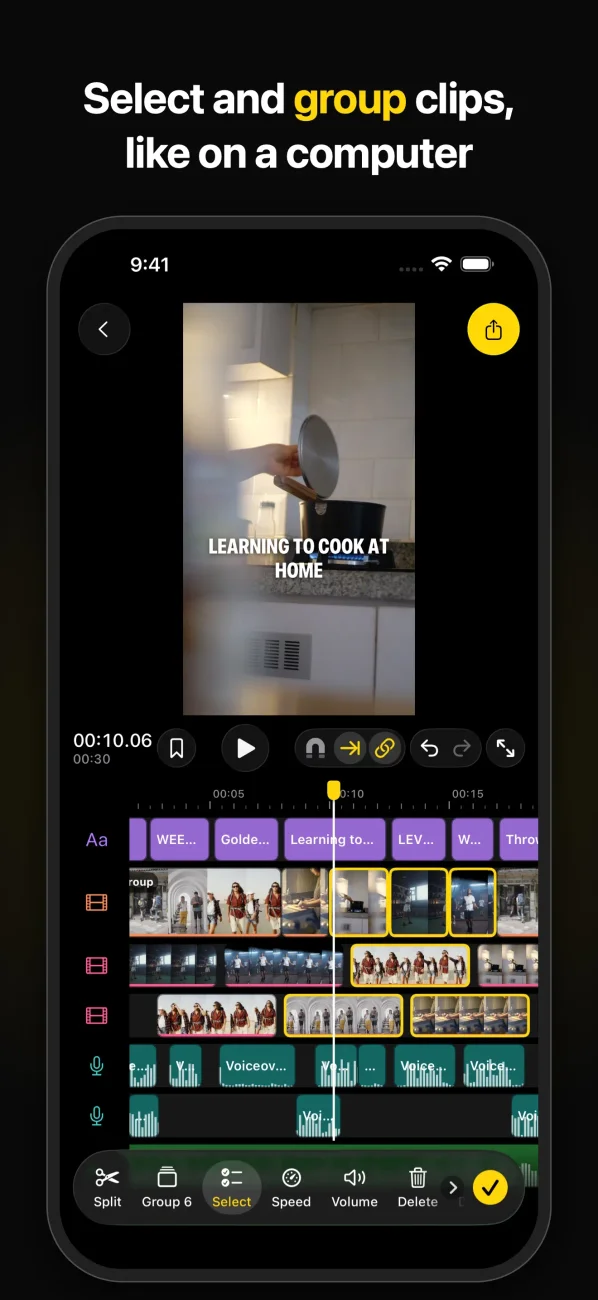
• Select clips across rows and group them into one, like on a computer
• Split, trim, slip and reorder with a magnetic timeline and gentle snapping
• Undo anything, and save versions of an edit to come back to
MADE FOR IPHONE DUO
• Open it up: preview, tools and timeline side by side
• Fold it into a laptop: timeline on top, a real trackpad and keys below
• Drag clips, trim edges and move keyframes with the pointer
• On every other iPhone, the same tools in a layout made for one hand
VOICEOVER FIRST
• Record over your video with a count-in; it splits itself at your pauses
• Pick the right shot for each line from everything you filmed
• Clean up and level your voice, and duck the music under it
AUTO CAPTIONS
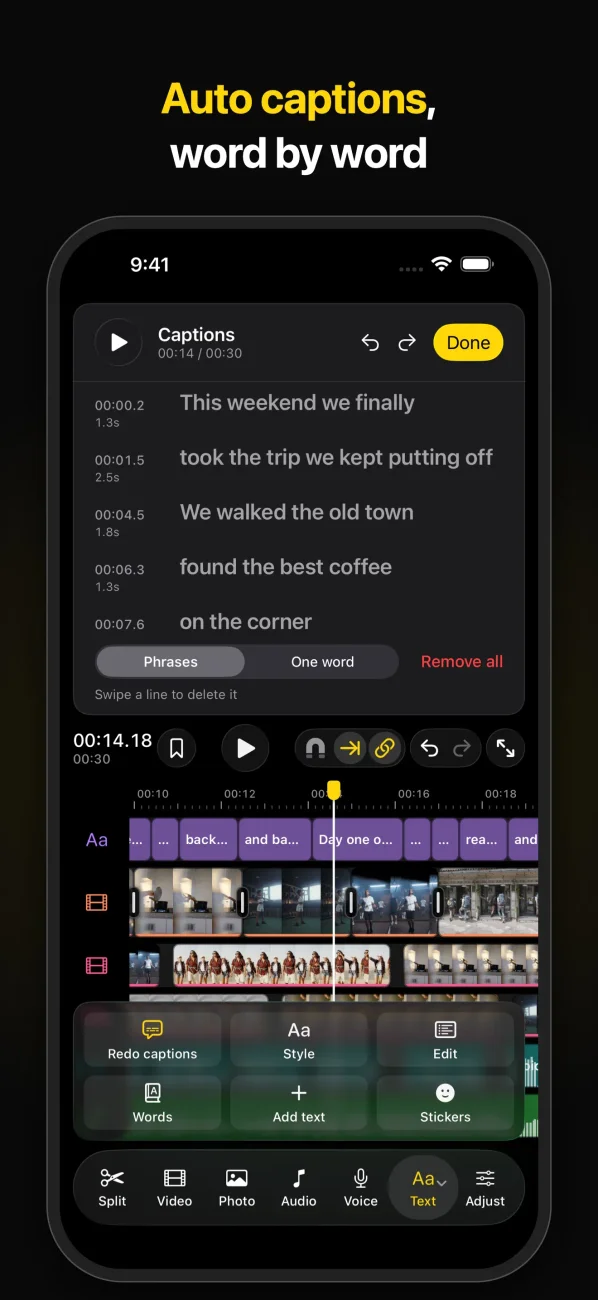
• Made on your iPhone, word by word, with the spoken word highlighted
• Teach it the names and brands you say so they're spelled right
• Pick a style, or restyle and edit any line
TITLES, EFFECTS AND MORE
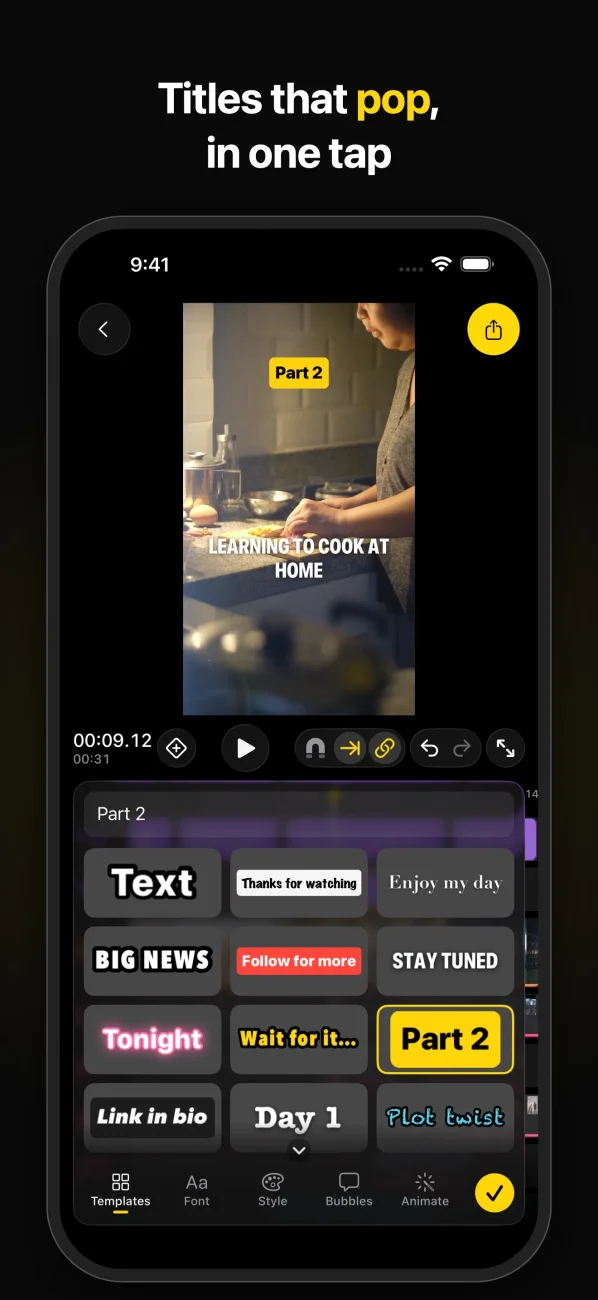
• 30 title templates, speech bubbles, 3D and retro text
• Animate text in, out and on a loop
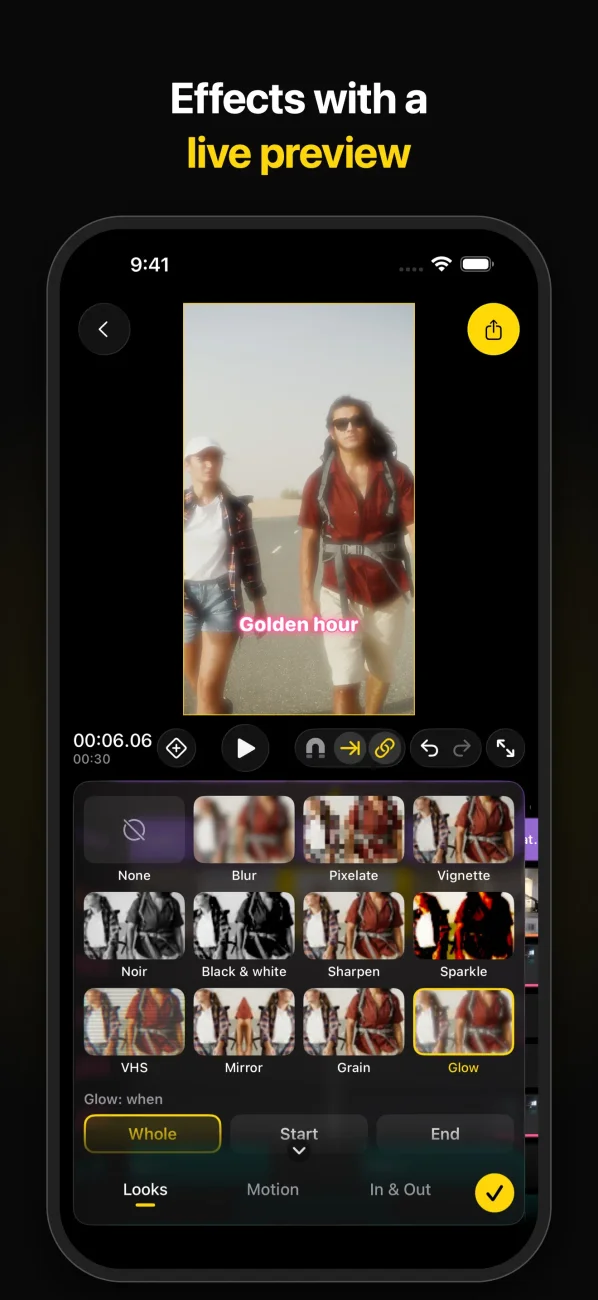
• Effects with live previews: blur, pixelate, glow, VHS, glitch, zoom blur and more
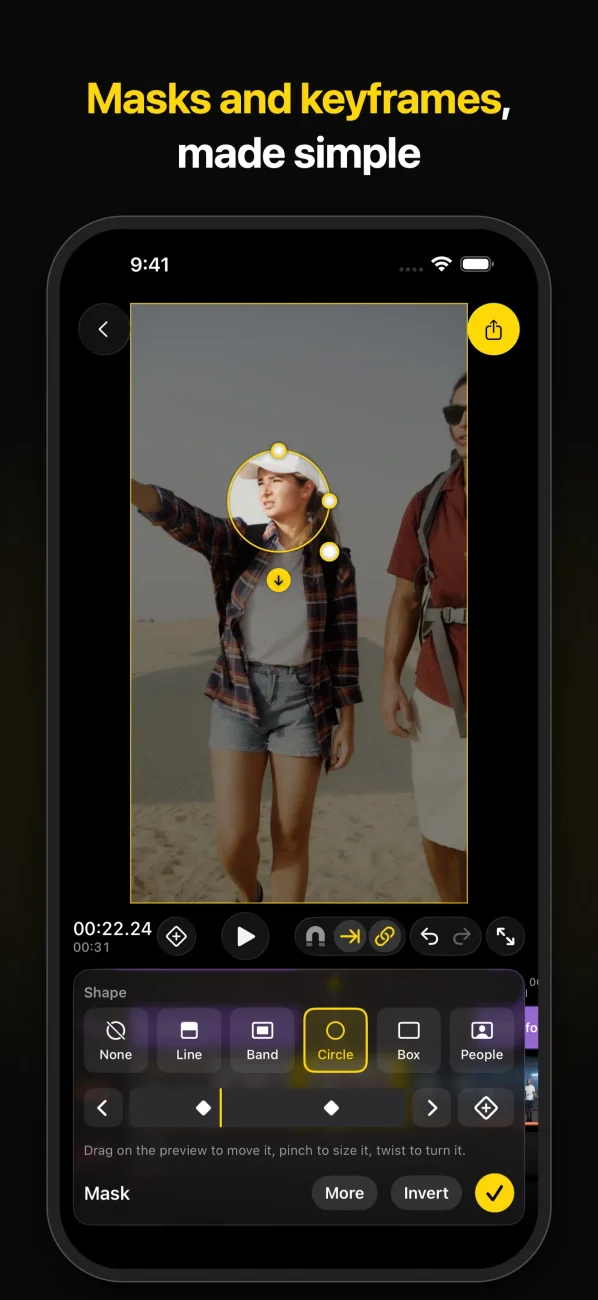
• Masks you can keyframe, so a blur follows a face
• Colour and filters, speed curves, slow zoom, transitions, green screen and cut-outs
PRIVATE BY DESIGN
• Your videos, voice and captions never leave your iPhone unless you share them
• Export up to 4K, with loudness matched for TikTok, Reels and Shorts
Novedades
Versión 1.1 · 16/11/2026
New in 1.1:
• HDR export: keep the bright highlights your iPhone filmed.
• Import LUTs: add your own .cube files and set how strong they are.
• Follow: text and stickers can stick to something moving in your video.
• Zoom the timeline out until the whole project fits.
• Faster position, mask and Slow Zoom controls, with snap guides.
• Smoother Mask and Transform, plus fixes.
Privacidad de la aplicación
Lo que Ryan Tag declara en App Store sobre cómo esta aplicación gestiona los datos.
-
No se recopilan datos
El desarrollador no recopila ningún dato de esta aplicación.
Las prácticas de privacidad pueden variar, por ejemplo, según las funciones que uses o tu edad.
Información
- Vendedor
- Ryan Tag
- Categoría
- Foto y vídeo
- Versión
- 1.1
- Actualizado
- 16/11/2026
- Publicado
- 15/11/2026
- Tamaño
- 7,7 MB
- Requiere
- iOS 26.0 o posterior
- Clasificación por edad
- 4+
- Precio
- Gratis
- Idiomas
- Inglés
- Copyright
- © 2026 Ryan Tag
Quizá también te guste
-
 PhotoFusion ProRetoque, capas y fondos
-
 Montavo: Editor de vídeoCine libre, sin marca de agua
-
 OneShot Record · Studio · ShipFoto y vídeo
-
 Edit Text on Photos: GlyphswapFoto y vídeo
-
 Subtítulos automáticos: VídeosReproductor, traductor, editor
-
 Vidyx - AI Video EditorFoto y vídeo
-
 Twovio: Dual Camera VideoFoto y vídeo
-
 Vaiya: Demos de productoHaz que tu producto destaque
-
 MediaUtilityProFoto y vídeo
-
 FilmStudioFoto y vídeo