- 対象年齢4+
- カテゴリ写真/ビデオ
- 開発元Ryan Tag
- 言語英語
- サイズ7.7 MB
App Storeの公式ページにリンクしています
Download.orgはClipstack: Video Editorのファイルを一切ホストしていません。ボタンを押すと、Ryan Tagが公開しているApp Storeのアプリページが開きます。ページの最終確認:2026/11/17。
スクリーンショット
概要
開発元はこのテキストをお使いの言語で提供していません。
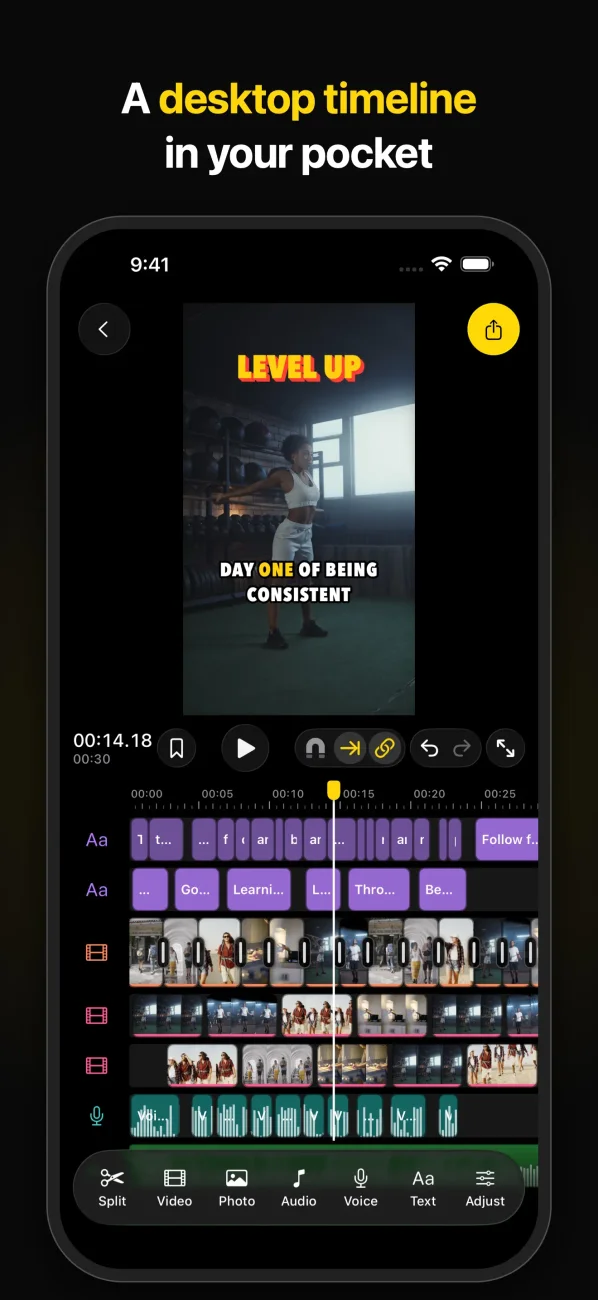
Edit like you're on a computer, right on your phone. Clipstack gives you a real multi-track timeline, auto captions and a voiceover-first workflow, with no account, no watermark and no subscription.
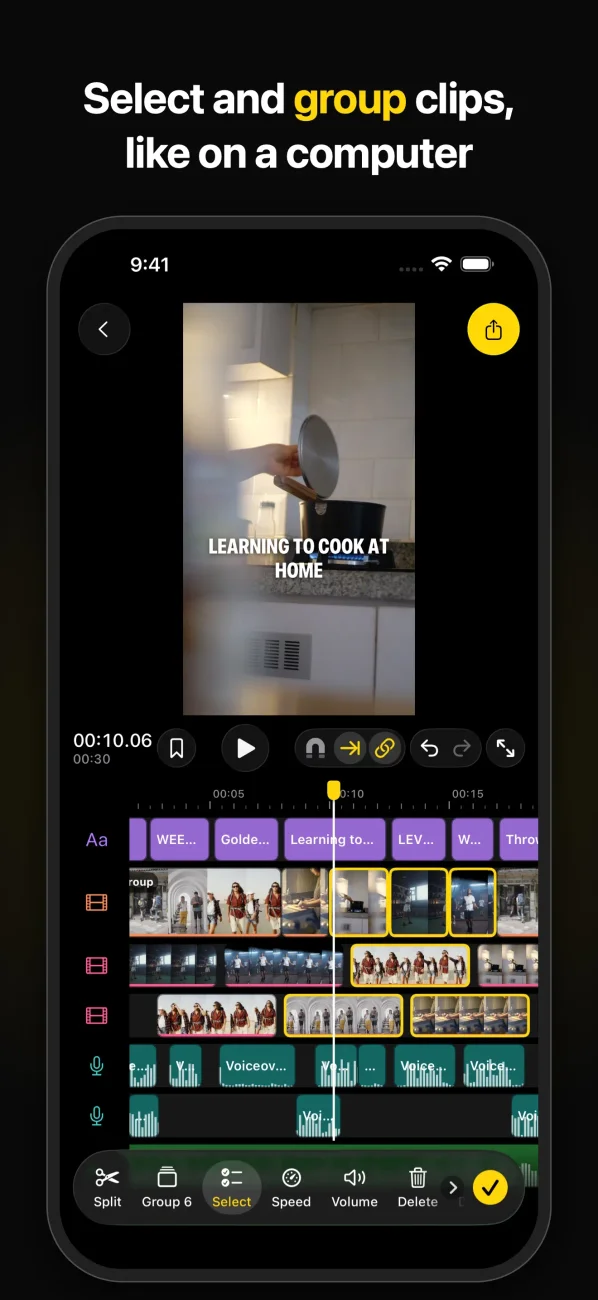
A REAL TIMELINE
• Stack video, photos, titles, voiceover and music on as many rows as you need
• Select clips across rows and group them into one, like on a computer
• Split, trim, slip and reorder with a magnetic timeline and gentle snapping
• Undo anything, and save versions of an edit to come back to
MADE FOR IPHONE DUO
• Open it up: preview, tools and timeline side by side
• Fold it into a laptop: timeline on top, a real trackpad and keys below
• Drag clips, trim edges and move keyframes with the pointer
• On every other iPhone, the same tools in a layout made for one hand
VOICEOVER FIRST
• Record over your video with a count-in; it splits itself at your pauses
• Pick the right shot for each line from everything you filmed
• Clean up and level your voice, and duck the music under it
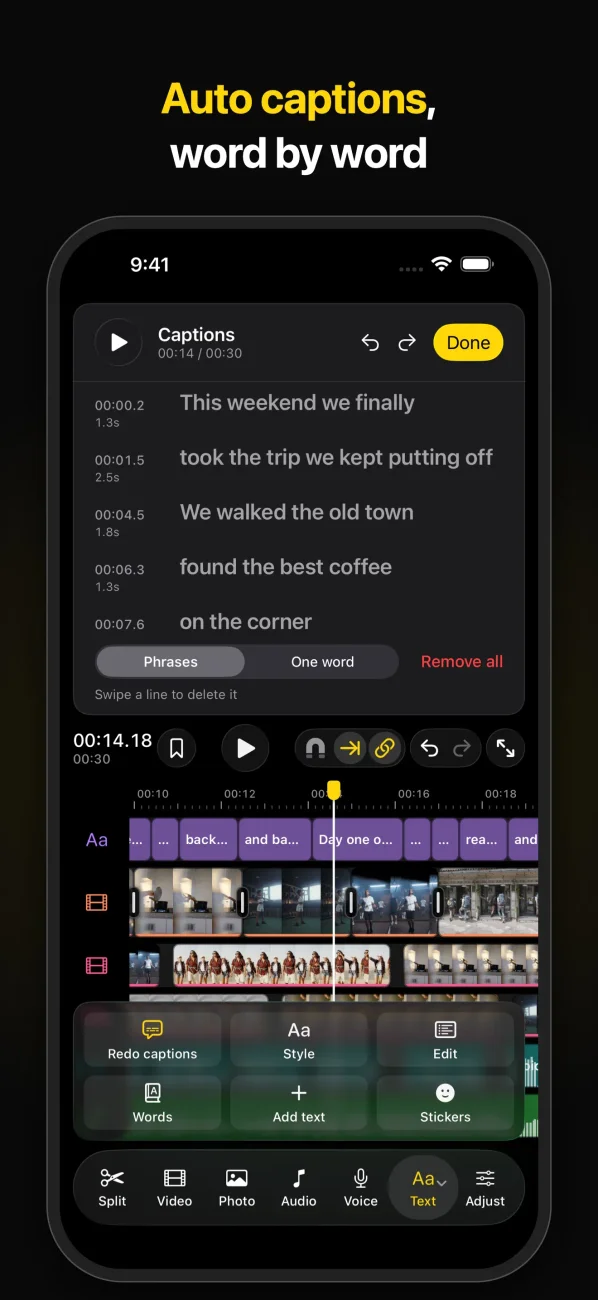
AUTO CAPTIONS
• Made on your iPhone, word by word, with the spoken word highlighted
• Teach it the names and brands you say so they're spelled right
• Pick a style, or restyle and edit any line
TITLES, EFFECTS AND MORE
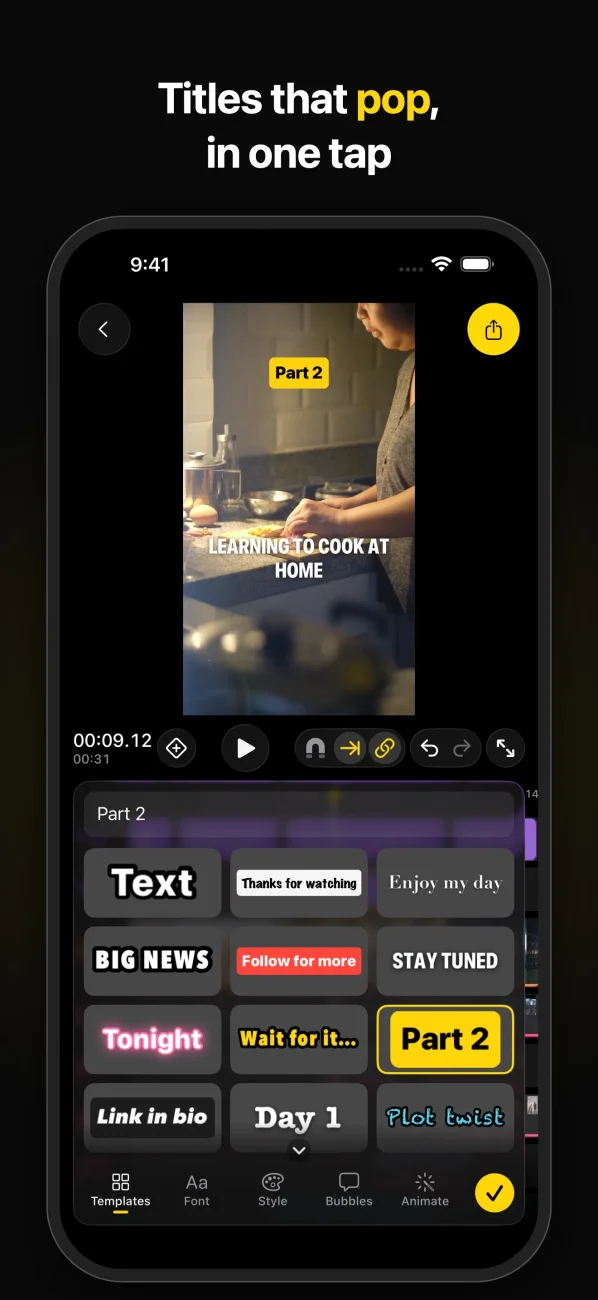
• 30 title templates, speech bubbles, 3D and retro text
• Animate text in, out and on a loop
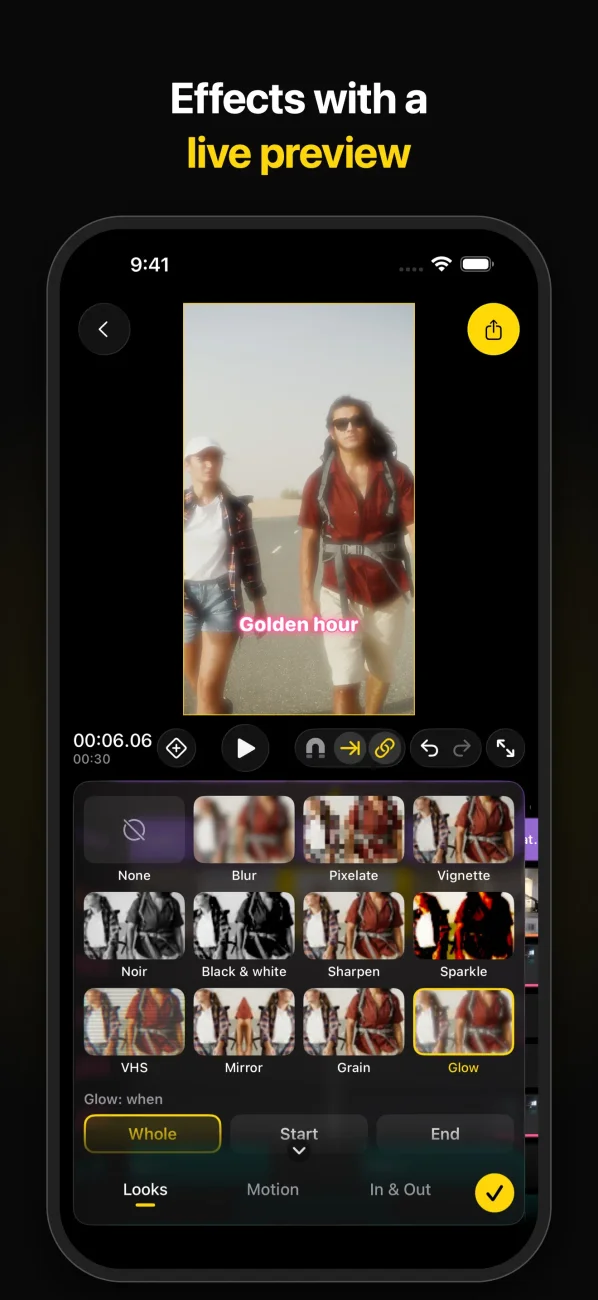
• Effects with live previews: blur, pixelate, glow, VHS, glitch, zoom blur and more
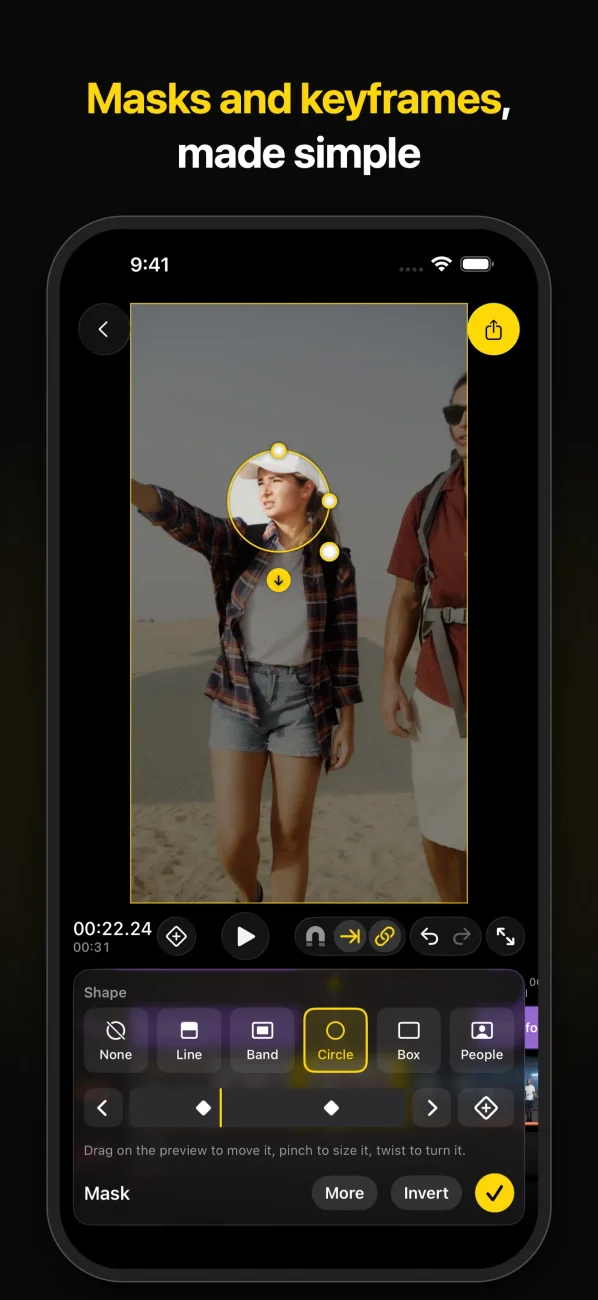
• Masks you can keyframe, so a blur follows a face
• Colour and filters, speed curves, slow zoom, transitions, green screen and cut-outs
PRIVATE BY DESIGN
• Your videos, voice and captions never leave your iPhone unless you share them
• Export up to 4K, with loudness matched for TikTok, Reels and Shorts
新機能
バージョン 1.1 · 2026/11/16
New in 1.1:
• HDR export: keep the bright highlights your iPhone filmed.
• Import LUTs: add your own .cube files and set how strong they are.
• Follow: text and stickers can stick to something moving in your video.
• Zoom the timeline out until the whole project fits.
• Faster position, mask and Slow Zoom controls, with snap guides.
• Smoother Mask and Transform, plus fixes.
アプリのプライバシー
このアプリのデータの取り扱いについて、Ryan TagがApp Storeで申告している内容です。
-
データの収集なし
開発元はこのアプリからデータを収集しません。
プライバシーの取り扱いは、ご利用の機能やお客様の年齢などに応じて異なる場合があります。
情報
- 販売元
- Ryan Tag
- カテゴリ
- 写真/ビデオ
- バージョン
- 1.1
- 更新日
- 2026/11/16
- リリース
- 2026/11/15
- サイズ
- 7.7 MB
- 必要条件
- iOS 26.0以降
- 対象年齢
- 4+
- 価格
- 無料
- 言語
- 英語
- 著作権
- © 2026 Ryan Tag
こちらもおすすめ
-
 PhotoFusion Proレタッチ・レイヤー・背景編集
-
 Montavo: 動画編集オープンな映画スタジオ・透かしなし
-
 OneShot Record · Studio · Ship写真/ビデオ
-
 Edit Text on Photos: Glyphswap写真/ビデオ
-
 動画翻訳・字幕生成:リアルタイム字幕プレーヤーオフラインで自動文字起こし・二言語対応の動画プレーヤー
-
 Vidyx - AI Video Editor写真/ビデオ
-
 Twovio: Dual Camera Video写真/ビデオ
-
 Vaiya: 製品デモ動画製品をいちばん魅力的に見せる
-
 MediaUtilityPro写真/ビデオ
-
 FilmStudio写真/ビデオ