Clipstack: Video Editor
Pro video editing, Duo-ready
Conçue pour iPhone
Gratuit
- Classification d’âge4+
- CatégoriePhoto et vidéo
- DéveloppeurRyan Tag
- LanguesAnglais
- Taille7,7 Mo
Renvoie vers la page App Store officielle
Download.org n’héberge aucun fichier de Clipstack: Video Editor. Le bouton ouvre la page de l’application sur App Store, où Ryan Tag la publie. Fiche vérifiée pour la dernière fois le 17/11/2026.
Captures d’écran
À propos
Le développeur n’a pas fourni ce texte dans votre langue.
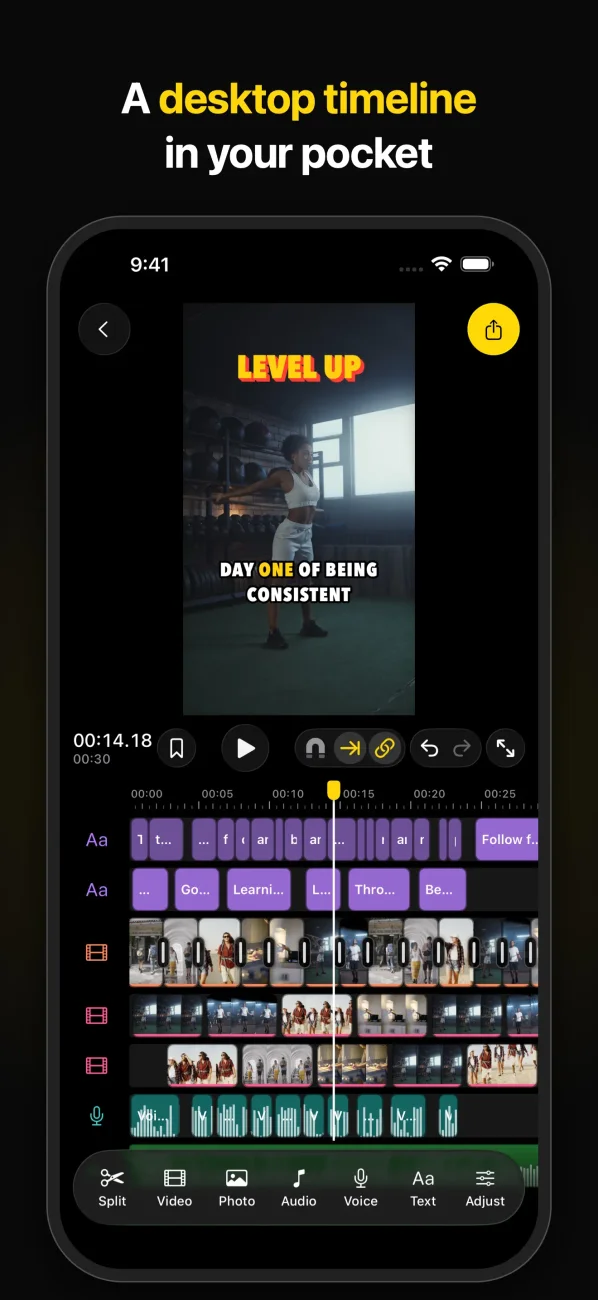
Edit like you're on a computer, right on your phone. Clipstack gives you a real multi-track timeline, auto captions and a voiceover-first workflow, with no account, no watermark and no subscription.
A REAL TIMELINE
• Stack video, photos, titles, voiceover and music on as many rows as you need
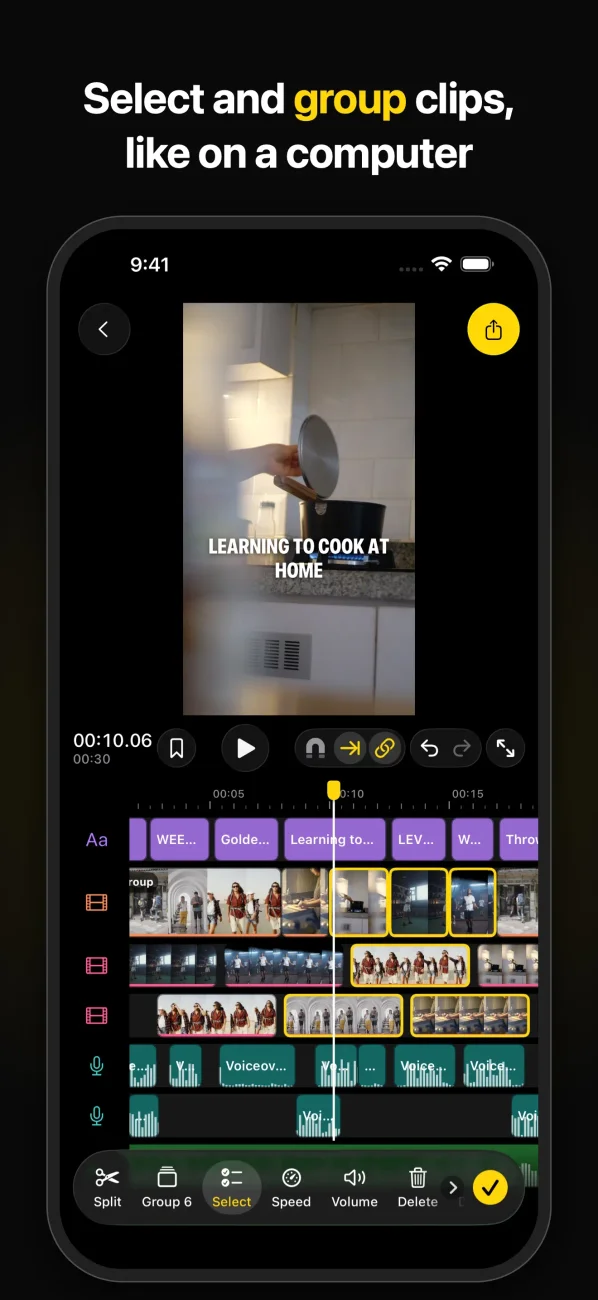
• Select clips across rows and group them into one, like on a computer
• Split, trim, slip and reorder with a magnetic timeline and gentle snapping
• Undo anything, and save versions of an edit to come back to
MADE FOR IPHONE DUO
• Open it up: preview, tools and timeline side by side
• Fold it into a laptop: timeline on top, a real trackpad and keys below
• Drag clips, trim edges and move keyframes with the pointer
• On every other iPhone, the same tools in a layout made for one hand
VOICEOVER FIRST
• Record over your video with a count-in; it splits itself at your pauses
• Pick the right shot for each line from everything you filmed
• Clean up and level your voice, and duck the music under it
AUTO CAPTIONS
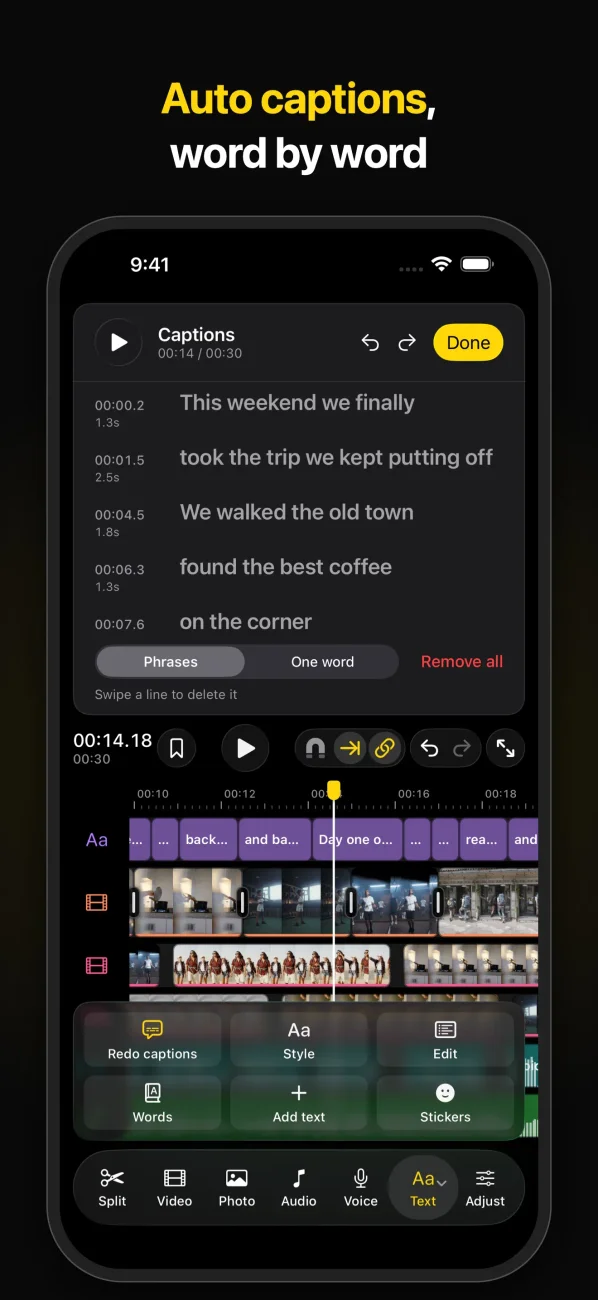
• Made on your iPhone, word by word, with the spoken word highlighted
• Teach it the names and brands you say so they're spelled right
• Pick a style, or restyle and edit any line
TITLES, EFFECTS AND MORE
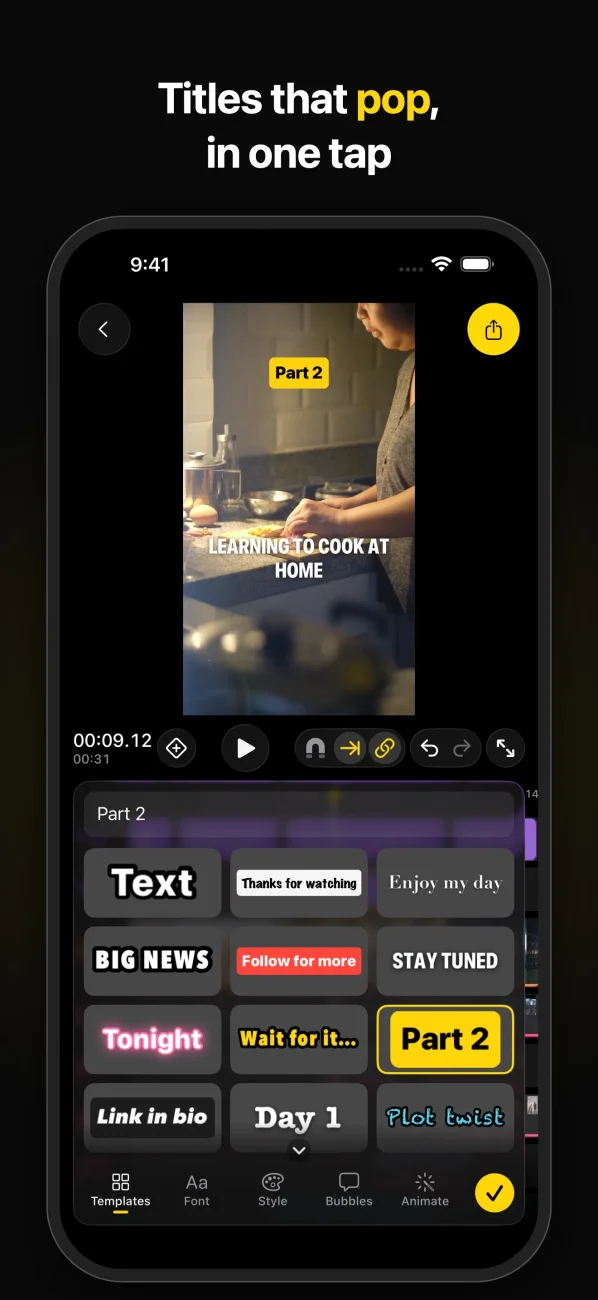
• 30 title templates, speech bubbles, 3D and retro text
• Animate text in, out and on a loop
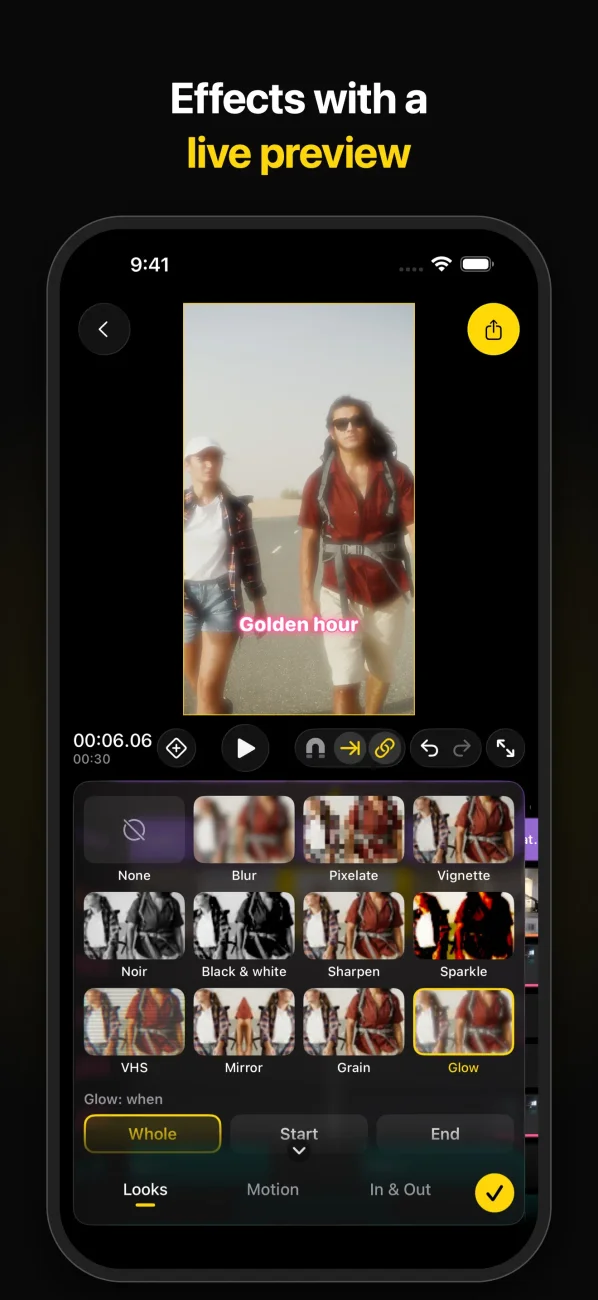
• Effects with live previews: blur, pixelate, glow, VHS, glitch, zoom blur and more
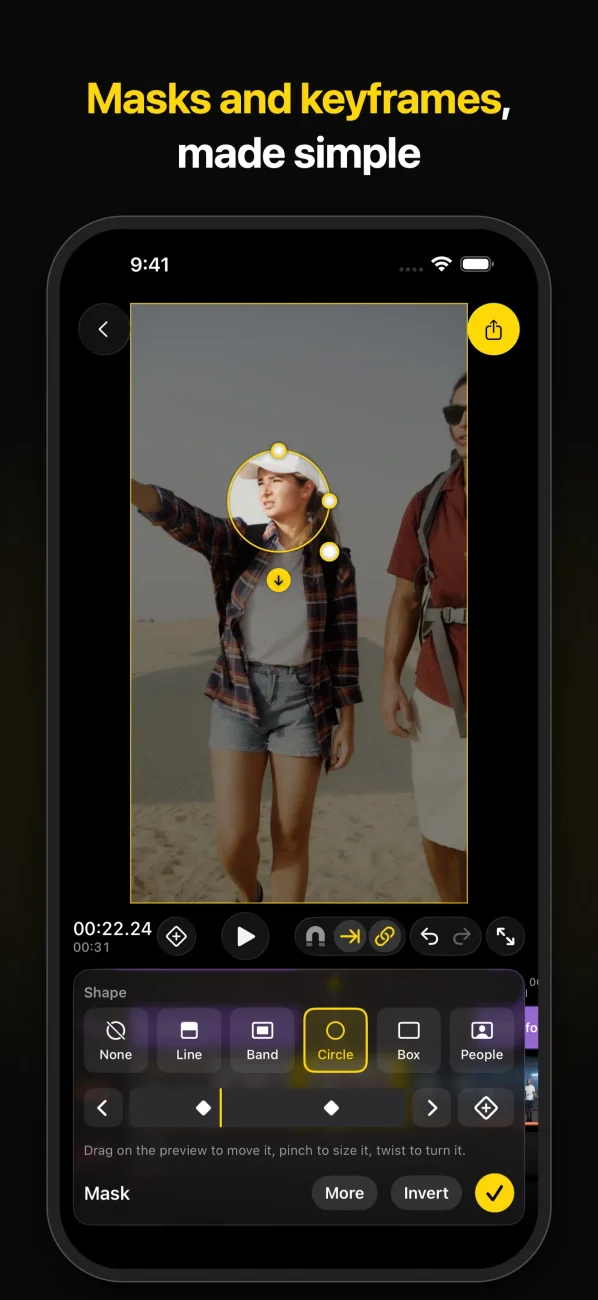
• Masks you can keyframe, so a blur follows a face
• Colour and filters, speed curves, slow zoom, transitions, green screen and cut-outs
PRIVATE BY DESIGN
• Your videos, voice and captions never leave your iPhone unless you share them
• Export up to 4K, with loudness matched for TikTok, Reels and Shorts
Nouveautés
Version 1.1 · 16/11/2026
New in 1.1:
• HDR export: keep the bright highlights your iPhone filmed.
• Import LUTs: add your own .cube files and set how strong they are.
• Follow: text and stickers can stick to something moving in your video.
• Zoom the timeline out until the whole project fits.
• Faster position, mask and Slow Zoom controls, with snap guides.
• Smoother Mask and Transform, plus fixes.
Confidentialité de l’application
Ce que Ryan Tag déclare sur l’App Store au sujet du traitement des données par cette application.
-
Données non collectées
Le développeur ne collecte aucune donnée à partir de cette application.
Les pratiques en matière de confidentialité peuvent varier, notamment en fonction des fonctionnalités que vous utilisez ou de votre âge.
Informations
- Vendeur
- Ryan Tag
- Catégorie
- Photo et vidéo
- Version
- 1.1
- Mis à jour
- 16/11/2026
- Publié
- 15/11/2026
- Taille
- 7,7 Mo
- Nécessite
- iOS 26.0 ou version ultérieure
- Classification d’âge
- 4+
- Prix
- Gratuit
- Langues
- Anglais
- Copyright
- © 2026 Ryan Tag
Vous aimerez peut-être aussi
-
 PhotoFusion ProRetouche, calques et fonds
-
 Montavo : Montage VidéoCiné libre, sans filigrane
-
 OneShot Record · Studio · ShipPhoto et vidéo
-
 Edit Text on Photos: GlyphswapPhoto et vidéo
-
 Sous-titres vidéo automatiquesLecteur et traduction bilingue
-
 Vidyx - AI Video EditorPhoto et vidéo
-
 Twovio: Dual Camera VideoPhoto et vidéo
-
 Vaiya: Démos produitMettez votre produit en valeur
-
 MediaUtilityProPhoto et vidéo
-
 FilmStudioPhoto et vidéo