
CodePaw: Learn to Code
Build websites, apps and games
Diseñada para iPhone, iPad, Mac
Gratis
- Clasificación por edad4+
- CategoríaEducación
- DesarrolladorChristopher Vanderplank
- IdiomasInglés
- Tamaño448,6 MB
Enlaza a la página oficial de App Store
Download.org no aloja ningún archivo de CodePaw: Learn to Code. El botón abre la página de la aplicación en App Store, donde la publica Christopher Vanderplank. Ficha comprobada por última vez el 8/11/2026.
Capturas de pantalla
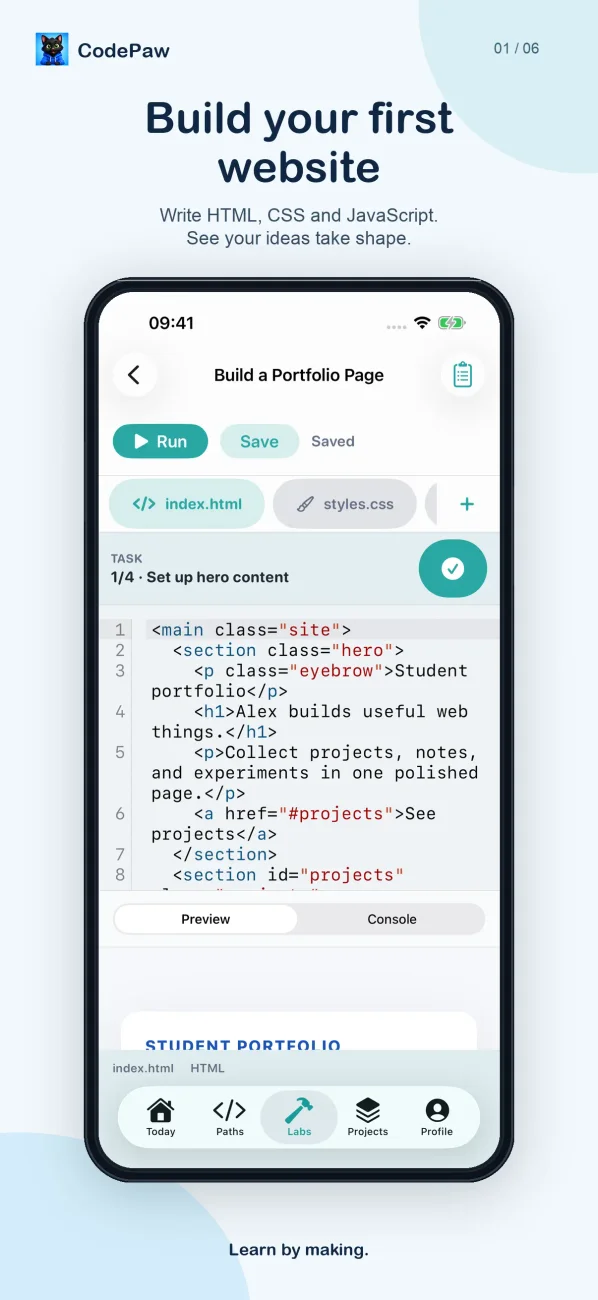
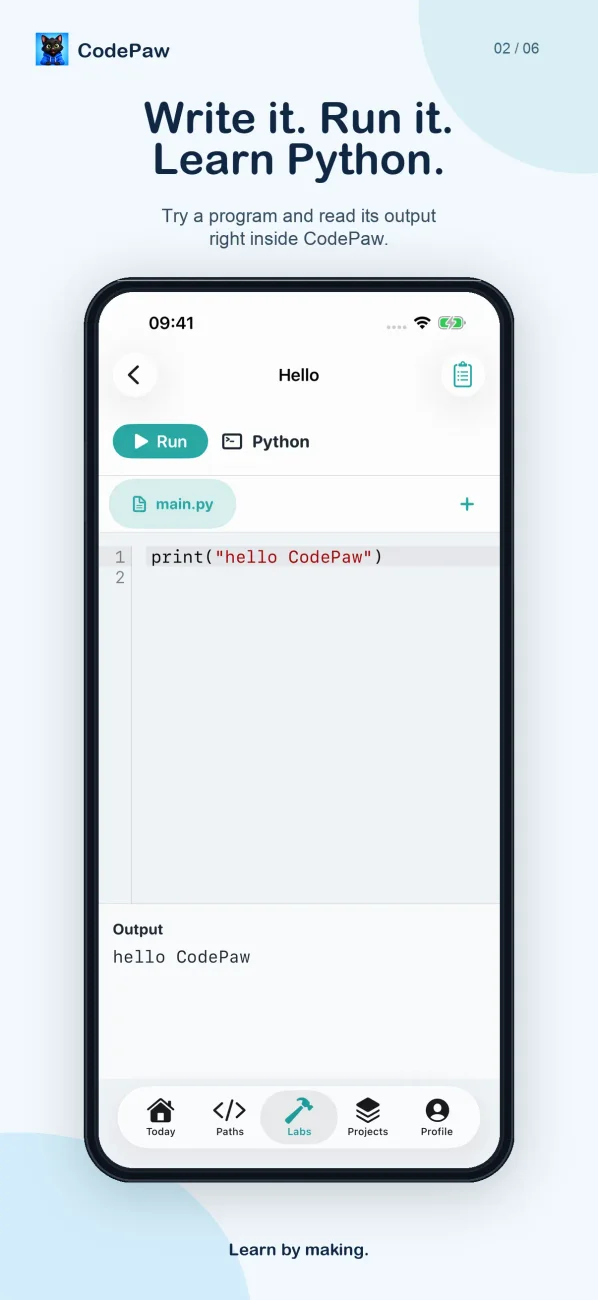
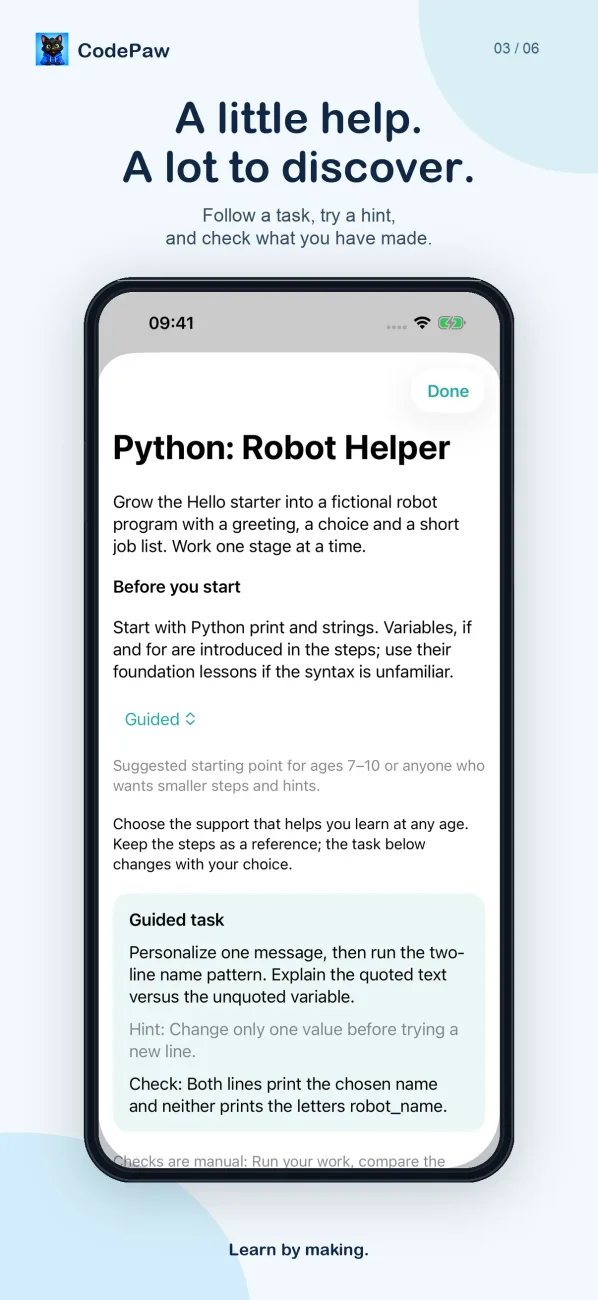
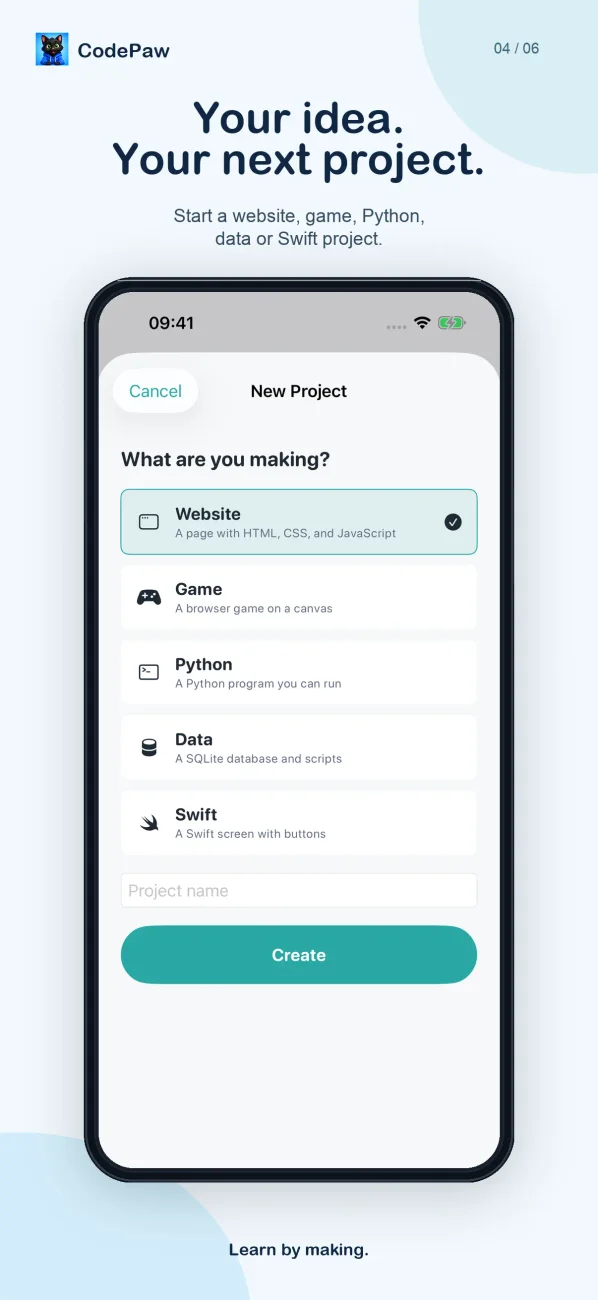
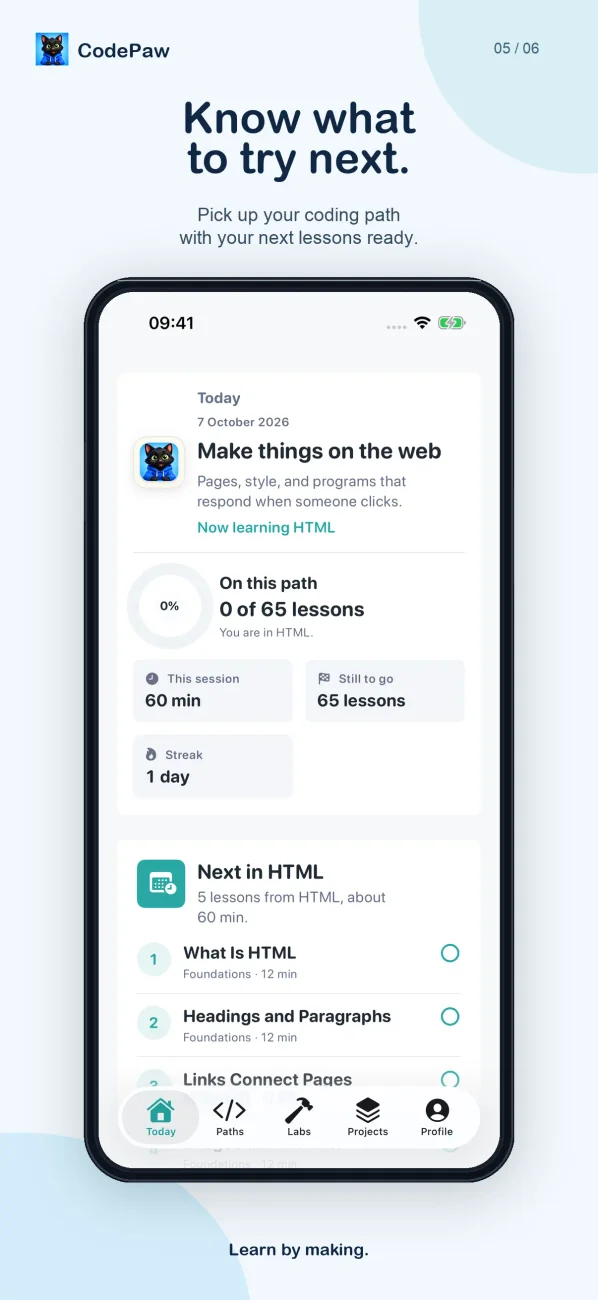
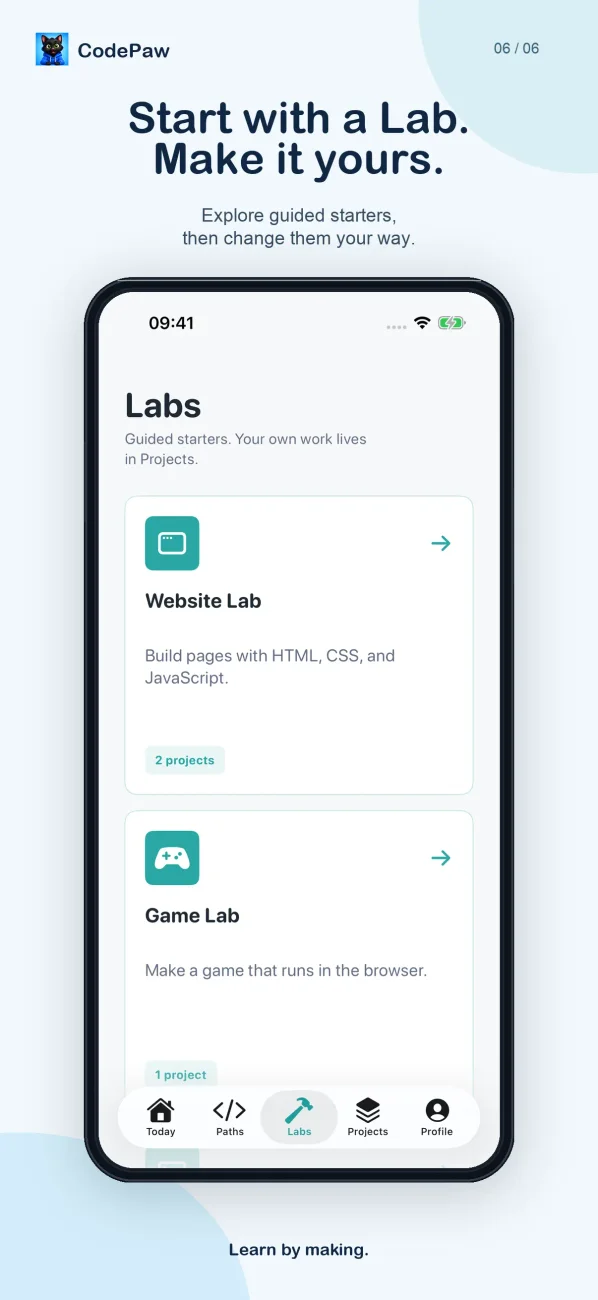
Acerca de
El desarrollador no ha proporcionado este texto en tu idioma.
Learn to code by making things with CodePaw. Follow a coding path, try a guided lab and build projects of your own on iPhone, iPad and Mac.
Every coding path, lesson, lab and project workspace is free. No subscriptions, in-app purchases, sign-up or ads.
FIVE CODING PATHS
Make things on the web, learn Python, build apps with Swift, work with information and learn how to build software well. Explore HTML, CSS, JavaScript, Python, Swift, SQL, algorithms, testing, Git and software design.
BUILD, RUN AND EXPERIMENT
Write and preview websites, run Python, try Swift with a screen preview, and query data with SQL. Guided web projects help you plan, predict, build, fix bugs and make your own design decisions.
LABS AND YOUR OWN PROJECTS
Start with a Website, Game, Python, Data or Swift lab. When you have an idea of your own, create a project in a blank workspace and keep developing it.
A CLEAR NEXT STEP
Today keeps you with the path and course you are already taking. Pick up the next lesson, see your progress and return to the projects you are building.
PRACTISE AND REFLECT
Use quizzes, flashcards and course notebooks to revisit what you have learned. Track completed lessons and earn private course certificates.
PRIVATE BY DESIGN
CodePaw needs no account. Learning data is stored on your device and can sync through your private iCloud account when available. Installed lessons and coding work without Apple Intelligence.
OPTIONAL ON-DEVICE HELP
On compatible devices, Apple Intelligence offers coding conversations and lesson help. AI features require an eligible age status and device support. AI responses can make mistakes, so check important information with a trusted adult or source.
CodePaw 2.0 focuses entirely on coding. The previous school-subject lessons are no longer included.
Privacy Policy: https://codepaw.app/privacy-policy.html
Terms of Use: https://www.apple.com/legal/internet-services/itunes/dev/stdeula/
Novedades
Versión 2.0.0 · 20/10/2026
CodePaw is now completely free and focused on coding.
- Every coding path, lesson, lab and project workspace is included, with no subscription or in-app purchases.
- Follow five paths: the web, Python, Swift, information and building software well.
- Start with guided Website, Game, Python, Data and Swift labs, or create a project of your own.
- Today keeps you with the path and course you are already taking.
- The previous maths and other school-subject lessons have been removed.
Privacidad de la aplicación
Lo que Christopher Vanderplank declara en App Store sobre cómo esta aplicación gestiona los datos.
-
No se recopilan datos
El desarrollador no recopila ningún dato de esta aplicación.
Las prácticas de privacidad pueden variar, por ejemplo, según las funciones que uses o tu edad.
Información
- Vendedor
- Christopher Vanderplank
- Categoría
- Educación
- Versión
- 2.0.0
- Actualizado
- 20/10/2026
- Publicado
- 8/4/2026
- Tamaño
- 448,6 MB
- Requiere
- iOS 26.0 o posterior
- Clasificación por edad
- 4+
- Precio
- Gratis
- Idiomas
- Inglés
- Copyright
- © 2026 Chris Vanderplank Intrepid-Developer
Quizá también te guste
-
 Spaced Learning - FikraEducación
-
 Vokibi: Inglés con historiasVocabulario y diálogos con voz
-
 My Driving Instructor JourneyEducación
-
 ClearRead - Dyslexia ReaderEducación
-
 PidginPalEducación
-
 Electrónica & ArduinoCircuitos Eléctricos y ESP32
-
 Learn Portuguese with ReWordEducación
-
 Juegos aprendizaje 5,6,7 añosABC,leer y escribir para niños
-
 German language for kids FunEducación
-
 Learn & Code: CodenQuestEducación