
CodePaw: Learn to Code
Build websites, apps and games
Conçue pour iPhone, iPad, Mac
Gratuit
- Classification d’âge4+
- CatégorieÉducation
- DéveloppeurChristopher Vanderplank
- LanguesAnglais
- Taille448,6 Mo
Renvoie vers la page App Store officielle
Download.org n’héberge aucun fichier de CodePaw: Learn to Code. Le bouton ouvre la page de l’application sur App Store, où Christopher Vanderplank la publie. Fiche vérifiée pour la dernière fois le 08/11/2026.
Captures d’écran
À propos
Le développeur n’a pas fourni ce texte dans votre langue.
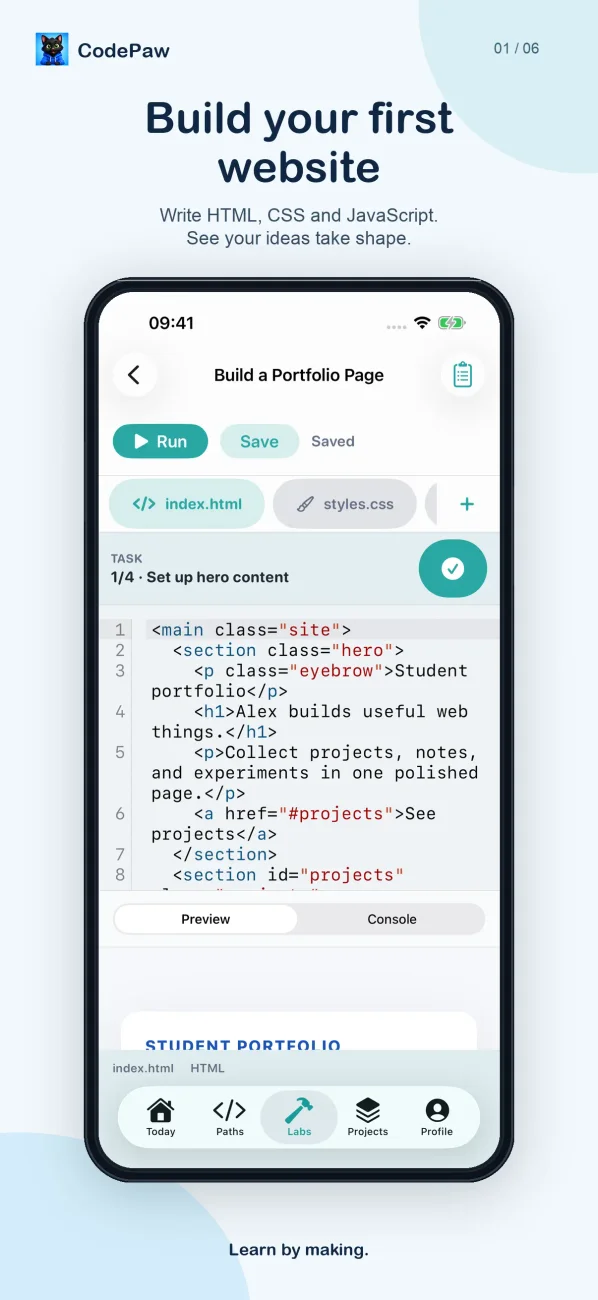
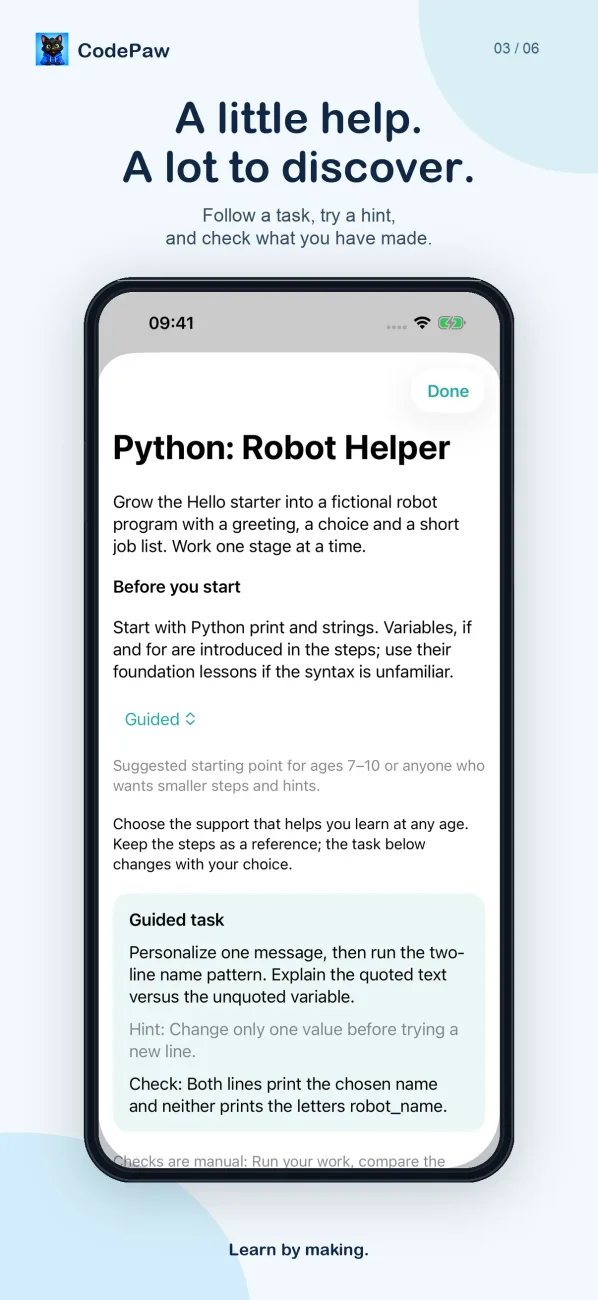
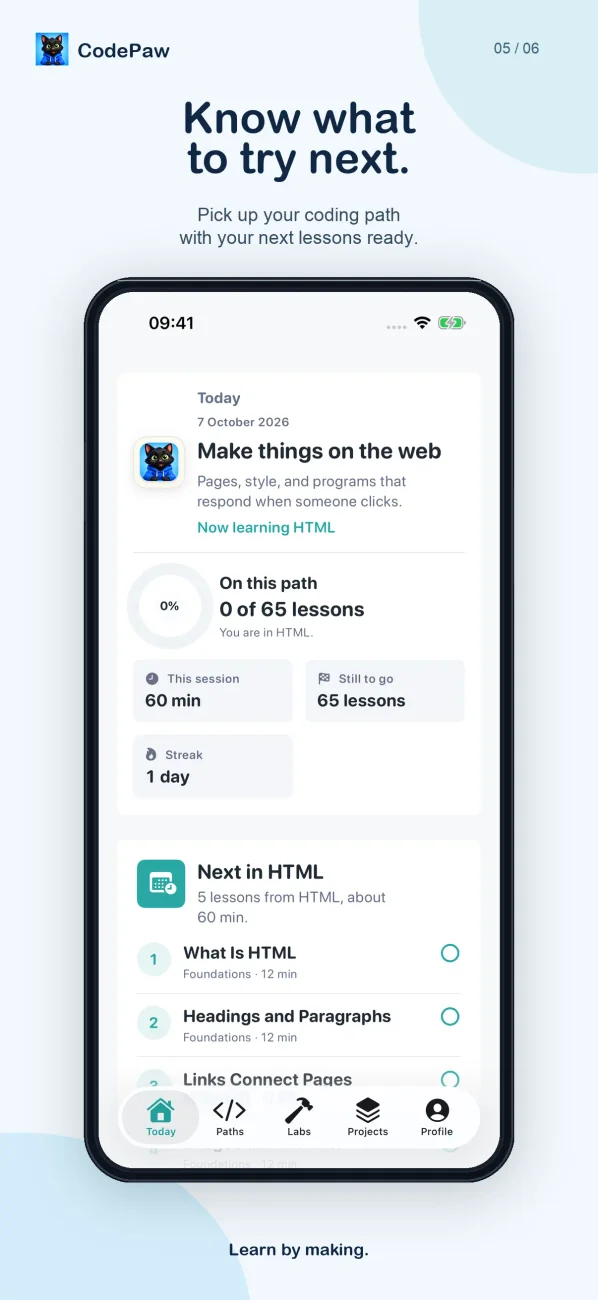
Learn to code by making things with CodePaw. Follow a coding path, try a guided lab and build projects of your own on iPhone, iPad and Mac.
Every coding path, lesson, lab and project workspace is free. No subscriptions, in-app purchases, sign-up or ads.
FIVE CODING PATHS
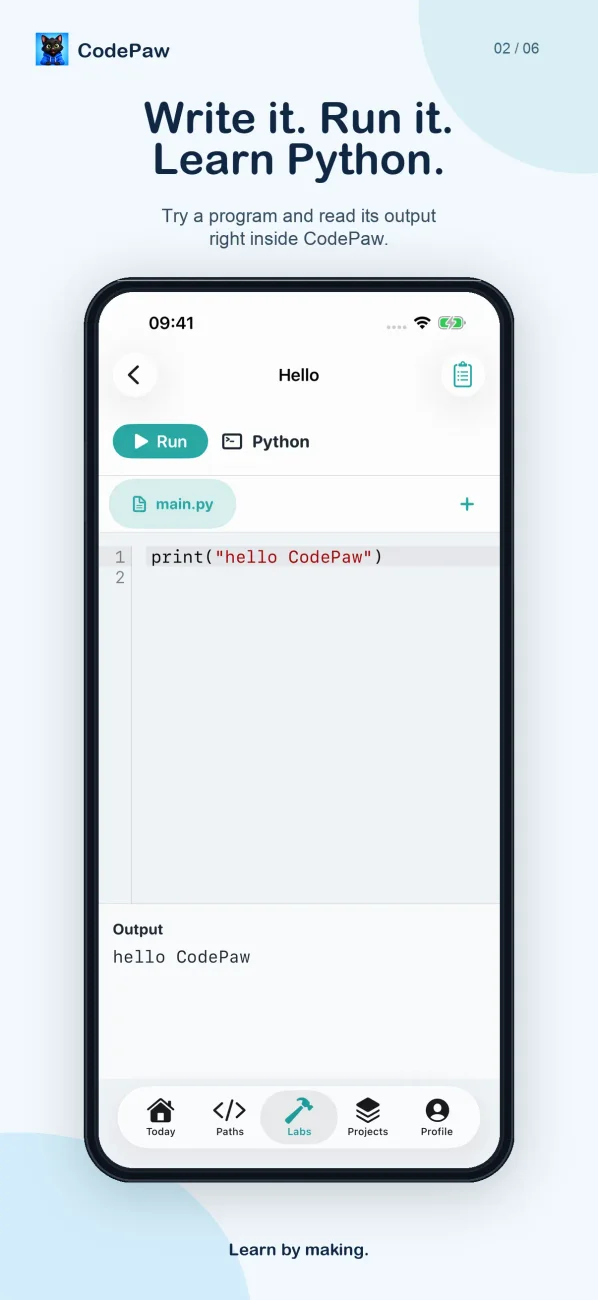
Make things on the web, learn Python, build apps with Swift, work with information and learn how to build software well. Explore HTML, CSS, JavaScript, Python, Swift, SQL, algorithms, testing, Git and software design.
BUILD, RUN AND EXPERIMENT
Write and preview websites, run Python, try Swift with a screen preview, and query data with SQL. Guided web projects help you plan, predict, build, fix bugs and make your own design decisions.
LABS AND YOUR OWN PROJECTS
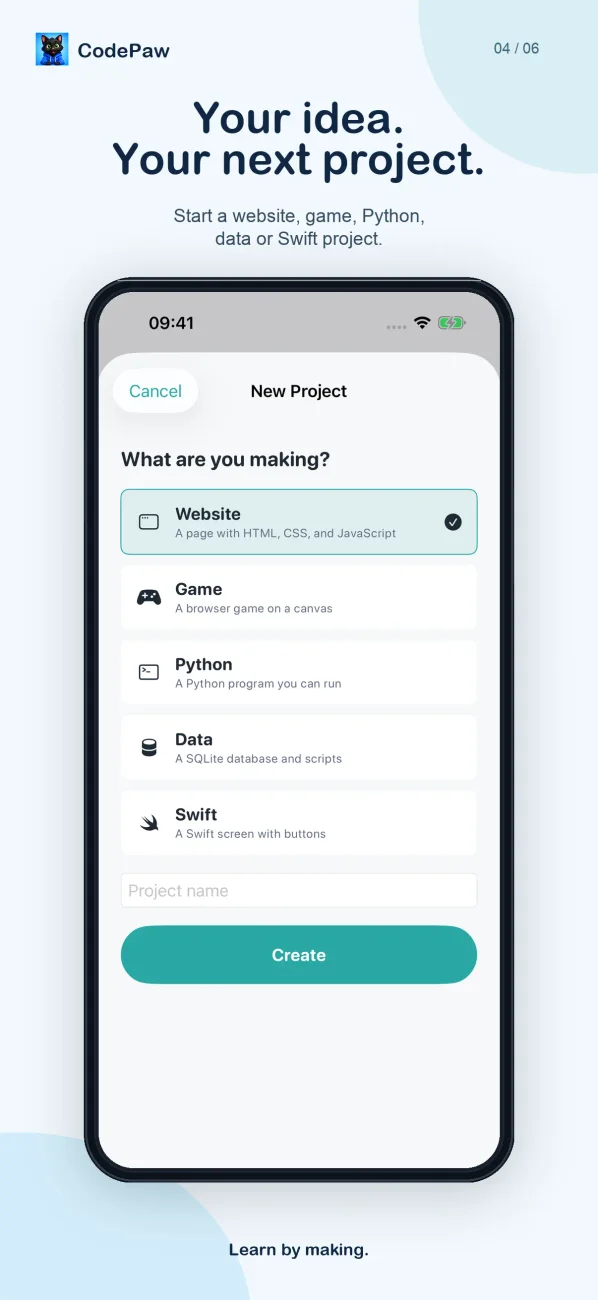
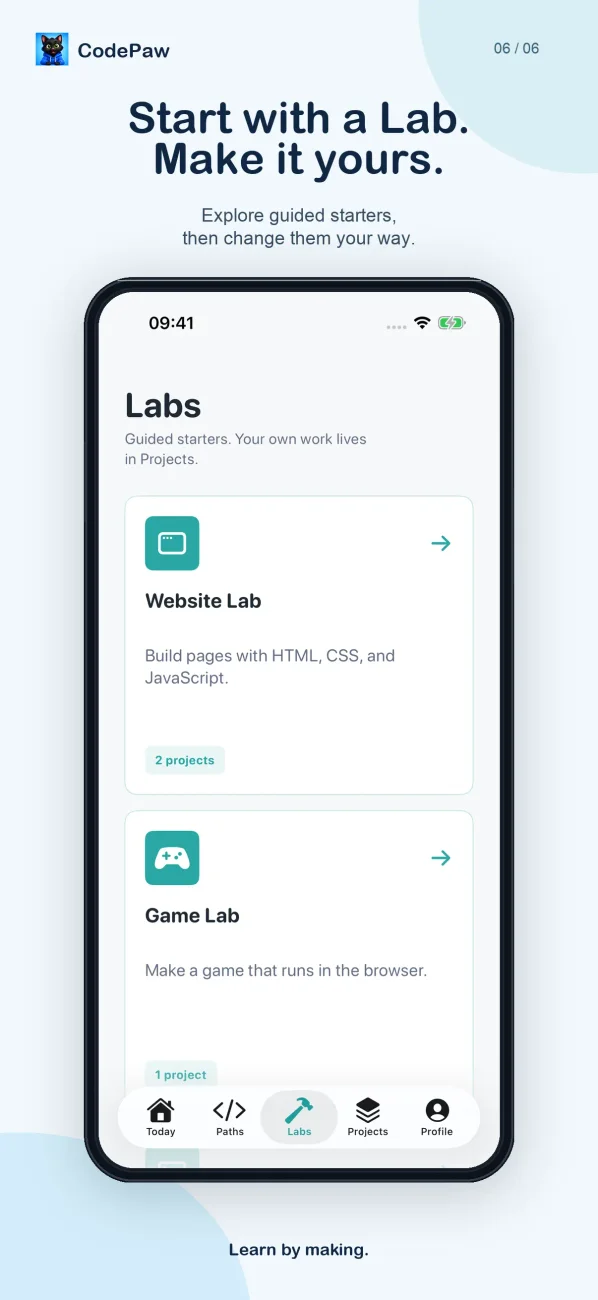
Start with a Website, Game, Python, Data or Swift lab. When you have an idea of your own, create a project in a blank workspace and keep developing it.
A CLEAR NEXT STEP
Today keeps you with the path and course you are already taking. Pick up the next lesson, see your progress and return to the projects you are building.
PRACTISE AND REFLECT
Use quizzes, flashcards and course notebooks to revisit what you have learned. Track completed lessons and earn private course certificates.
PRIVATE BY DESIGN
CodePaw needs no account. Learning data is stored on your device and can sync through your private iCloud account when available. Installed lessons and coding work without Apple Intelligence.
OPTIONAL ON-DEVICE HELP
On compatible devices, Apple Intelligence offers coding conversations and lesson help. AI features require an eligible age status and device support. AI responses can make mistakes, so check important information with a trusted adult or source.
CodePaw 2.0 focuses entirely on coding. The previous school-subject lessons are no longer included.
Privacy Policy: https://codepaw.app/privacy-policy.html
Terms of Use: https://www.apple.com/legal/internet-services/itunes/dev/stdeula/
Nouveautés
Version 2.0.0 · 20/10/2026
CodePaw is now completely free and focused on coding.
- Every coding path, lesson, lab and project workspace is included, with no subscription or in-app purchases.
- Follow five paths: the web, Python, Swift, information and building software well.
- Start with guided Website, Game, Python, Data and Swift labs, or create a project of your own.
- Today keeps you with the path and course you are already taking.
- The previous maths and other school-subject lessons have been removed.
Confidentialité de l’application
Ce que Christopher Vanderplank déclare sur l’App Store au sujet du traitement des données par cette application.
-
Données non collectées
Le développeur ne collecte aucune donnée à partir de cette application.
Les pratiques en matière de confidentialité peuvent varier, notamment en fonction des fonctionnalités que vous utilisez ou de votre âge.
Informations
- Vendeur
- Christopher Vanderplank
- Catégorie
- Éducation
- Version
- 2.0.0
- Mis à jour
- 20/10/2026
- Publié
- 08/04/2026
- Taille
- 448,6 Mo
- Nécessite
- iOS 26.0 ou version ultérieure
- Classification d’âge
- 4+
- Prix
- Gratuit
- Langues
- Anglais
- Copyright
- © 2026 Chris Vanderplank Intrepid-Developer
Vous aimerez peut-être aussi
-
 Culture générale - FikraSe cultiver sans rien oublier
-
 Vokibi: Anglais en histoiresVocabulaire et dialogues audio
-
 My Driving Instructor JourneyÉducation
-
 ClearRead - Dyslexia ReaderÉducation
-
 PidginPalÉducation
-
 Électronique & ArduinoSimulateur, Composants & ESP32
-
 Learn Portuguese with ReWordÉducation
-
 Jeu éducatif pour les enfants·Alphabet apprendre a lire jeux
-
 German language for kids FunÉducation
-
 Learn & Code: CodenQuestÉducation