
Combine - Code Editor & Git
Code Editor and Git Client
Diseñada para iPhone, iPad
Gratis · Compras en la aplicación
- Clasificación por edad4+
- CategoríaPara desarrolladores
- DesarrolladorMargins Technologies LLC
- IdiomasInglés
- Tamaño29,3 MB
Enlaza a la página oficial de App Store
Download.org no aloja ningún archivo de Combine - Code Editor & Git. El botón abre la página de la aplicación en App Store, donde la publica Margins Technologies LLC. Ficha comprobada por última vez el 12/11/2026.
Capturas de pantalla

Acerca de
El desarrollador no ha proporcionado este texto en tu idioma.
Professional coding with zero compromises. Turn your iPhone or iPad into a professional development studio. Code offline anywhere, run code, preview web projects live, seamlessly manage Git repositories, and use advanced debugging tools to accelerate your workflow.
CODE EDITOR
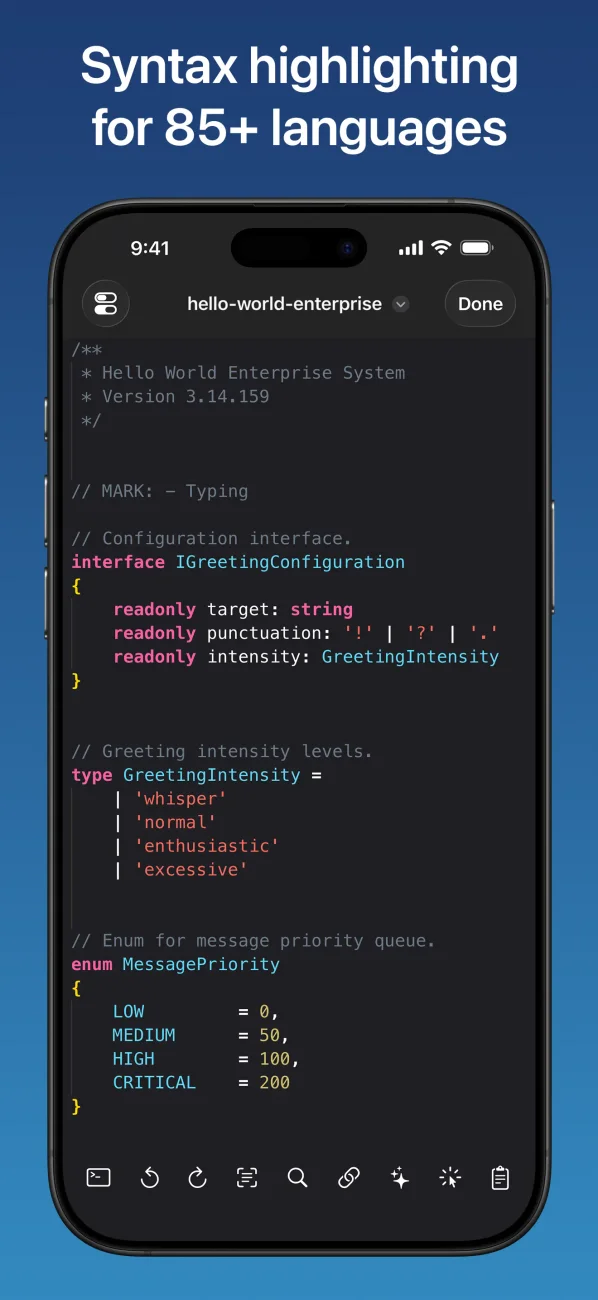
• Expert syntax highlighting and intelligent code completion for over 85 programming languages.
• Code completely offline: no account or internet connection needed.
• Choose from 70 exclusive themes or create your own custom themes with over 200 customizable elements.
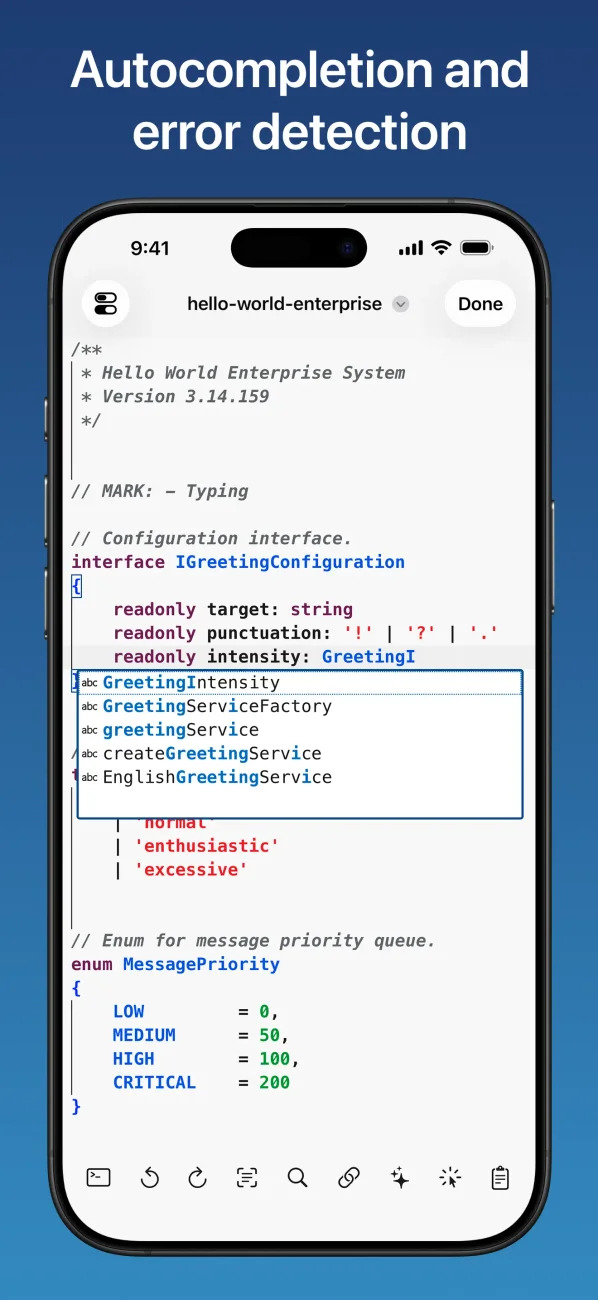
• Smart auto-completion with auto-closing brackets/quotes/comments, auto-indent, auto-surround, and bracket pair colorization.
• Choose from over 160 quick actions for your customizable toolbar including running code, undo, redo, character insertion, text transformation, and so much more.
• Live web preview: render HTML, CSS, and Markdown with instant updates. Load CSS files directly from your device to see changes in real-time.
• Smart element inspection: tap any element in the live preview for instant highlighting with size, role, and layout details. Long-press to dive deeper and review computed styles, bounding box data, and the complete DOM hierarchy.
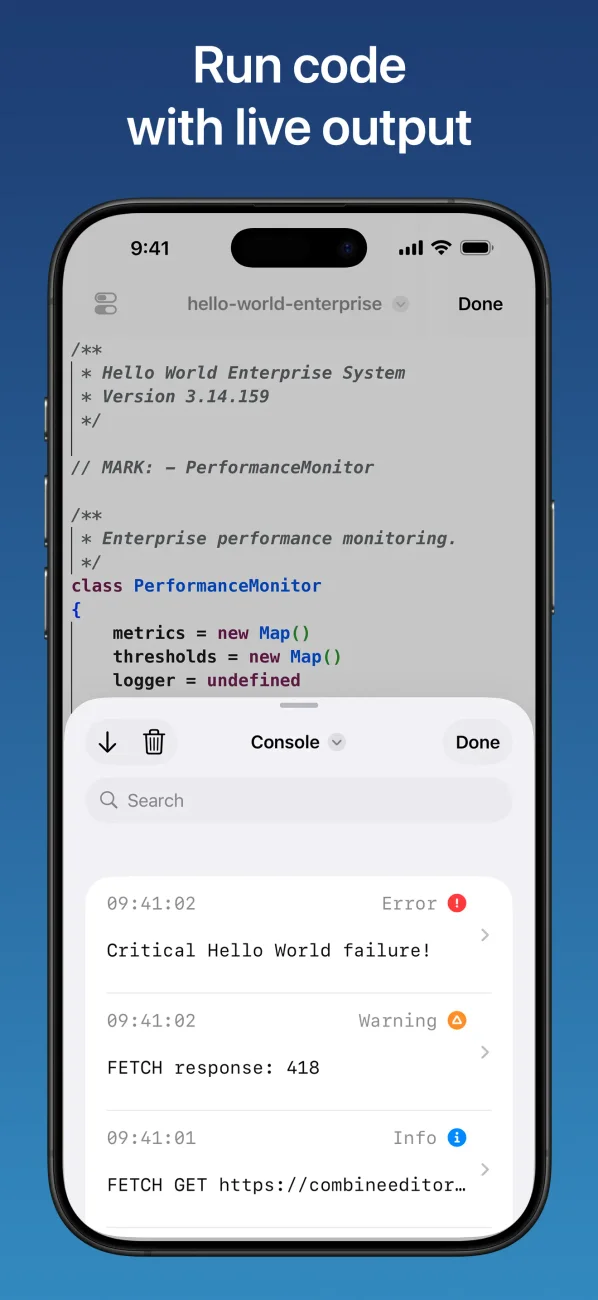
• Code execution: run JavaScript as a standalone script or within HTML previews for full DOM interactivity. Review real-time console logs, errors, and warnings as they happen.
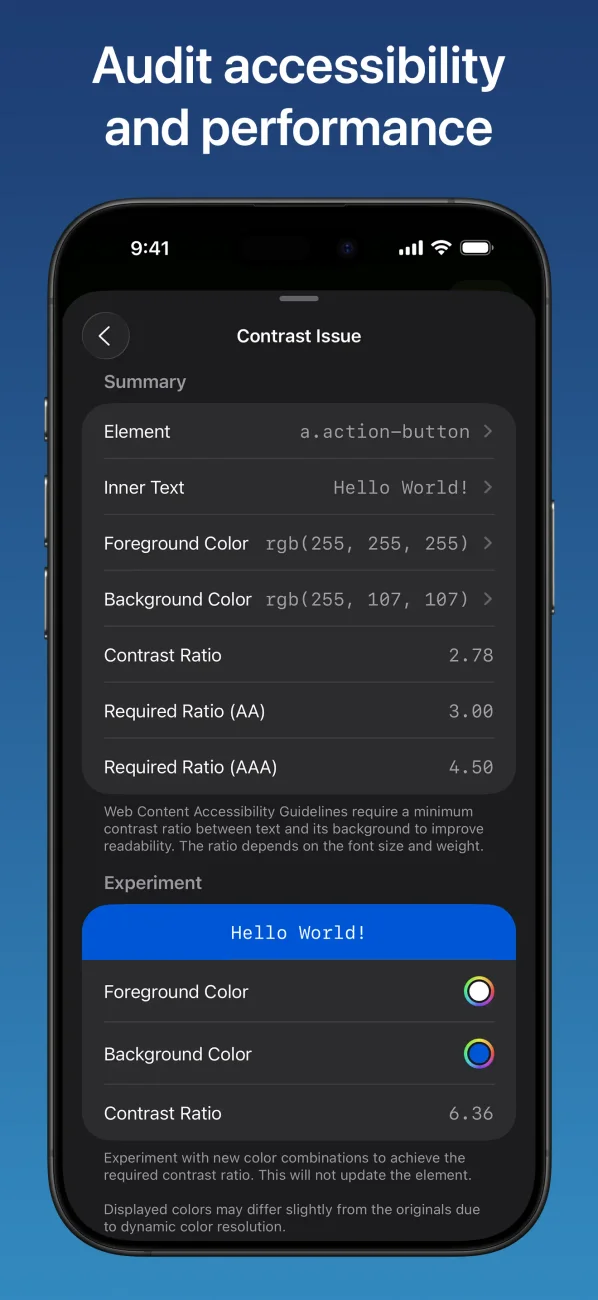
• Comprehensive web audit: get scored reports in live previews across four key categories - accessibility, best practices, PWA readiness, and SEO.
• Network monitor: capture all HTTP requests with headers, timing, and response data. Export as Curl commands or HAR files for streamlined collaboration and debugging.
• Share live previews as images and PDFs, and instantly transform Markdown to HTML.
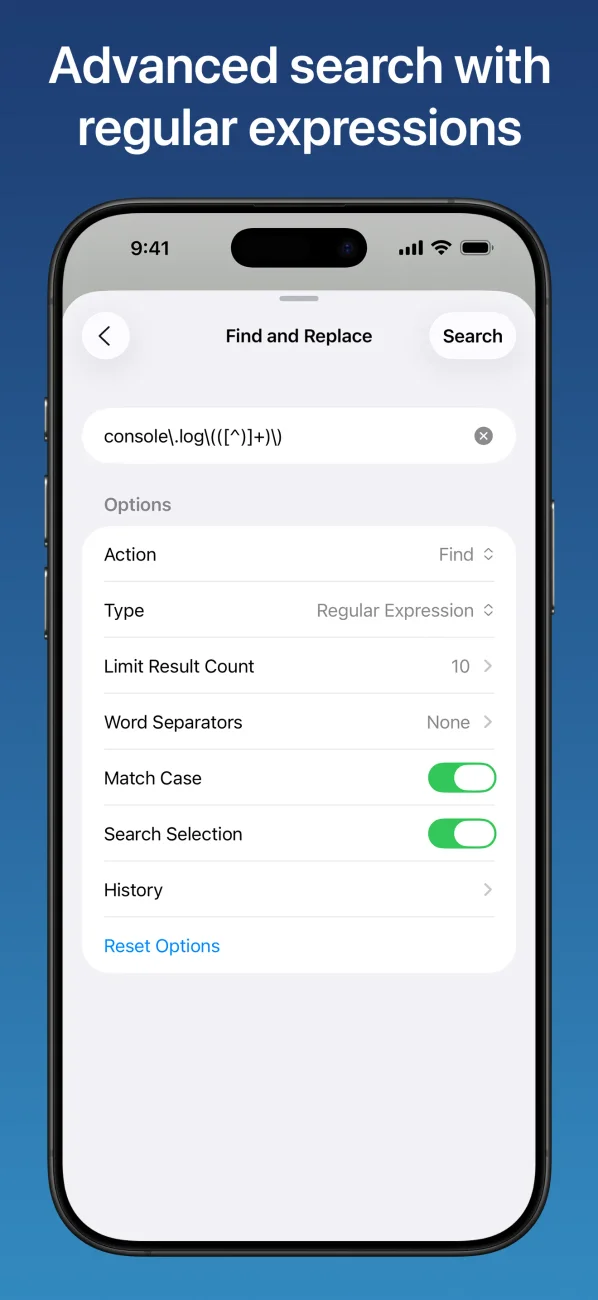
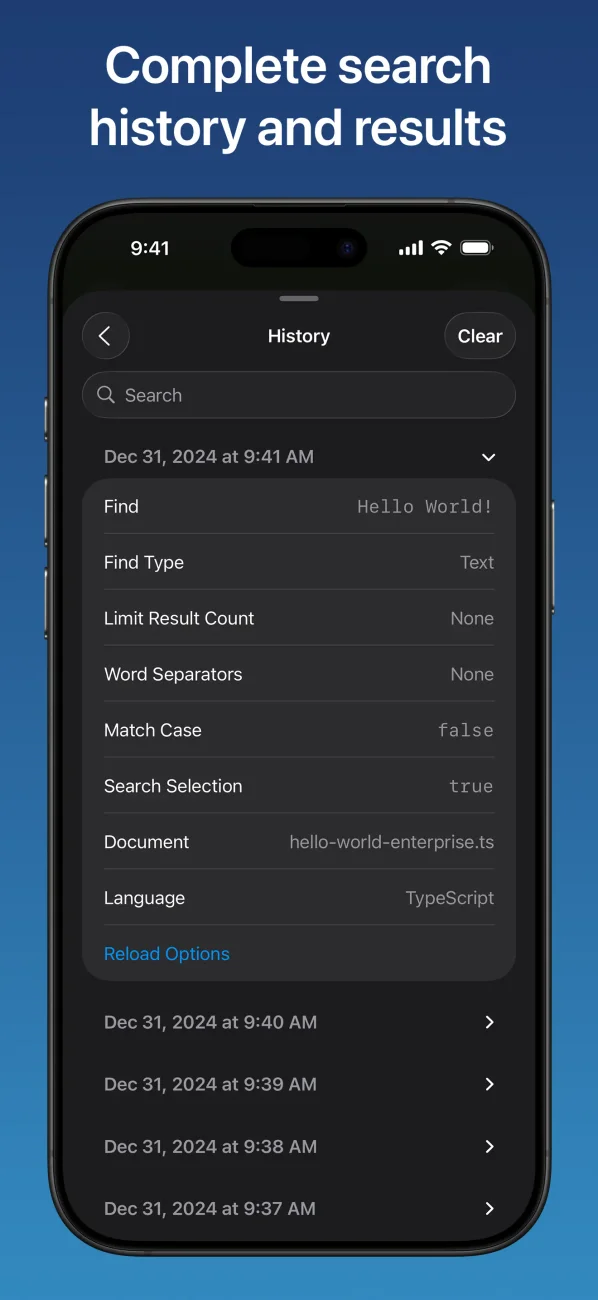
• Advanced find and replace with regex support, case matching, selection limiting, and search history.
• Fully customizable with hundreds of settings synced across all your devices.
• Real-time error detection and code validation with on-demand code review.
• Multi-cursor support: use up to 100 cursors simultaneously for rapid text editing.
• Intelligent code folding with customizable strategies.
• Live minimap and slider, with real-time rendering of actual characters or color blocks.
• Choose from 90 font families with dynamic sizing and endless colors.
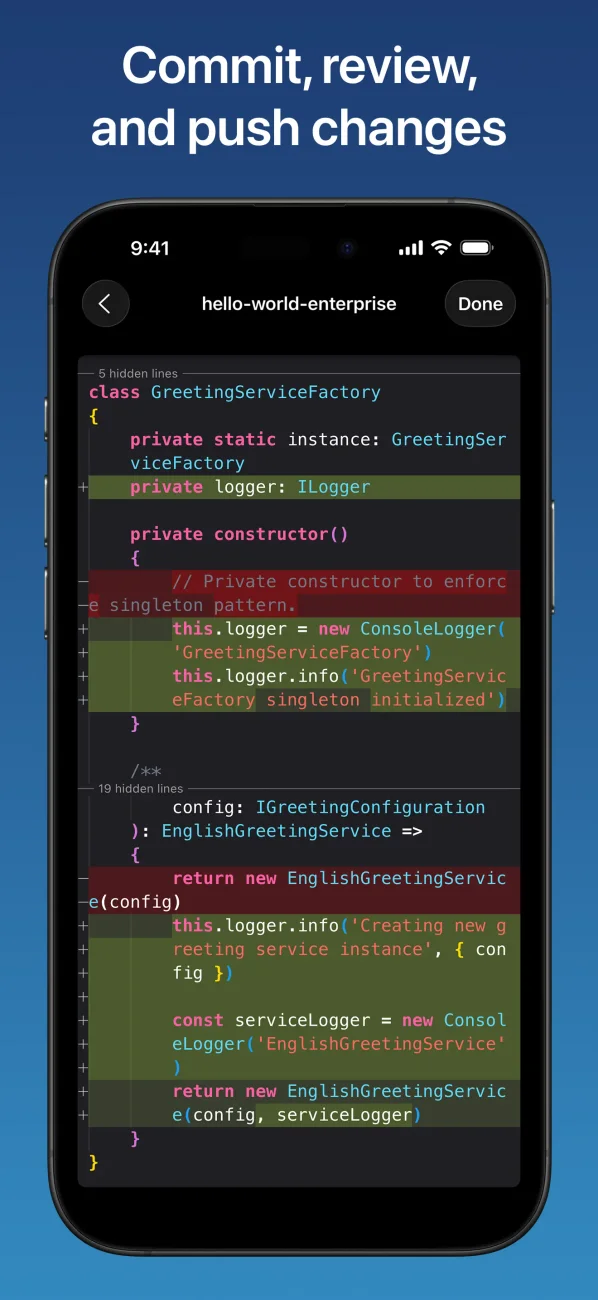
• Powerful diff editor with customizable algorithms and conflict resolution.
• Use standard, interval, or relative line numbers, or none at all.
• Real-time fading of unused code and strikethrough of deprecated code.
• Optimized for large documents and high performance.
• Advanced features: sticky/smooth scrolling, read-only mode, tab completion and sticky tab stops, and indentation detection.
• Professional customization: placeholders, word-wrapping, encoding methods, whitespace rendering, variable line-height, and cursor styling.
GIT CLIENT
• Complete Git workflow: create, clone, fetch, push, pull, and manage repositories.
• Secure authentication: use personal access tokens or SSH keys, securely stored in iCloud Keychain with end-to-end encryption.
• Full branch management: view, checkout, merge, rebase, rename, and reset branches.
• Advanced operations: stage and commit changes, stash work for later, and resolve conflicts.
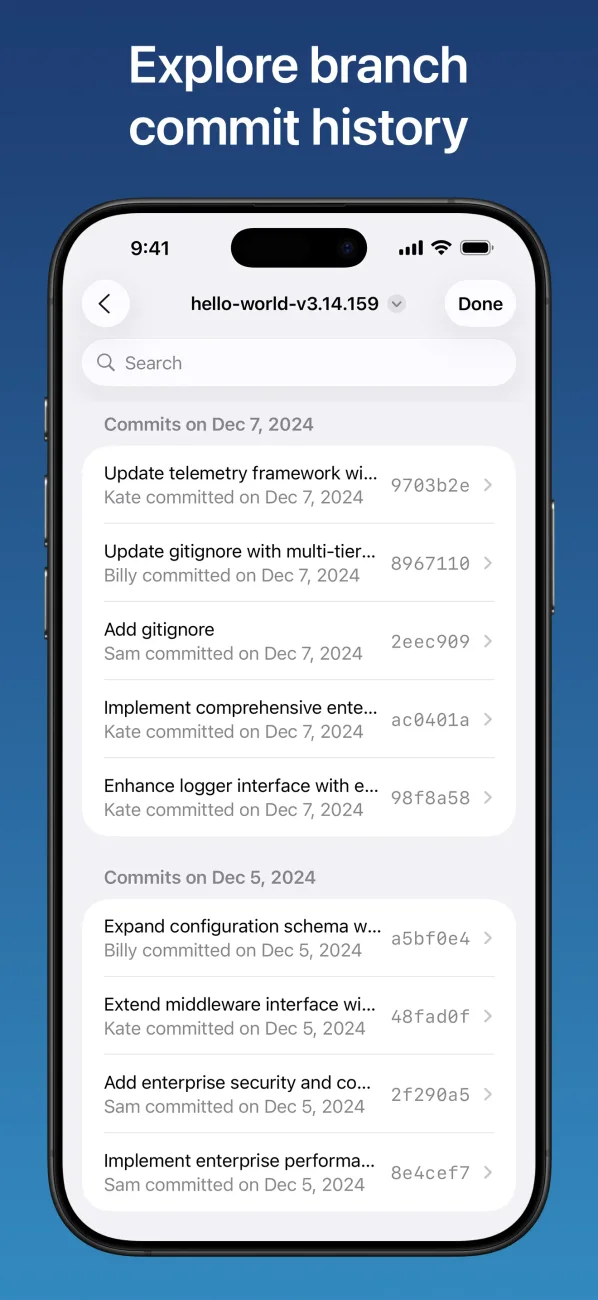
• Manage commits: view, amend, checkout, cherry-pick, and revert commits.
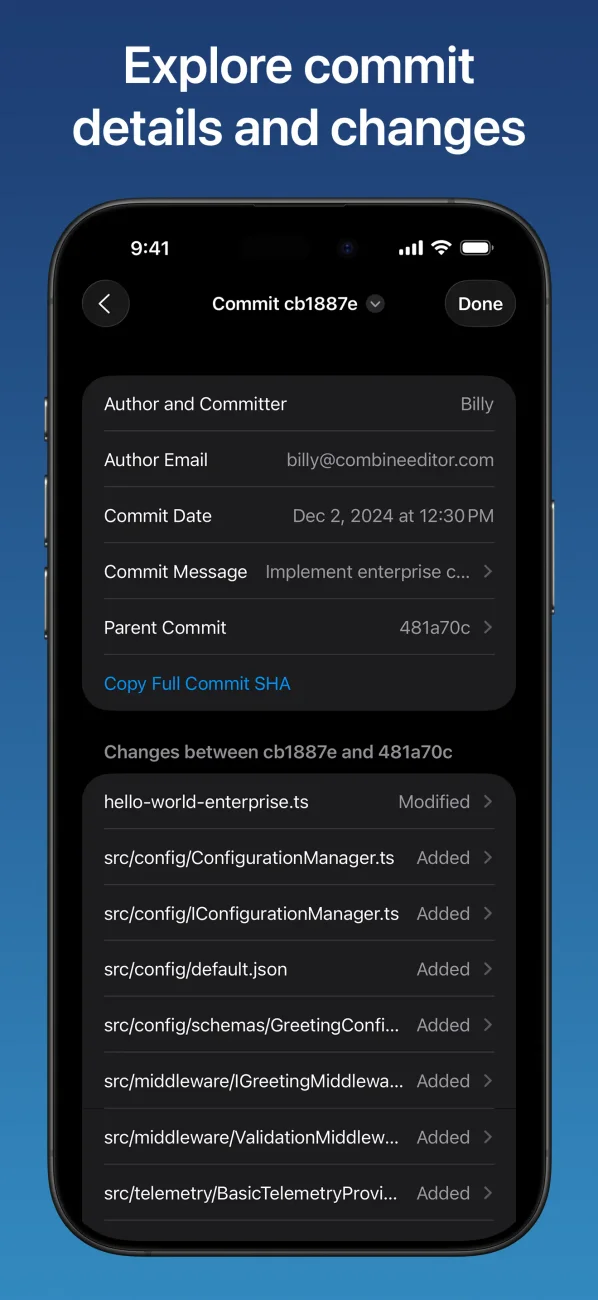
• Powerful comparisons: compare branches, commits, and tags.
• Repository insights: browse commit history, view diffs, create and manage tags, and configure multiple remotes.
• Performance tools: prune references and view branch reflogs.
FILE MANAGER
• Native iOS Files integration: your documents and repositories work with any app and sync across all your devices.
• Complete file operations: browse, add, delete, move, search, share, sort, and tag documents.
Privacy Policy: https://www.combineeditor.com/privacy
Terms of Service: https://www.combineeditor.com/terms
Novedades
Versión 1.4.15 · 1/6/2026
Thanks for using Combine! What's new in this version:
• Performance and stability improvements.
If you're enjoying the app, please consider leaving a review or rating by tapping Rate Combine in Settings. For feedback or questions, tap Feature Request or Bug Report in Settings.
Privacidad de la aplicación
Lo que Margins Technologies LLC declara en App Store sobre cómo esta aplicación gestiona los datos.
-
No se recopilan datos
El desarrollador no recopila ningún dato de esta aplicación.
Las prácticas de privacidad pueden variar, por ejemplo, según las funciones que uses o tu edad.
Información
- Vendedor
- Margins Technologies LLC
- Categoría
- Para desarrolladores
- Versión
- 1.4.15
- Actualizado
- 1/6/2026
- Publicado
- 3/7/2025
- Tamaño
- 29,3 MB
- Requiere
- iOS 17.0 o posterior
- Clasificación por edad
- 4+
- Precio
- Gratis
- Compras en la aplicación
- Sí
- Idiomas
- Inglés
- Copyright
- © Margins Technologies LLC
Quizá también te guste
-
 Web IDE - AI Code EditorPara desarrolladores
-
 Code - Editor Git and TerminalPara desarrolladores
-
 siGit Code & DeployPara desarrolladores
-
 MobileCode Code EditorPara desarrolladores
-
 Code Splenda - Static Web IDEPara desarrolladores
-
 PlomGitPara desarrolladores
-
 Buffer Editor - Code EditorPara desarrolladores
-
 Text Editor : Code EditorPara desarrolladores
-
 Pythonica: Code and DebugPara desarrolladores
-
 My Shortcuts for XcodePara desarrolladores