
Combine - Code Editor & Git
Code Editor and Git Client
Projetado para iPhone, iPad
Grátis · Compras no app
- Classificação etária4+
- CategoriaPara desenvolvedores
- DesenvolvedorMargins Technologies LLC
- IdiomasInglês
- Tamanho29,3 MB
Leva à página oficial na App Store
O Download.org não hospeda nenhum arquivo de Combine - Code Editor & Git. O botão abre a página do app na App Store, onde Margins Technologies LLC o publica. Página verificada pela última vez em 12/11/2026.
Capturas de tela

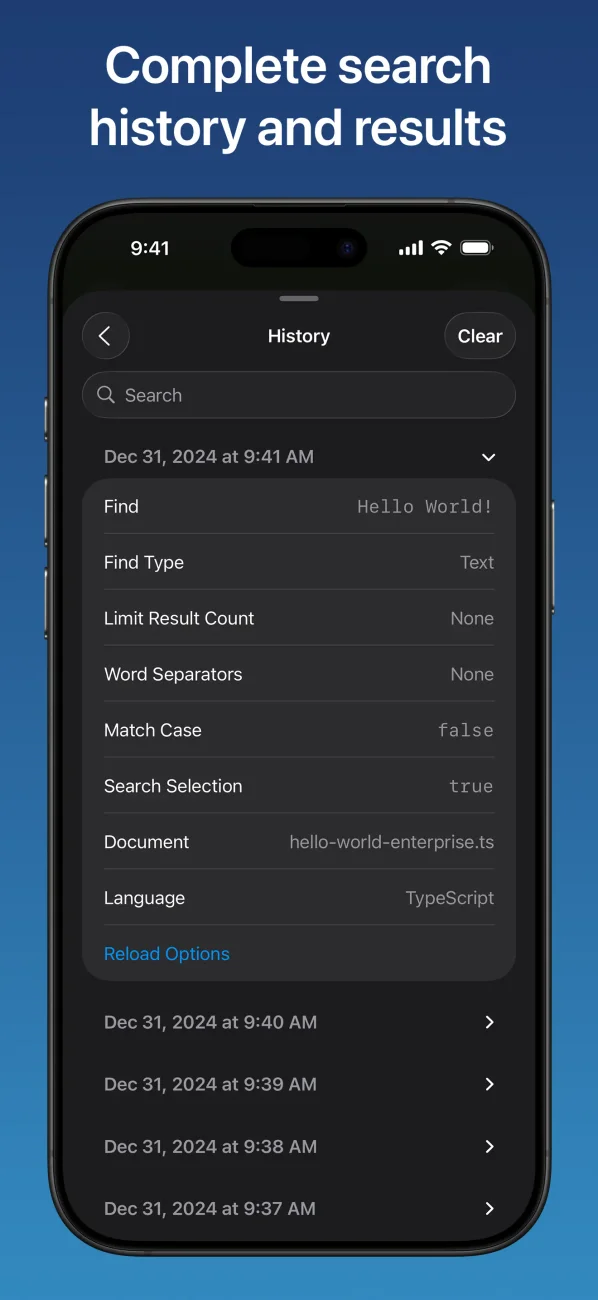
Sobre
O desenvolvedor não forneceu este texto no seu idioma.
Professional coding with zero compromises. Turn your iPhone or iPad into a professional development studio. Code offline anywhere, run code, preview web projects live, seamlessly manage Git repositories, and use advanced debugging tools to accelerate your workflow.
CODE EDITOR
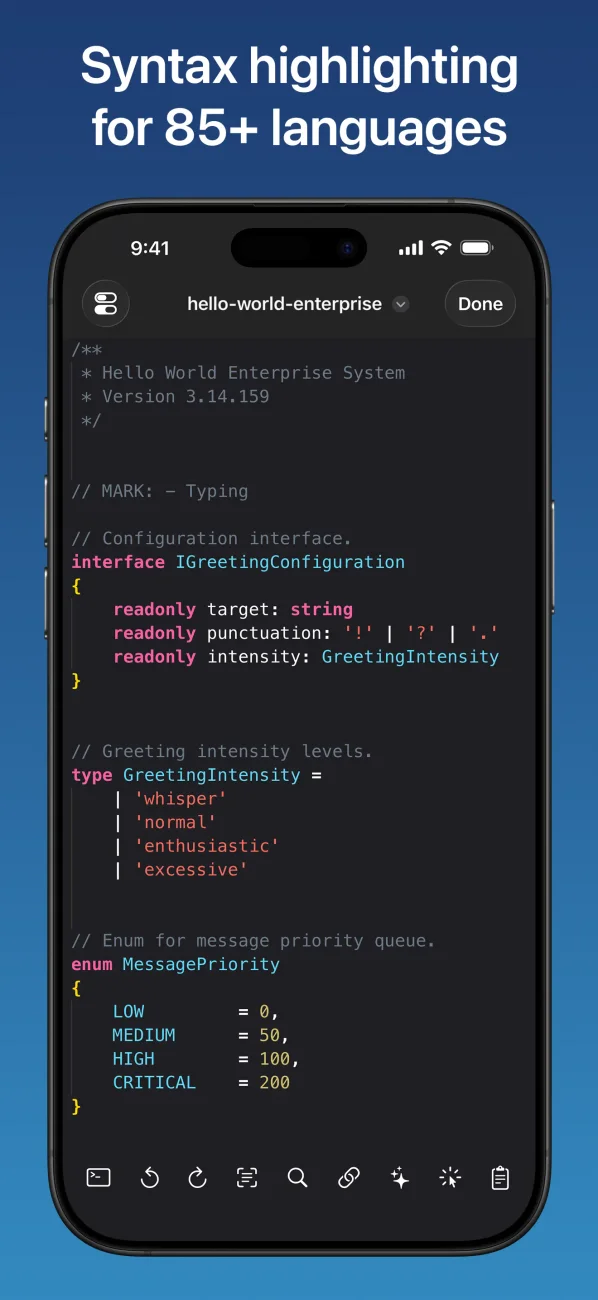
• Expert syntax highlighting and intelligent code completion for over 85 programming languages.
• Code completely offline: no account or internet connection needed.
• Choose from 70 exclusive themes or create your own custom themes with over 200 customizable elements.
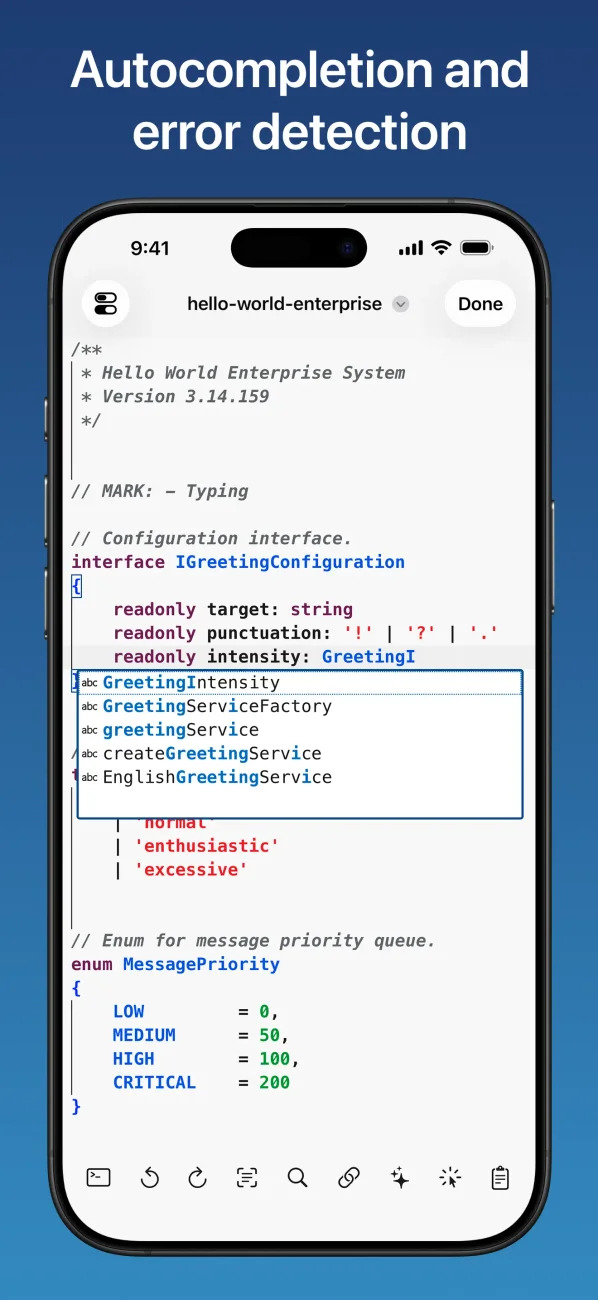
• Smart auto-completion with auto-closing brackets/quotes/comments, auto-indent, auto-surround, and bracket pair colorization.
• Choose from over 160 quick actions for your customizable toolbar including running code, undo, redo, character insertion, text transformation, and so much more.
• Live web preview: render HTML, CSS, and Markdown with instant updates. Load CSS files directly from your device to see changes in real-time.
• Smart element inspection: tap any element in the live preview for instant highlighting with size, role, and layout details. Long-press to dive deeper and review computed styles, bounding box data, and the complete DOM hierarchy.
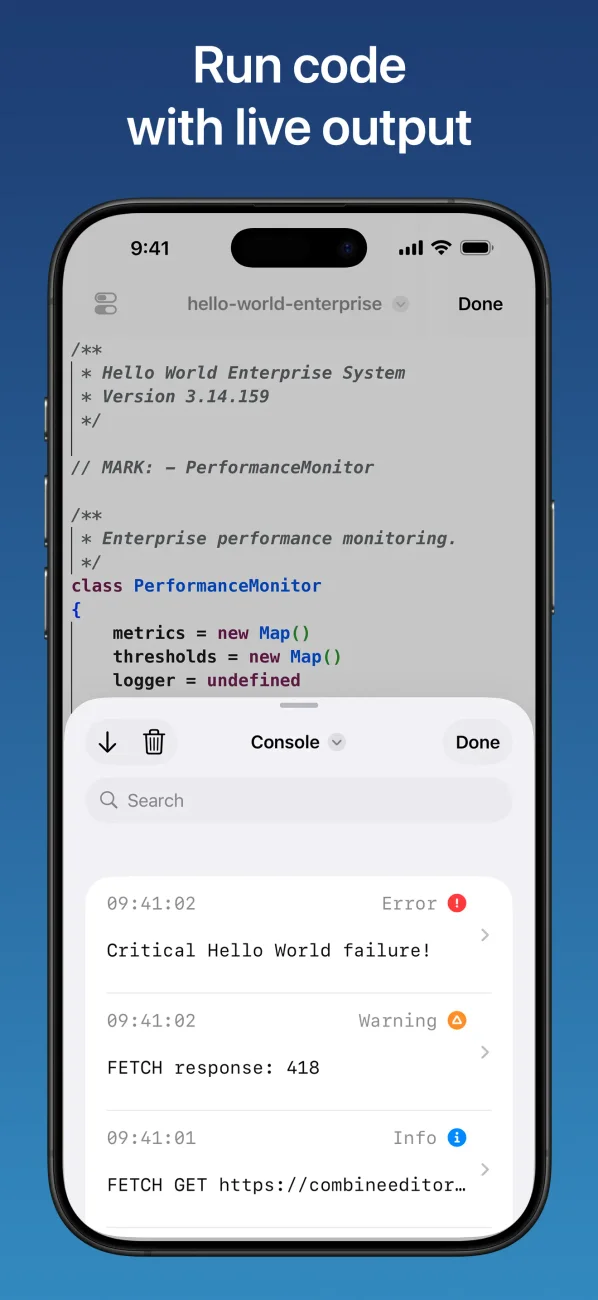
• Code execution: run JavaScript as a standalone script or within HTML previews for full DOM interactivity. Review real-time console logs, errors, and warnings as they happen.
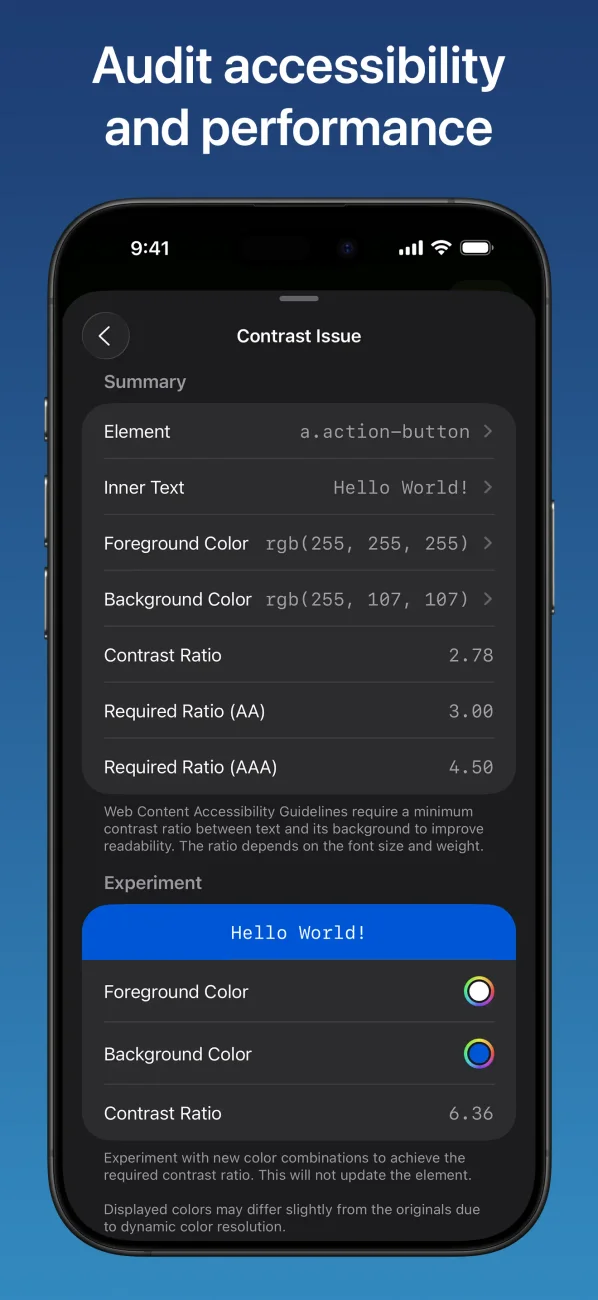
• Comprehensive web audit: get scored reports in live previews across four key categories - accessibility, best practices, PWA readiness, and SEO.
• Network monitor: capture all HTTP requests with headers, timing, and response data. Export as Curl commands or HAR files for streamlined collaboration and debugging.
• Share live previews as images and PDFs, and instantly transform Markdown to HTML.
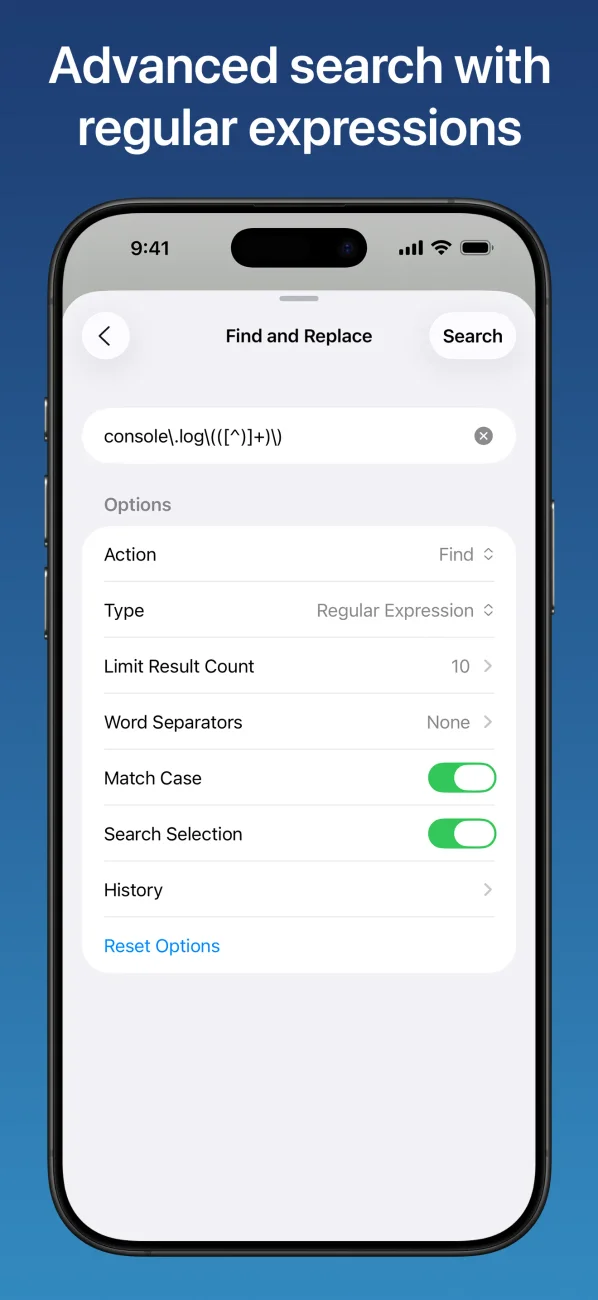
• Advanced find and replace with regex support, case matching, selection limiting, and search history.
• Fully customizable with hundreds of settings synced across all your devices.
• Real-time error detection and code validation with on-demand code review.
• Multi-cursor support: use up to 100 cursors simultaneously for rapid text editing.
• Intelligent code folding with customizable strategies.
• Live minimap and slider, with real-time rendering of actual characters or color blocks.
• Choose from 90 font families with dynamic sizing and endless colors.
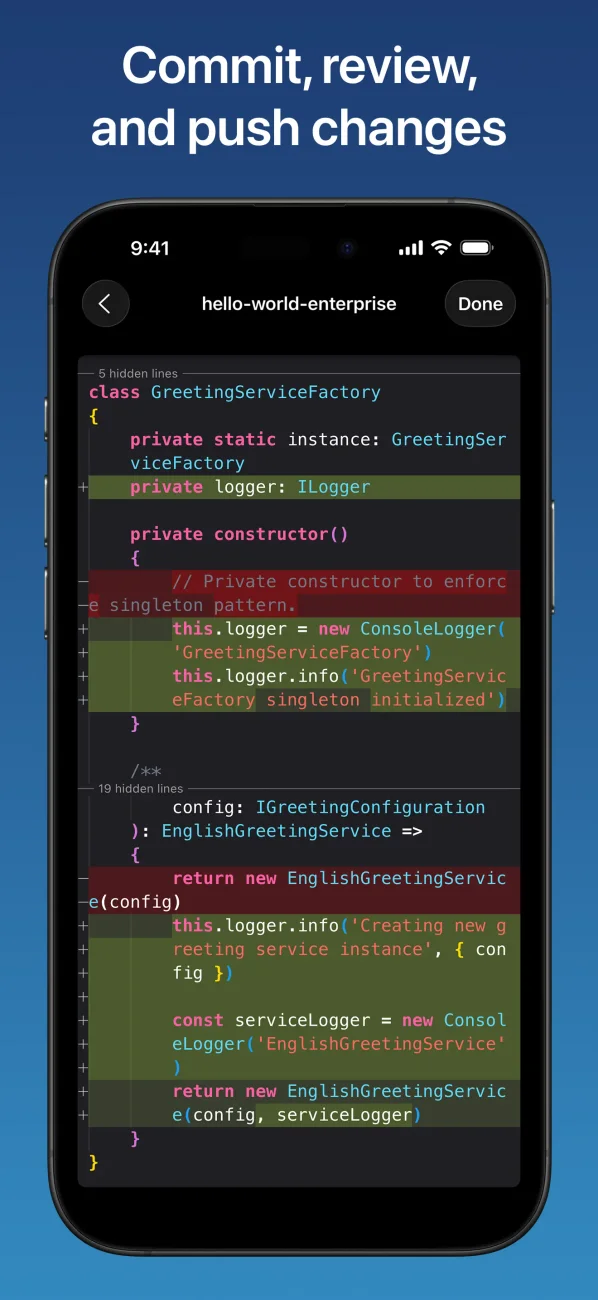
• Powerful diff editor with customizable algorithms and conflict resolution.
• Use standard, interval, or relative line numbers, or none at all.
• Real-time fading of unused code and strikethrough of deprecated code.
• Optimized for large documents and high performance.
• Advanced features: sticky/smooth scrolling, read-only mode, tab completion and sticky tab stops, and indentation detection.
• Professional customization: placeholders, word-wrapping, encoding methods, whitespace rendering, variable line-height, and cursor styling.
GIT CLIENT
• Complete Git workflow: create, clone, fetch, push, pull, and manage repositories.
• Secure authentication: use personal access tokens or SSH keys, securely stored in iCloud Keychain with end-to-end encryption.
• Full branch management: view, checkout, merge, rebase, rename, and reset branches.
• Advanced operations: stage and commit changes, stash work for later, and resolve conflicts.
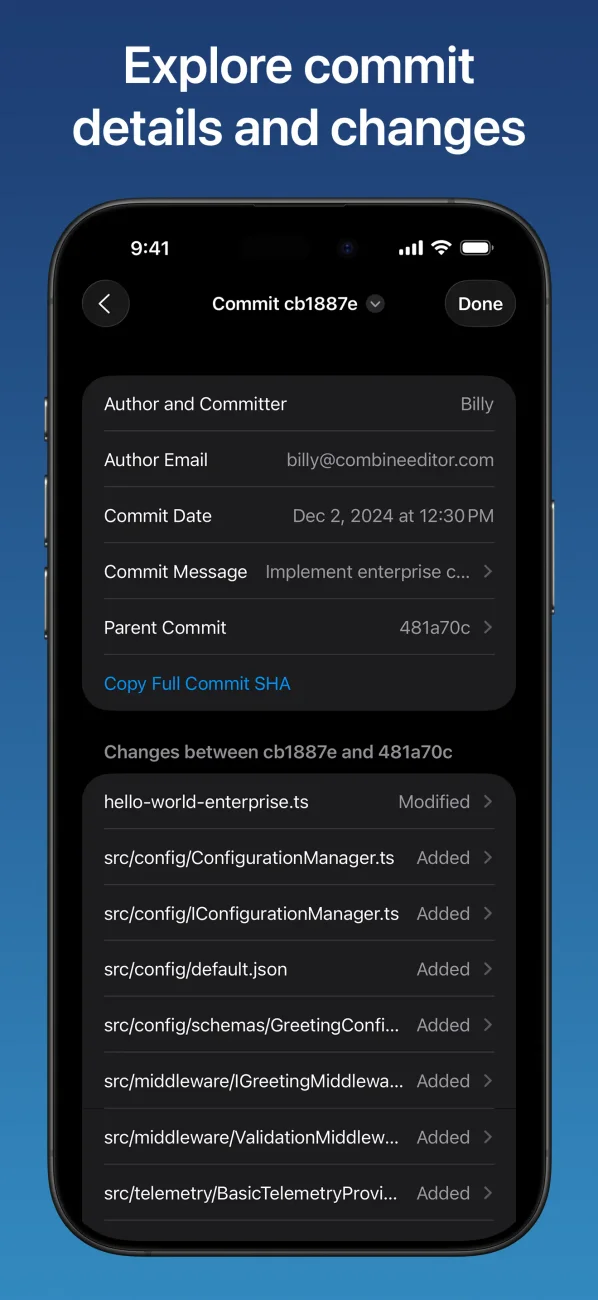
• Manage commits: view, amend, checkout, cherry-pick, and revert commits.
• Powerful comparisons: compare branches, commits, and tags.
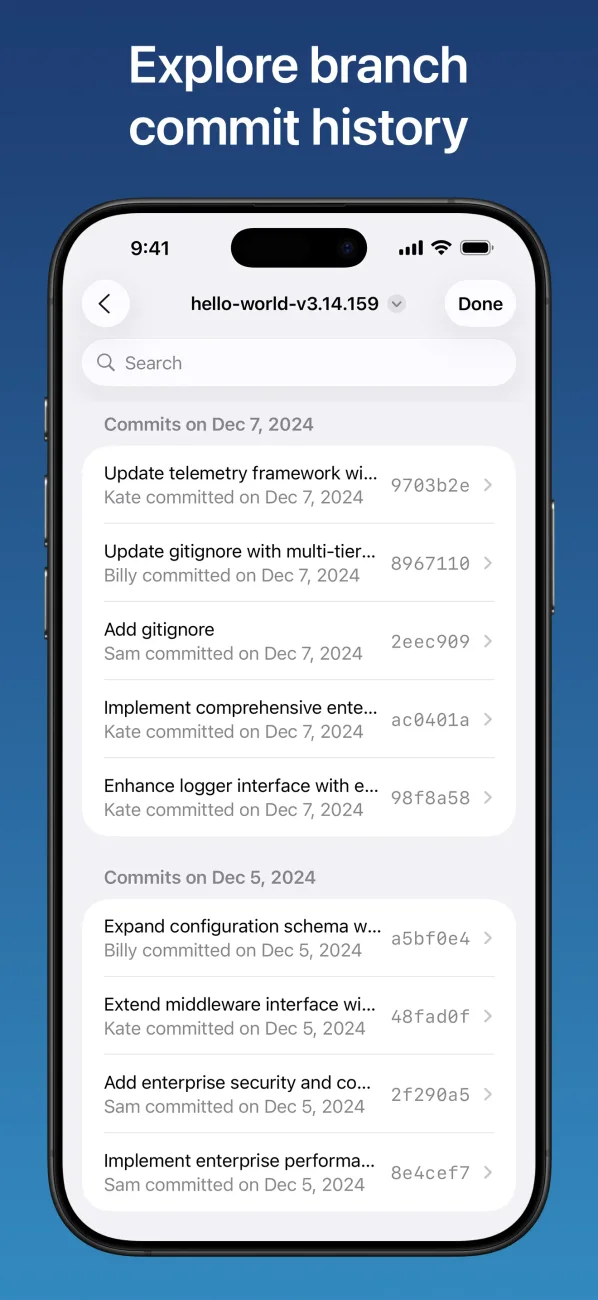
• Repository insights: browse commit history, view diffs, create and manage tags, and configure multiple remotes.
• Performance tools: prune references and view branch reflogs.
FILE MANAGER
• Native iOS Files integration: your documents and repositories work with any app and sync across all your devices.
• Complete file operations: browse, add, delete, move, search, share, sort, and tag documents.
Privacy Policy: https://www.combineeditor.com/privacy
Terms of Service: https://www.combineeditor.com/terms
Novidades
Versão 1.4.15 · 01/06/2026
Thanks for using Combine! What's new in this version:
• Performance and stability improvements.
If you're enjoying the app, please consider leaving a review or rating by tapping Rate Combine in Settings. For feedback or questions, tap Feature Request or Bug Report in Settings.
Privacidade do app
O que Margins Technologies LLC declara na App Store sobre como este app lida com os dados.
-
Dados não coletados
O desenvolvedor não coleta nenhum dado deste app.
As práticas de privacidade podem variar, por exemplo, com base nos recursos que você usa ou na sua idade.
Informações
- Vendedor
- Margins Technologies LLC
- Categoria
- Para desenvolvedores
- Versão
- 1.4.15
- Atualizado
- 01/06/2026
- Lançamento
- 03/07/2025
- Tamanho
- 29,3 MB
- Requer
- iOS 17.0 ou posterior
- Classificação etária
- 4+
- Preço
- Grátis
- Compras no app
- Sim
- Idiomas
- Inglês
- Copyright
- © Margins Technologies LLC
Você também pode gostar
-
 Web IDE - AI Code EditorPara desenvolvedores
-
 Code - Editor Git and TerminalPara desenvolvedores
-
 siGit Code & DeployPara desenvolvedores
-
 MobileCode Code EditorPara desenvolvedores
-
 Code Splenda - Static Web IDEPara desenvolvedores
-
 PlomGitPara desenvolvedores
-
 Buffer Editor - Code EditorPara desenvolvedores
-
 Texto : Editor de textotxt, editor de documentos
-
 Pythonica: Code and DebugPara desenvolvedores
-
 My Shortcuts for XcodePara desenvolvedores