
Combine - Code Editor & Git
Code Editor and Git Client
iPhone, iPad için tasarlandı
Ücretsiz · Uygulama içi satın alma
- Yaş sınırı4+
- KategoriGeliştirici Araçları
- GeliştiriciMargins Technologies LLC
- Dillerİngilizce
- Boyut29,3 MB
Resmi App Store sayfasına bağlanır
Download.org, Combine - Code Editor & Git için hiçbir dosya barındırmaz. Düğme, uygulamanın App Store üzerindeki sayfasını açar; uygulamayı orada Margins Technologies LLC yayınlar. Sayfanın son kontrolü: 12.11.2026.
Ekran görüntüleri

Hakkında
Geliştirici bu metni dilinizde sunmamış.
Professional coding with zero compromises. Turn your iPhone or iPad into a professional development studio. Code offline anywhere, run code, preview web projects live, seamlessly manage Git repositories, and use advanced debugging tools to accelerate your workflow.
CODE EDITOR
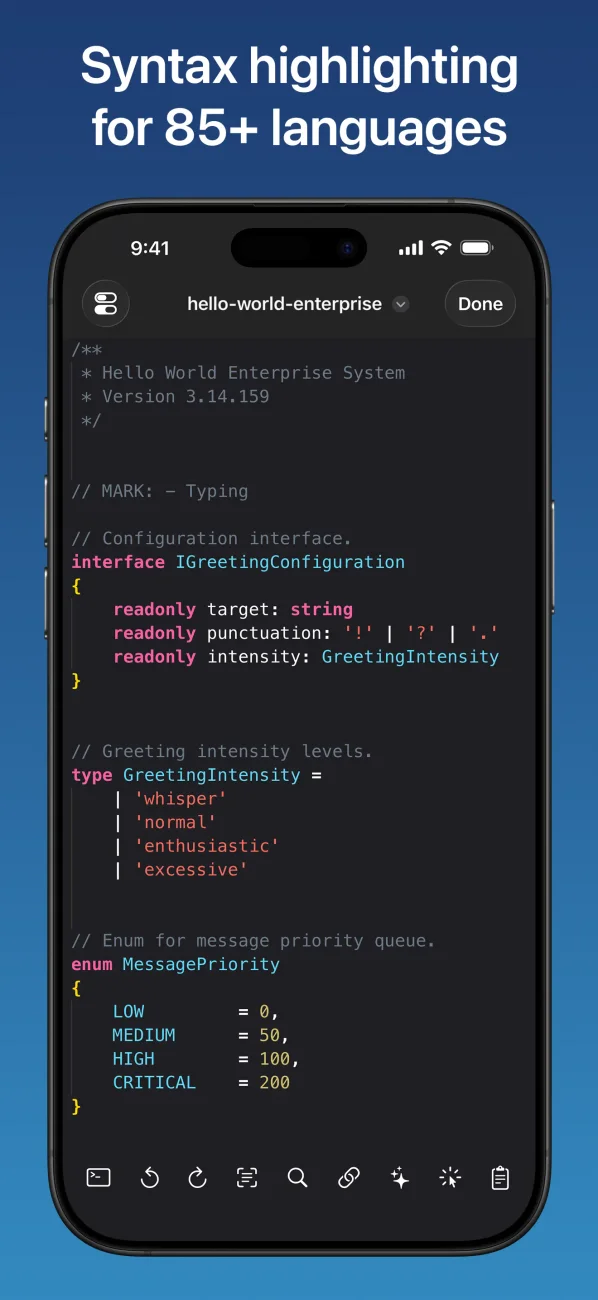
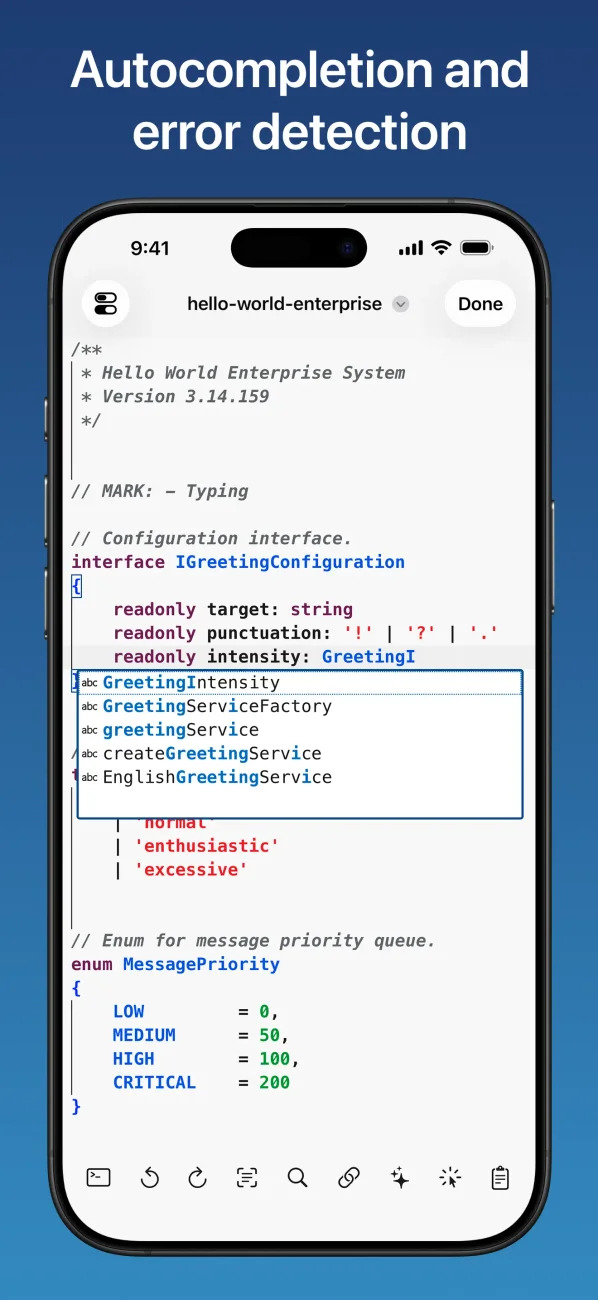
• Expert syntax highlighting and intelligent code completion for over 85 programming languages.
• Code completely offline: no account or internet connection needed.
• Choose from 70 exclusive themes or create your own custom themes with over 200 customizable elements.
• Smart auto-completion with auto-closing brackets/quotes/comments, auto-indent, auto-surround, and bracket pair colorization.
• Choose from over 160 quick actions for your customizable toolbar including running code, undo, redo, character insertion, text transformation, and so much more.
• Live web preview: render HTML, CSS, and Markdown with instant updates. Load CSS files directly from your device to see changes in real-time.
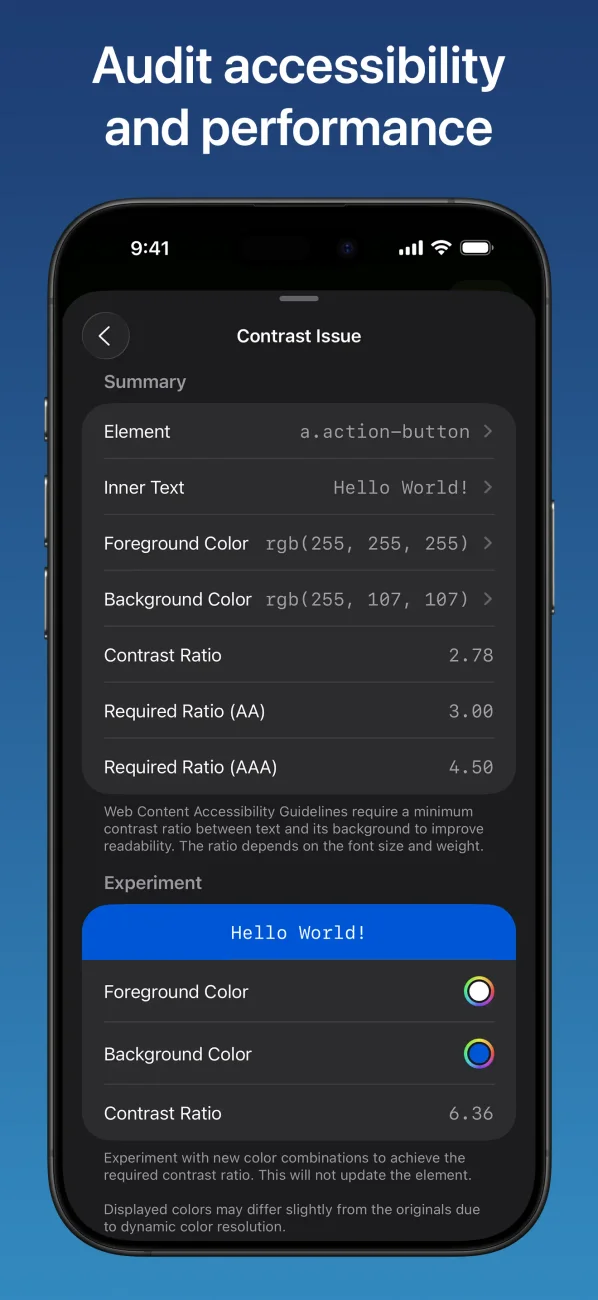
• Smart element inspection: tap any element in the live preview for instant highlighting with size, role, and layout details. Long-press to dive deeper and review computed styles, bounding box data, and the complete DOM hierarchy.
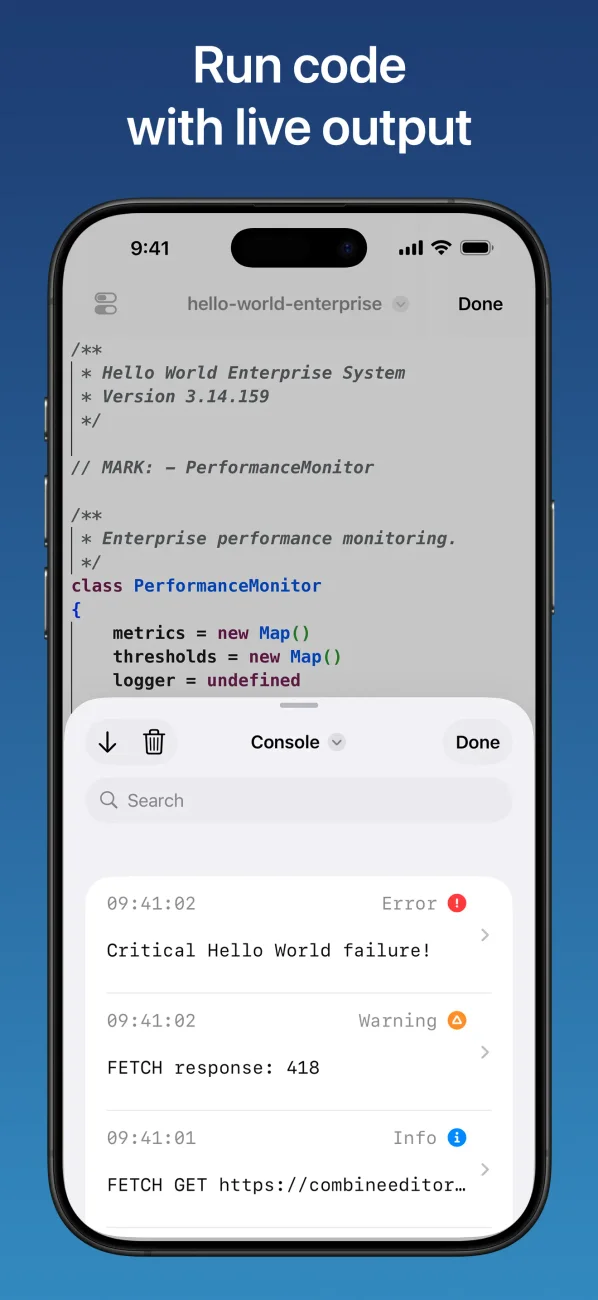
• Code execution: run JavaScript as a standalone script or within HTML previews for full DOM interactivity. Review real-time console logs, errors, and warnings as they happen.
• Comprehensive web audit: get scored reports in live previews across four key categories - accessibility, best practices, PWA readiness, and SEO.
• Network monitor: capture all HTTP requests with headers, timing, and response data. Export as Curl commands or HAR files for streamlined collaboration and debugging.
• Share live previews as images and PDFs, and instantly transform Markdown to HTML.
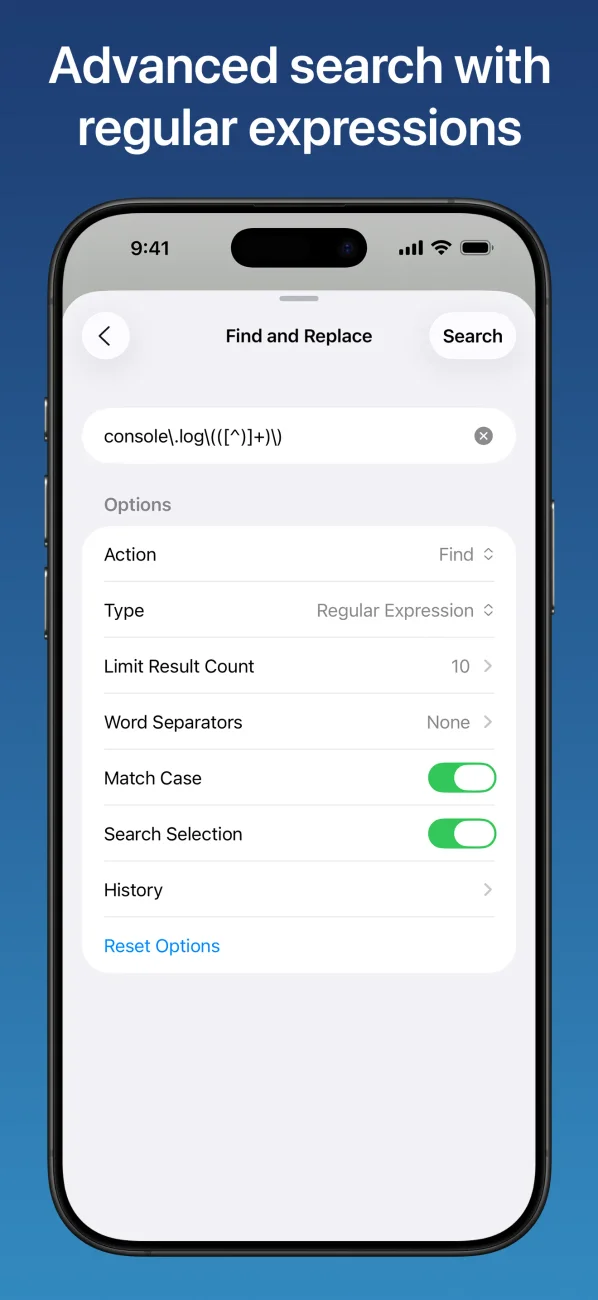
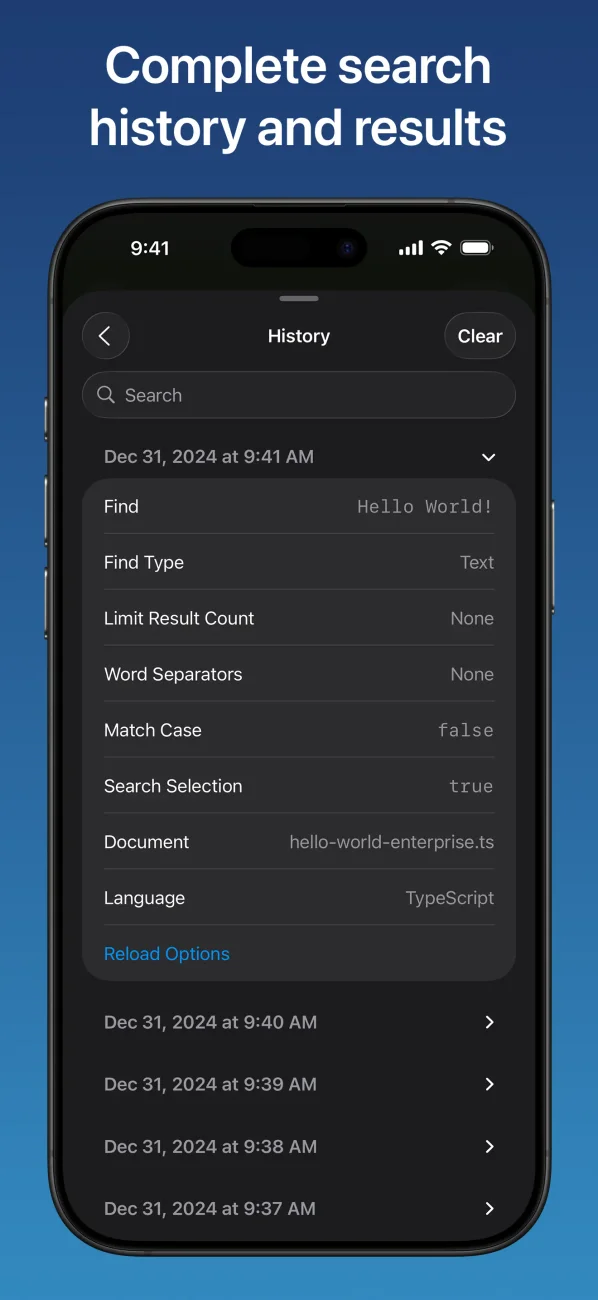
• Advanced find and replace with regex support, case matching, selection limiting, and search history.
• Fully customizable with hundreds of settings synced across all your devices.
• Real-time error detection and code validation with on-demand code review.
• Multi-cursor support: use up to 100 cursors simultaneously for rapid text editing.
• Intelligent code folding with customizable strategies.
• Live minimap and slider, with real-time rendering of actual characters or color blocks.
• Choose from 90 font families with dynamic sizing and endless colors.
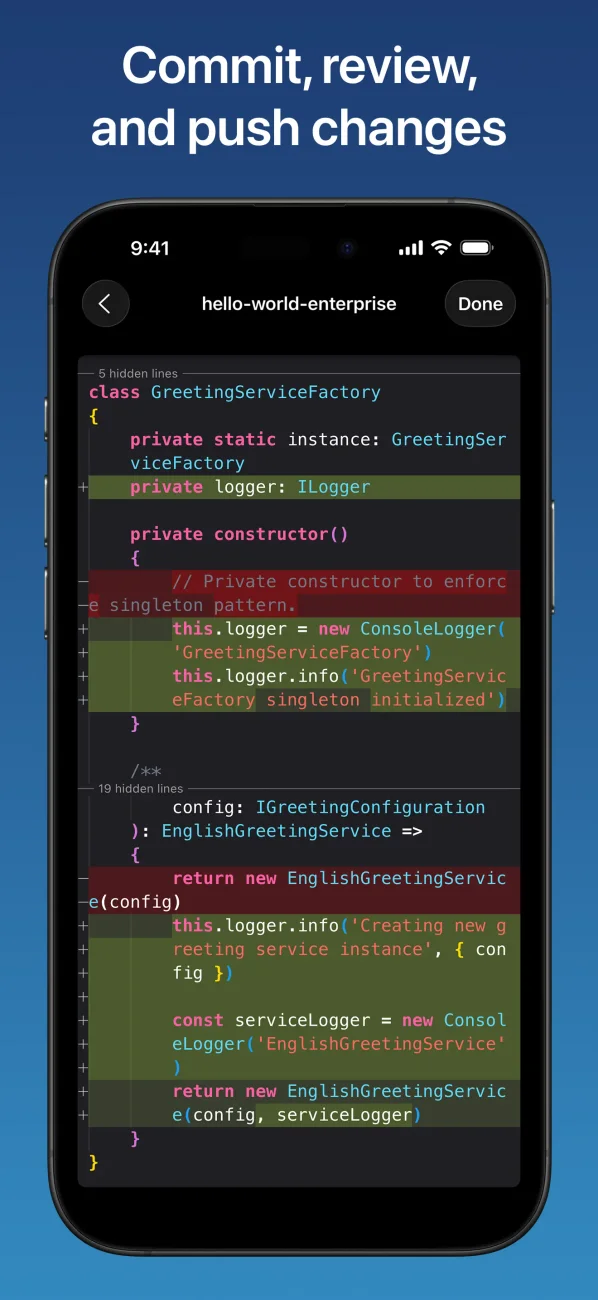
• Powerful diff editor with customizable algorithms and conflict resolution.
• Use standard, interval, or relative line numbers, or none at all.
• Real-time fading of unused code and strikethrough of deprecated code.
• Optimized for large documents and high performance.
• Advanced features: sticky/smooth scrolling, read-only mode, tab completion and sticky tab stops, and indentation detection.
• Professional customization: placeholders, word-wrapping, encoding methods, whitespace rendering, variable line-height, and cursor styling.
GIT CLIENT
• Complete Git workflow: create, clone, fetch, push, pull, and manage repositories.
• Secure authentication: use personal access tokens or SSH keys, securely stored in iCloud Keychain with end-to-end encryption.
• Full branch management: view, checkout, merge, rebase, rename, and reset branches.
• Advanced operations: stage and commit changes, stash work for later, and resolve conflicts.
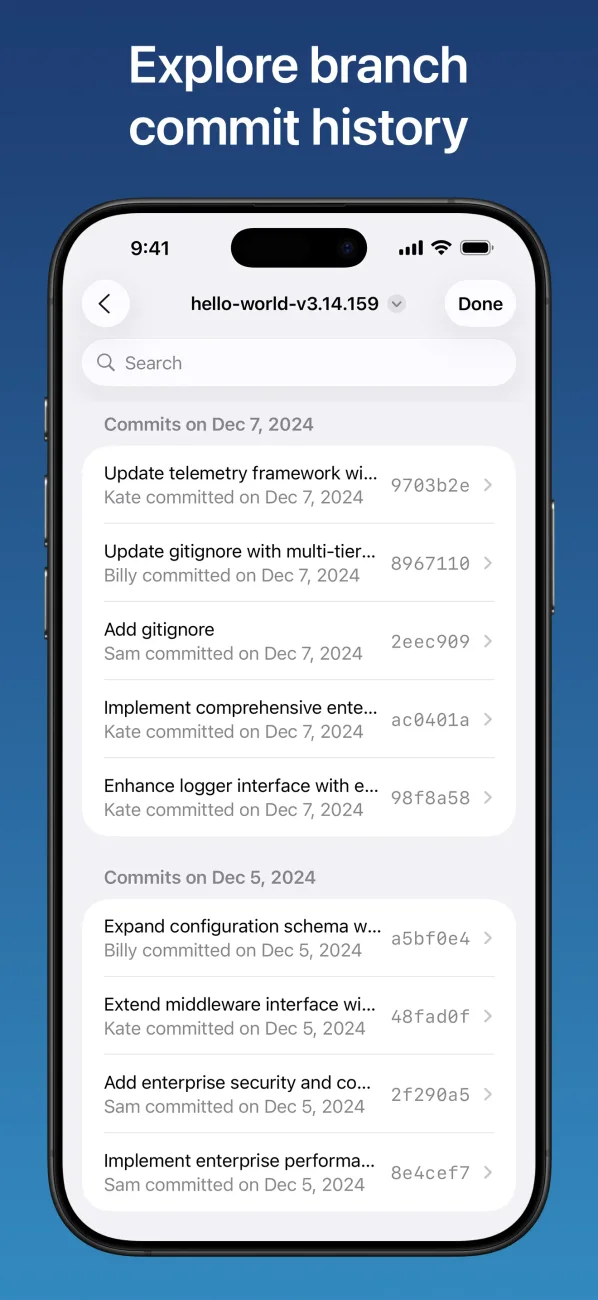
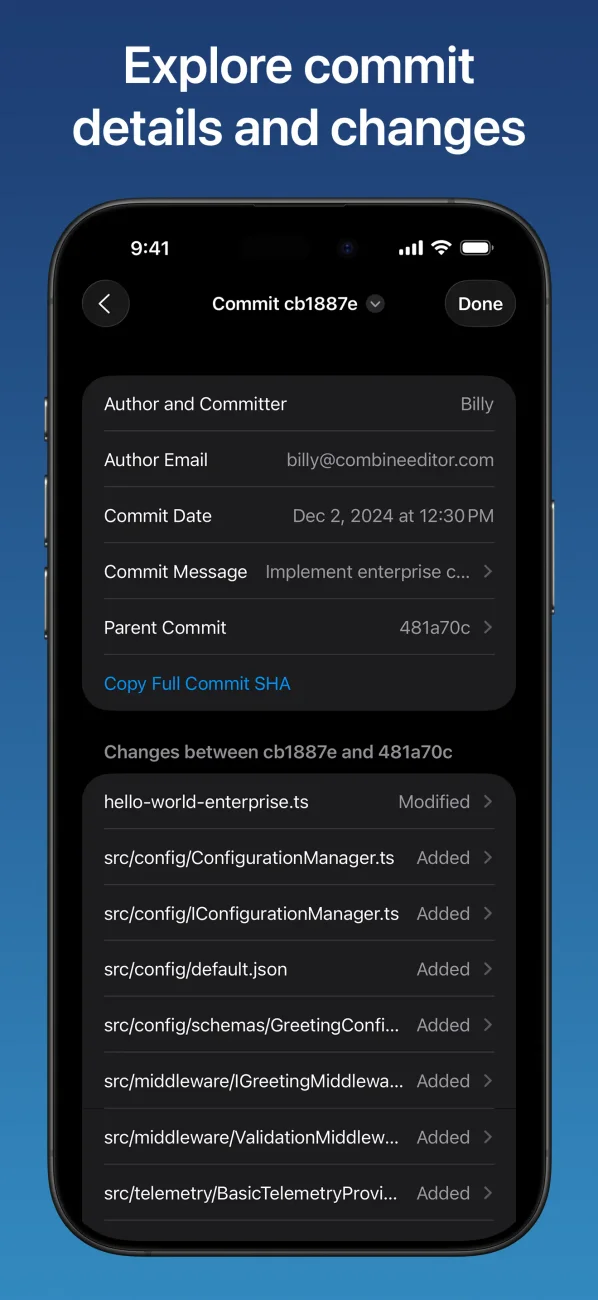
• Manage commits: view, amend, checkout, cherry-pick, and revert commits.
• Powerful comparisons: compare branches, commits, and tags.
• Repository insights: browse commit history, view diffs, create and manage tags, and configure multiple remotes.
• Performance tools: prune references and view branch reflogs.
FILE MANAGER
• Native iOS Files integration: your documents and repositories work with any app and sync across all your devices.
• Complete file operations: browse, add, delete, move, search, share, sort, and tag documents.
Privacy Policy: https://www.combineeditor.com/privacy
Terms of Service: https://www.combineeditor.com/terms
Yenilikler
Sürüm 1.4.15 · 01.06.2026
Thanks for using Combine! What's new in this version:
• Performance and stability improvements.
If you're enjoying the app, please consider leaving a review or rating by tapping Rate Combine in Settings. For feedback or questions, tap Feature Request or Bug Report in Settings.
Uygulama gizliliği
Bu uygulamanın verileri nasıl işlediği hakkında Margins Technologies LLC tarafından App Store üzerinde yapılan beyan.
-
Veri toplanmıyor
Geliştirici bu uygulamadan hiçbir veri toplamıyor.
Gizlilik uygulamaları, örneğin kullandığınız özelliklere veya yaşınıza göre değişiklik gösterebilir.
Bilgiler
- Satıcı
- Margins Technologies LLC
- Kategori
- Geliştirici Araçları
- Sürüm
- 1.4.15
- Güncellendi
- 01.06.2026
- Yayın tarihi
- 03.07.2025
- Boyut
- 29,3 MB
- Gereksinim
- iOS 17.0 veya sonrası
- Yaş sınırı
- 4+
- Fiyat
- Ücretsiz
- Uygulama içi satın alma
- Evet
- Diller
- İngilizce
- Telif hakkı
- © Margins Technologies LLC
Bunları da beğenebilirsiniz
-
 Web IDE - AI Code EditorGeliştirici Araçları
-
 Code - Editor Git and TerminalGeliştirici Araçları
-
 siGit Code & DeployGeliştirici Araçları
-
 MobileCode Code EditorGeliştirici Araçları
-
 Code Splenda - Static Web IDEGeliştirici Araçları
-
 PlomGitGeliştirici Araçları
-
 Buffer Editor - Code EditorGeliştirici Araçları
-
 Text Editor : Code EditorGeliştirici Araçları
-
 Pythonica: Code and DebugGeliştirici Araçları
-
 My Shortcuts for XcodeGeliştirici Araçları