Desktop Remote - Control PC
View & record computer screen
Diseñada para iPhone, iPad, iPod touch
Gratis
- Clasificación por edad4+
- CategoríaProductividad
- DesarrolladorNTWIND, LLC
- IdiomasInglés+ 21 más
- Tamaño44,0 MB
Enlaza a la página oficial de App Store
Download.org no aloja ningún archivo de Desktop Remote - Control PC. El botón abre la página de la aplicación en App Store, donde la publica NTWIND, LLC. Ficha comprobada por última vez el 17/11/2026.
Capturas de pantalla


Acerca de
El desarrollador no ha proporcionado este texto en tu idioma.
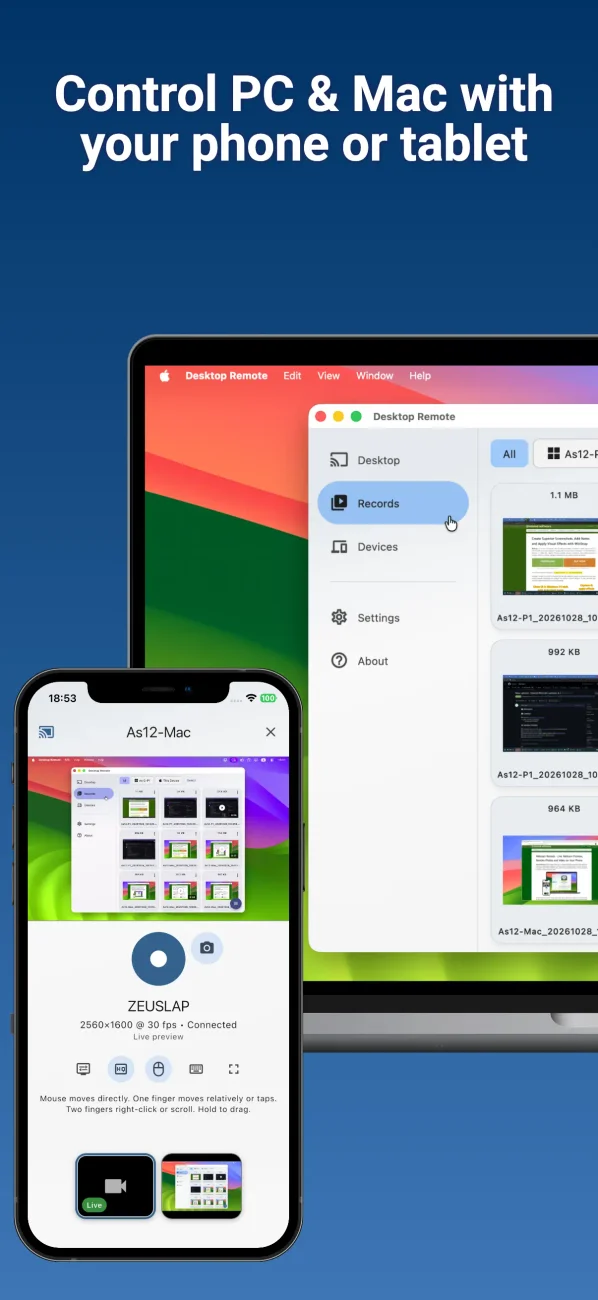
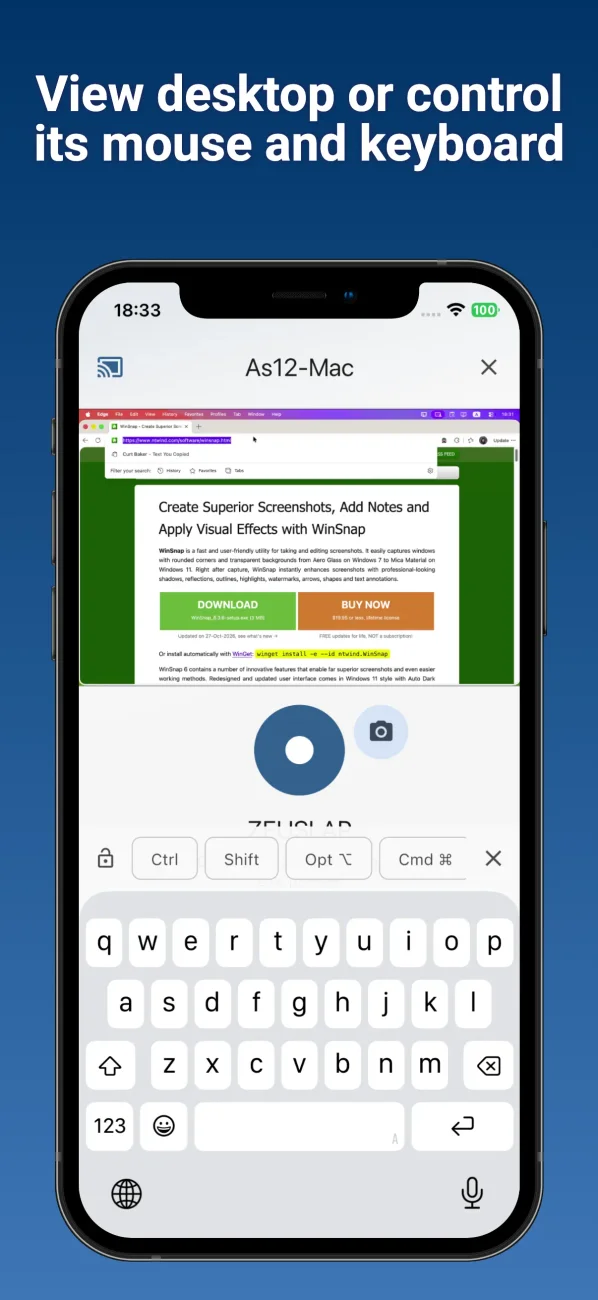
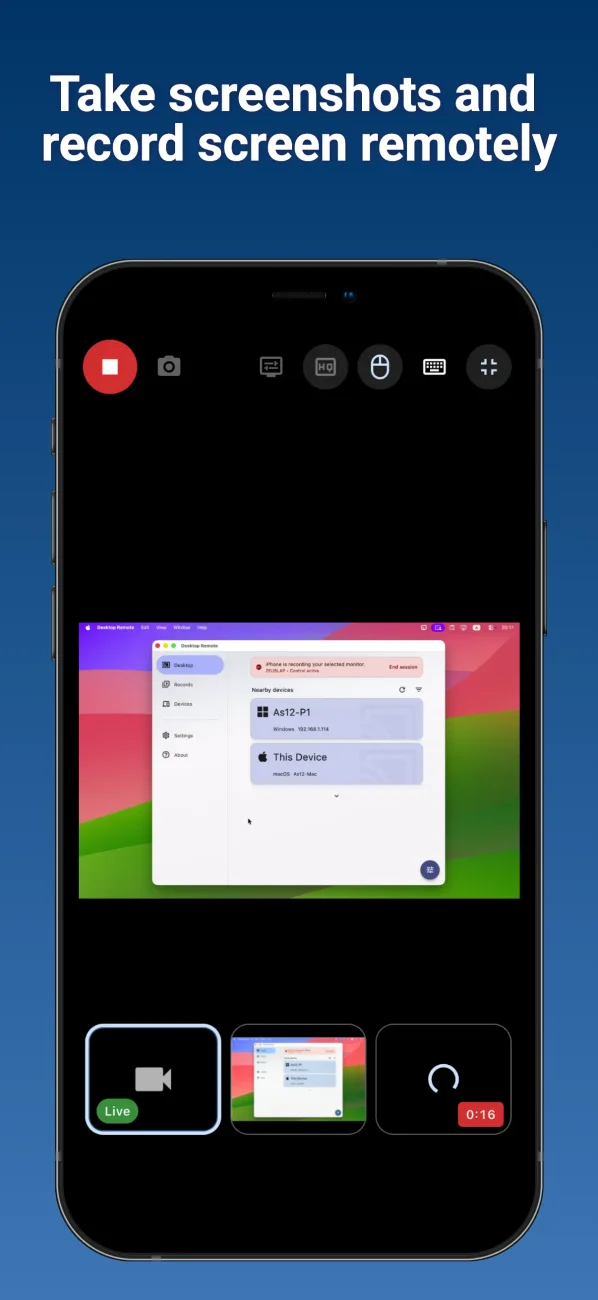
Desktop Remote is built for viewing and recording the screen of a Windows PC or Mac from your phone or tablet. Pair an iPhone or iPad with your computer on the same Wi-Fi or local network, then watch the screen live, take screenshots, or start and stop a screen recording without returning to the desk.
Use it to check a task running on your computer, follow a screen demonstration from another seat, capture a result, or record a walkthrough. If you need to click, scroll, or type, enable optional mouse and keyboard control with permission from the sharing computer. Viewing and recording do not require remote input to be enabled.
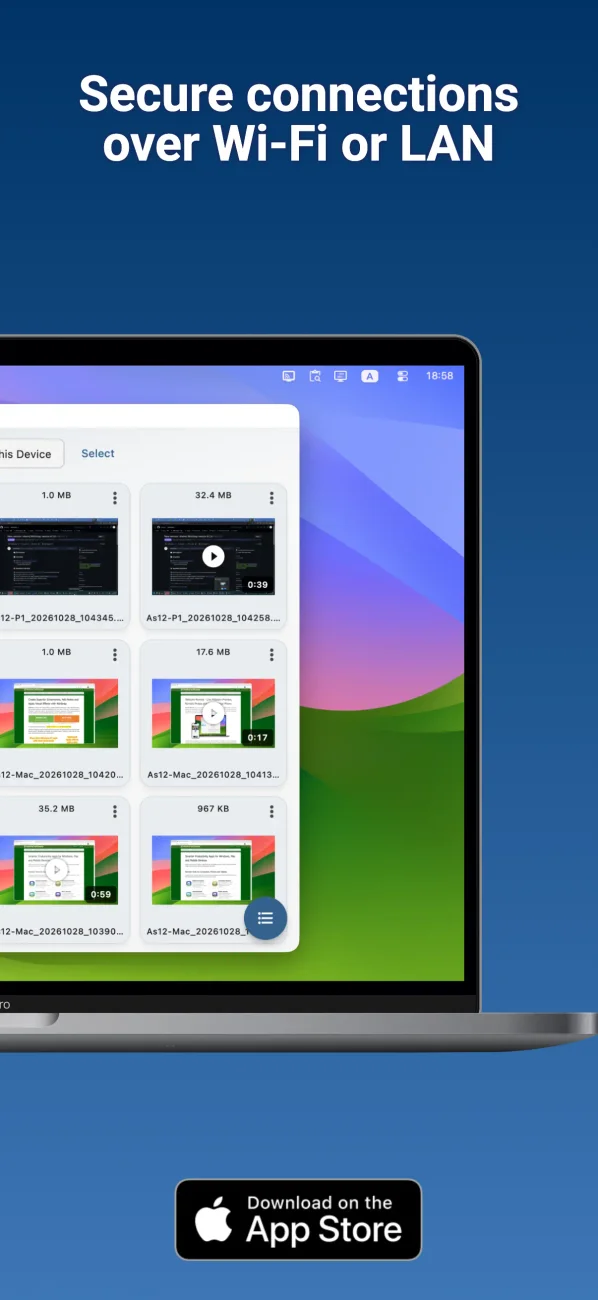
Choose a monitor when the computer has more than one display. JPEG screenshots and H.264/MP4 recordings are created on the sharing computer from the selected monitor. Completed captures transfer to your device and appear in Records for review, saving, sharing, or deletion.
Desktop Remote connects directly over your trusted local network. There is no account, cloud desktop service, public sharing link, advertising, analytics, or internet relay. Pairing requires approval, and the sharing computer separately grants access to viewing, screenshots, recording, monitor selection, mouse control, and keyboard control.
iPhone, iPad, Mac, and Windows can view screens and store Records. Mac and Windows can also share their screens. Active viewing, control, and recording are visibly indicated on the sharing computer, which can end the session at any time.
Use only with authorization to view, record, or control the computer and its content. Both devices must be on the same reachable local network.
Privacidad de la aplicación
Lo que NTWIND, LLC declara en App Store sobre cómo esta aplicación gestiona los datos.
-
No se recopilan datos
El desarrollador no recopila ningún dato de esta aplicación.
Las prácticas de privacidad pueden variar, por ejemplo, según las funciones que uses o tu edad.
Información
- Vendedor
- NTWIND, LLC
- Categoría
- Productividad
- Versión
- 1.0.1
- Actualizado
- 1/11/2026
- Publicado
- 1/11/2026
- Tamaño
- 44,0 MB
- Requiere
- iOS 15.0 o posterior
- Clasificación por edad
- 4+
- Precio
- Gratis
- Idiomas
- Inglés, Árabe, Checo, Neerlandés, Finés, Francés, Alemán, Griego, Indonesio, Italiano, Japonés, Coreano + 10 más
- Copyright
- © 2026 NTWIND LLC
Quizá también te guste
-
 ChatLeaf: Chat to PDFConvert Whatsapp Chats to PDF
-
 Keymate: PC Apps from PhoneProductividad
-
 ERPNext WorkflowProductividad
-
 AZOWO - Mobility SharingProductividad
-
 Notas IA: Resumen InteligenteApuntes Clase, Minutas Junta
-
 MiroMindProductividad
-
 Authe for Google AuthenticatorProductividad
-
 Latent: Focus TimelapseProductividad
-
 SingleFile for SafariProductividad
-
 UplockProductividad