Desktop Remote - Control PC
View & record computer screen
Dirancang untuk iPhone, iPad, iPod touch
Gratis
- Batasan usia4+
- KategoriProduktivitas
- PengembangNTWIND, LLC
- BahasaInggris+ 21 lainnya
- Ukuran44,0 MB
Tertaut ke halaman resmi App Store
Download.org tidak menyimpan file Desktop Remote - Control PC apa pun. Tombol ini membuka halaman aplikasi di App Store, tempat NTWIND, LLC menerbitkannya. Halaman terakhir diperiksa pada 17/11/2026.
Tangkapan layar


Tentang
Pengembang belum menyediakan teks ini dalam bahasa Anda.
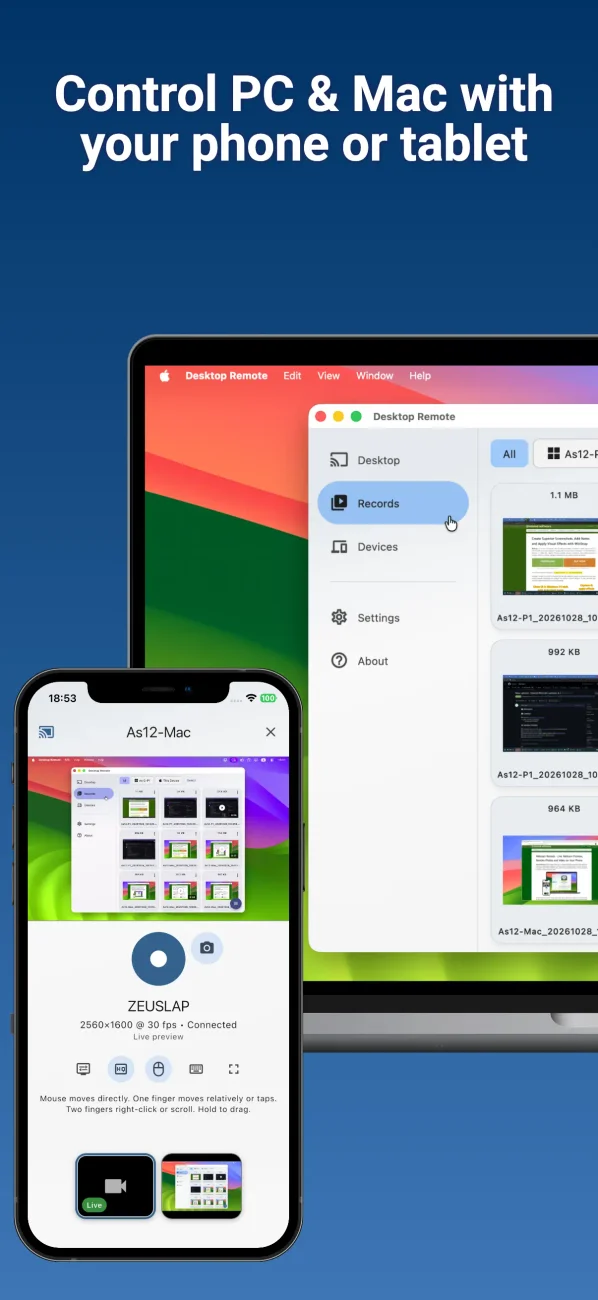
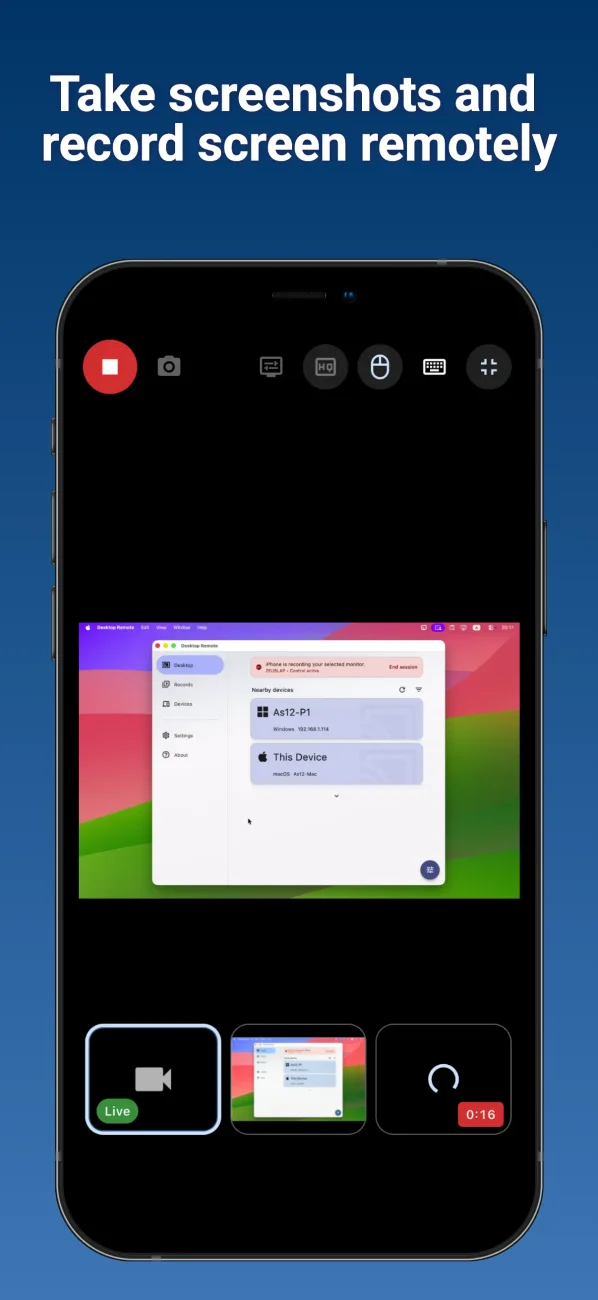
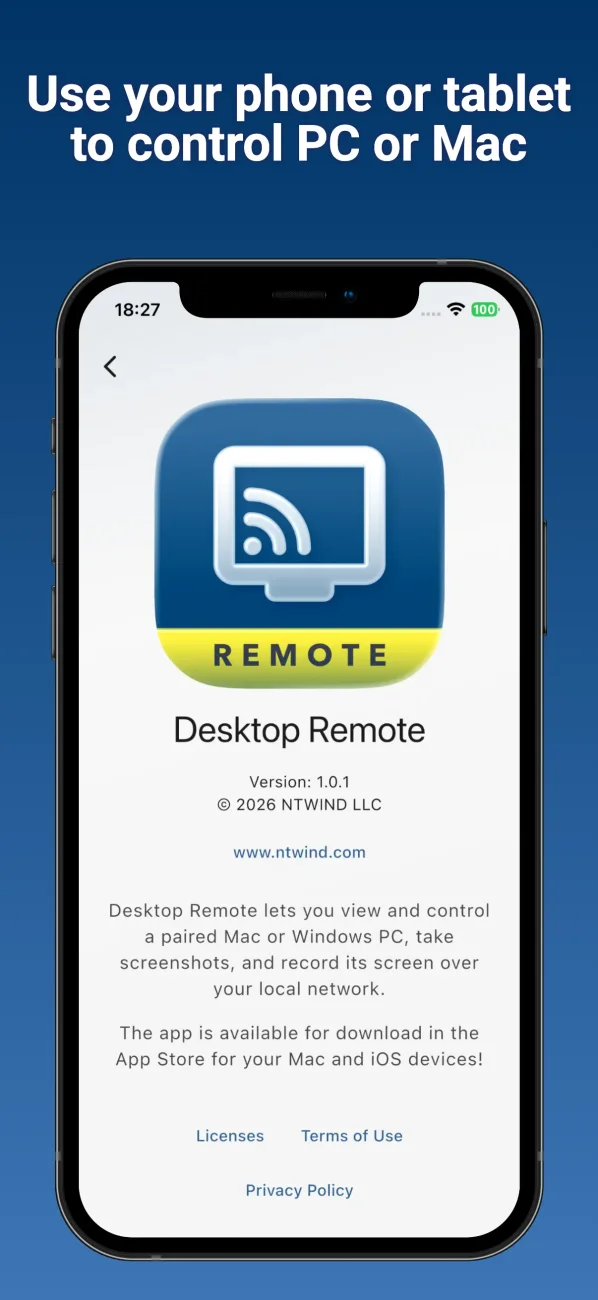
Desktop Remote is built for viewing and recording the screen of a Windows PC or Mac from your phone or tablet. Pair an iPhone or iPad with your computer on the same Wi-Fi or local network, then watch the screen live, take screenshots, or start and stop a screen recording without returning to the desk.
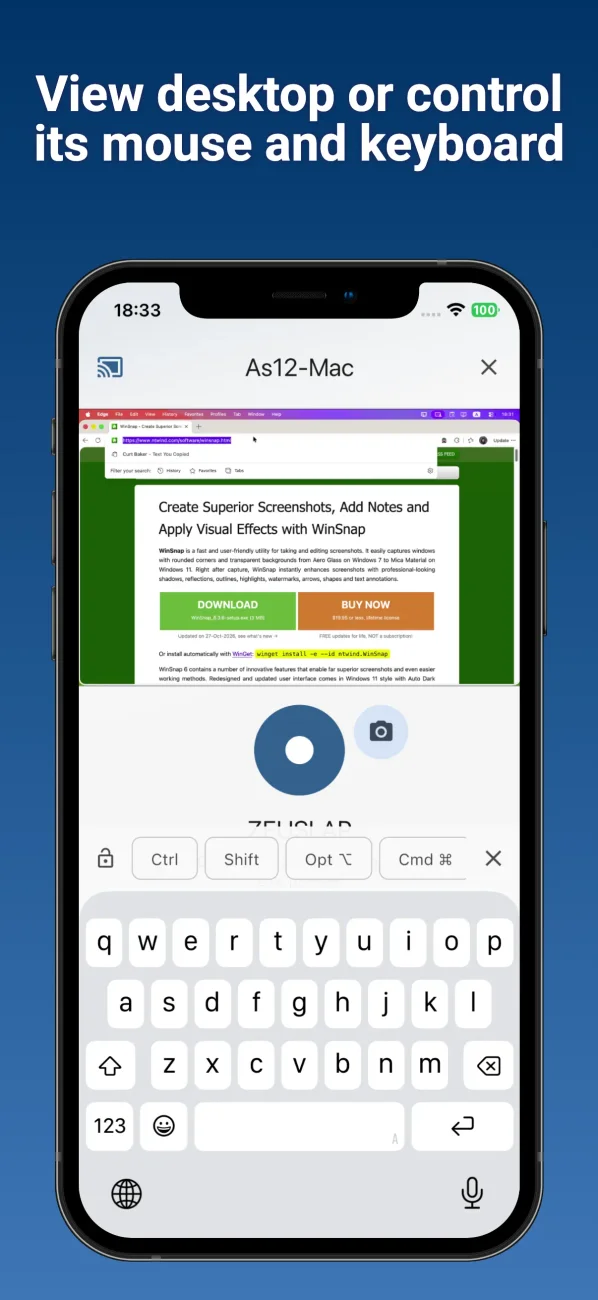
Use it to check a task running on your computer, follow a screen demonstration from another seat, capture a result, or record a walkthrough. If you need to click, scroll, or type, enable optional mouse and keyboard control with permission from the sharing computer. Viewing and recording do not require remote input to be enabled.
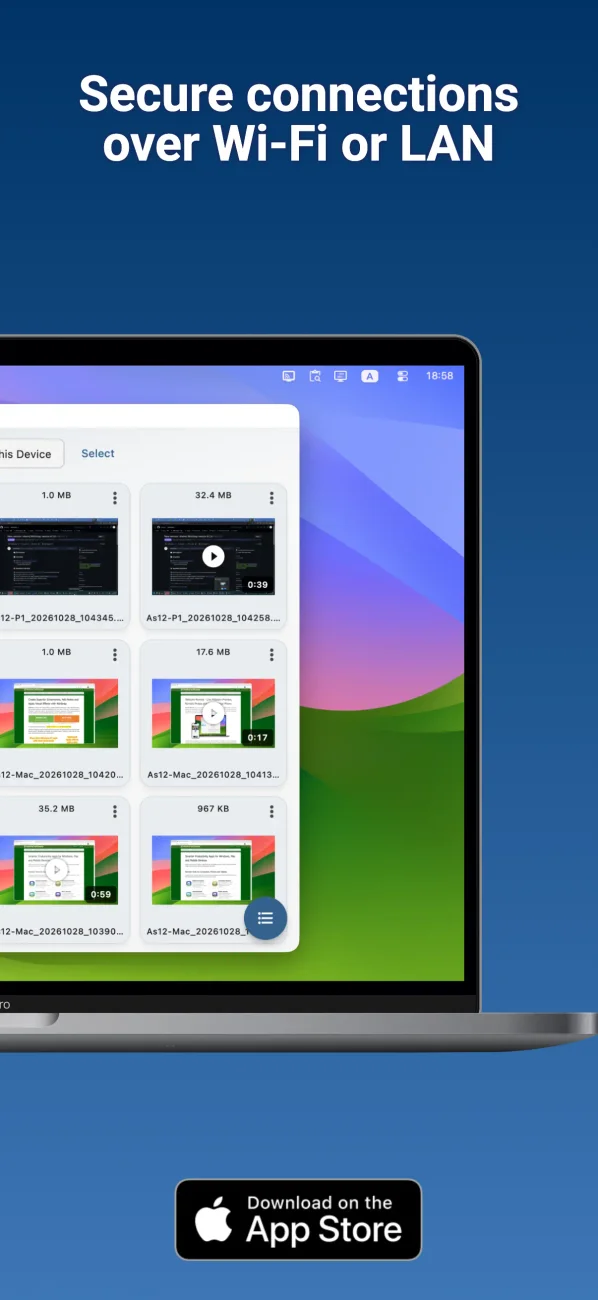
Choose a monitor when the computer has more than one display. JPEG screenshots and H.264/MP4 recordings are created on the sharing computer from the selected monitor. Completed captures transfer to your device and appear in Records for review, saving, sharing, or deletion.
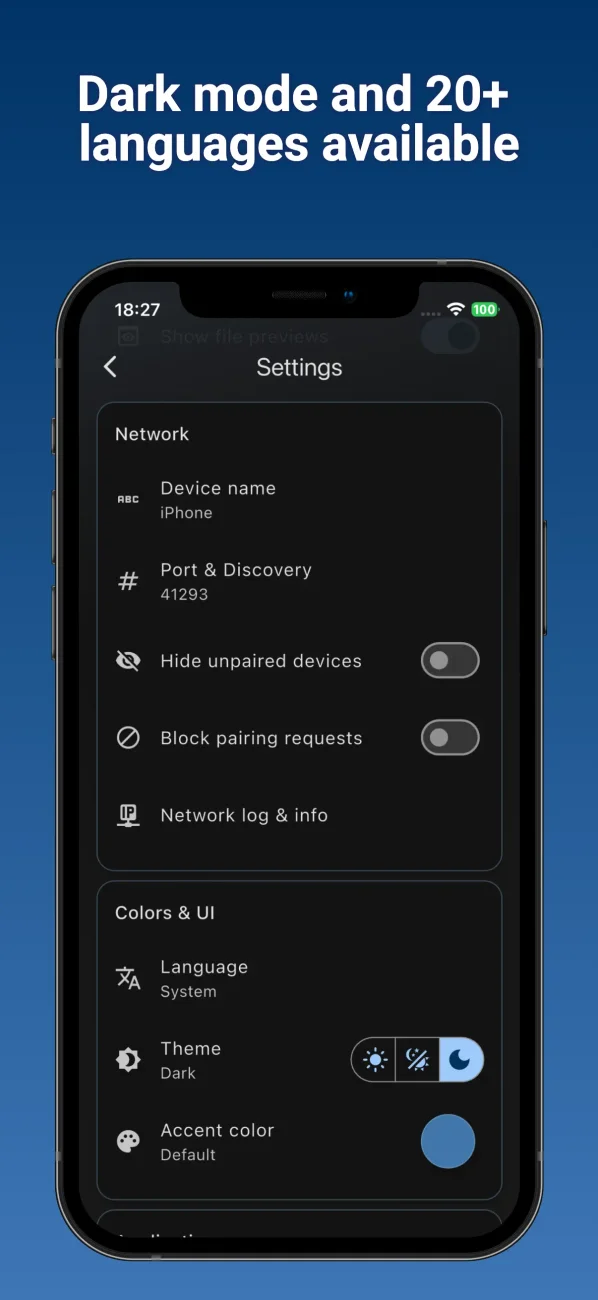
Desktop Remote connects directly over your trusted local network. There is no account, cloud desktop service, public sharing link, advertising, analytics, or internet relay. Pairing requires approval, and the sharing computer separately grants access to viewing, screenshots, recording, monitor selection, mouse control, and keyboard control.
iPhone, iPad, Mac, and Windows can view screens and store Records. Mac and Windows can also share their screens. Active viewing, control, and recording are visibly indicated on the sharing computer, which can end the session at any time.
Use only with authorization to view, record, or control the computer and its content. Both devices must be on the same reachable local network.
Privasi aplikasi
Yang dinyatakan NTWIND, LLC di App Store tentang cara aplikasi ini menangani data.
-
Data tidak dikumpulkan
Pengembang tidak mengumpulkan data apa pun dari aplikasi ini.
Praktik privasi dapat bervariasi, misalnya berdasarkan fitur yang Anda gunakan atau usia Anda.
Informasi
- Penjual
- NTWIND, LLC
- Kategori
- Produktivitas
- Versi
- 1.0.1
- Diperbarui
- 1/11/2026
- Dirilis
- 1/11/2026
- Ukuran
- 44,0 MB
- Memerlukan
- iOS 15.0 atau yang lebih baru
- Batasan usia
- 4+
- Harga
- Gratis
- Bahasa
- Inggris, Arab, Cheska (Republik Cheska), Belanda, Suomi (Finlandia), Prancis, Jerman, Yunani, Bahasa Indonesia, Italia, Jepang, Korea + 10 lainnya
- Hak cipta
- © 2026 NTWIND LLC
Mungkin Anda juga suka
-
 ChatLeaf: Chat to PDFProduktivitas
-
 Keymate: PC Apps from PhoneProduktivitas
-
 ERPNext WorkflowProduktivitas
-
 AZOWO - Mobility SharingProduktivitas
-
 AI Notes: Notbuk Ringkas LLMCatatan Kuliah, Notulen Rapat
-
 MiroMindProduktivitas
-
 Authe for Google AuthenticatorProduktivitas
-
 Latent: Focus TimelapseProduktivitas
-
 SingleFile for SafariProduktivitas
-
 UplockProduktivitas