Desktop Remote - Control PC
View & record computer screen
Conçue pour iPhone, iPad, iPod touch
Gratuit
- Classification d’âge4+
- CatégorieProductivité
- DéveloppeurNTWIND, LLC
- LanguesAnglais+ 21 de plus
- Taille44,0 Mo
Renvoie vers la page App Store officielle
Download.org n’héberge aucun fichier de Desktop Remote - Control PC. Le bouton ouvre la page de l’application sur App Store, où NTWIND, LLC la publie. Fiche vérifiée pour la dernière fois le 17/11/2026.
Captures d’écran


À propos
Le développeur n’a pas fourni ce texte dans votre langue.
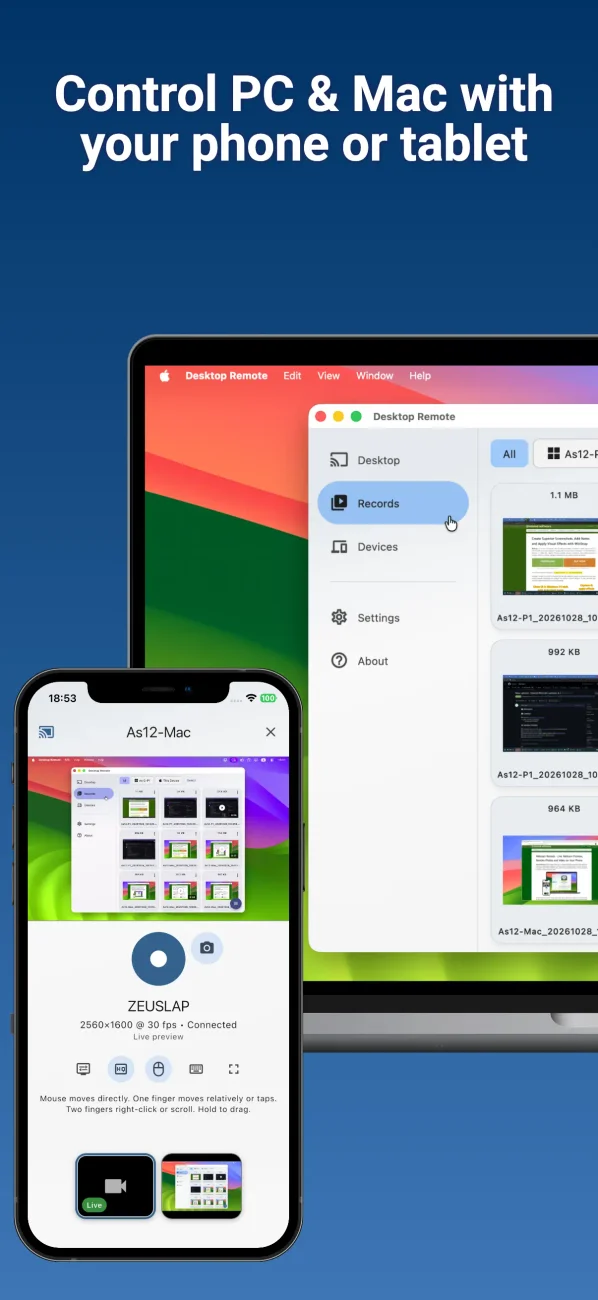
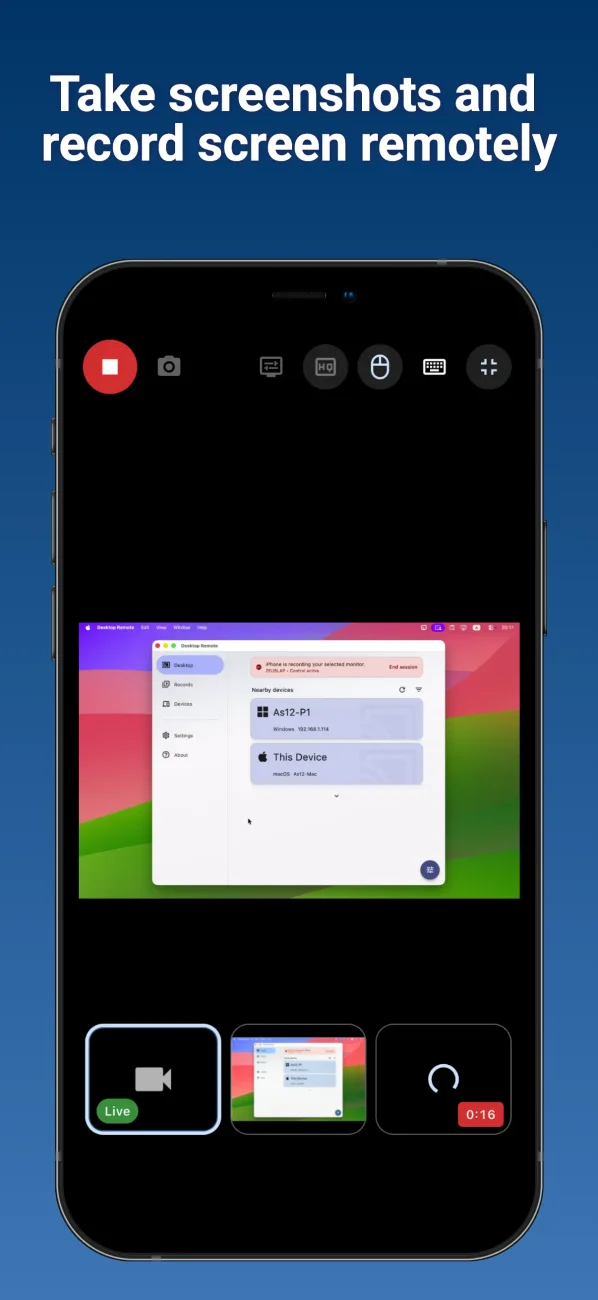
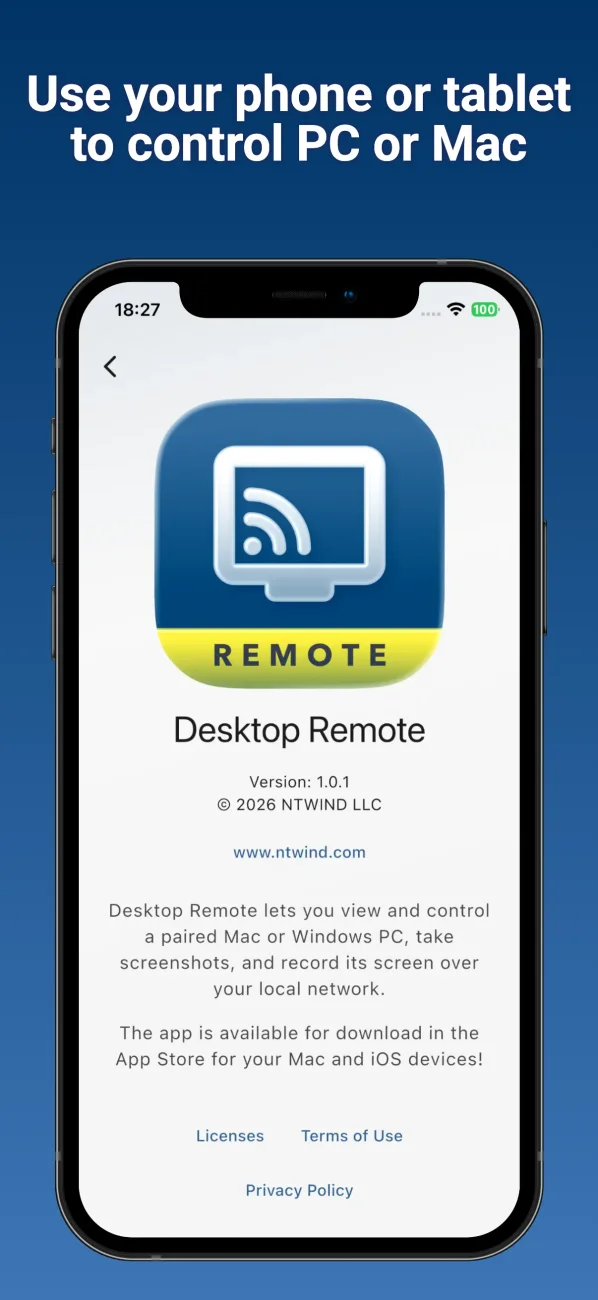
Desktop Remote is built for viewing and recording the screen of a Windows PC or Mac from your phone or tablet. Pair an iPhone or iPad with your computer on the same Wi-Fi or local network, then watch the screen live, take screenshots, or start and stop a screen recording without returning to the desk.
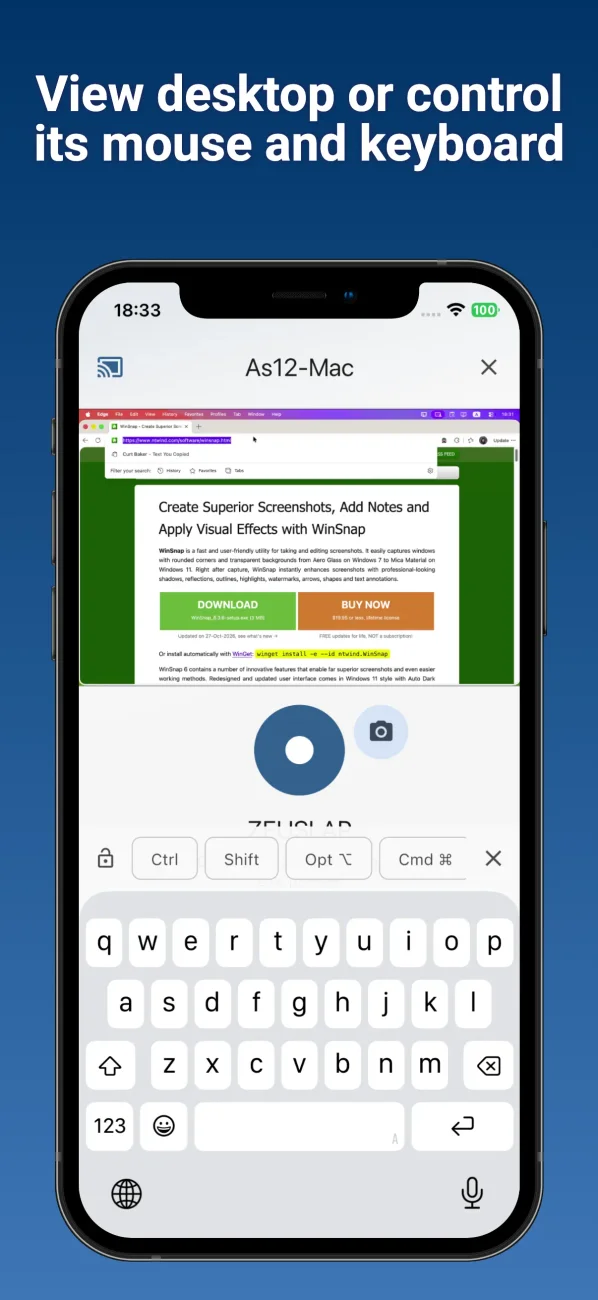
Use it to check a task running on your computer, follow a screen demonstration from another seat, capture a result, or record a walkthrough. If you need to click, scroll, or type, enable optional mouse and keyboard control with permission from the sharing computer. Viewing and recording do not require remote input to be enabled.
Choose a monitor when the computer has more than one display. JPEG screenshots and H.264/MP4 recordings are created on the sharing computer from the selected monitor. Completed captures transfer to your device and appear in Records for review, saving, sharing, or deletion.
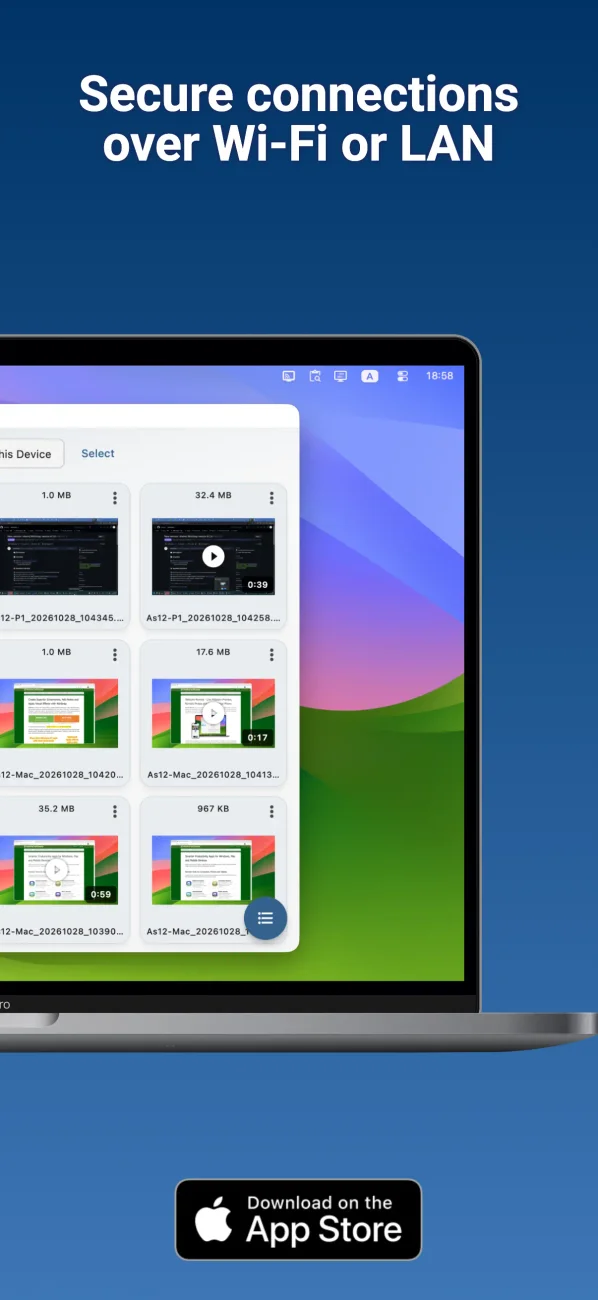
Desktop Remote connects directly over your trusted local network. There is no account, cloud desktop service, public sharing link, advertising, analytics, or internet relay. Pairing requires approval, and the sharing computer separately grants access to viewing, screenshots, recording, monitor selection, mouse control, and keyboard control.
iPhone, iPad, Mac, and Windows can view screens and store Records. Mac and Windows can also share their screens. Active viewing, control, and recording are visibly indicated on the sharing computer, which can end the session at any time.
Use only with authorization to view, record, or control the computer and its content. Both devices must be on the same reachable local network.
Confidentialité de l’application
Ce que NTWIND, LLC déclare sur l’App Store au sujet du traitement des données par cette application.
-
Données non collectées
Le développeur ne collecte aucune donnée à partir de cette application.
Les pratiques en matière de confidentialité peuvent varier, notamment en fonction des fonctionnalités que vous utilisez ou de votre âge.
Informations
- Vendeur
- NTWIND, LLC
- Catégorie
- Productivité
- Version
- 1.0.1
- Mis à jour
- 01/11/2026
- Publié
- 01/11/2026
- Taille
- 44,0 Mo
- Nécessite
- iOS 15.0 ou version ultérieure
- Classification d’âge
- 4+
- Prix
- Gratuit
- Langues
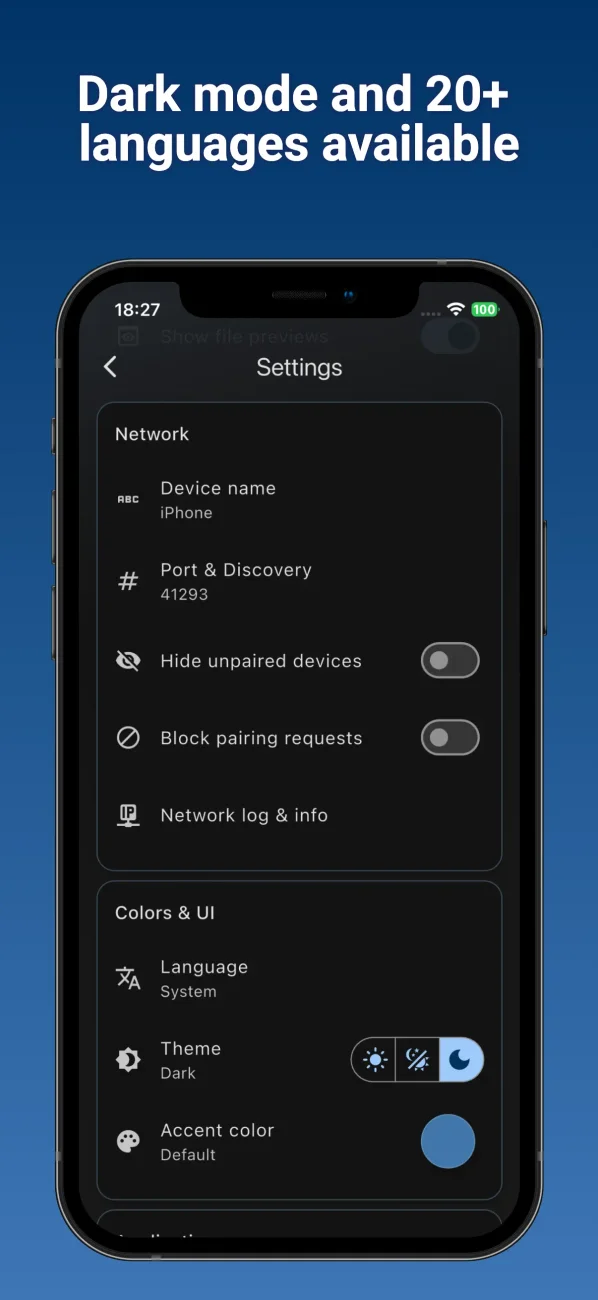
- Anglais, Arabe, Tchèque, Néerlandais, Finnois, Français, Allemand, Grec, Indonésien, Italien, Japonais, Coréen + 10 de plus
- Copyright
- © 2026 NTWIND LLC
Vous aimerez peut-être aussi
-
 ChatLeaf: Chat to PDFConvert Whatsapp Chats to PDF
-
 Keymate: PC Apps from PhoneProductivité
-
 ERPNext WorkflowProductivité
-
 AZOWO - Mobility SharingProductivité
-
 Notebook IA, Audio et NotesNotes Cours, CR Réunions
-
 MiroMindProductivité
-
 Authe for Google AuthenticatorProductivité
-
 Latent: Focus TimelapseProductivité
-
 SingleFile for SafariProductivité
-
 UplockStockage privé sécurisé