
- Clasificación por edad4+
- CategoríaUtilidades
- Desarrolladorj5create
- IdiomasInglés+ 15 más
- Tamaño48,2 MB
Enlaza a la página oficial de App Store
Download.org no aloja ningún archivo de Display Sharing - Wireless. El botón abre la página de la aplicación en App Store, donde la publica j5create. Ficha comprobada por última vez el 18/11/2026.
Capturas de pantalla
Acerca de
El desarrollador no ha proporcionado este texto en tu idioma.
This companion application is designed to be used with MCT MagicSwitch Wireless Dongle.
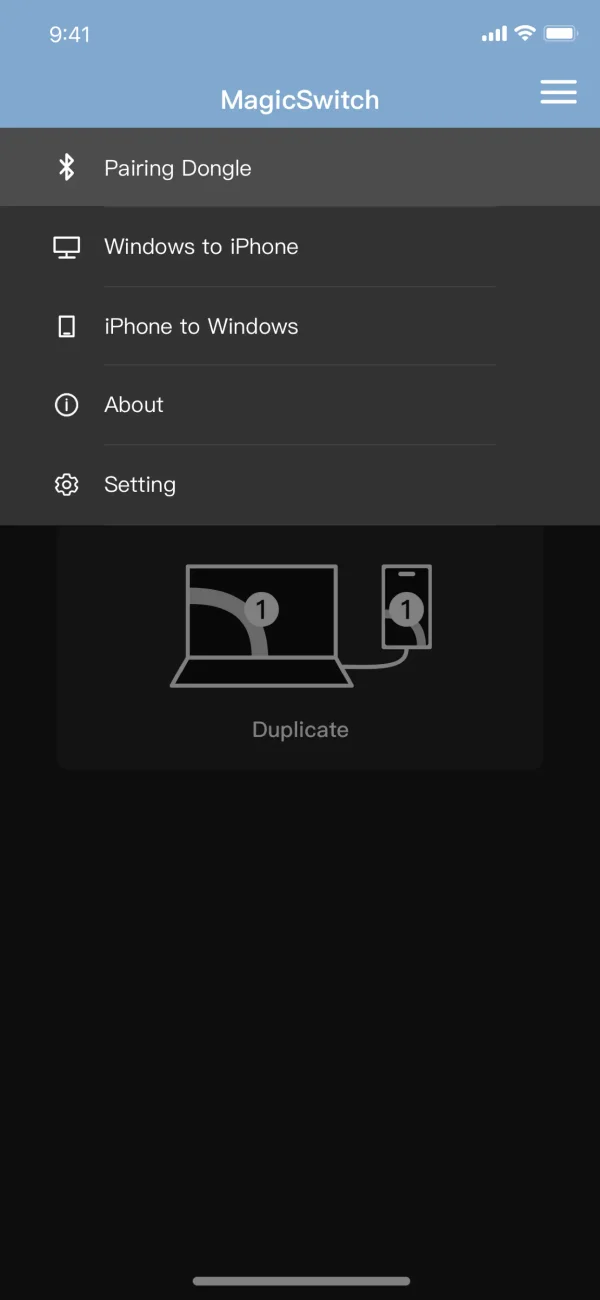
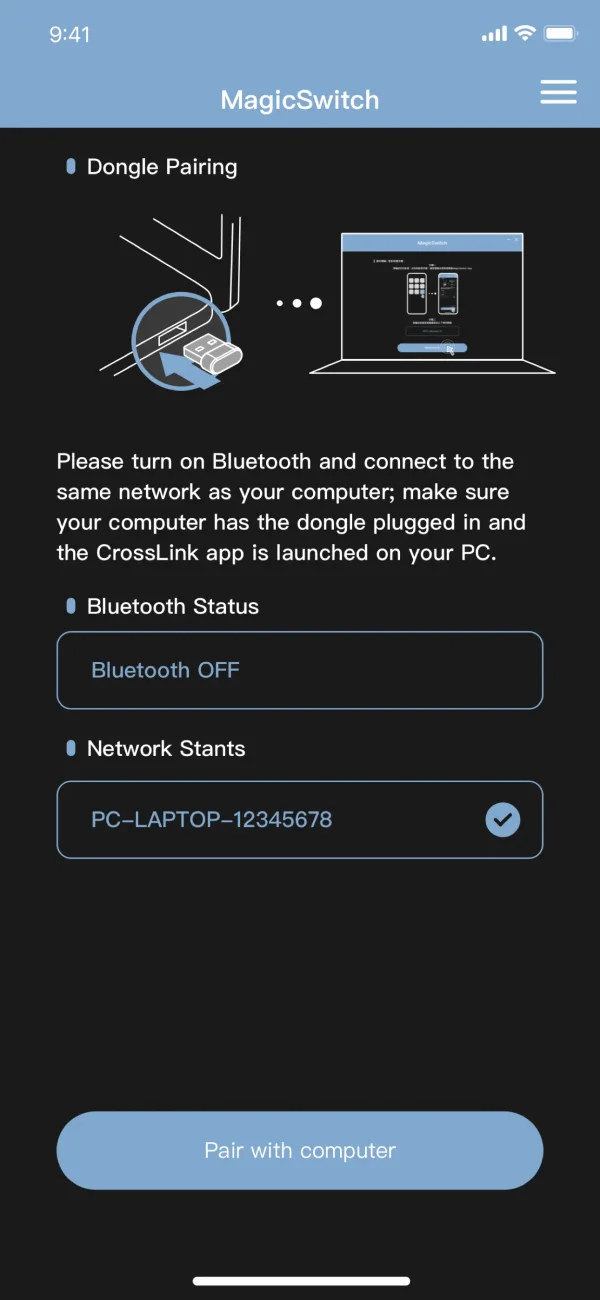
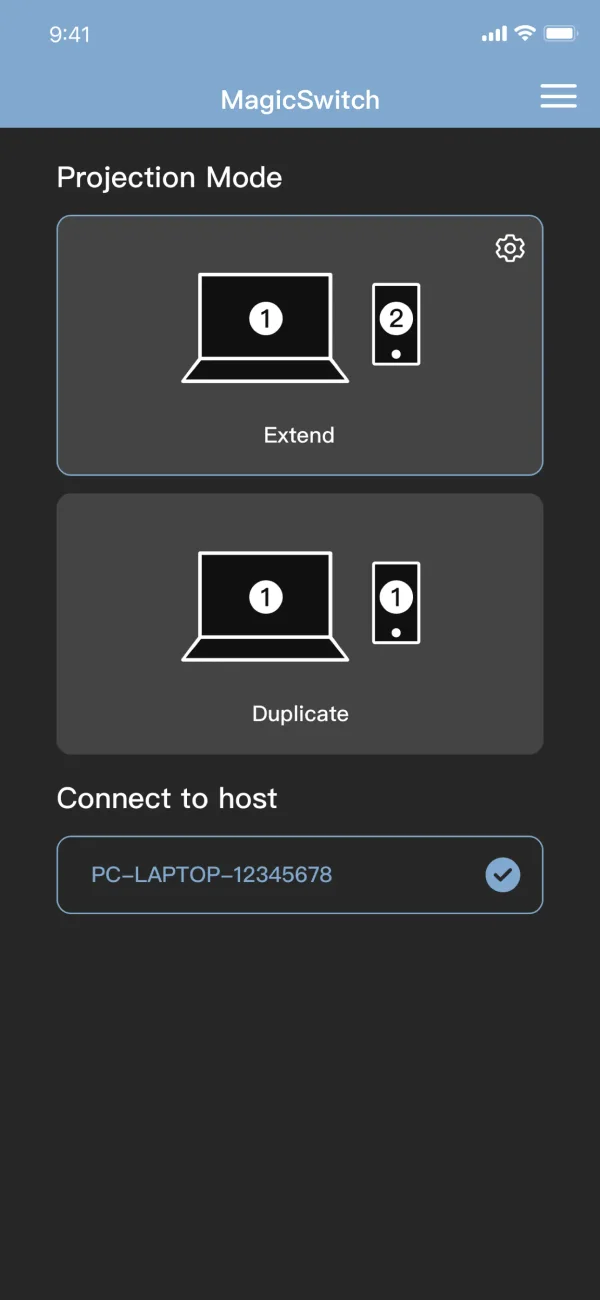
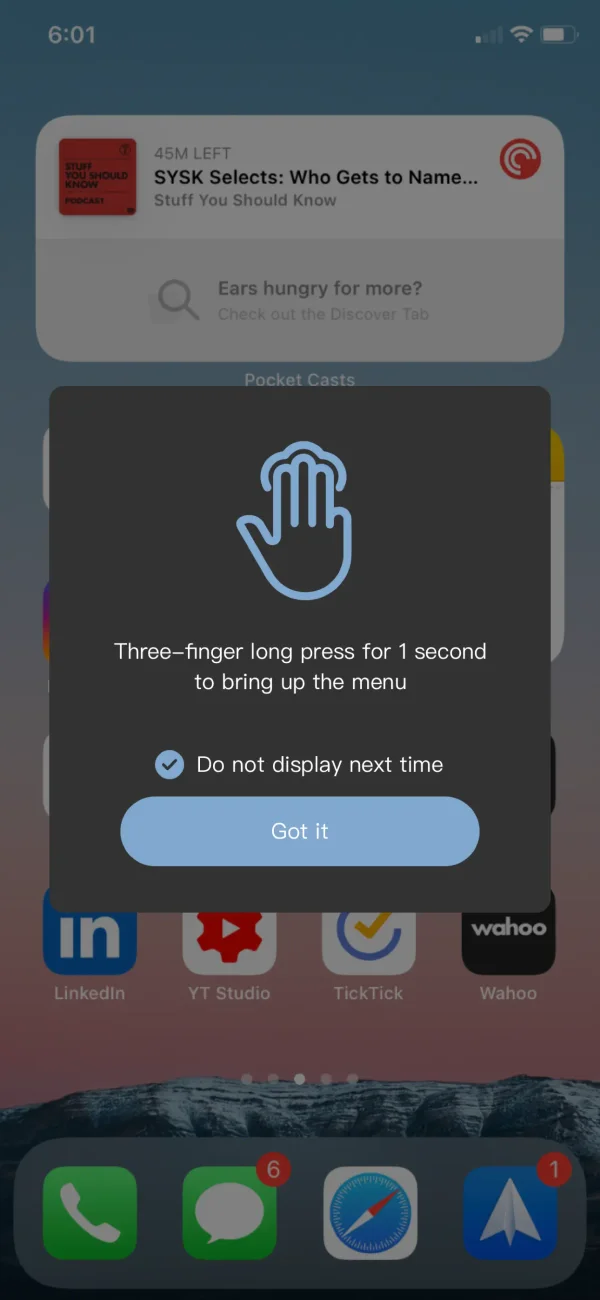
The MCT MagicSwitch Wireless Dongle is a USB Dongle with host-to-host wireless connectivity feature. The USB dongle with Bluetooth inside provides pairing identification to help Windows PC and iPad/iPhone connect wirelessly via local Wi-Fi or hotspot connection. After the connection is successful, you can use this APP to mirror the Windows PC main screen and view and operate it directly on iPad/iPhone. Gesture events or stylus trajectories and pen pressure on iPad/iPhone can also be reflected in Windows, just like having an extra touch screen in Windows. In addition to this mirror mode, this APP also provides the function of generating a virtual second screen in Windows, and this second screen can be projected to iPad/iPhone for viewing and operation.
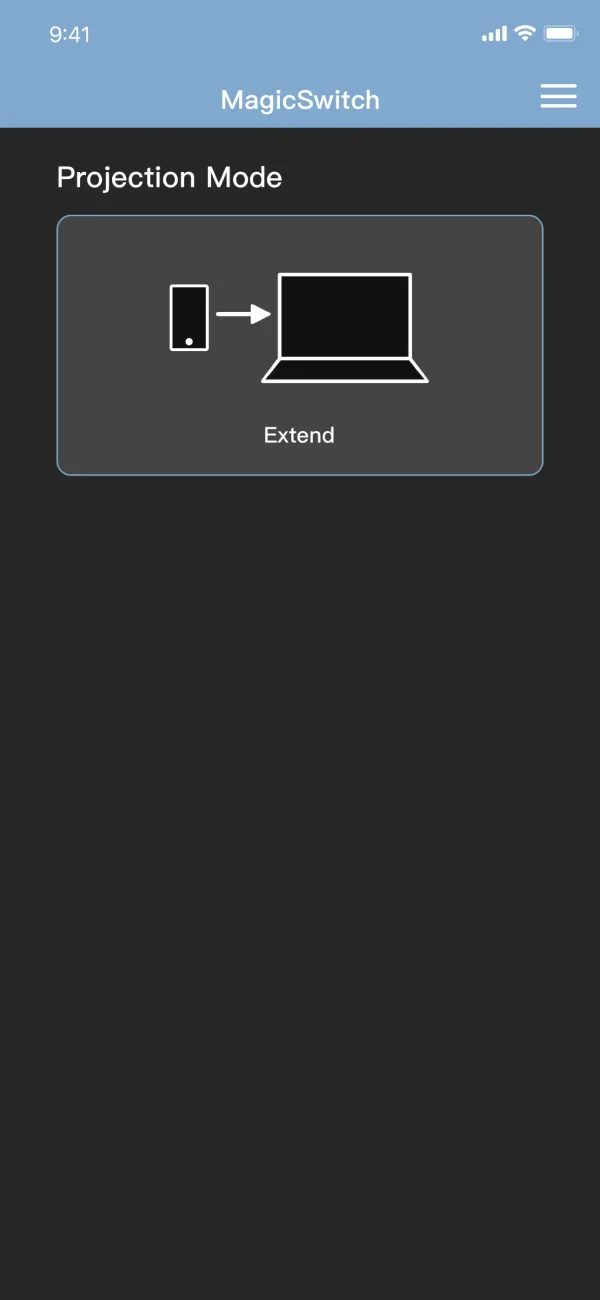
Conversely, we can also project the content of iPad/iPhone to Windows PC through this wireless connection. This function is just like AirPlay. You can see iPad/iPhone screen content and operations directly on the Windows PC screen. In addition, through the Bluetooth dongle, users can switch the keyboard and mouse from Windows to iPad/iPhone, allowing users to use the mouse connected to Windows to control iPad/iPhone while watching the projected content, or Use the keyboard connected to Windows to input text directly on iPad/iPhone.
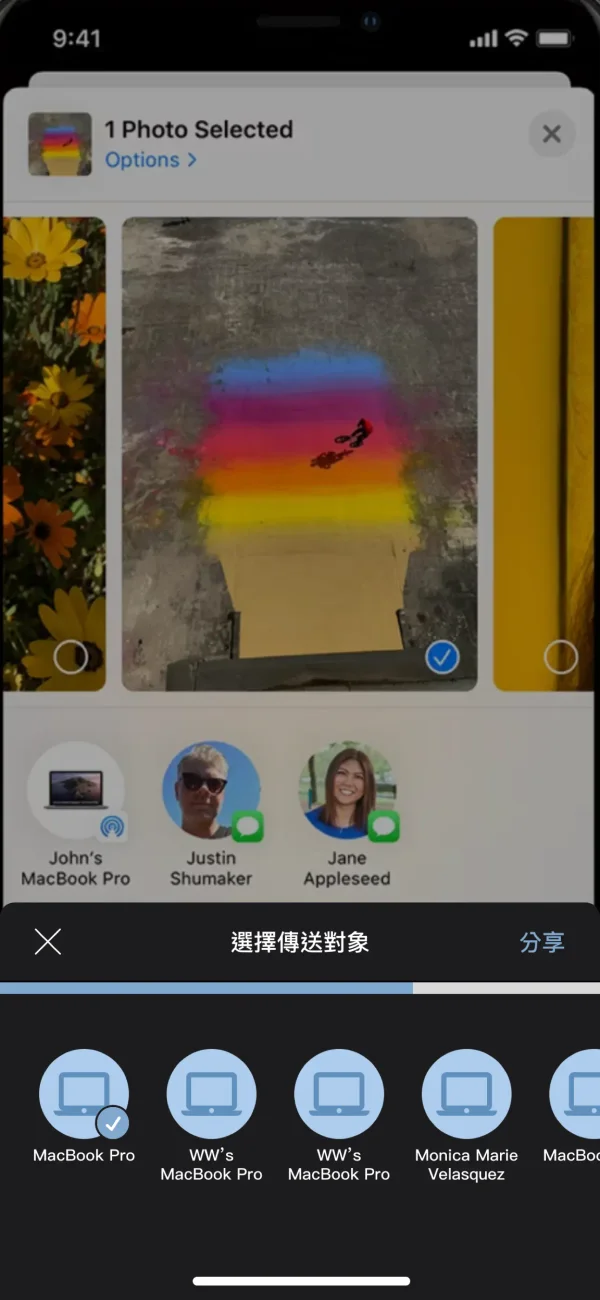
In addition to video screen projection and duplication, the app also supports an AirDrop-like feature that allows you to easily share media content such as videos, photos, or files to the "Downloads" location on your Windows PC. You can also share files to your iPad/iPhone by right-clicking the file in Windows Explorer and selecting the Share menu function, just like using AirDrop on a Mac. In addition, we also provide a file selector located in the main panel to directly select the file to be transferred.
Novedades
Versión 1.0.19 · 15/5/2025
Addresses an issue where a black screen appears when duplicating and extending displays.
Privacidad de la aplicación
Lo que j5create declara en App Store sobre cómo esta aplicación gestiona los datos.
-
No se recopilan datos
El desarrollador no recopila ningún dato de esta aplicación.
Las prácticas de privacidad pueden variar, por ejemplo, según las funciones que uses o tu edad.
Información
- Vendedor
- Magic Control Technology Corporation
- Categoría
- Utilidades
- Versión
- 1.0.19
- Actualizado
- 15/5/2025
- Publicado
- 28/4/2025
- Tamaño
- 48,2 MB
- Requiere
- iOS 11.0 o posterior
- Clasificación por edad
- 4+
- Precio
- Gratis
- Idiomas
- Inglés, Danés, Neerlandés, Finés, Francés, Alemán, Húngaro, Italiano, Japonés, Coreano, Noruego bokmål, Portugués + 4 más
- Copyright
- © @2023 Magic Control Technology Corporation
Quizá también te guste
-
 AURGA Viewer: Wireless DisplayUtilidades
-
 Wireless Display TV+Utilidades
-
 Wireless Display AdapterUtilidades
-
 Fast Cast -Espejo de pantallaFácil de lanzar Registro
-
 HDMIUtilidades
-
 Miracast ®ᅠUtilidades
-
 Screen Mirroring ®Utilidades
-
 StarDesk - Remote DesktopUtilidades
-
 Duplicar Pantalla:PigeonCastTransmitir Móvil, Pad,PC en TV
-
 HDMI Monitor - OrionUtilidades