
Display Sharing - Wireless
iPhone, iPad, iPod touch için tasarlandı
Ücretsiz
- Yaş sınırı4+
- KategoriYardımcılar
- Geliştiricij5create
- Dillerİngilizce+ 15 dil daha
- Boyut48,2 MB
Resmi App Store sayfasına bağlanır
Download.org, Display Sharing - Wireless için hiçbir dosya barındırmaz. Düğme, uygulamanın App Store üzerindeki sayfasını açar; uygulamayı orada j5create yayınlar. Sayfanın son kontrolü: 18.11.2026.
Ekran görüntüleri
Hakkında
Geliştirici bu metni dilinizde sunmamış.
This companion application is designed to be used with MCT MagicSwitch Wireless Dongle.
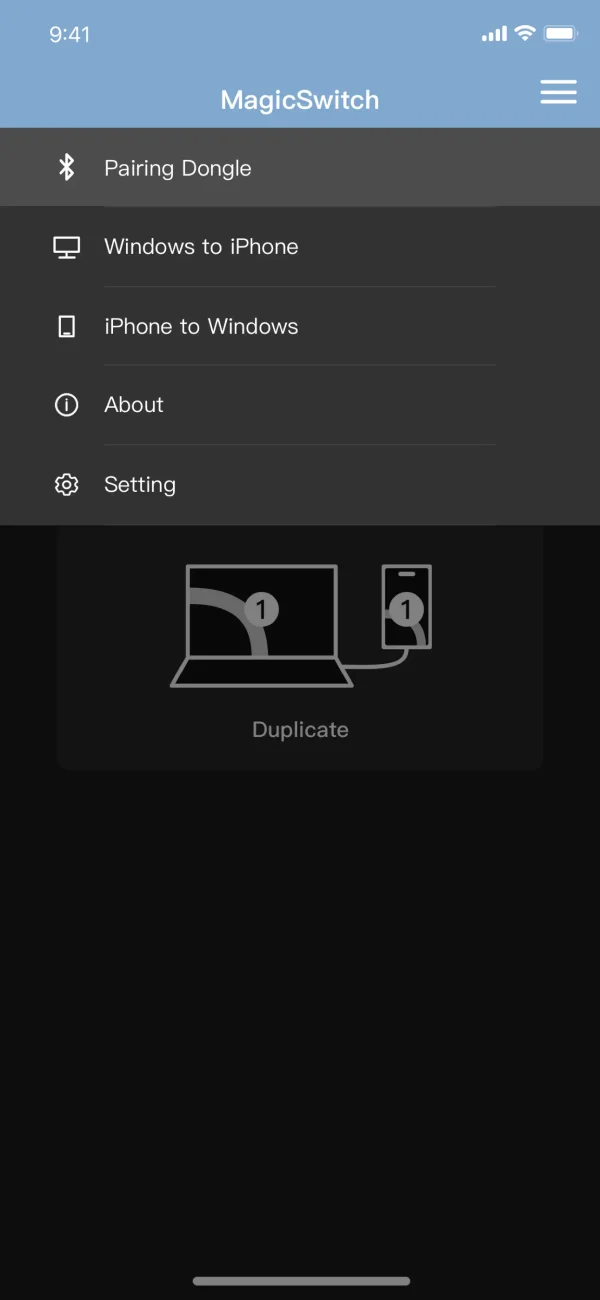
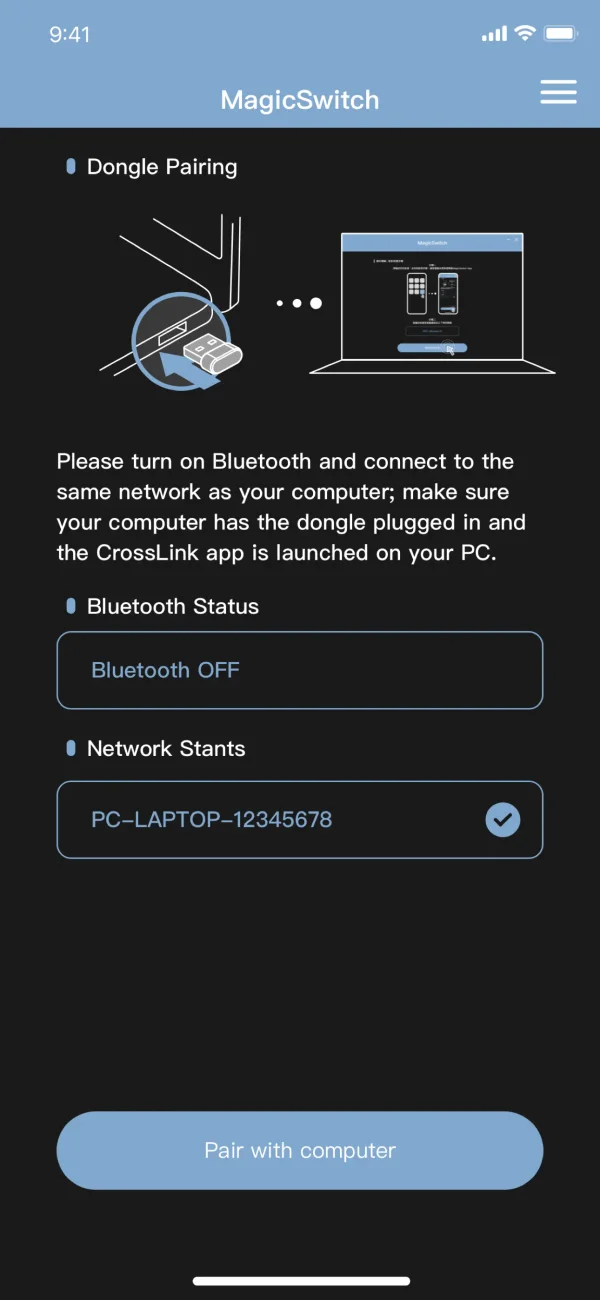
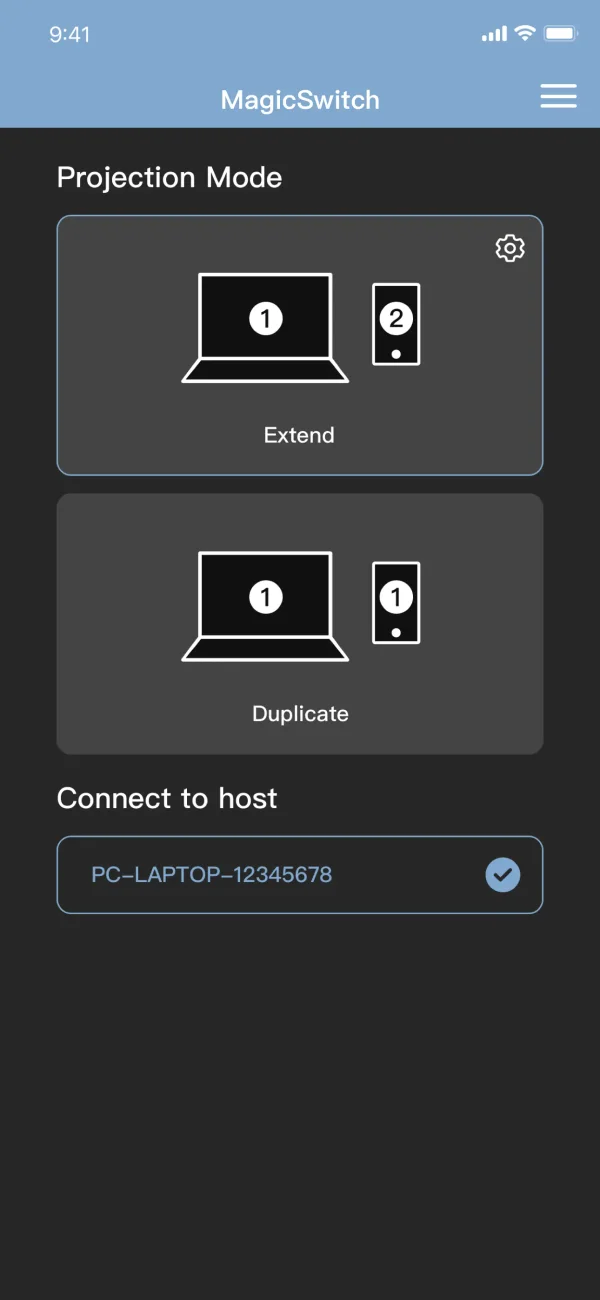
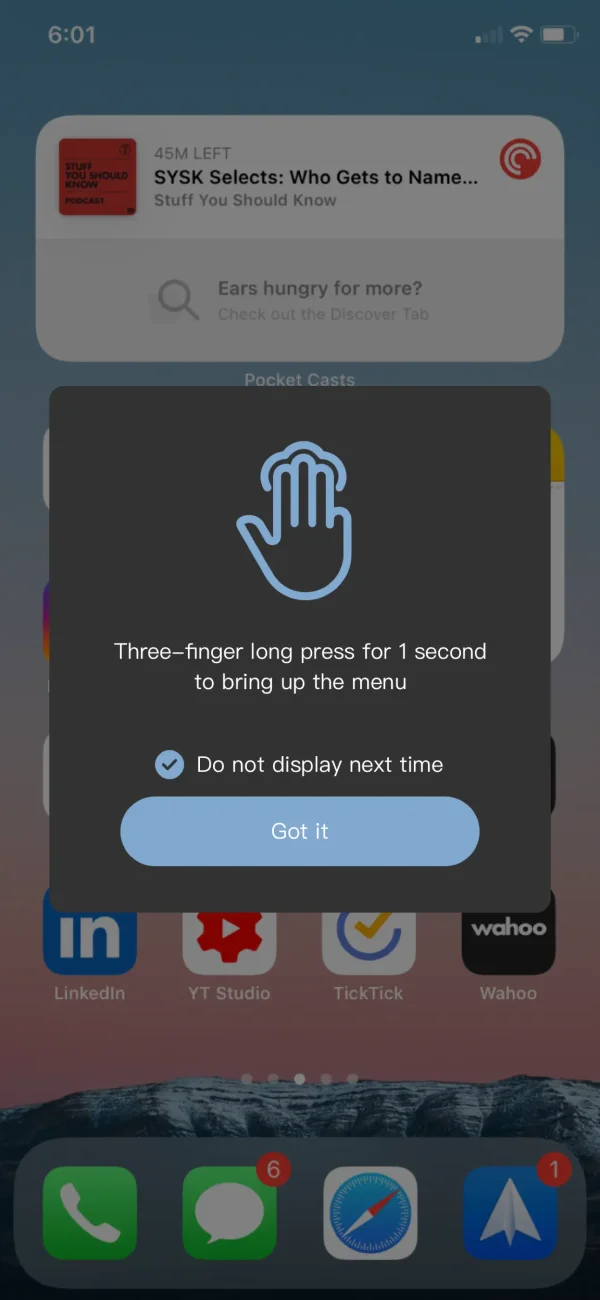
The MCT MagicSwitch Wireless Dongle is a USB Dongle with host-to-host wireless connectivity feature. The USB dongle with Bluetooth inside provides pairing identification to help Windows PC and iPad/iPhone connect wirelessly via local Wi-Fi or hotspot connection. After the connection is successful, you can use this APP to mirror the Windows PC main screen and view and operate it directly on iPad/iPhone. Gesture events or stylus trajectories and pen pressure on iPad/iPhone can also be reflected in Windows, just like having an extra touch screen in Windows. In addition to this mirror mode, this APP also provides the function of generating a virtual second screen in Windows, and this second screen can be projected to iPad/iPhone for viewing and operation.
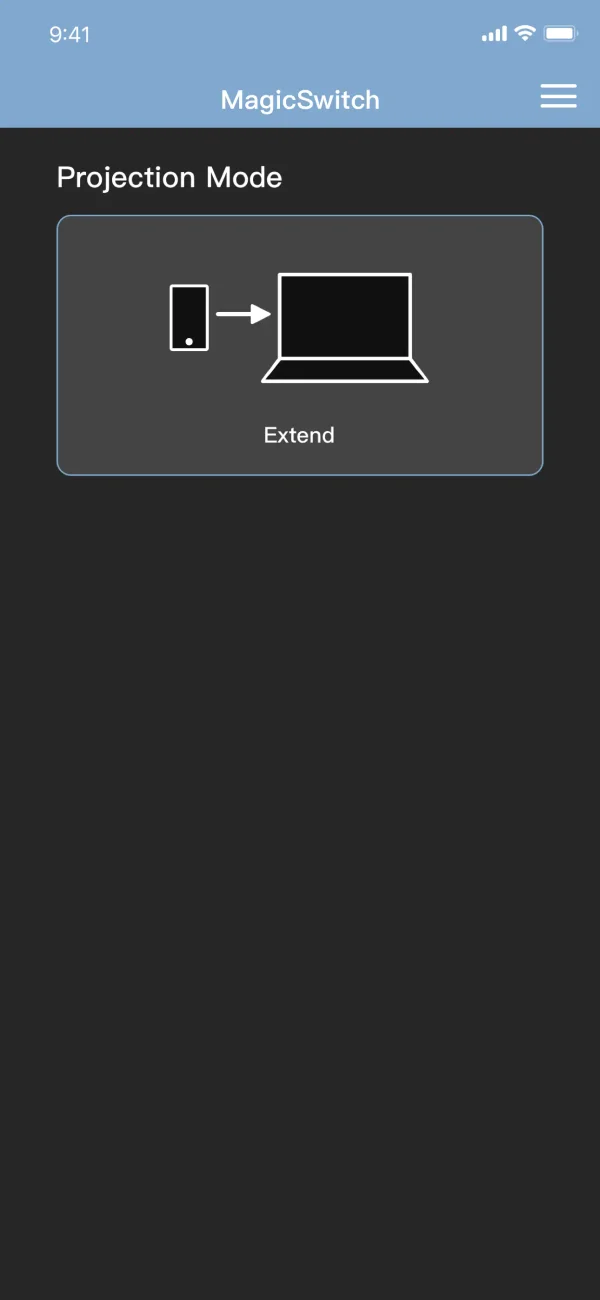
Conversely, we can also project the content of iPad/iPhone to Windows PC through this wireless connection. This function is just like AirPlay. You can see iPad/iPhone screen content and operations directly on the Windows PC screen. In addition, through the Bluetooth dongle, users can switch the keyboard and mouse from Windows to iPad/iPhone, allowing users to use the mouse connected to Windows to control iPad/iPhone while watching the projected content, or Use the keyboard connected to Windows to input text directly on iPad/iPhone.
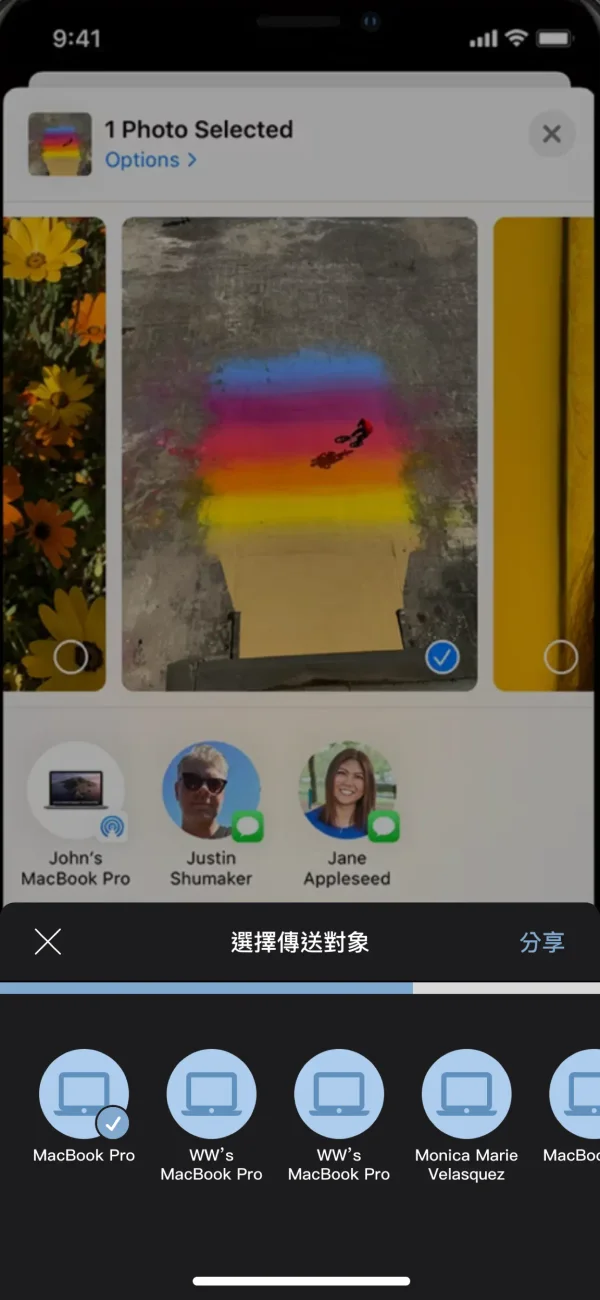
In addition to video screen projection and duplication, the app also supports an AirDrop-like feature that allows you to easily share media content such as videos, photos, or files to the "Downloads" location on your Windows PC. You can also share files to your iPad/iPhone by right-clicking the file in Windows Explorer and selecting the Share menu function, just like using AirDrop on a Mac. In addition, we also provide a file selector located in the main panel to directly select the file to be transferred.
Yenilikler
Sürüm 1.0.19 · 15.05.2025
Addresses an issue where a black screen appears when duplicating and extending displays.
Uygulama gizliliği
Bu uygulamanın verileri nasıl işlediği hakkında j5create tarafından App Store üzerinde yapılan beyan.
-
Veri toplanmıyor
Geliştirici bu uygulamadan hiçbir veri toplamıyor.
Gizlilik uygulamaları, örneğin kullandığınız özelliklere veya yaşınıza göre değişiklik gösterebilir.
Bilgiler
- Satıcı
- Magic Control Technology Corporation
- Kategori
- Yardımcılar
- Sürüm
- 1.0.19
- Güncellendi
- 15.05.2025
- Yayın tarihi
- 28.04.2025
- Boyut
- 48,2 MB
- Gereksinim
- iOS 11.0 veya sonrası
- Yaş sınırı
- 4+
- Fiyat
- Ücretsiz
- Diller
- İngilizce, Danca, Hollandaca, Fince, Fransızca, Almanca, Macarca, İtalyanca, Japonca, Korece, Norveççe Bokmål, Portekizce + 4 dil daha
- Telif hakkı
- © @2023 Magic Control Technology Corporation
Bunları da beğenebilirsiniz
-
 AURGA Viewer: Wireless DisplayYardımcılar
-
 Wireless Display TV+Yardımcılar
-
 Wireless Display AdapterYardımcılar
-
 Fast Cast - Screen MirrorYardımcılar
-
 HDMIYardımcılar
-
 Miracast ®ᅠYardımcılar
-
 Screen Mirroring ®Yardımcılar
-
 StarDesk - Remote DesktopYardımcılar
-
 Ekran Yansıtma:PigeonCastTV için Yayini & Yansit
-
 HDMI Monitor - OrionYardımcılar