Doc Scanner .
Scanner : Scan PDF Documents
Diseñada para iPhone, iPod touch
Gratis · Compras en la aplicación
- Clasificación por edad4+
- CategoríaProductividad
- DesarrolladorHimanshu Rupareliya
- IdiomasInglés
- Tamaño28,3 MB
Enlaza a la página oficial de App Store
Download.org no aloja ningún archivo de Doc Scanner . El botón abre la página de la aplicación en App Store, donde la publica Himanshu Rupareliya. Ficha comprobada por última vez el 22/11/2026.
Capturas de pantalla


Acerca de
El desarrollador no ha proporcionado este texto en tu idioma.
Doc Scanner - Camera Scanner lets you scan and create PDF files on your device using photos and camera. You can click or scan your document from your camera or choose photos from gallery.
Doc Scanner - Scan Document with quality. Using this Pdf Maker, save your PDF file in history and in the list of recently used documents.
To rescue you from that situation we brings you a portable Document Scanner. This Document Scanner you let you scan your documents anytime anywhere.
Pdf Scanner & Fast Scanner :-
- Anytime and anywhere, Use your camera to scan invoices, personal documents, receipts, certificates, ID proofs, photo IDs, business documents, etc.
- Scan all types of a document with the Doc Scanner - Camera Scanner.
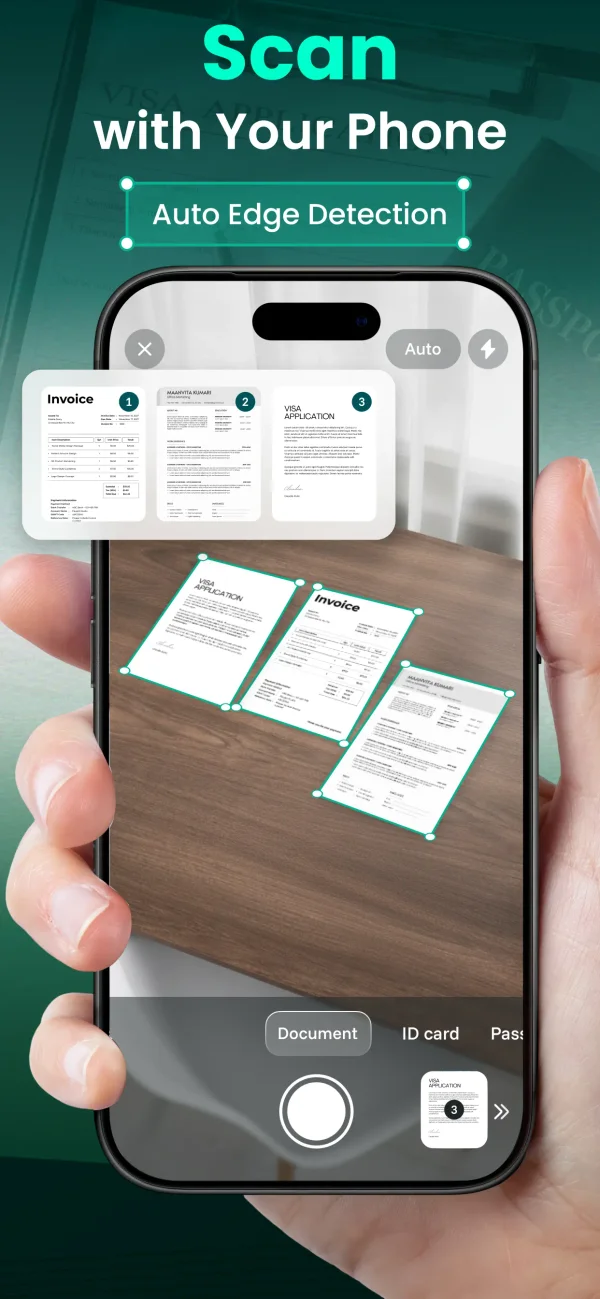
Auto detect edge :-
- Use camera for capture document by phone, remove extra space background, auto-detect the edge, generate high-resolution PDF File and JPEG.
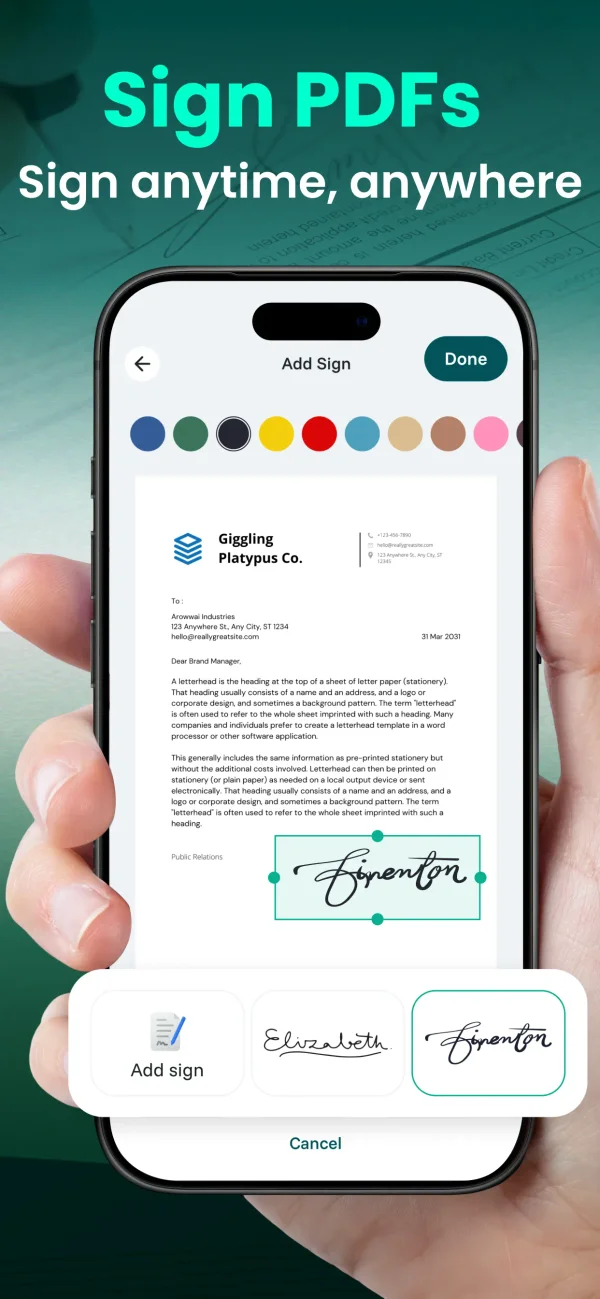
Smart E-signature :-
- Upload and Sign doc to use the E-signature pad on your phone and sign the contract to your business party. it is used for doing sign on contract, government form fills up, and other business documents.
Add Signature to Document :-
- Add Signature to document
- Choose Signature of your choice color.
Document Editting :-
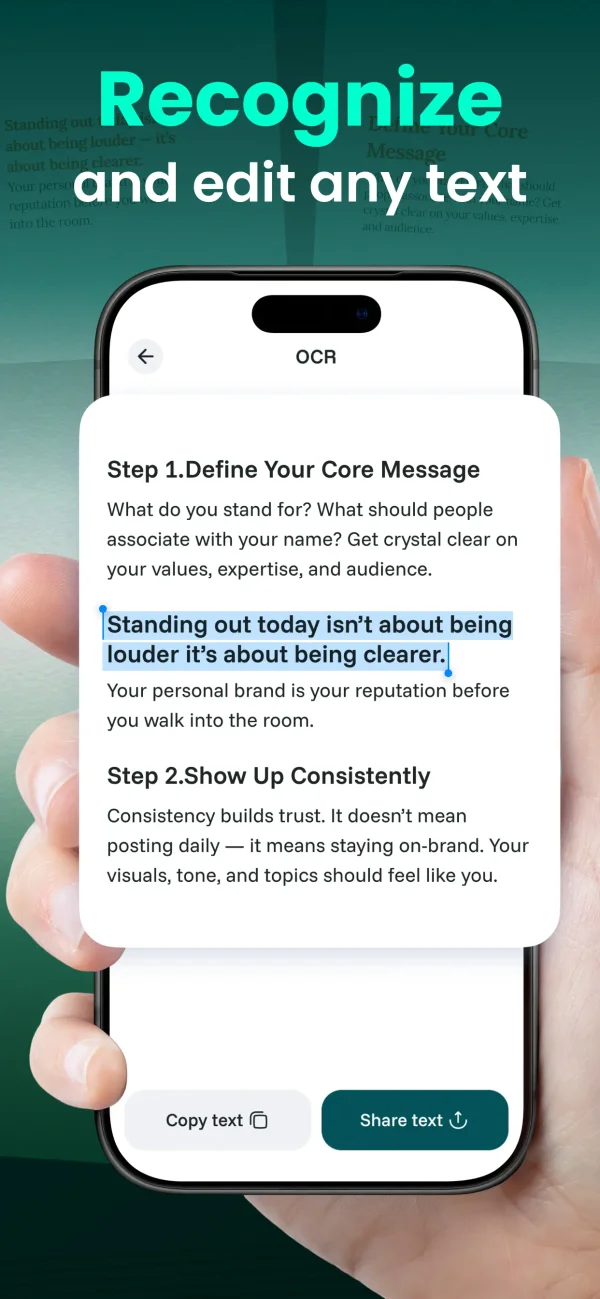
- Text detector & text scanner (OCR)
- Advance way for editing adopts documents.
- Add text to documents
Image to PDF Maker :-
- save PDF from photo
- convert image to pdf file
- make your file safe as adopt pdf by using Doc Scanner - Camera Scanner app
Optimize Images and Text :-
Doc Scanner is a free app that fast scans with automatic color detection & adjustment, background removal&bleed through, text enhance, color drop, image rotation, Multiple scan Destination & Duplexing Scanning.
Classified Folders :-
- Create classified folders to scan and save different documents in an organized manner Camera Scanner app.
Document Sharing :-
- Save each scanned document in the app for instant access and sharing.
- Scan, save and share the documents with your network quickly.
Phone Camera Scanner :-
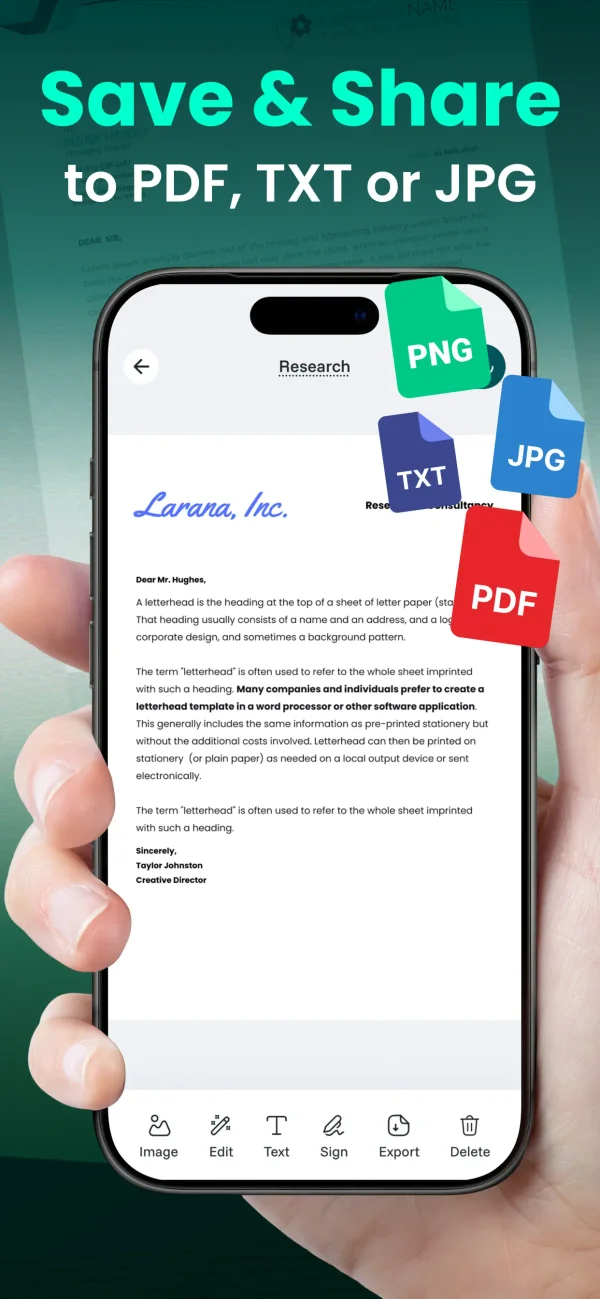
Capture documents by phone, remove the extra background and generate high-resolution JPEG &PNG and PDF files.
Add E-Signature :-
Upload and sign a doc to use the E-signature pad on your phone and sign the contract to your business party. Sign contracts and share with your third party or counter party.
PDF Tools :-
Convert PDF files to JPG, PNG as well as reverse the process like PDF to Images converter.
How to Use Doc Scanner?
- Simply install the Camera Scanner app and tap on the + icon at the bottom of the screen to start scanning.
- Select whether to scan a document with your camera or select one from your device gallery.
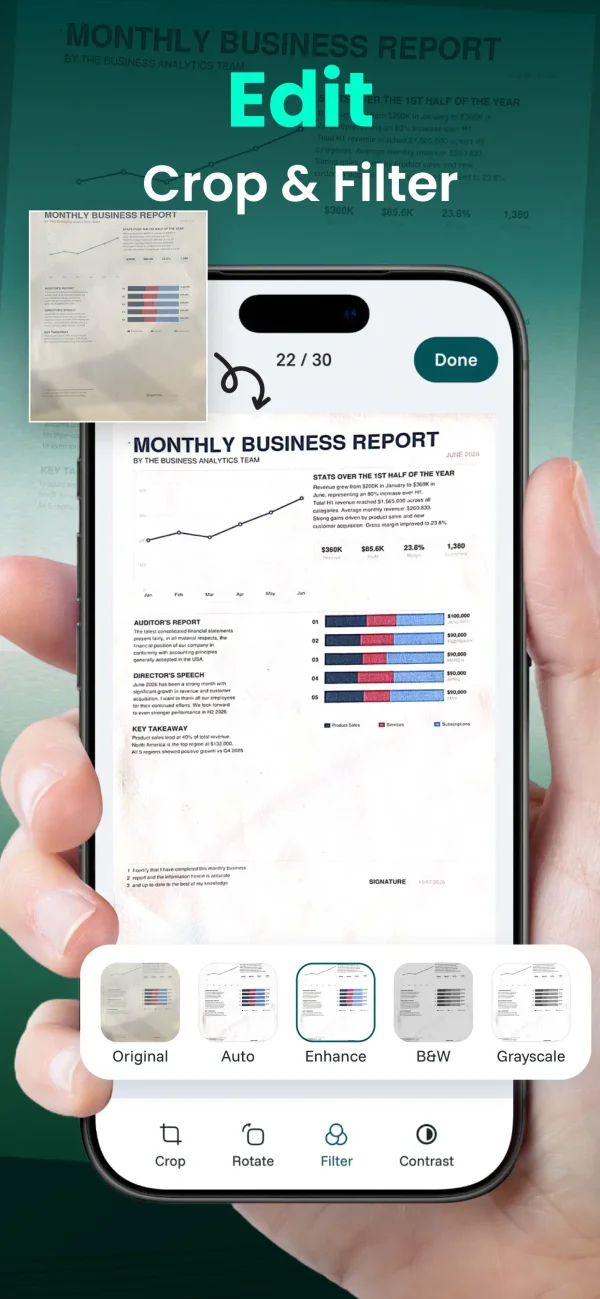
- Crop, adjust or add filters & effects to your scanned documents.
- You can save the scanned image to your gallery or convert it to a PDF using PDF Maker & PDF Converter tool.
VARIOUS SCANNING MODES :-
• DOCUMENTS – scan multipage documents on the go
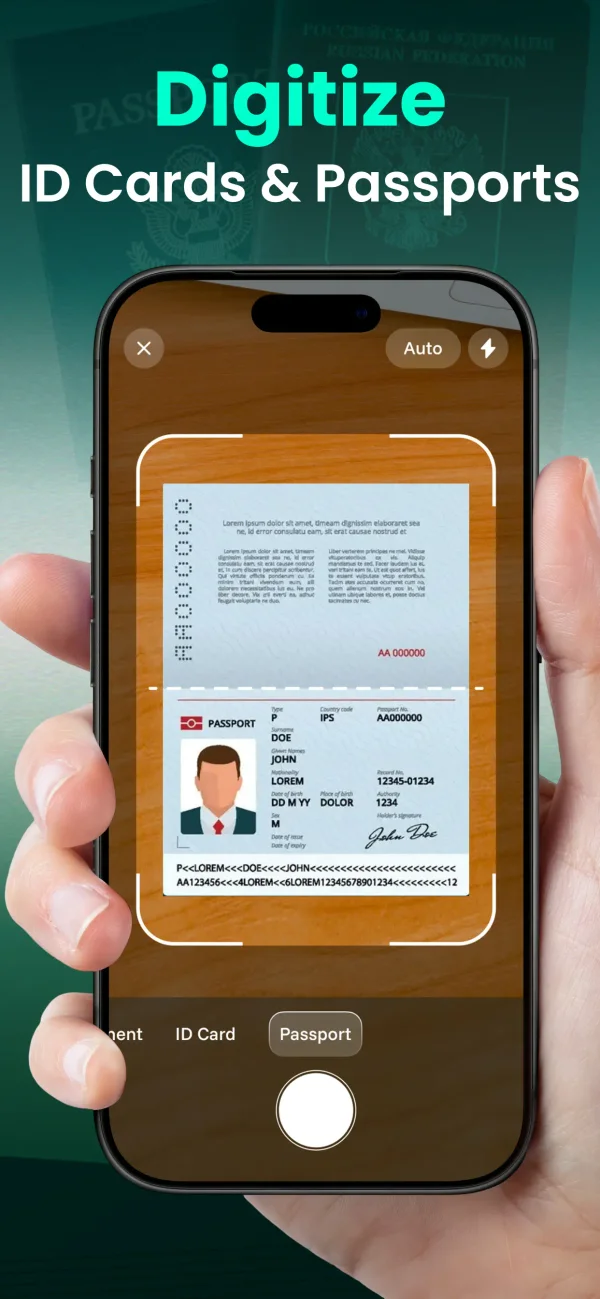
• ID-CARD & PASSPORT – create scanned versions of your personal documents
• OCR - Detect any text from image and translate in any language
• TRANSLATE - Language translator support all languages
• QR CODE – read any QR-code with your device camera
• BAR CODE – read any Bar-code with your device camera
• Multiple DocumentScan
Feel free to review your experience with the Doc Scanner - Camera Scanner app. Do leave your thoughts on the Camera Scanner app.
We will be grateful to hear your opinions and improve whenever needed in future versions!
Privacy Policy :- https://docscannerprivacypolicyapp.blogspot.com
Terms of use :- https://sites.google.com/view/camerascannerterms/home
Keep scanning with Doc Scanner
Novedades
Versión 2.7 · 22/9/2026
Thanks for using Doc Scanner!
• Bug fixes and performance improvements.
Enjoying the app? Please Rate and review the app to help others discover it!
Privacidad de la aplicación
Lo que Himanshu Rupareliya declara en App Store sobre cómo esta aplicación gestiona los datos.
-
Datos usados para rastrearte
Pueden usarse para rastrearte en aplicaciones y sitios web propiedad de otras empresas.
- Datos de uso
-
Datos no vinculados a ti
Pueden recopilarse, pero no se vinculan a tu identidad.
- Datos de uso
Las prácticas de privacidad pueden variar, por ejemplo, según las funciones que uses o tu edad.
Información
- Vendedor
- Himanshu Rupareliya
- Categoría
- Productividad
- Versión
- 2.7
- Actualizado
- 22/9/2026
- Publicado
- 4/12/2022
- Tamaño
- 28,3 MB
- Requiere
- iOS 14.0 o posterior
- Clasificación por edad
- 4+
- Precio
- Gratis
- Compras en la aplicación
- Sí
- Idiomas
- Inglés
- Copyright
- © HR2021
Quizá también te guste
-
 Doc Scanner: Scan PDFProductividad
-
 OKEN - Doc Scanner, PDF ScanProductividad
-
 Sift: PDF Scanner & OCRProductividad
-
 Document Scanner by LufickProductividad
-
 Document Scanner - Scan PhotoProductividad
-
 Escanear Documentos PDFScannerDigitaliza, Convierte, Firma
-
 Camera Scanner: Escáner PDFEscanear Documentos, Scan PDF
-
 DocScanner: PDF ScanProductividad
-
 Auto Redial - RellamadaReintentar Números Ocupados
-
 Cam Scan - PDF Scanner & OCRProductividad