DocSnap – Simple PDF Scanner
Super Simple Document Scanner
Diseñada para iPhone, iPad
Gratis
- Clasificación por edad4+
- CategoríaProductividad
- DesarrolladorJames Babiak
- IdiomasInglés
- Tamaño3,6 MB
Enlaza a la página oficial de App Store
Download.org no aloja ningún archivo de DocSnap – Simple PDF Scanner. El botón abre la página de la aplicación en App Store, donde la publica James Babiak. Ficha comprobada por última vez el 12/11/2026.
Capturas de pantalla
Acerca de
El desarrollador no ha proporcionado este texto en tu idioma.
DocSnap – Simple PDF Scanner is a clean and efficient document scanning app built with simplicity in mind. Scan, save, and share PDFs with just a few taps.
No ads. No subscriptions. No in-app purchases.
Key Features:
Easy Scanning: Use your iPhone’s camera to scan documents with automatic edge detection.
Multi-Page Support: Scan multiple pages and organize them into a single PDF.
OCR (Text Recognition): Make your scanned PDFs searchable using built-in text recognition (OCR).
Save or Share PDFs: Save scanned documents to a specified folder or share them via the system share sheet.
Customize Filenames: Edit file names before saving or sharing your scans.
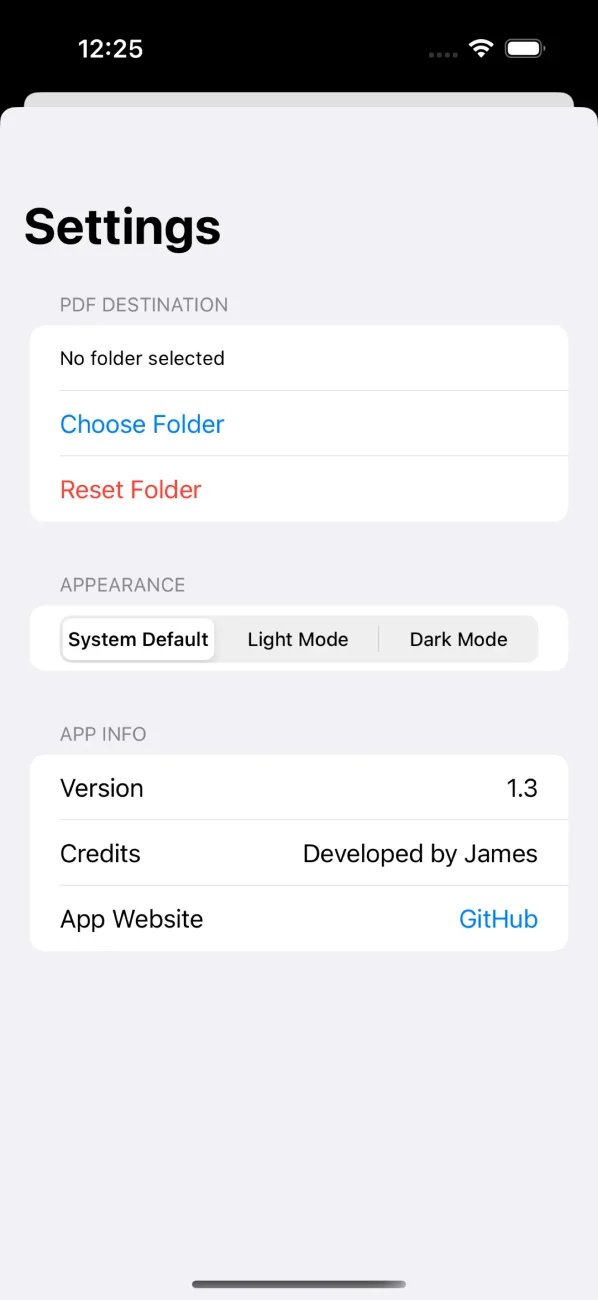
Folder Shortcuts: Choose a default folder for automatic saving—or select a new location each time.
Dark Mode Support: Match your system theme or choose light/dark mode manually.
100% Private: No accounts, no tracking, and no data leaves your device unless you choose to share it.
How It Works:
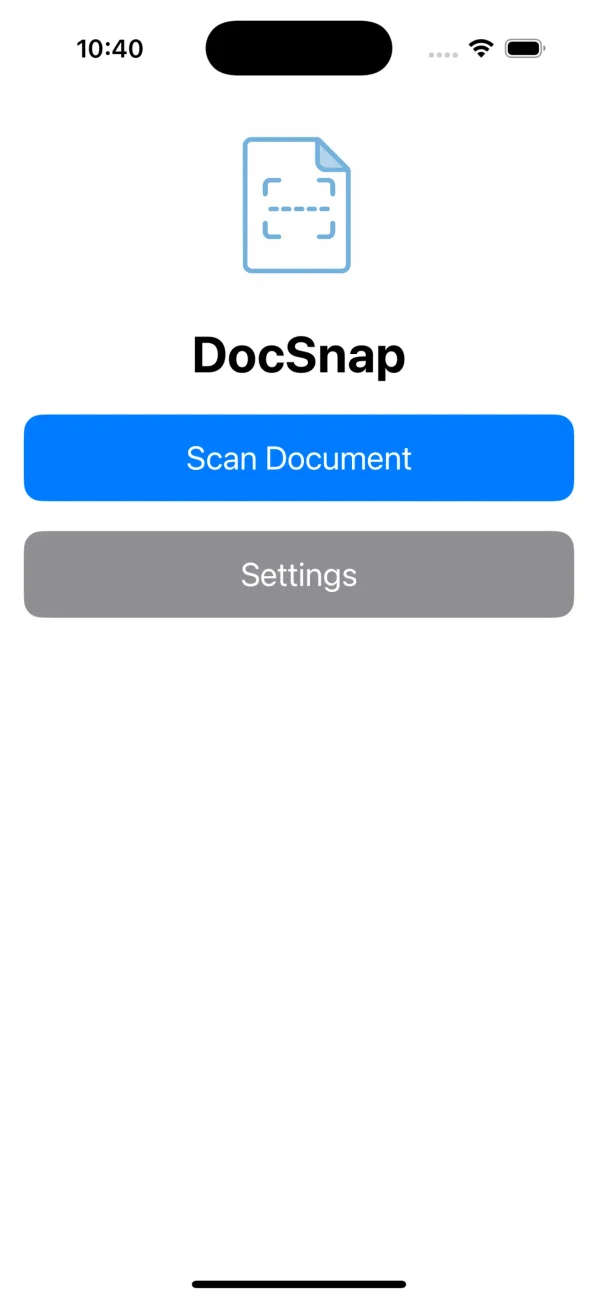
Tap Scan Document to launch the scanner.
Review and manage scanned pages before saving.
Tap Save PDF to save to your selected folder, or Share PDF to send or store the document elsewhere.
Manage settings, appearance, and destination folder under Settings.
Built for Simplicity. Designed for Privacy.
DocSnap is a completely free utility designed for individuals who want a simple and reliable way to digitize documents on the go—without sacrificing privacy.
Learn more or view the open-source project at:
https://github.com/jamesbabiak/SimpleDocScanner
Privacy Policy:
https://jamesbabiak.github.io/SimpleDocScanner/privacy.html
Novedades
Versión 1.3 · 28/7/2025
Version 1.3
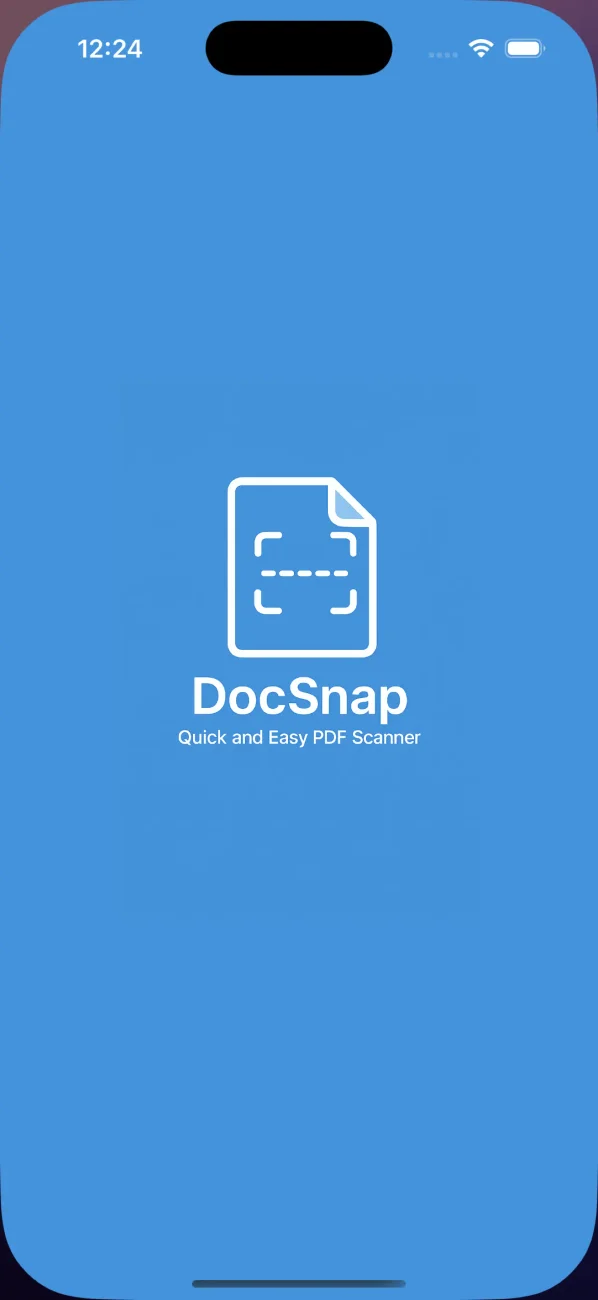
NEW: Splash screen for better app launch experience.
FIXED: iPad layout fix. Removed NavigationView to ensure that using the app on your iPad would be as easy as your iPhone. No more unnecessary sidebar.
NEW: Multi-page grid preview. Replaced the earlier single image at a time preview prior to saving or sharing your PDF with a new grid view that shows the page number(s) to improve the user experience.
NEW: Drag and drop reordering! Now, if you have multiple pages and scanned them in the incorrect order, you can quickly and easily reorder them on the preview page by simply dragging/dropping them into the correct order.
FIXED: Consistent and polished action buttons on different screen sizes and orientations.
FIXED: Fixed the OCR Settings to remove the text overlay that was being added to some PDF images incorrectly.
Privacidad de la aplicación
Lo que James Babiak declara en App Store sobre cómo esta aplicación gestiona los datos.
-
No se recopilan datos
El desarrollador no recopila ningún dato de esta aplicación.
Las prácticas de privacidad pueden variar, por ejemplo, según las funciones que uses o tu edad.
Información
- Vendedor
- James Babiak
- Categoría
- Productividad
- Versión
- 1.3
- Actualizado
- 28/7/2025
- Publicado
- 25/7/2025
- Tamaño
- 3,6 MB
- Requiere
- iOS 17.6 o posterior
- Clasificación por edad
- 4+
- Precio
- Gratis
- Idiomas
- Inglés
- Copyright
- © 2025 James Babiak
Quizá también te guste
-
 DocSnap.Productividad
-
 PDF Scanner AI: OCR & SignProductividad
-
 DocSnap — Escáner de PDFEscanear a PDF, OCR e IA
-
 DocSnap: Scan & AI SummariesProductividad
-
 Instant Doc - PDF ScannerProductividad
-
 Doc Scanner : scan to pdfProductividad
-
 Ai Scan Lite - PDF ScannerProductividad
-
 SwiftScan: PDF Scanner & ToolsProductividad
-
 DocuScanner – PDF ScannerProductividad
-
 SnapDoc: PDF Scanner & EditorProductividad