SnapDoc: PDF Scanner & Editor
Scan, Annotate & Export to PDF
Diseñada para iPhone, iPad
Gratis
- Clasificación por edad4+
- CategoríaProductividad
- DesarrolladorSoe Htut
- IdiomasInglés
- Tamaño7,6 MB
Enlaza a la página oficial de App Store
Download.org no aloja ningún archivo de SnapDoc: PDF Scanner & Editor. El botón abre la página de la aplicación en App Store, donde la publica Soe Htut. Ficha comprobada por última vez el 10/11/2026.
Capturas de pantalla
Acerca de
El desarrollador no ha proporcionado este texto en tu idioma.
SnapDoc is your all-in-one document scanner and PDF editor for iPhone and iPad.
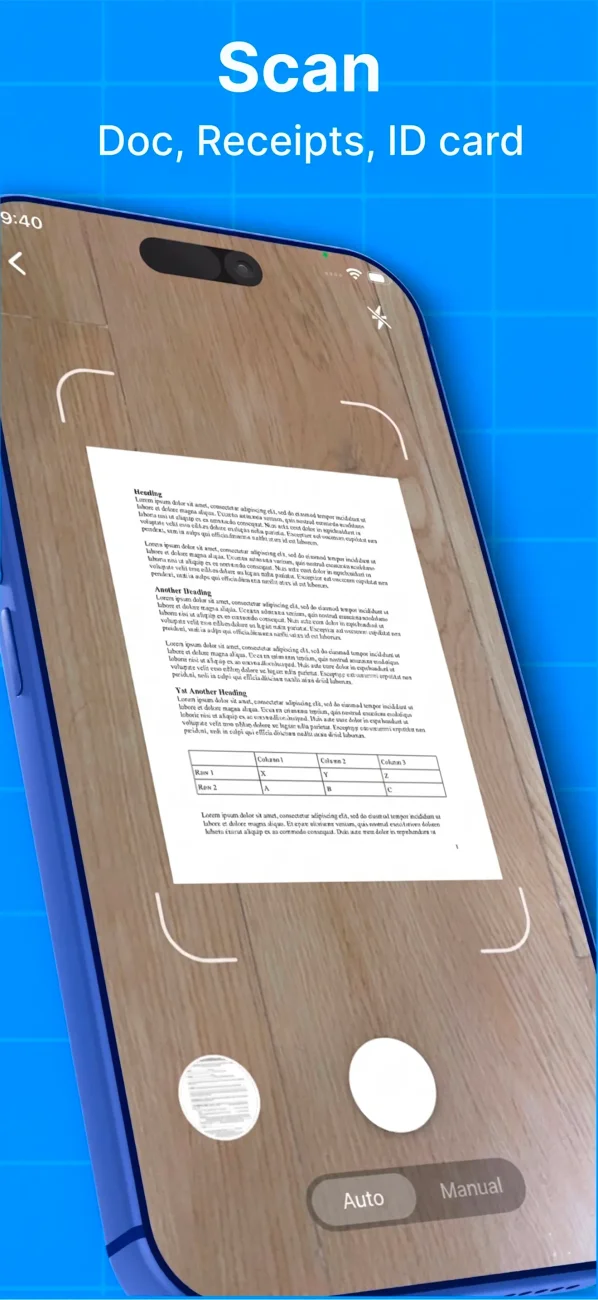
Scan documents, receipts, IDs, notes, and whiteboards in seconds. Automatically detect edges, correct perspective, enhance image quality, then edit, annotate, sign, organize, and share your PDFs — all with a fast, private, on-device experience.
SCAN WITH EASE
• Automatic edge detection with a live scanning overlay
• Auto-capture when your document is steady, or capture manually
• Perspective correction for clean, straightened pages
• Scan documents, receipts, IDs, notes, and whiteboards
ENHANCE YOUR SCANS
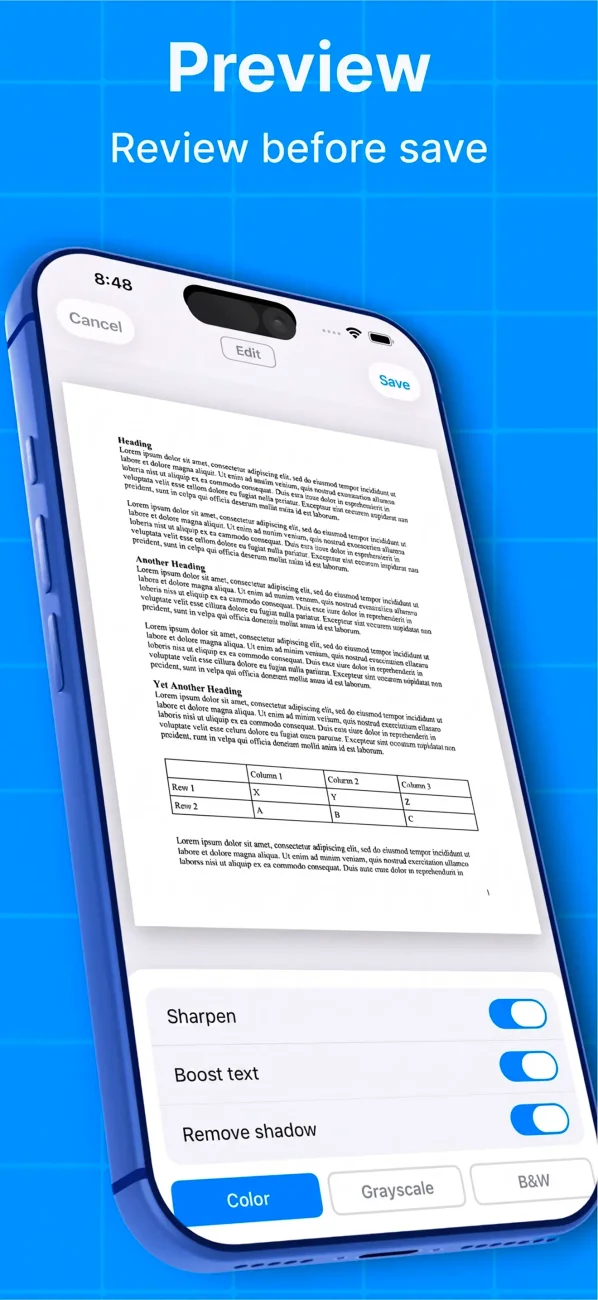
• Boost text for sharper, more readable documents
• Remove shadows and uneven lighting
• Sharpen, Grayscale, and Black & White filters
• Turn photos and scans into clean PDFs
EDIT & ANNOTATE PDFs
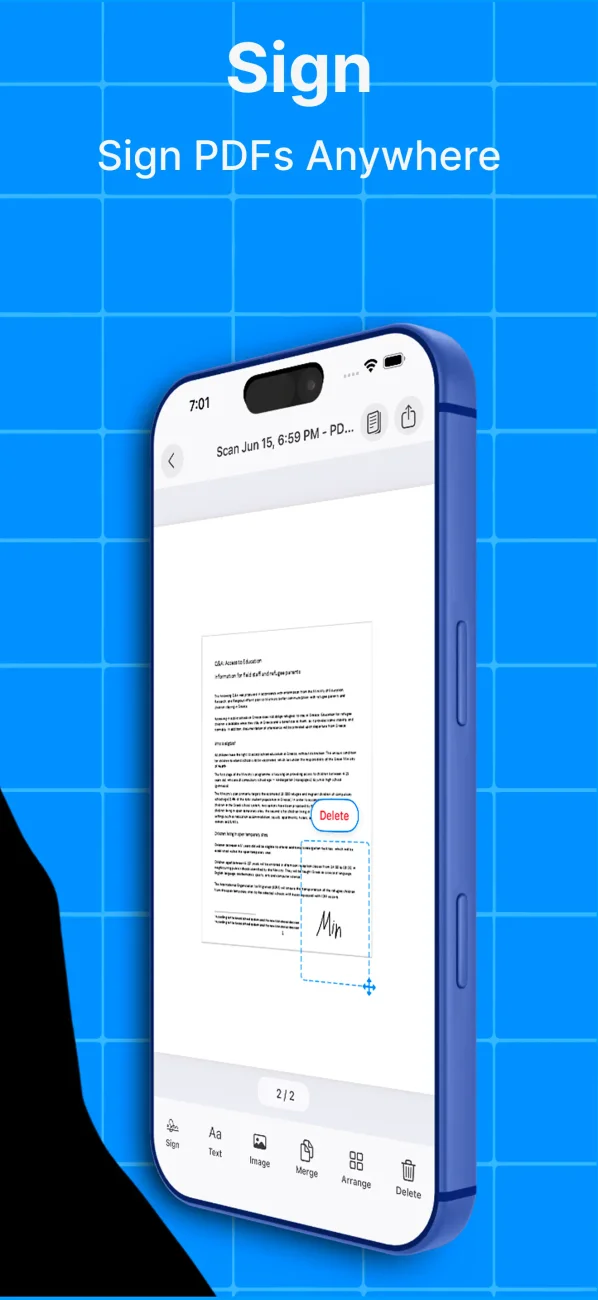
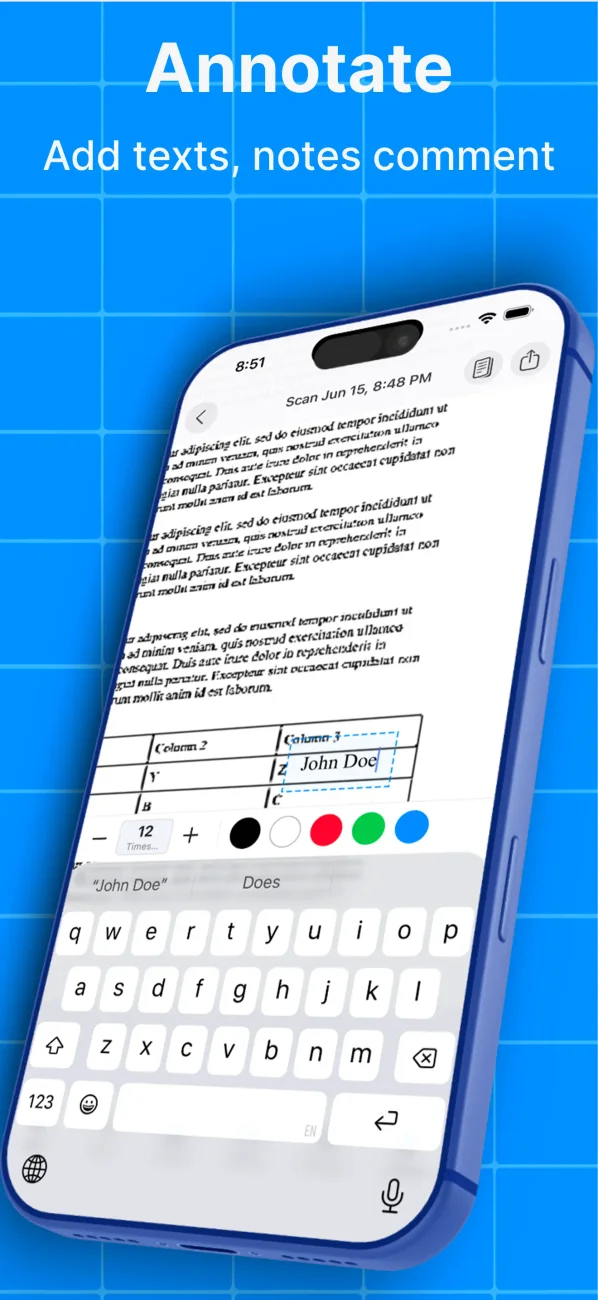
• Add text and images to your PDFs
• Draw naturally with Pen
• Add stamps for quick annotations
• Sign documents with your signature
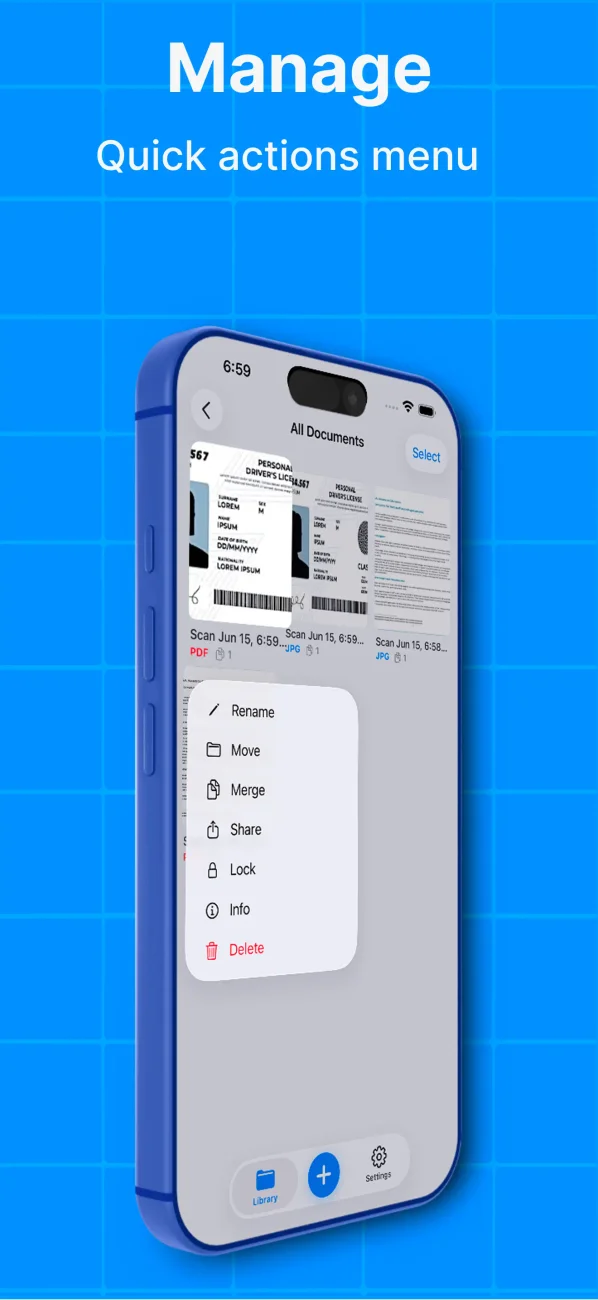
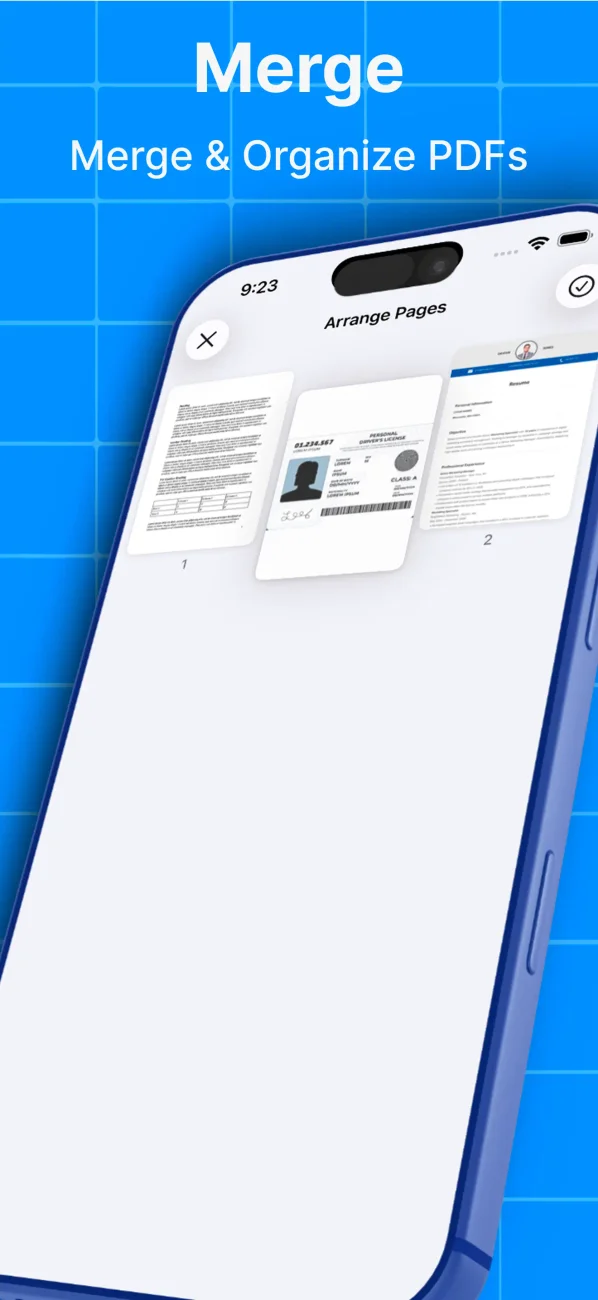
• Reorder, rotate, and delete pages
• Merge multiple PDFs into one
PROTECT YOUR DOCUMENTS
• Password-protect PDF documents
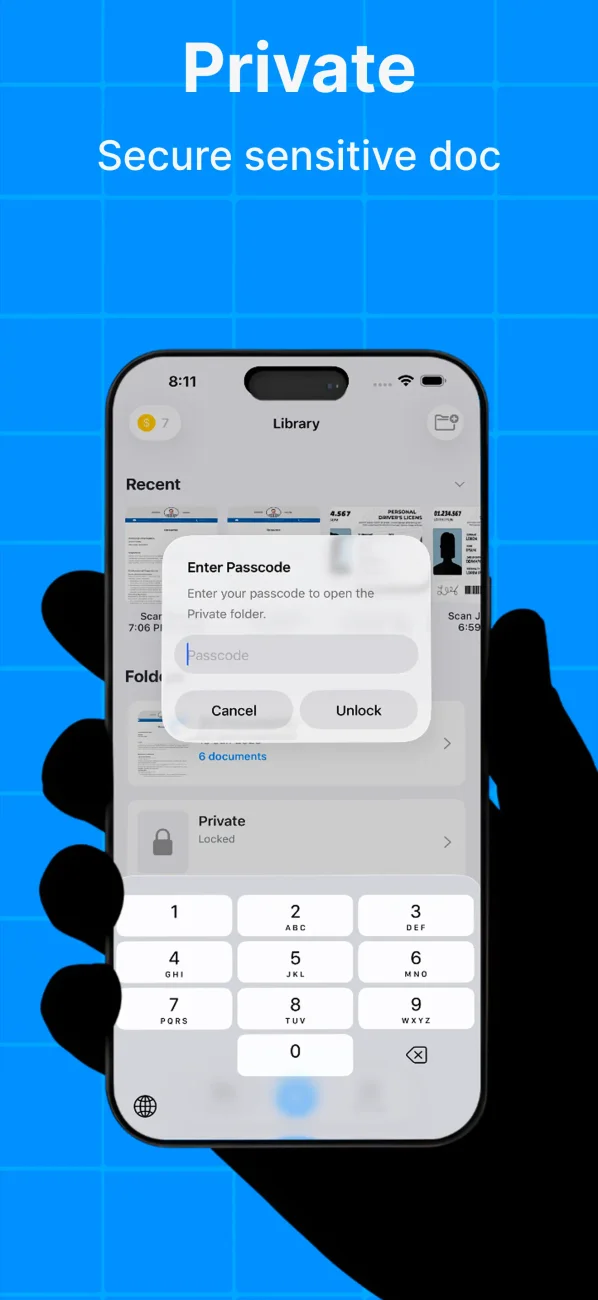
• Keep sensitive files in a Private Folder
• Protect your Private Folder with a passcode and Face ID
READ PDFs YOUR WAY
• Full-screen reading mode for a distraction-free experience
• Adjust your reading view for a comfortable experience
• Easily navigate through multi-page documents
STAY ORGANIZED
• Organize documents into folders
• Keep important files in one place
• Protect sensitive documents with a private folder, passcode, and Face ID
SHARE & EXPORT
• Export high-quality, selectable PDFs
• Save documents to Files
• Share via Mail, Messages, AirDrop, and other apps
PRIVATE BY DESIGN
Your scans and documents are processed on your device and are never uploaded to our servers.
Scan. Edit. Annotate. Sign. Read.
SnapDoc gives you everything you need to work with documents on iPhone and iPad.
Novedades
Versión 1.6 · 26/8/2026
• Added iPad support
• Optimized the PDF editing experience for iPad
• Improved document reading and annotation
• Password-protected PDFs and share
• Performance and stability improvements
Privacidad de la aplicación
Lo que Soe Htut declara en App Store sobre cómo esta aplicación gestiona los datos.
-
Datos usados para rastrearte
Pueden usarse para rastrearte en aplicaciones y sitios web propiedad de otras empresas.
- Identificadores
- Datos de uso
-
Datos vinculados a ti
Pueden recopilarse y vincularse a tu identidad.
- Identificadores
- Datos de uso
-
Datos no vinculados a ti
Pueden recopilarse, pero no se vinculan a tu identidad.
- Diagnóstico
Las prácticas de privacidad pueden variar, por ejemplo, según las funciones que uses o tu edad.
Información
- Vendedor
- Soe Htut
- Categoría
- Productividad
- Versión
- 1.6
- Actualizado
- 26/8/2026
- Publicado
- 22/6/2026
- Tamaño
- 7,6 MB
- Requiere
- iOS 16.6 o posterior
- Clasificación por edad
- 4+
- Precio
- Gratis
- Idiomas
- Inglés
- Copyright
- © 2026 Soe Htut
Quizá también te guste
-
 Snapdoc ScannerScan to PDF
-
 Toolverse: Escáner y FotosOCR, PDF, Retoque y Borrado
-
 Scanmint: PDF Document ScannerProductividad
-
 PDF Scanner - Scan & OCRProductividad
-
 ScanNest: PDF Scanner & OCRProductividad
-
 Snap Doc Pro: PDF ScannerProductividad
-
 SnapDoc PDF - AI ScannerProductividad
-
 Doc Scanner : scan to pdfProductividad
-
 ScannerBest - PDF Scanner AppProductividad
-
 SnapDocs-Escáner de documentosCapture sus documentos