- 対象年齢4+
- カテゴリ仕事効率化
- 開発元James Babiak
- 言語英語
- サイズ3.6 MB
App Storeの公式ページにリンクしています
Download.orgはDocSnap – Simple PDF Scannerのファイルを一切ホストしていません。ボタンを押すと、James Babiakが公開しているApp Storeのアプリページが開きます。ページの最終確認:2026/11/12。
スクリーンショット
概要
開発元はこのテキストをお使いの言語で提供していません。
DocSnap – Simple PDF Scanner is a clean and efficient document scanning app built with simplicity in mind. Scan, save, and share PDFs with just a few taps.
No ads. No subscriptions. No in-app purchases.
Key Features:
Easy Scanning: Use your iPhone’s camera to scan documents with automatic edge detection.
Multi-Page Support: Scan multiple pages and organize them into a single PDF.
OCR (Text Recognition): Make your scanned PDFs searchable using built-in text recognition (OCR).
Save or Share PDFs: Save scanned documents to a specified folder or share them via the system share sheet.
Customize Filenames: Edit file names before saving or sharing your scans.
Folder Shortcuts: Choose a default folder for automatic saving—or select a new location each time.
Dark Mode Support: Match your system theme or choose light/dark mode manually.
100% Private: No accounts, no tracking, and no data leaves your device unless you choose to share it.
How It Works:
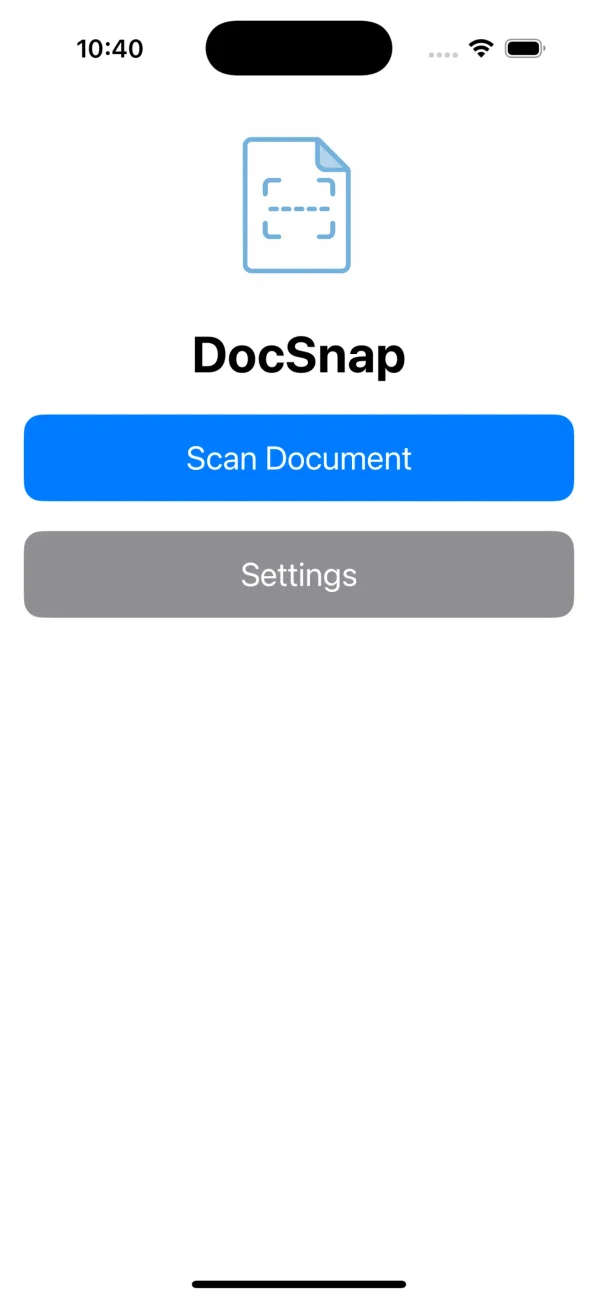
Tap Scan Document to launch the scanner.
Review and manage scanned pages before saving.
Tap Save PDF to save to your selected folder, or Share PDF to send or store the document elsewhere.
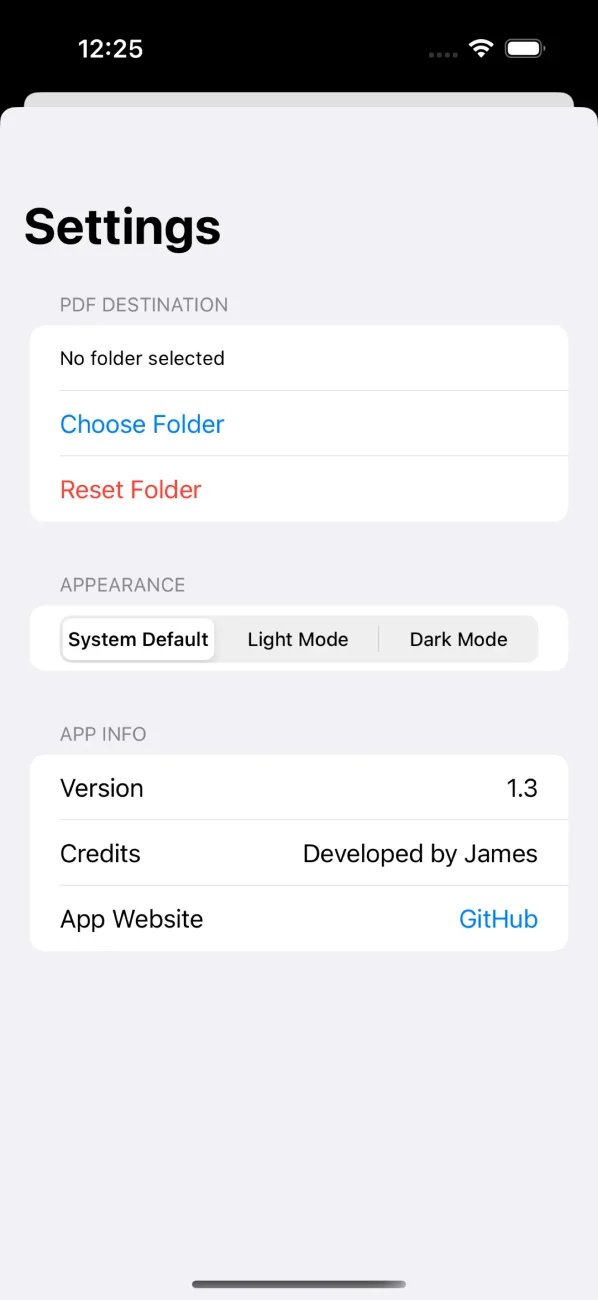
Manage settings, appearance, and destination folder under Settings.
Built for Simplicity. Designed for Privacy.
DocSnap is a completely free utility designed for individuals who want a simple and reliable way to digitize documents on the go—without sacrificing privacy.
Learn more or view the open-source project at:
https://github.com/jamesbabiak/SimpleDocScanner
Privacy Policy:
https://jamesbabiak.github.io/SimpleDocScanner/privacy.html
新機能
バージョン 1.3 · 2025/7/28
Version 1.3
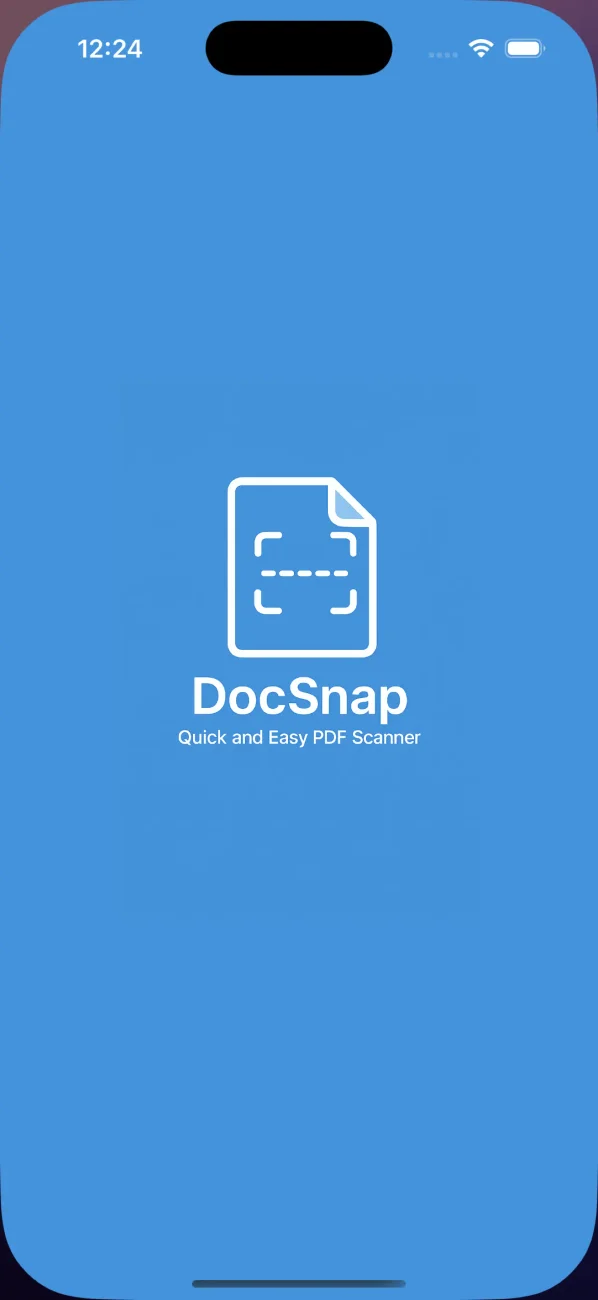
NEW: Splash screen for better app launch experience.
FIXED: iPad layout fix. Removed NavigationView to ensure that using the app on your iPad would be as easy as your iPhone. No more unnecessary sidebar.
NEW: Multi-page grid preview. Replaced the earlier single image at a time preview prior to saving or sharing your PDF with a new grid view that shows the page number(s) to improve the user experience.
NEW: Drag and drop reordering! Now, if you have multiple pages and scanned them in the incorrect order, you can quickly and easily reorder them on the preview page by simply dragging/dropping them into the correct order.
FIXED: Consistent and polished action buttons on different screen sizes and orientations.
FIXED: Fixed the OCR Settings to remove the text overlay that was being added to some PDF images incorrectly.
アプリのプライバシー
このアプリのデータの取り扱いについて、James BabiakがApp Storeで申告している内容です。
-
データの収集なし
開発元はこのアプリからデータを収集しません。
プライバシーの取り扱いは、ご利用の機能やお客様の年齢などに応じて異なる場合があります。
情報
- 販売元
- James Babiak
- カテゴリ
- 仕事効率化
- バージョン
- 1.3
- 更新日
- 2025/7/28
- リリース
- 2025/7/25
- サイズ
- 3.6 MB
- 必要条件
- iOS 17.6以降
- 対象年齢
- 4+
- 価格
- 無料
- 言語
- 英語
- 著作権
- © 2025 James Babiak
こちらもおすすめ
-
 DocSnap.仕事効率化
-
 PDF Scanner AI: OCR & Sign仕事効率化
-
 DocSnap — 書類スキャンPDF化・文字認識・AI
-
 DocSnap: Scan & AI Summaries仕事効率化
-
 Instant Doc - PDF Scanner仕事効率化
-
 Doc Scanner : scan to pdf仕事効率化
-
 Ai Scan Lite - PDF Scanner仕事効率化
-
 SwiftScan: PDF Scanner & Tools仕事効率化
-
 DocuScanner – PDF Scanner仕事効率化
-
 SnapDoc: PDF Scanner & Editor仕事効率化