
Easy MD: Markdown Reader
Browse and Listen to Markdown
Diseñada para iPhone, iPad
Gratis
- Clasificación por edad4+
- CategoríaProductividad
- DesarrolladorCHIU TSUI
- IdiomasInglés
- Tamaño13,8 MB
Enlaza a la página oficial de App Store
Download.org no aloja ningún archivo de Easy MD: Markdown Reader. El botón abre la página de la aplicación en App Store, donde la publica CHIU TSUI. Ficha comprobada por última vez el 17/11/2026.
Capturas de pantalla


Acerca de
El desarrollador no ha proporcionado este texto en tu idioma.
Sometimes you only want to open a Markdown file, read it, and move on.
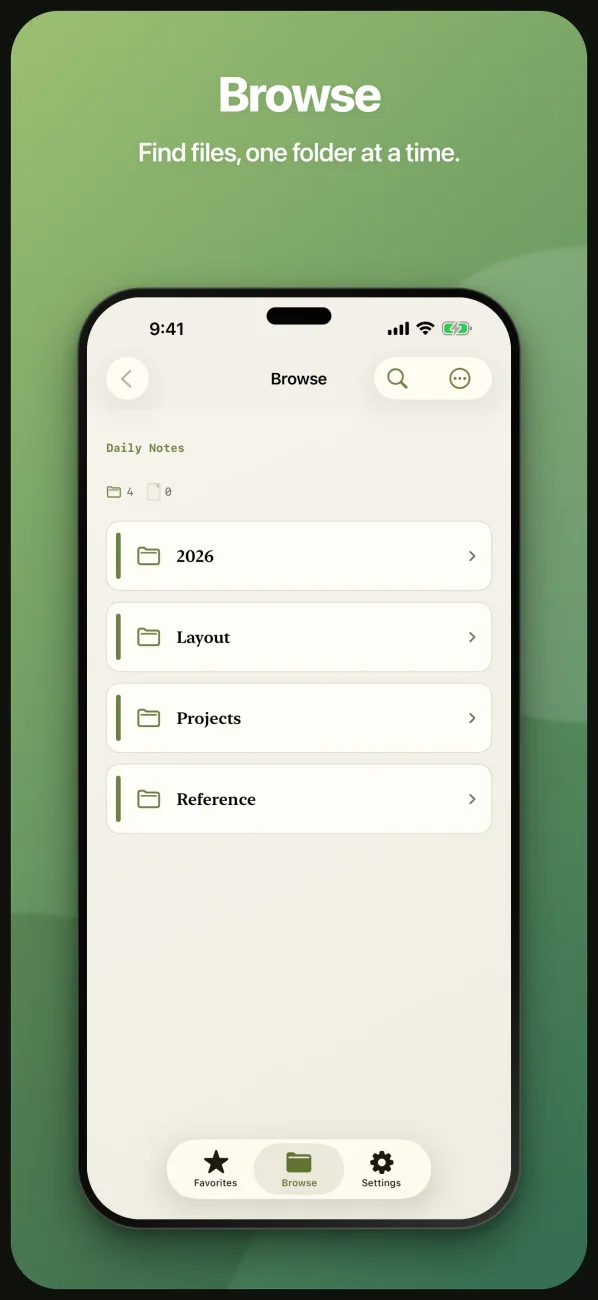
Easy MD gives you a direct path into the folders you keep in iCloud Drive. Choose a starting folder, step through its subfolders, and tap any .md file. The app only looks at the folder currently open, so it doesn't scan your whole library or build an index first.
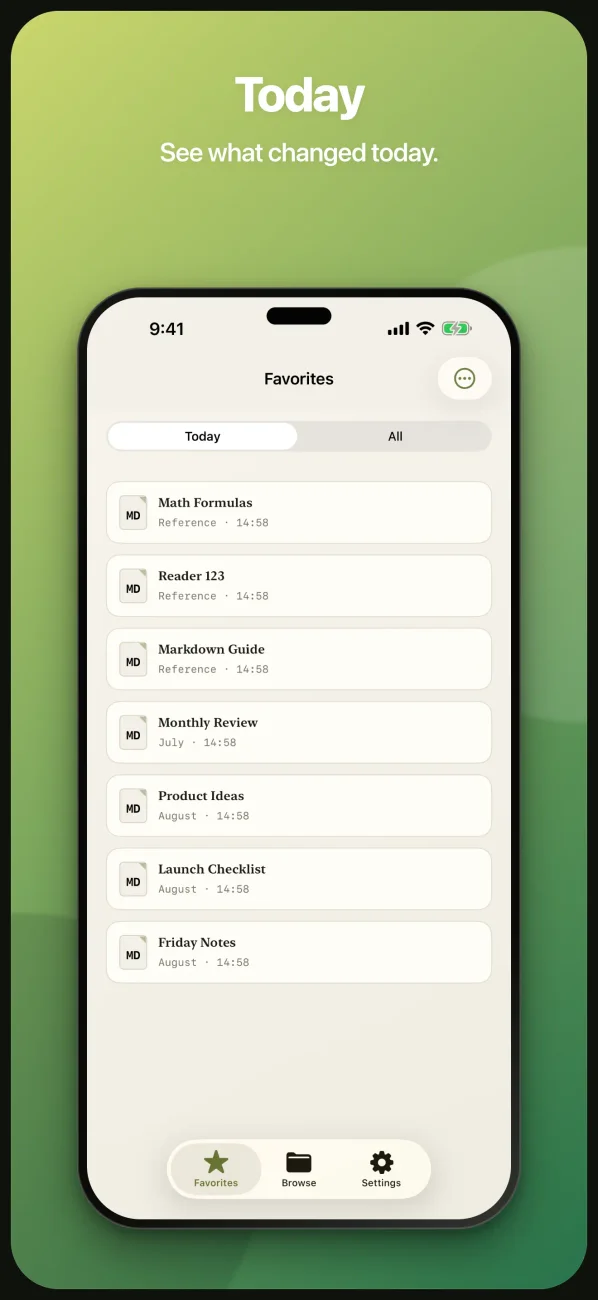
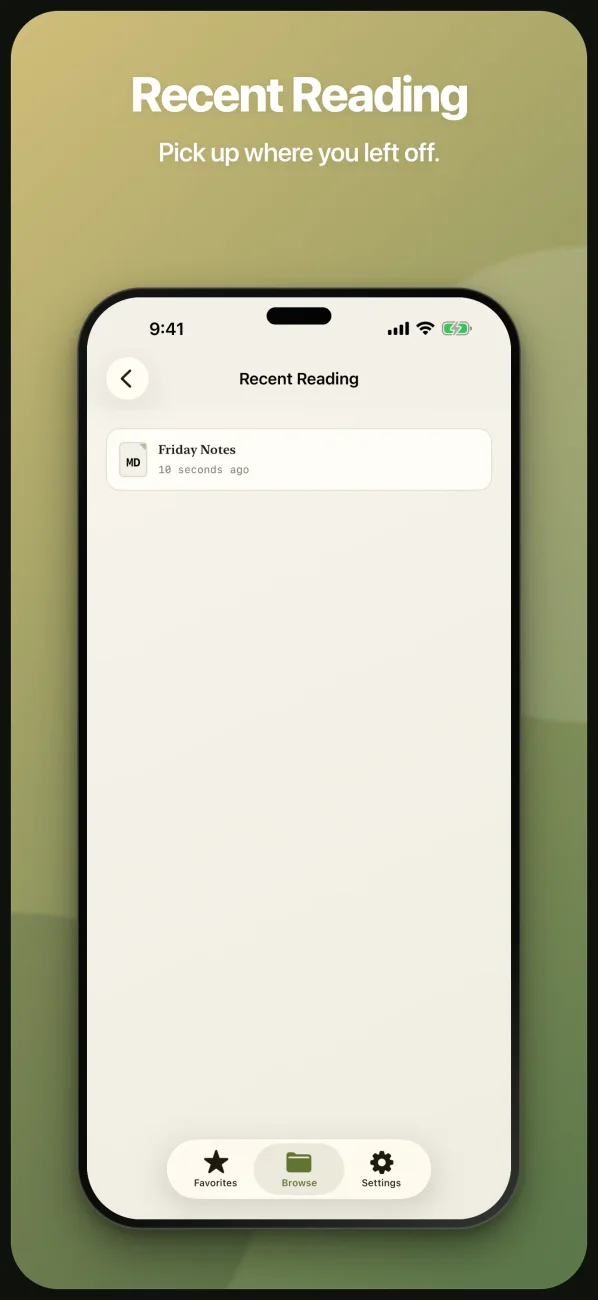
Keep important folders and files in Favorites, or reopen one of your ten most recently read documents from Recent Reading. Choose whether the app opens at your starting folder or returns to the last screen you were reading.
Reading support includes:
• Headings, lists, task lists, quotes, tables, code, links, and images
• Mermaid diagrams and inline or block LaTeX equations
• Relative images and links between Markdown files
• Favorites for folders and Markdown files
• Recent Reading for the last ten documents
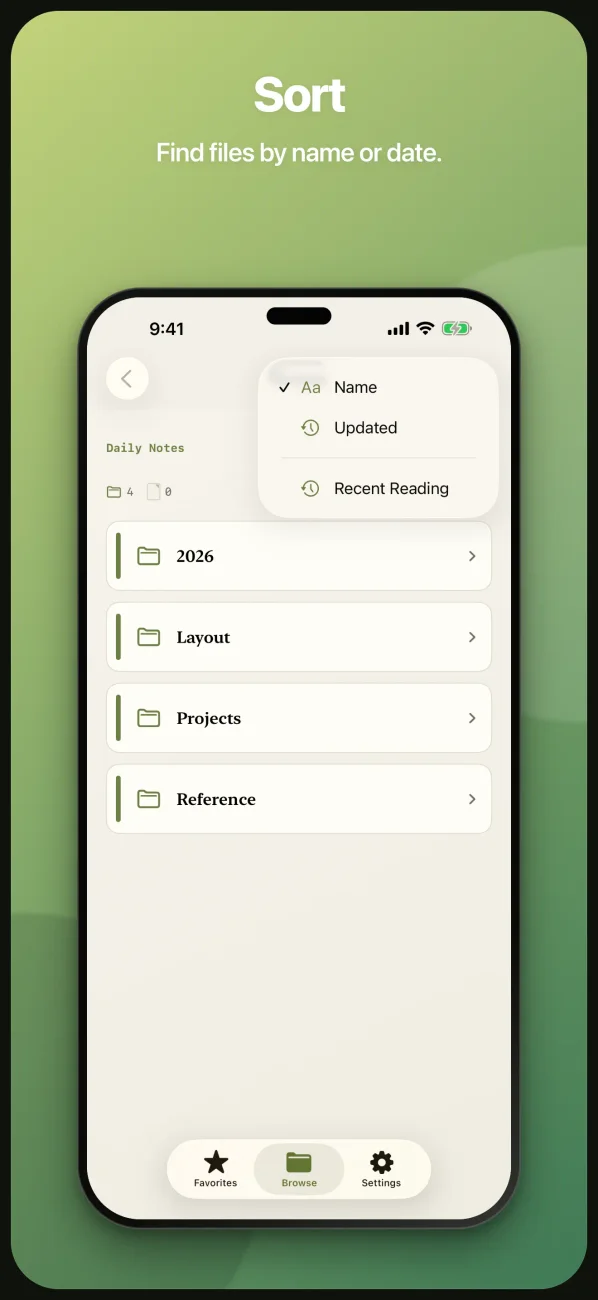
• Sorting by name or last update
• Optional Pin To Top choices for README, Index, and Home files
• Previous and next document controls in Reader
• Expanded Rows option to scroll long tables with the page
• GitHub-style callout cards for NOTE, TIP, IMPORTANT, WARNING, and CAUTION quotes
• Find in Document with Previous and Next match navigation
• Immersive Reader: tap to show or hide reading controls
• Tappable wikilinks to notes in the same folder
• Tappable folder breadcrumbs
• Reader controls for text size, line spacing, font, and background
• Expandable YAML front matter
• On-device speech in English, French, Spanish, Mandarin, Cantonese, and Japanese, with Auto Detect and paragraph highlighting
• Pull to refresh
• System, Light, and Dark app appearance, Dynamic Type, and VoiceOver
Easy MD is deliberately read-only. It cannot create, edit, rename, move, or delete documents. File contents, paths, favorites, and reading history are never uploaded. Folder access, navigation state, favorites, recent reading, reading position, and preferences stay on the device. The free app shows banner advertisements in Favorites; its advertising SDK may collect the data described in the privacy policy.
Novedades
Versión 1.3.6 · 18/10/2026
• Find in Document: search the current file and jump between matches with Previous and Next.
• Immersive Reader: tap to show or hide the reading controls; speech keeps playing while they are hidden.
• Tap [[wikilinks]] to open notes in the same folder.
• Long-press to copy selected text or a file's relative path.
Privacidad de la aplicación
Lo que CHIU TSUI declara en App Store sobre cómo esta aplicación gestiona los datos.
-
Datos usados para rastrearte
Pueden usarse para rastrearte en aplicaciones y sitios web propiedad de otras empresas.
- Identificadores
-
Datos vinculados a ti
Pueden recopilarse y vincularse a tu identidad.
- Ubicación
- Identificadores
- Datos de uso
-
Datos no vinculados a ti
Pueden recopilarse, pero no se vinculan a tu identidad.
- Diagnóstico
Las prácticas de privacidad pueden variar, por ejemplo, según las funciones que uses o tu edad.
Información
- Vendedor
- CHIU TSUI
- Categoría
- Productividad
- Versión
- 1.3.6
- Actualizado
- 18/10/2026
- Publicado
- 15/9/2026
- Tamaño
- 13,8 MB
- Requiere
- iOS 17.0 o posterior
- Clasificación por edad
- 4+
- Precio
- Gratis
- Idiomas
- Inglés
- Copyright
- © 2026 Avocado Lab
Quizá también te guste
-
 MarkScopeProductividad
-
 Filepad MarkdownProductividad
-
 IndentMarkdown aquí, página al lado
-
 Markdown Viewer - MD ReaderProductividad
-
 Purnote — Plain Markdown NotesProductividad
-
 MD Viewer: Markdown ViewerProductividad
-
 Markdown Viewer: Copy for AIProductividad
-
 Quick Markdown ViewerProductividad
-
 Vanta — Markdown NotesProductividad
-
 PureMarkdownProductividad