
Quick Markdown Viewer
Read Markdown folders quickly
Diseñada para iPhone, iPad, Mac
- Clasificación por edad4+
- CategoríaProductividad
- DesarrolladorSous Chef Studio, Inc.
- IdiomasInglés
- Tamaño29,1 MB
Es posible que Quick Markdown Viewer no esté disponible en App Store en este momento
No se pudo acceder a la ficha de la tienda en nuestra última comprobación. El enlace sigue llevando a la página oficial de App Store.
Capturas de pantalla

Acerca de
El desarrollador no ha proporcionado este texto en tu idioma.
Quick Markdown Viewer is a local-first reader for Markdown folders, documentation packets, CSV/TSV tables, and media-rich notes on Mac, iPhone, and iPad.
Open a folder of files you already have, or open a public GitHub repository URL when you need to inspect remote docs. The app keeps reading fast and direct: no account, no subscription, no in-app purchase, and no tracking layer.
Features:
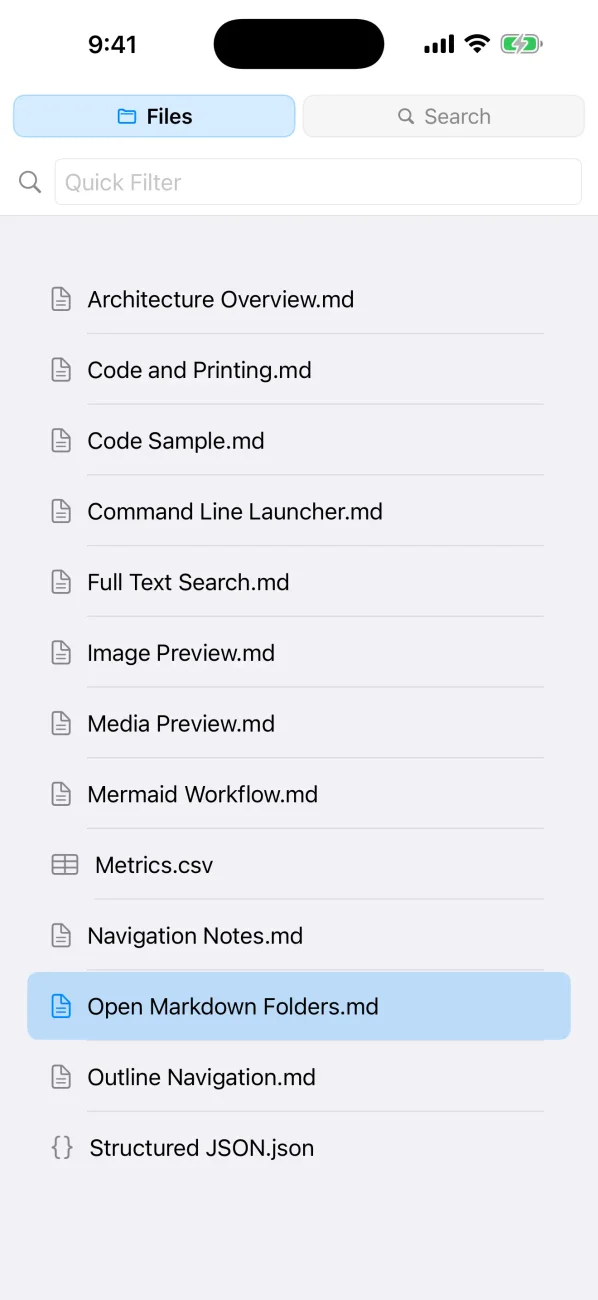
- Open local folders and browse Markdown, CSV, and TSV files in a file sidebar
- Open JSON, JSONC, NDJSON, and JSONL files with collapsible structured rows
- Read JSON-family fenced code blocks inside Markdown without switching apps
- Expand and collapse folders, filter large file trees, and use keyboard navigation on macOS
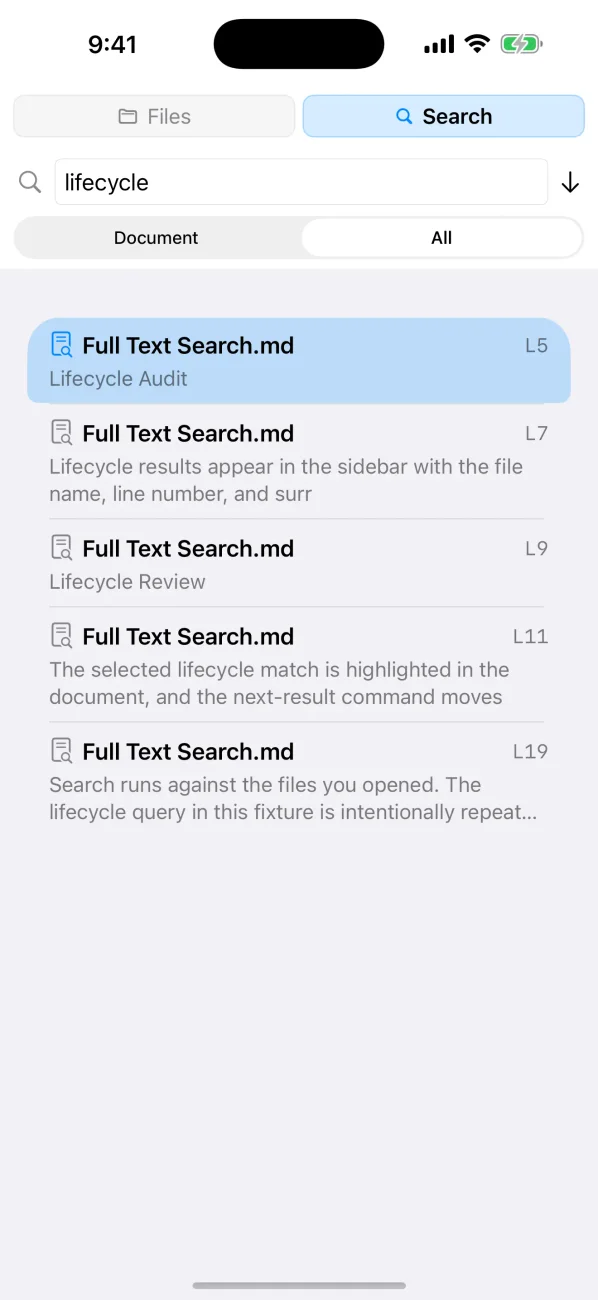
- Search the current document with Command-F or all open documents with Command-Shift-F
- Click search results in the sidebar to jump to matches highlighted in the document
- Read Markdown with native rendering for headings, lists, tables, code blocks, links, images, GIFs, and local video
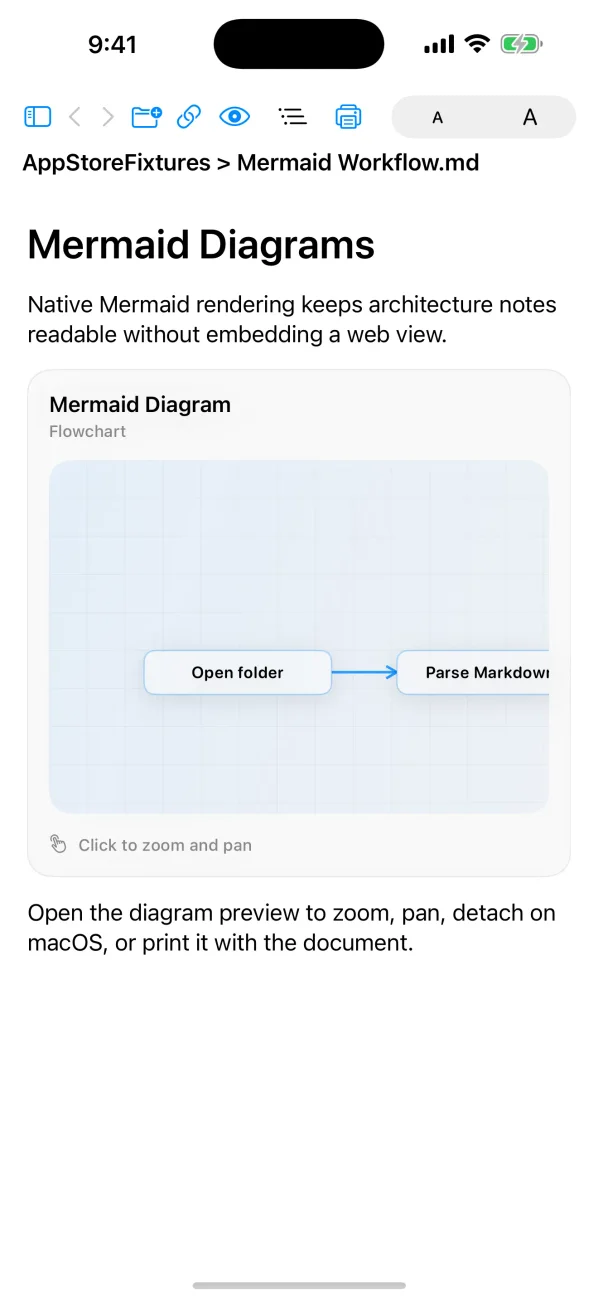
- Render Mermaid diagrams natively, then zoom and pan diagram previews
- Detach Mermaid diagram previews into resizable macOS windows
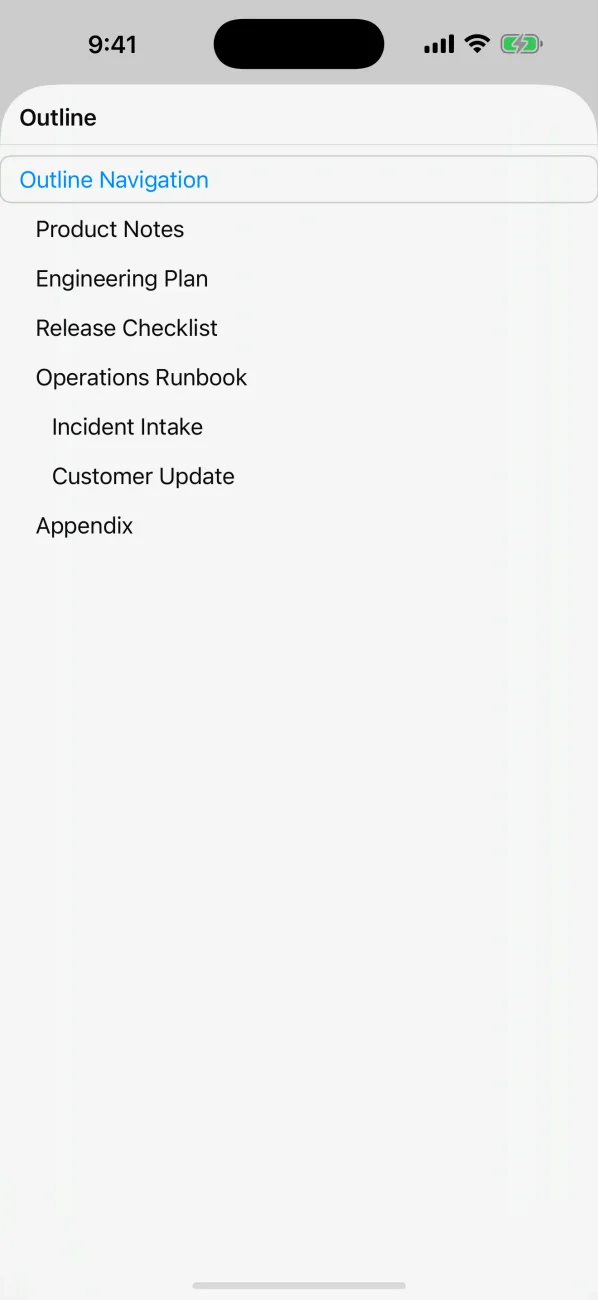
- Open a document outline, jump to headings, and track the current section while reading
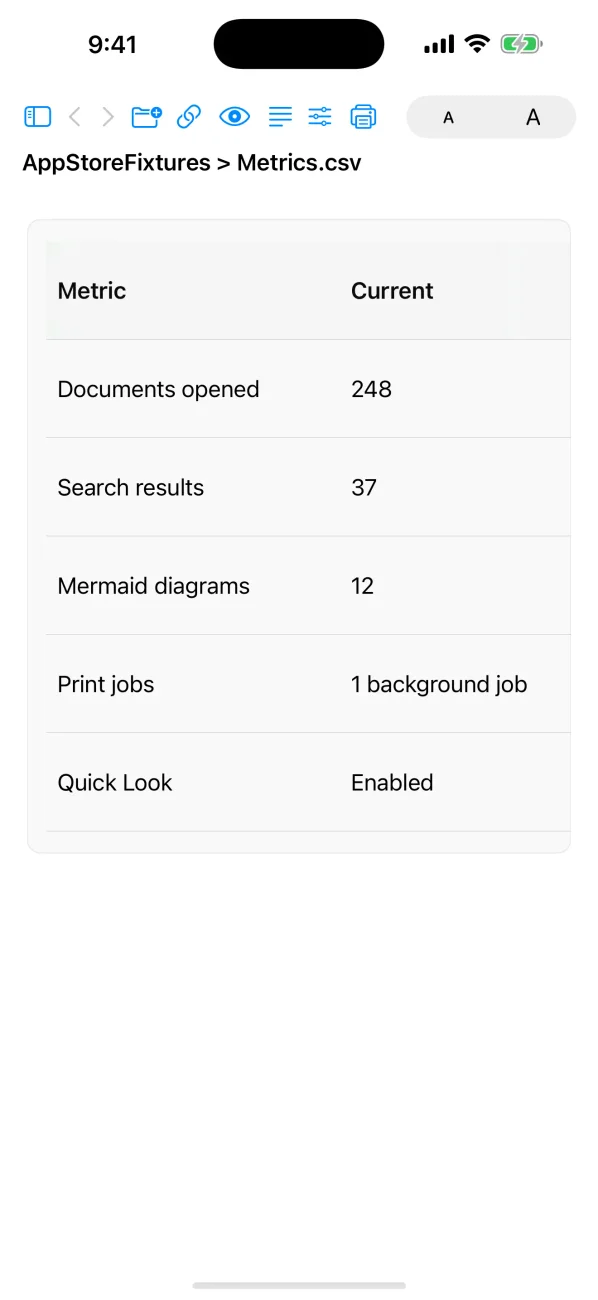
- Open CSV and TSV files as native tables with controls for wrapping and sizing
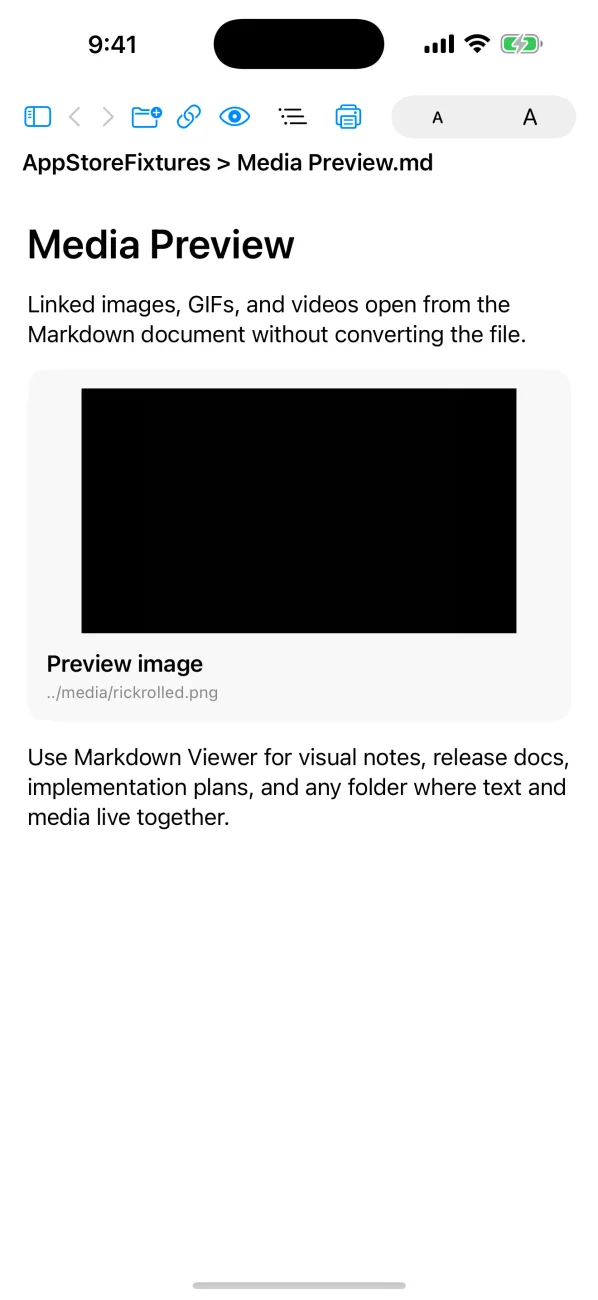
- Preview linked media without converting your Markdown files
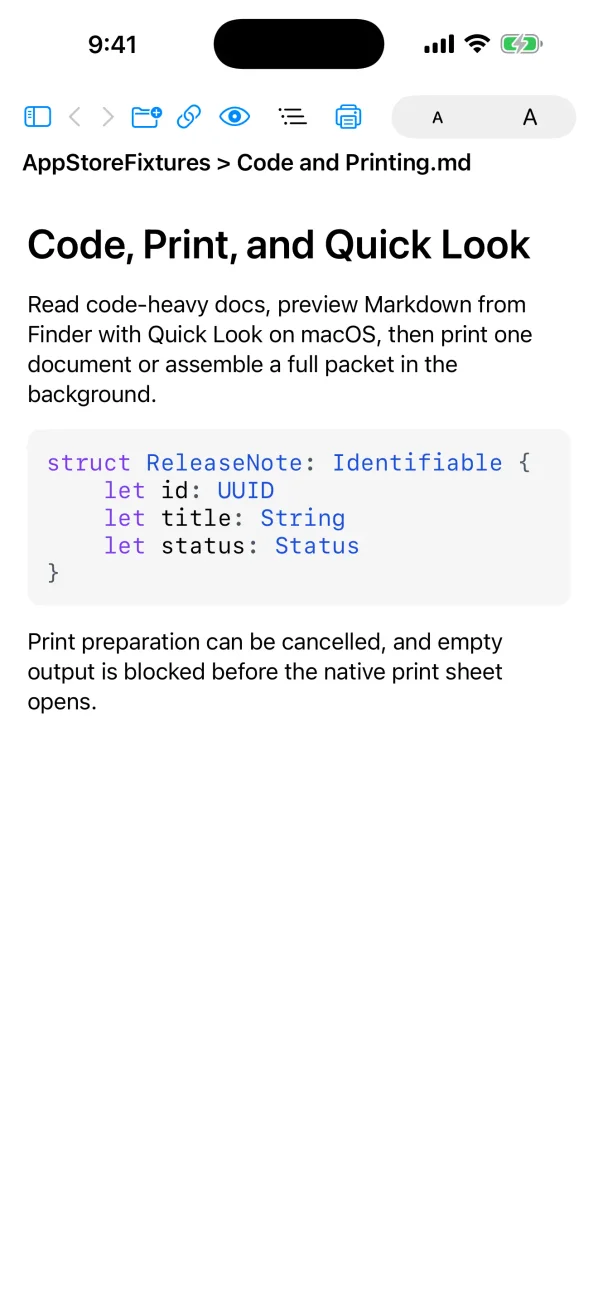
- Print the current document or assemble a cancellable background Print All packet
- Preview Markdown from Finder with the macOS Quick Look extension
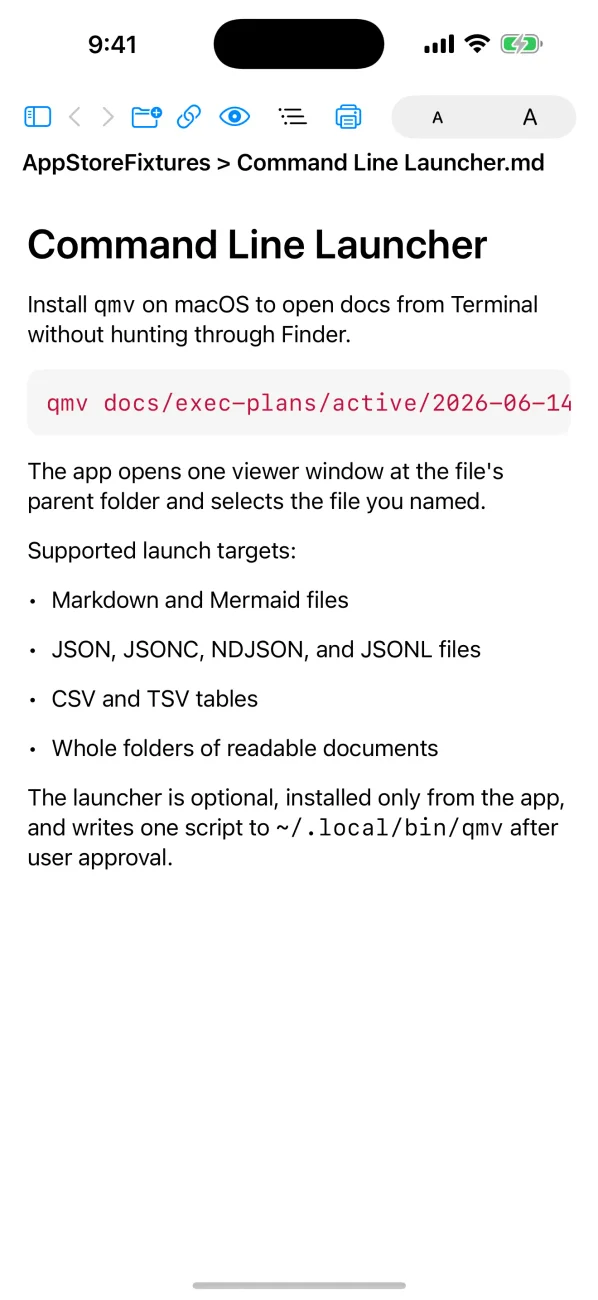
- Install the optional `qmv` command-line launcher on macOS and open supported files directly from Terminal
- Open public GitHub repository and repository tree URLs, including branch and tag paths
- Hide dependency and vendor folders with editable ignore patterns per window
- Navigate between files with back and forward history
- Adjust viewer font size for comfortable reading
Quick Markdown Viewer is designed to stay lightweight and direct:
- no account required
- no subscription
- no in-app purchase
- no tracking
- no web view renderer
Novedades
Versión 1.7 · 15/6/2026
This update improves folder context in the reader and adds structured JSON-family reading:
- Show the full folder path in the header for files opened from nested folders
- Keep the selected file's ancestor folders visible above the scrolling file sidebar
- Open JSON, JSONC, NDJSON, and JSONL files in a collapsible structured viewer
- View JSON-family fenced blocks inside Markdown with source/viewer controls
- Keep original source line numbers visible while expanding, collapsing, and reading pretty JSON rows
- Quick Look previews now support JSON-family files with bounded native previews
- `qmv /path/to/file` on macOS now cold-starts directly to the file's parent folder with that file selected
- App-level file opens now cover Markdown, Mermaid, JSON-family files, CSV/TSV tables, and folders
Privacidad de la aplicación
Lo que Sous Chef Studio, Inc. declara en App Store sobre cómo esta aplicación gestiona los datos.
-
No se recopilan datos
El desarrollador no recopila ningún dato de esta aplicación.
Las prácticas de privacidad pueden variar, por ejemplo, según las funciones que uses o tu edad.
Información
- Vendedor
- Sous Chef Studio, Inc.
- Categoría
- Productividad
- Versión
- 1.7
- Actualizado
- 15/6/2026
- Publicado
- 7/4/2026
- Tamaño
- 29,1 MB
- Requiere
- iOS 16.0 o posterior
- Clasificación por edad
- 4+
- Idiomas
- Inglés
- Copyright
- © 2026 Sous Chef Studio, Inc.
Quizá también te guste
-
 md.tooProductividad
-
 Markdown My WordsProductividad
-
 SoloMDNotas y editor Markdown local
-
 Marked — Markdown EditorProductividad
-
 Markdown Viewer MobileProductividad
-
 Markflow — Markdown ReaderProductividad
-
 Notelane - Markdown EditorProductividad
-
 MDash: Bloc de Notas, EscribirEditor y visor de Markdown
-
 .md ViewerProductividad
-
 Markdown Editor y LectorEscribe notas con vista previa