
Easy MD: Markdown Reader
Browse and Listen to Markdown
Conçue pour iPhone, iPad
Gratuit
- Classification d’âge4+
- CatégorieProductivité
- DéveloppeurCHIU TSUI
- LanguesAnglais
- Taille13,8 Mo
Renvoie vers la page App Store officielle
Download.org n’héberge aucun fichier de Easy MD: Markdown Reader. Le bouton ouvre la page de l’application sur App Store, où CHIU TSUI la publie. Fiche vérifiée pour la dernière fois le 17/11/2026.
Captures d’écran


À propos
Le développeur n’a pas fourni ce texte dans votre langue.
Sometimes you only want to open a Markdown file, read it, and move on.
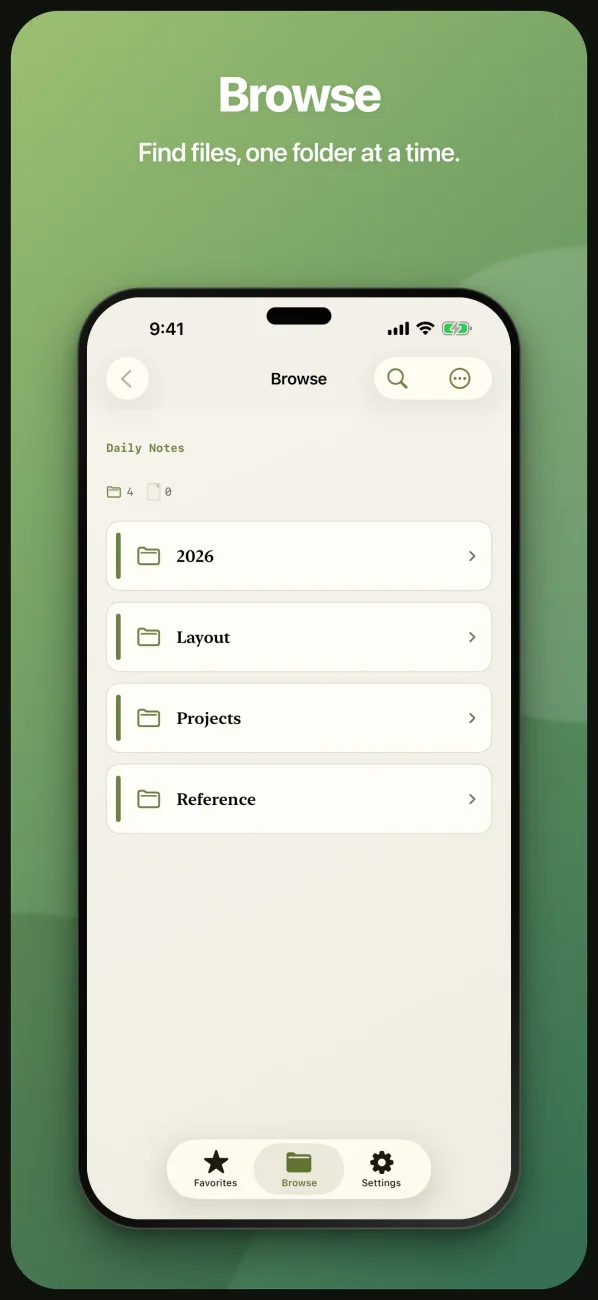
Easy MD gives you a direct path into the folders you keep in iCloud Drive. Choose a starting folder, step through its subfolders, and tap any .md file. The app only looks at the folder currently open, so it doesn't scan your whole library or build an index first.
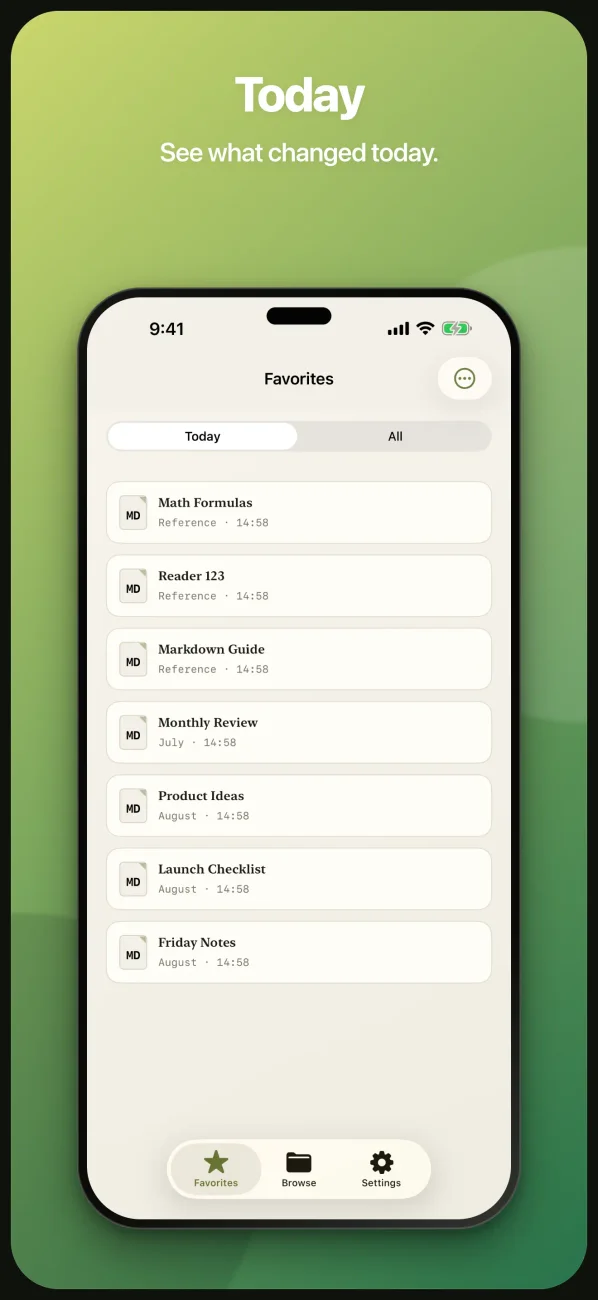
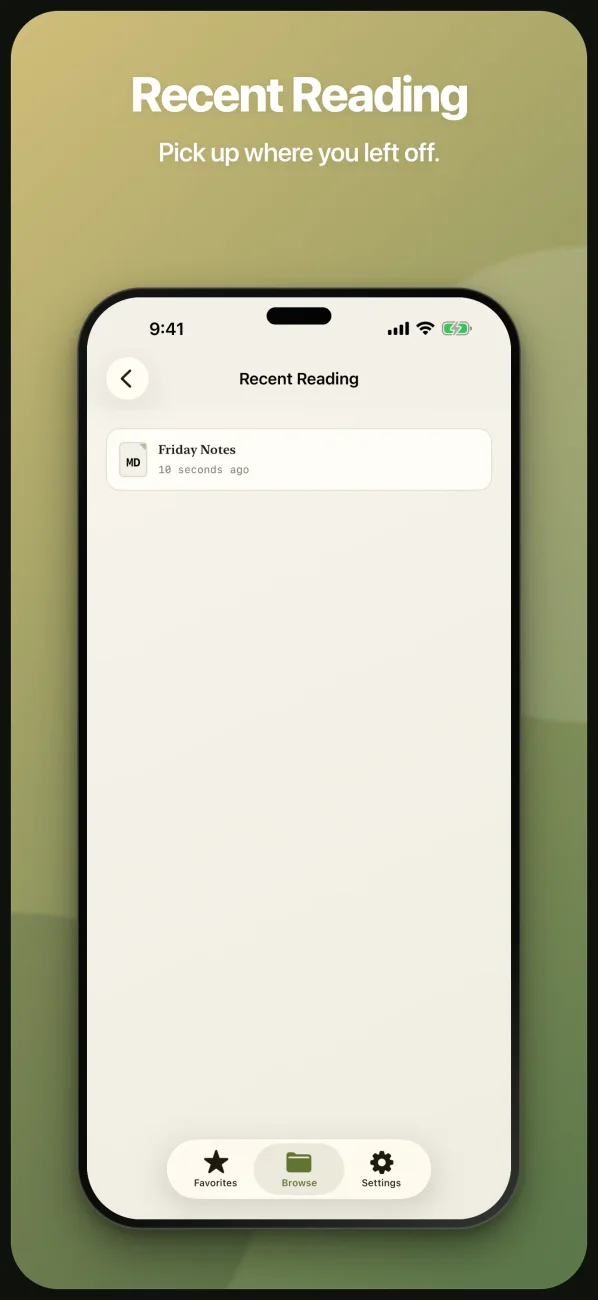
Keep important folders and files in Favorites, or reopen one of your ten most recently read documents from Recent Reading. Choose whether the app opens at your starting folder or returns to the last screen you were reading.
Reading support includes:
• Headings, lists, task lists, quotes, tables, code, links, and images
• Mermaid diagrams and inline or block LaTeX equations
• Relative images and links between Markdown files
• Favorites for folders and Markdown files
• Recent Reading for the last ten documents
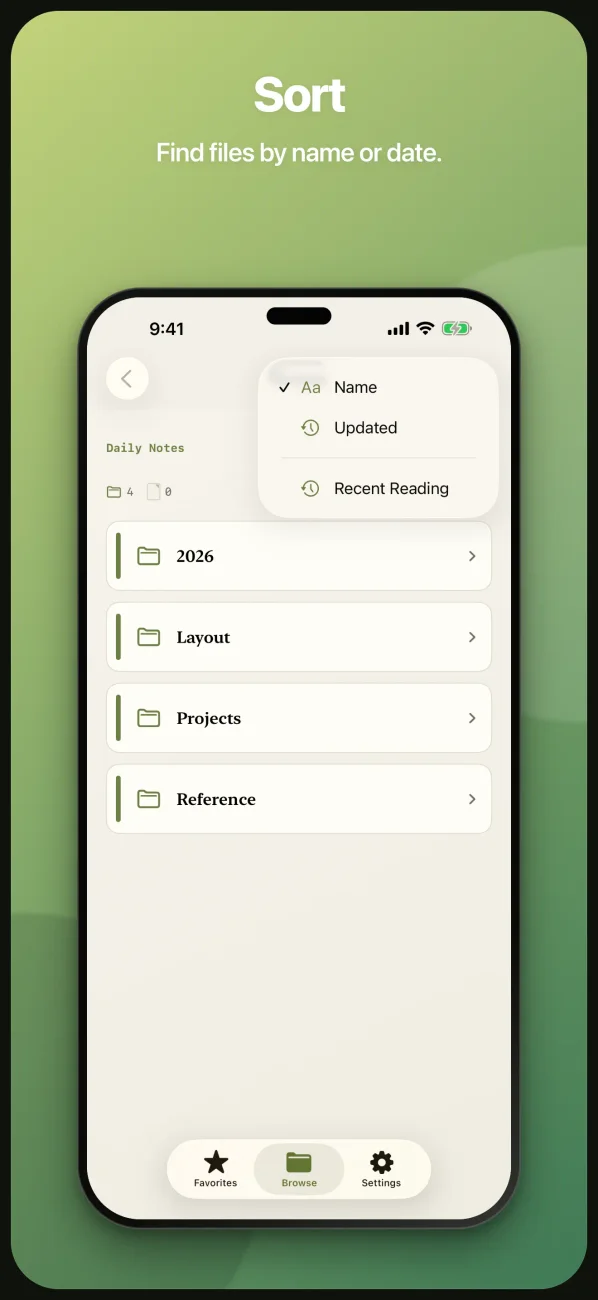
• Sorting by name or last update
• Optional Pin To Top choices for README, Index, and Home files
• Previous and next document controls in Reader
• Expanded Rows option to scroll long tables with the page
• GitHub-style callout cards for NOTE, TIP, IMPORTANT, WARNING, and CAUTION quotes
• Find in Document with Previous and Next match navigation
• Immersive Reader: tap to show or hide reading controls
• Tappable wikilinks to notes in the same folder
• Tappable folder breadcrumbs
• Reader controls for text size, line spacing, font, and background
• Expandable YAML front matter
• On-device speech in English, French, Spanish, Mandarin, Cantonese, and Japanese, with Auto Detect and paragraph highlighting
• Pull to refresh
• System, Light, and Dark app appearance, Dynamic Type, and VoiceOver
Easy MD is deliberately read-only. It cannot create, edit, rename, move, or delete documents. File contents, paths, favorites, and reading history are never uploaded. Folder access, navigation state, favorites, recent reading, reading position, and preferences stay on the device. The free app shows banner advertisements in Favorites; its advertising SDK may collect the data described in the privacy policy.
Nouveautés
Version 1.3.6 · 18/10/2026
• Find in Document: search the current file and jump between matches with Previous and Next.
• Immersive Reader: tap to show or hide the reading controls; speech keeps playing while they are hidden.
• Tap [[wikilinks]] to open notes in the same folder.
• Long-press to copy selected text or a file's relative path.
Confidentialité de l’application
Ce que CHIU TSUI déclare sur l’App Store au sujet du traitement des données par cette application.
-
Données utilisées pour vous suivre
Peuvent être utilisées pour vous suivre sur des applications et des sites web appartenant à d’autres sociétés.
- Identifiants
-
Données établissant un lien avec vous
Peuvent être collectées et liées à votre identité.
- Emplacement
- Identifiants
- Données d’utilisation
-
Données n’établissant aucun lien avec vous
Peuvent être collectées, mais ne sont pas liées à votre identité.
- Diagnostic
Les pratiques en matière de confidentialité peuvent varier, notamment en fonction des fonctionnalités que vous utilisez ou de votre âge.
Informations
- Vendeur
- CHIU TSUI
- Catégorie
- Productivité
- Version
- 1.3.6
- Mis à jour
- 18/10/2026
- Publié
- 15/09/2026
- Taille
- 13,8 Mo
- Nécessite
- iOS 17.0 ou version ultérieure
- Classification d’âge
- 4+
- Prix
- Gratuit
- Langues
- Anglais
- Copyright
- © 2026 Avocado Lab
Vous aimerez peut-être aussi
-
 MarkScopeProductivité
-
 Filepad MarkdownProductivité
-
 IndentLe Markdown, la page à côté
-
 Markdown Viewer - MD ReaderProductivité
-
 Purnote — Plain Markdown NotesProductivité
-
 MD Viewer: Markdown ViewerProductivité
-
 Markdown Viewer: Copy for AIProductivité
-
 Quick Markdown ViewerProductivité
-
 Vanta — Markdown NotesProductivité
-
 PureMarkdownÉditeur privé de note Markdown