
eBookly: ePub Reader
Offline EPUB & PDF reader
Diseñada para iPhone, iPad
Gratis
- Clasificación por edad4+
- CategoríaLibros
- Desarrollador識途科技有限公司
- IdiomasInglés
- Tamaño24,8 MB
Enlaza a la página oficial de App Store
Download.org no aloja ningún archivo de eBookly: ePub Reader. El botón abre la página de la aplicación en App Store, donde la publica 識途科技有限公司. Ficha comprobada por última vez el 9/11/2026.
Capturas de pantalla
Acerca de
El desarrollador no ha proporcionado este texto en tu idioma.
Turn your EPUB, PDF, and comic files into a private, offline library made for your device.
eBookly is clean, ad-free, and requires no account. Choose books from Files, drag and drop them, or import them through the share sheet. Reading does not require a connection to an eBookly server, and eBookly never sends your books to us.
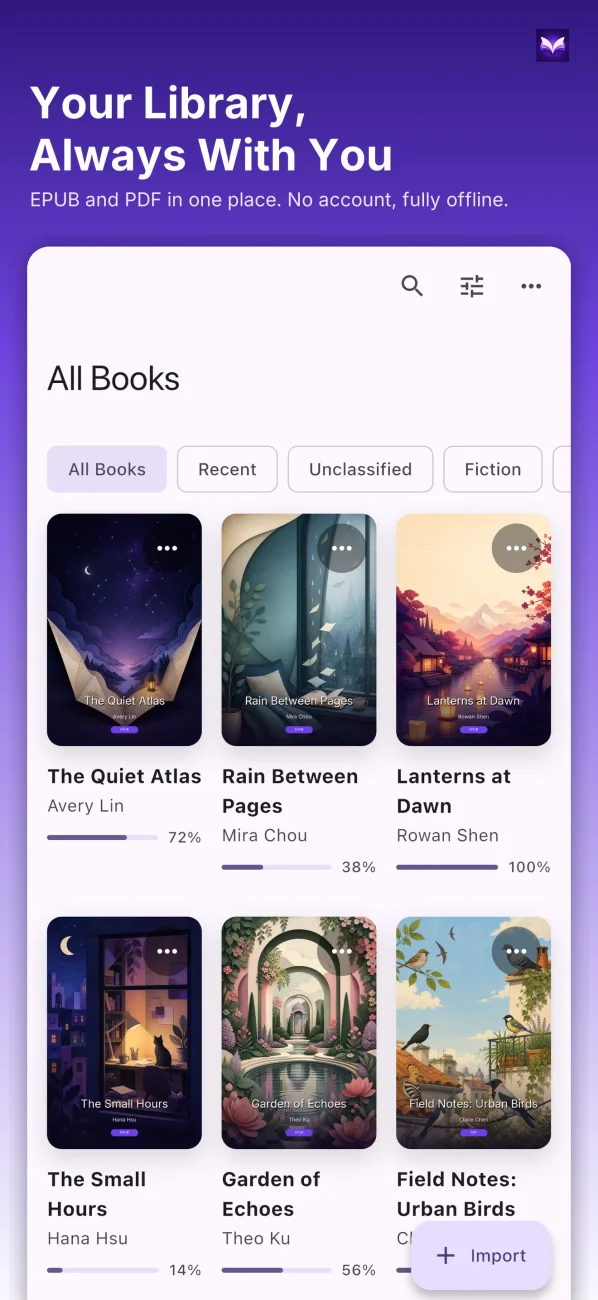
Your private offline library
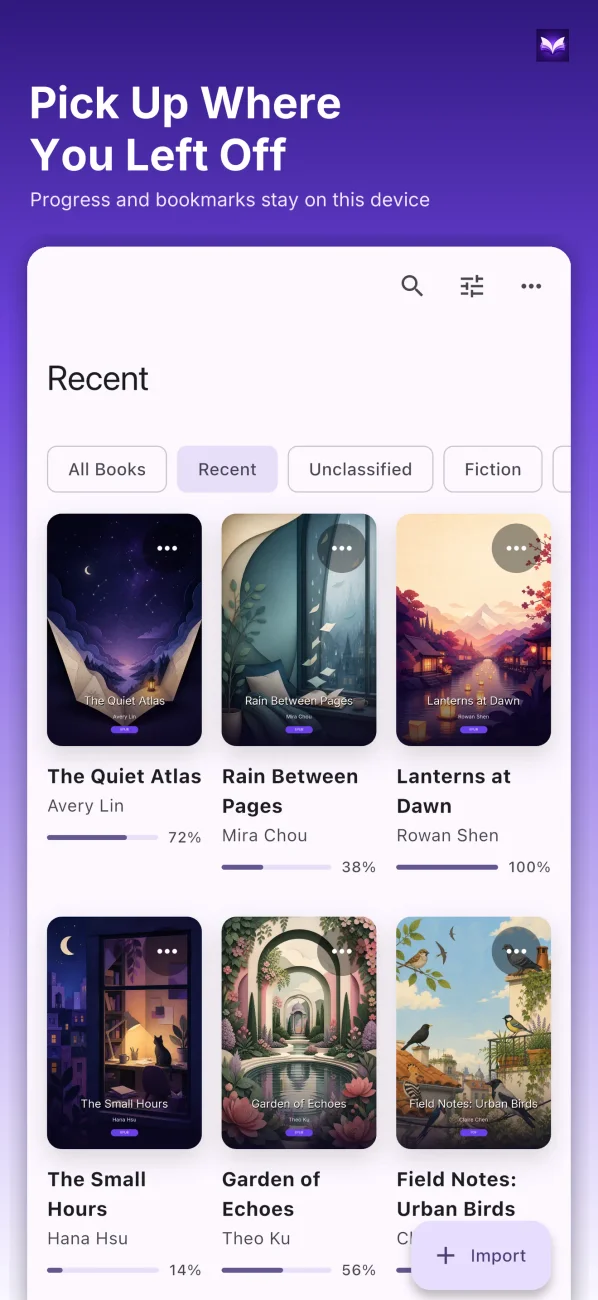
• Import EPUB and PDF files
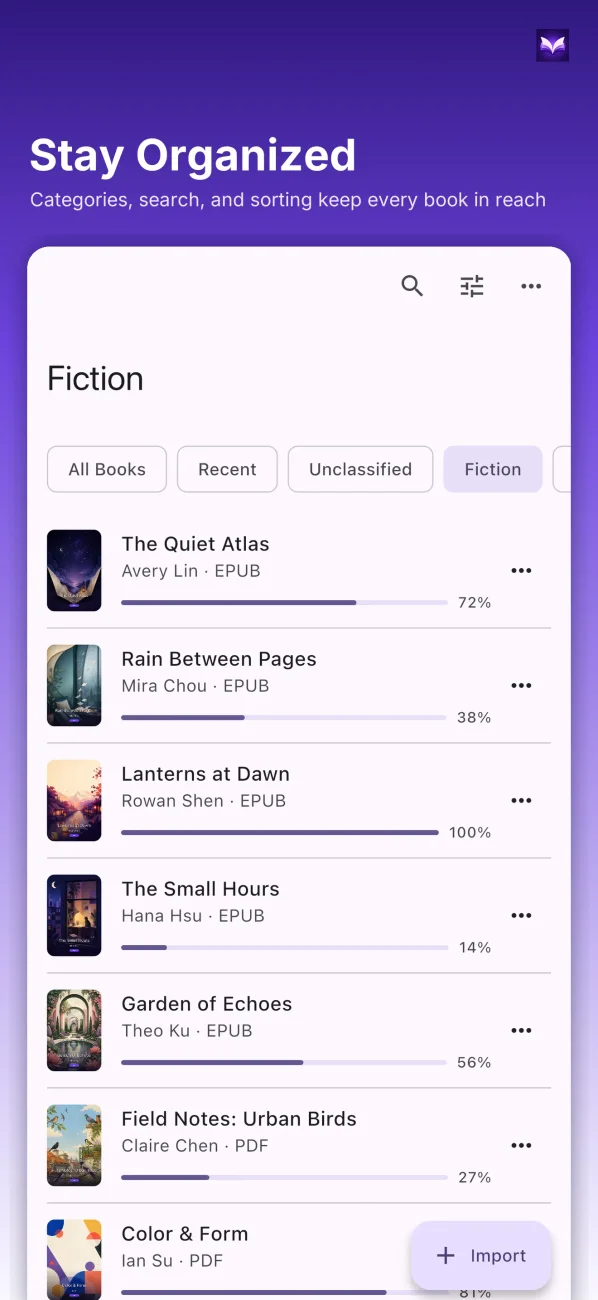
• Organize novels, reference documents, and comics into folders
• Search by title or author
• Sort by recent import, recent reading, title, or author
• Edit titles, authors, descriptions, and cover artwork
• Keep reading progress and bookmarks on your device
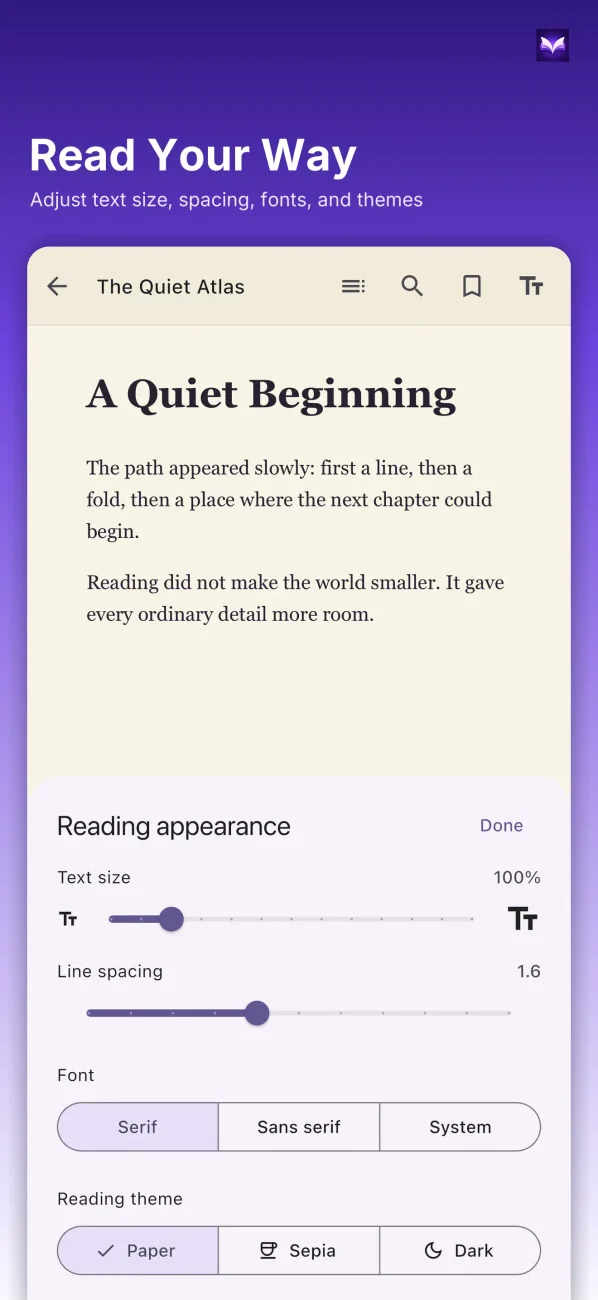
A comfortable EPUB reader
• Adjust text size, line spacing, and font family
• Choose paper, sepia, or dark reading themes
• Browse the table of contents and search book text
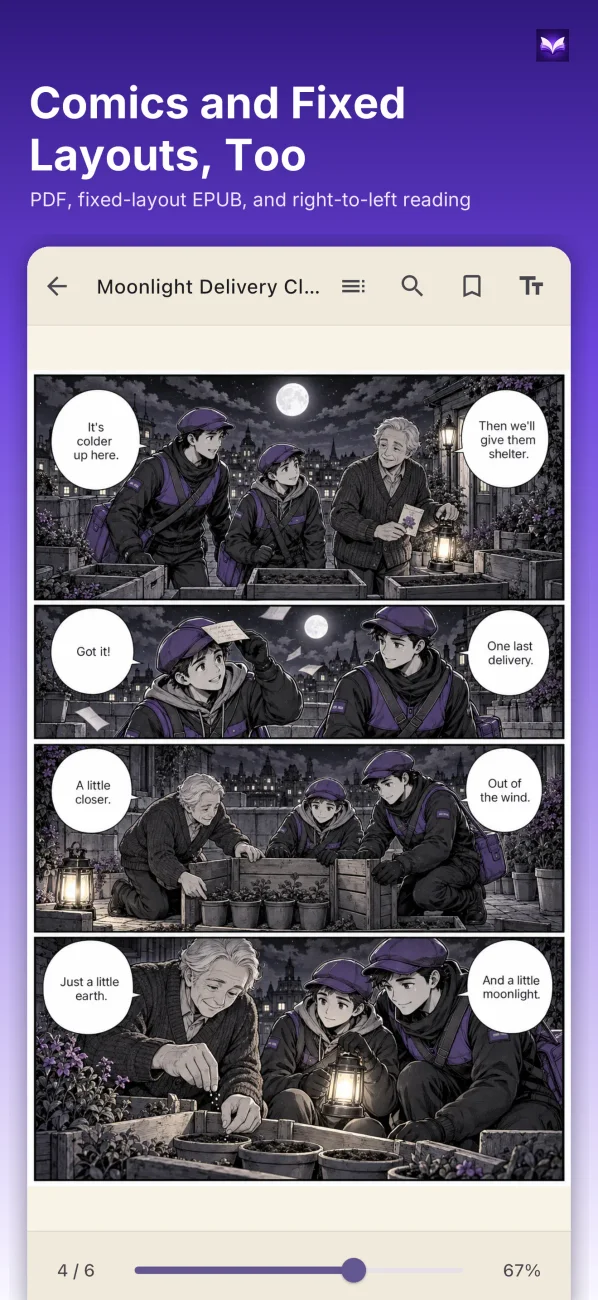
• Read fixed-layout EPUB and right-to-left publications
PDF and comics
• Read standard PDF documents directly
• Enjoy comics and illustrated content supplied as PDF or fixed-layout EPUB
• CBZ and CBR are not claimed as supported formats
Privacy by design
• No account
• No ads or in-app purchases
• No tracking
• No data collection and no eBookly app servers
Novedades
Versión 1.2.0 · 3/11/2026
New page turn animations for comics and picture books
• Page curl: drag the corner of a page and it follows your finger like real paper, then turns over or falls back when you let go. Works with one page or two-page spreads, including right-to-left books.
• Slide: pages slide in from the side you tap or swipe.
• Choose Slide, Page curl, or None in Settings. Animations pause while you're zoomed in and when Reduce Motion is on.
Better zooming
• Pinch to zoom and drag from anywhere on the page, including near the edges.
• While zoomed in, taps and swipes no longer turn the page by accident. Pinch back out to keep reading.
• Zoom resets when you move to another page.
Faster page turns
• Nearby pages are prepared in advance, so turning pages feels instant.
Privacidad de la aplicación
Lo que 識途科技有限公司 declara en App Store sobre cómo esta aplicación gestiona los datos.
-
No se recopilan datos
El desarrollador no recopila ningún dato de esta aplicación.
Las prácticas de privacidad pueden variar, por ejemplo, según las funciones que uses o tu edad.
Información
- Vendedor
- SHI TU TECHNOLOGY LIMITED
- Categoría
- Libros
- Versión
- 1.2.0
- Actualizado
- 3/11/2026
- Publicado
- 27/8/2026
- Tamaño
- 24,8 MB
- Requiere
- iOS 16.0 o posterior
- Clasificación por edad
- 4+
- Precio
- Gratis
- Idiomas
- Inglés
- Copyright
- © Shitu Tech Co., Ltd.
Quizá también te guste
-
 Textra - TXT & EPUB ReaderLibros
-
 CozyReader - AI Text to SpeechLibros
-
 Melo – Mood ReaderLibros
-
 Oratio: Offline Read AloudLibros
-
 Shelfie: Audiobooks & EbooksLibros
-
 Hanbam: Cómics y novelasLector de manga, EPUB y PDF
-
 BookSpeak: EPUB to AudiobookLibros
-
 Audissey: Web Audio ReaderLibros
-
 Dream Library: Novelas con IAHistorias y audiolibros
-
 Compendium AudiobooksLibros