
- Clasificación por edad4+
- CategoríaEntretenimiento
- DesarrolladorSeiko Epson Corporation
- IdiomasInglés+ 8 más
- Tamaño88,2 MB
Enlaza a la página oficial de App Store
Download.org no aloja ningún archivo de Epson Creative Projection. El botón abre la página de la aplicación en App Store, donde la publica Seiko Epson Corporation. Ficha comprobada por última vez el 15/11/2026.
Capturas de pantalla
Acerca de
El desarrollador no ha proporcionado este texto en tu idioma.
Epson Creative Projection
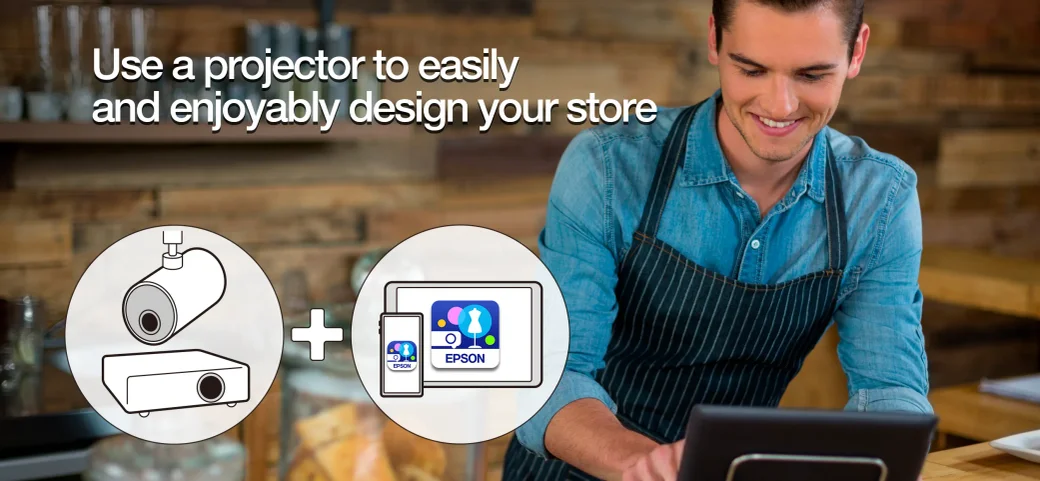
Use an Epson projector*1 and your custom content to bring spaces alive!
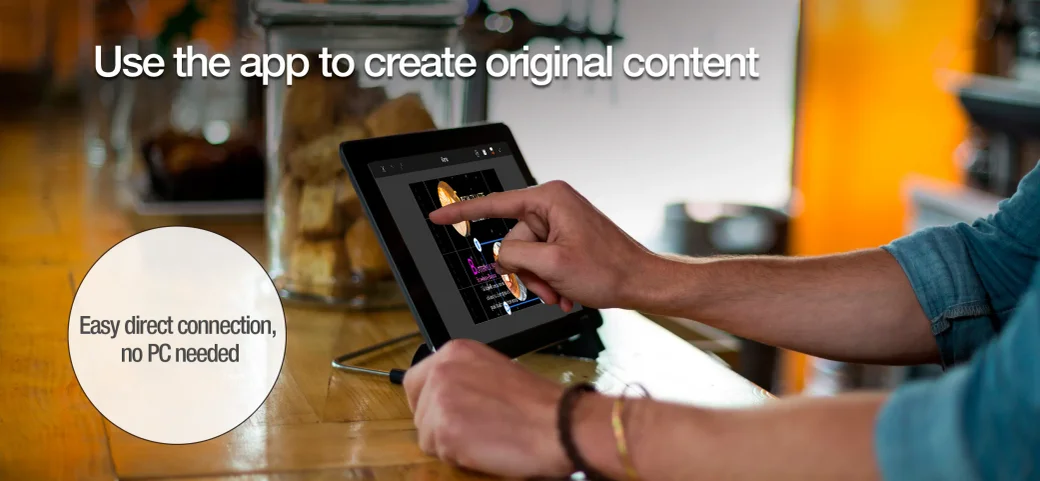
Epson Creative Projection is an app that allows you to enjoy creating custom content on an iPhone or iPad easily.
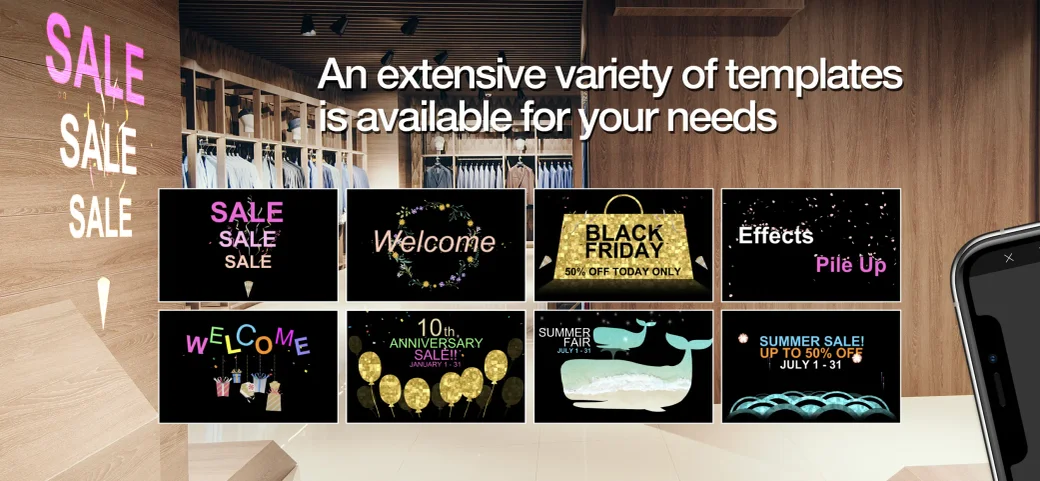
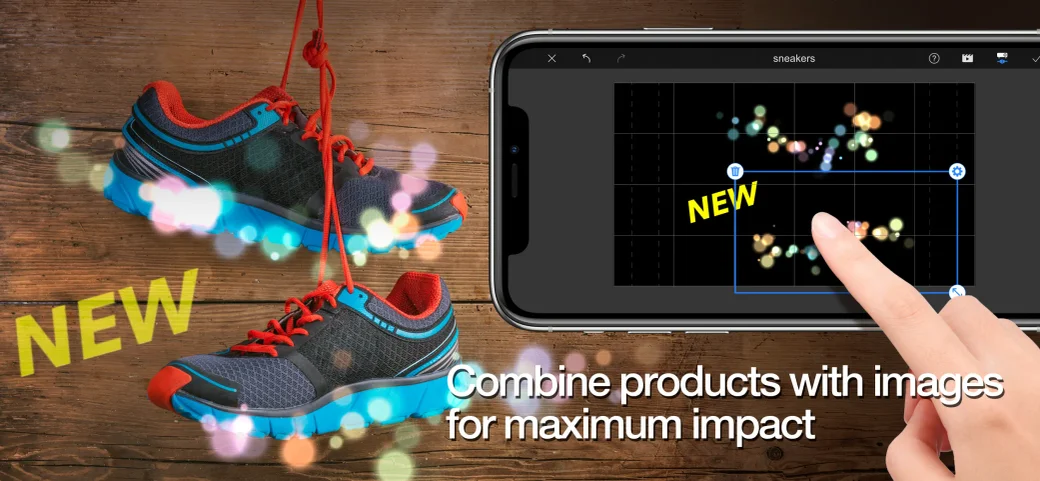
Decorate any room or space by combining your photos and movies with the app’s built-in templates and stamps.
With Epson Creative Projection, you can create original, dazzling content to enliven rooms, product displays, and spaces around you, anytime and anywhere.
Steps
• Set up your projector.
Insert a USB memory or SD card into the projector and connect the projector to a network.
• Preview content on the projector.
Connecting your iPhone or iPad and projector enables you to edit content on your iPhone or iPad while projecting a preview. You can easily connect your device by reading a QR code displayed on the projected image.
• Select a template and edit your content.
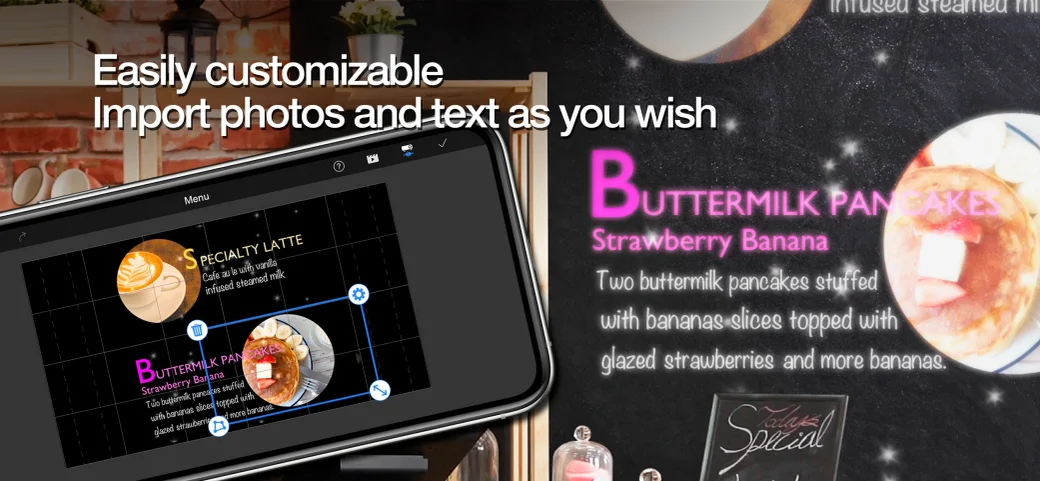
Select a built-in template that fits your vision of the content you want to create. You can customize your content by adding text, stamps, and effects.
• Save your content to your projector.
After you finish editing your content, save the file to the USB memory or SD card that you inserted in the projector. You can play the content that you save from the projector even if you do not have your device with you.
Main Features
• Stamp layout
Freely arrange and combine the materials provided in the app any way you like. Use seasonal materials to create new content for each season.
• Photo and movie capture
Load photos and movies from your iPhone or iPad for use in creating content.
• Visual effects
You can make snow or flower blossoms flutter down. You can even add a line anywhere you like and make them accumulate on the line.
• 4-point free geometry correction
This feature allows you to adjust the 4 corners of stamps. It also allows you to correct distortions in images projected on two or more surfaces (planes).
Projectors that support the app:
Please go to https://support.epson.net/projector_appinfo/creative_projection/en/ to find the list of all supported projectors.
[App Permissions]
To use the app, the following permissions are required.
[Required] Local Network
For searching and connecting to the projector.
[Optional] Camera
Capture a connection QR code.
[Optional] Photo
Project selected photos from the device to the projector.
* Optional permissions can be declined, but some features may not work.
Novedades
Versión 1.0.7 · 31/10/2025
Minor bug fixes
Privacidad de la aplicación
Lo que Seiko Epson Corporation declara en App Store sobre cómo esta aplicación gestiona los datos.
-
Datos no vinculados a ti
Pueden recopilarse, pero no se vinculan a tu identidad.
- Identificadores
- Datos de uso
Las prácticas de privacidad pueden variar, por ejemplo, según las funciones que uses o tu edad.
Información
- Vendedor
- Seiko Epson Corporation
- Categoría
- Entretenimiento
- Versión
- 1.0.7
- Actualizado
- 31/10/2025
- Publicado
- 31/3/2020
- Tamaño
- 88,2 MB
- Requiere
- iOS 15.6 o posterior
- Clasificación por edad
- 4+
- Precio
- Gratis
- Idiomas
- Inglés, Francés, Alemán, Japonés, Coreano, Portugués, Chino simplificado, Español, Chino tradicional
- Copyright
- © Seiko Epson Corporation
Quizá también te guste
-
 illumibotEntretenimiento
-
 FramespaceEntretenimiento
-
 ScreenerEntretenimiento
-
 Cake Mapping ProEntretenimiento
-
 LaserOSEntretenimiento
-
 AR Projector HQ Tracing CinemaProyección HD, App AR
-
 VRPlayer : 2D 3D 360° Video2D 3D 360° Video Player for VR
-
 WLED - Official AppEntretenimiento
-
 EZCastEntretenimiento
-
 Smart Cast: Mirror To PC & TVDisfruta en pantalla grande