- Age rating4+
- CategoryEntertainment
- DeveloperSeiko Epson Corporation
- LanguagesEnglish+ 8 more
- Size88.2 MB
Links to the official App Store page
Download.org hosts no file of Epson Creative Projection. The button opens its official App Store page, published by Seiko Epson Corporation. Listing last checked on Nov 15, 2026.
Screenshots
About
Epson Creative Projection
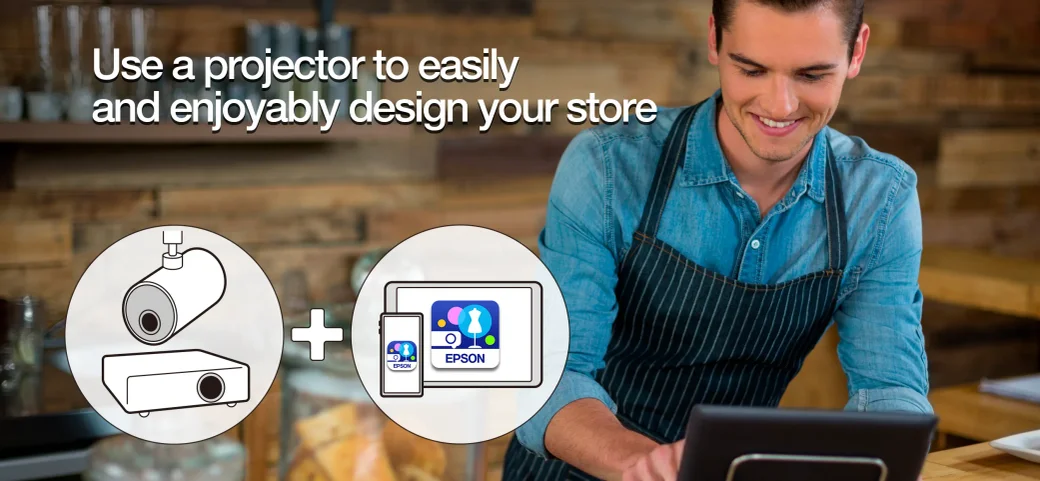
Use an Epson projector*1 and your custom content to bring spaces alive!
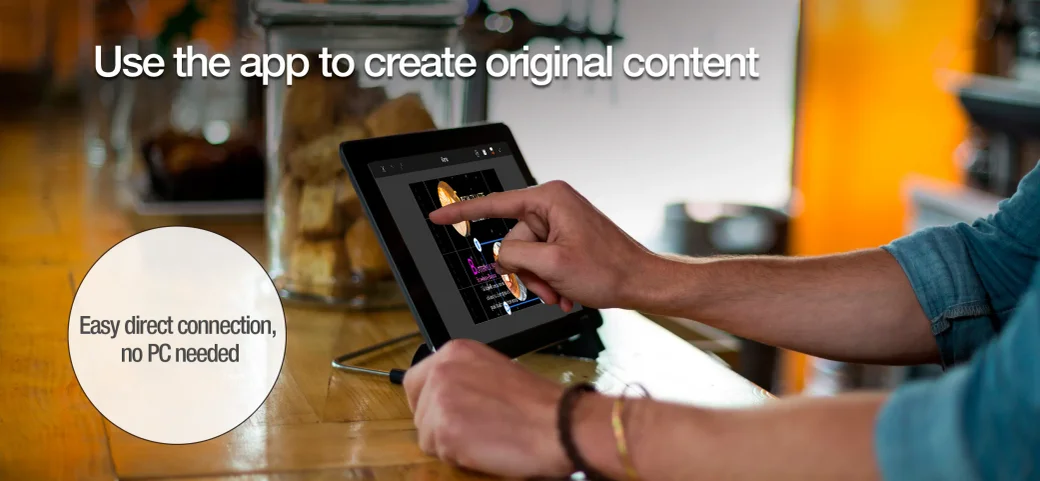
Epson Creative Projection is an app that allows you to enjoy creating custom content on an iPhone or iPad easily.
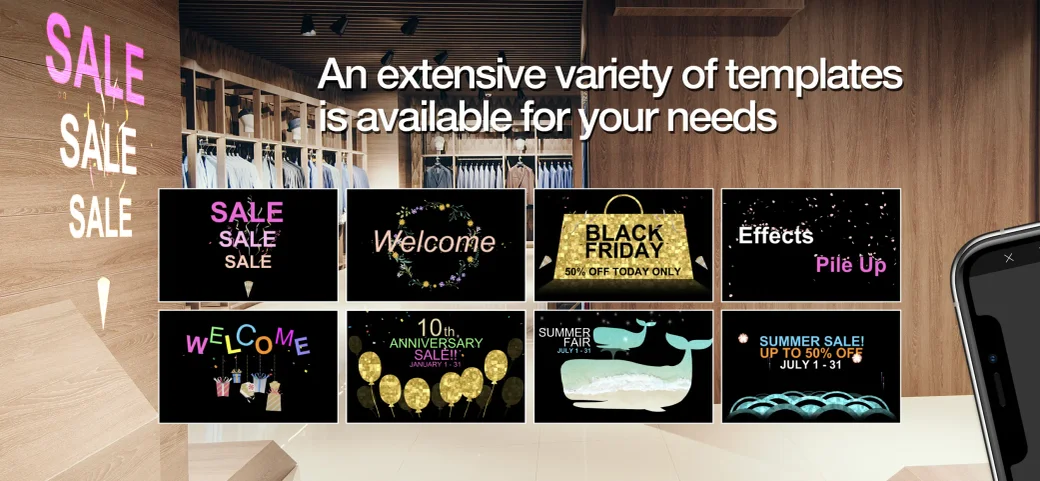
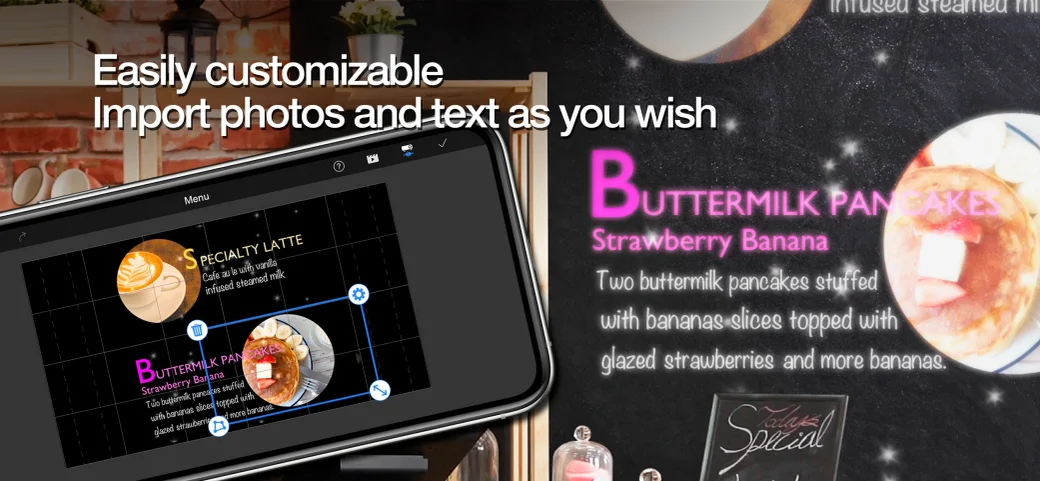
Decorate any room or space by combining your photos and movies with the app’s built-in templates and stamps.
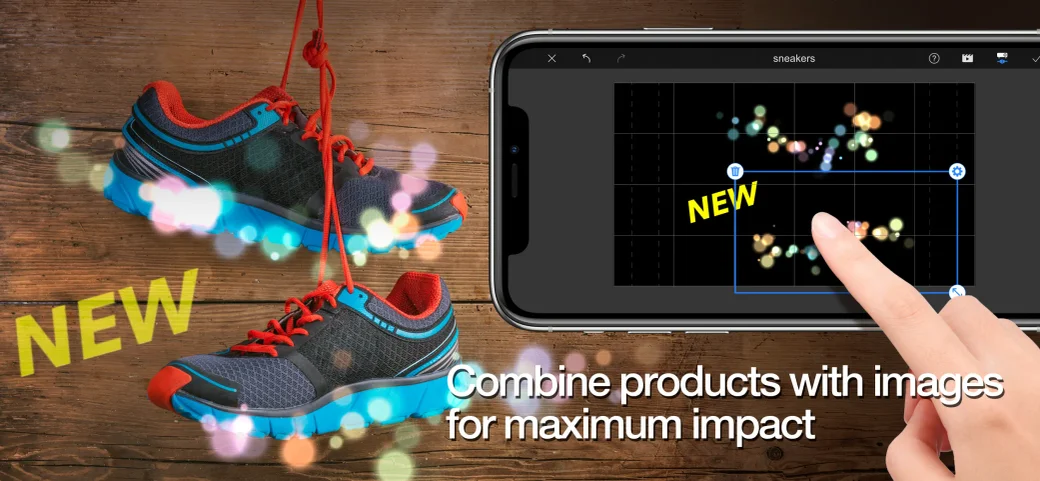
With Epson Creative Projection, you can create original, dazzling content to enliven rooms, product displays, and spaces around you, anytime and anywhere.
Steps
• Set up your projector.
Insert a USB memory or SD card into the projector and connect the projector to a network.
• Preview content on the projector.
Connecting your iPhone or iPad and projector enables you to edit content on your iPhone or iPad while projecting a preview. You can easily connect your device by reading a QR code displayed on the projected image.
• Select a template and edit your content.
Select a built-in template that fits your vision of the content you want to create. You can customize your content by adding text, stamps, and effects.
• Save your content to your projector.
After you finish editing your content, save the file to the USB memory or SD card that you inserted in the projector. You can play the content that you save from the projector even if you do not have your device with you.
Main Features
• Stamp layout
Freely arrange and combine the materials provided in the app any way you like. Use seasonal materials to create new content for each season.
• Photo and movie capture
Load photos and movies from your iPhone or iPad for use in creating content.
• Visual effects
You can make snow or flower blossoms flutter down. You can even add a line anywhere you like and make them accumulate on the line.
• 4-point free geometry correction
This feature allows you to adjust the 4 corners of stamps. It also allows you to correct distortions in images projected on two or more surfaces (planes).
Projectors that support the app:
Please go to https://support.epson.net/projector_appinfo/creative_projection/en/ to find the list of all supported projectors.
[App Permissions]
To use the app, the following permissions are required.
[Required] Local Network
For searching and connecting to the projector.
[Optional] Camera
Capture a connection QR code.
[Optional] Photo
Project selected photos from the device to the projector.
* Optional permissions can be declined, but some features may not work.
What’s new
Version 1.0.7 · Oct 31, 2025
Minor bug fixes
App privacy
What Seiko Epson Corporation declares on the App Store about how this app handles data.
-
Data not linked to you
May be collected but is not linked to your identity.
- Identifiers
- Usage data
Privacy practices may vary, for example with the features you use or your age.
Information
- Seller
- Seiko Epson Corporation
- Category
- Entertainment
- Version
- 1.0.7
- Updated
- Oct 31, 2025
- Released
- Mar 31, 2020
- Size
- 88.2 MB
- Requires
- iOS 15.6 or later
- Age rating
- 4+
- Price
- Free
- Languages
- English, French, German, Japanese, Korean, Portuguese, Simplified Chinese, Spanish, Traditional Chinese
- Copyright
- © Seiko Epson Corporation
You might also like
-
 illumibotDigital Art on Real Surfaces
-
 FramespaceEntertainment
-
 ScreenerTest projectors in your home!
-
 Cake Mapping ProCake Mapping Pro APP
-
 LaserOSWorld-class laser effects
-
 AR Projector HQ Tracing CinemaHD Projection, AR Drawing App!
-
 VRPlayer : 2D 3D 360° Video2D 3D 360° Video Player for VR
-
 WLED - Official AppManage all your WLED devices
-
 EZCastEntertainment
-
 Smart Cast: Mirror To PC & TVEnjoy content on bigger screen