- Độ tuổi4+
- Danh mụcGiải Trí
- Nhà phát triểnSeiko Epson Corporation
- Ngôn ngữTiếng Anh+ 8 ngôn ngữ khác
- Kích thước88,2 MB
Liên kết đến trang App Store chính thức
Download.org không lưu trữ tệp nào của Epson Creative Projection. Nút này mở trang ứng dụng trên App Store, nơi Seiko Epson Corporation phát hành ứng dụng. Trang được kiểm tra lần cuối: 15/11/2026.
Ảnh chụp màn hình
Giới thiệu
Nhà phát triển chưa cung cấp nội dung này bằng ngôn ngữ của bạn.
Epson Creative Projection
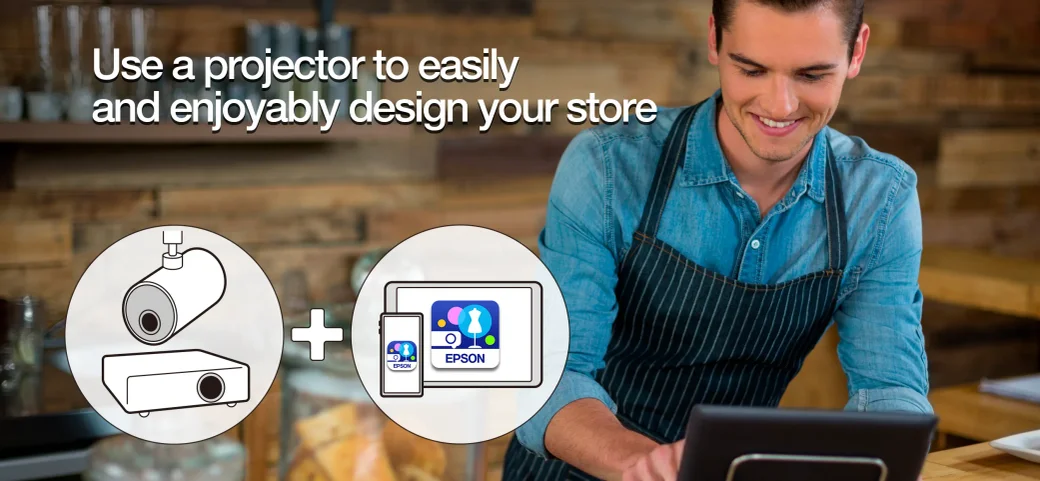
Use an Epson projector*1 and your custom content to bring spaces alive!
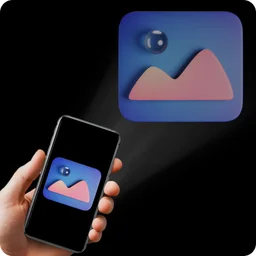
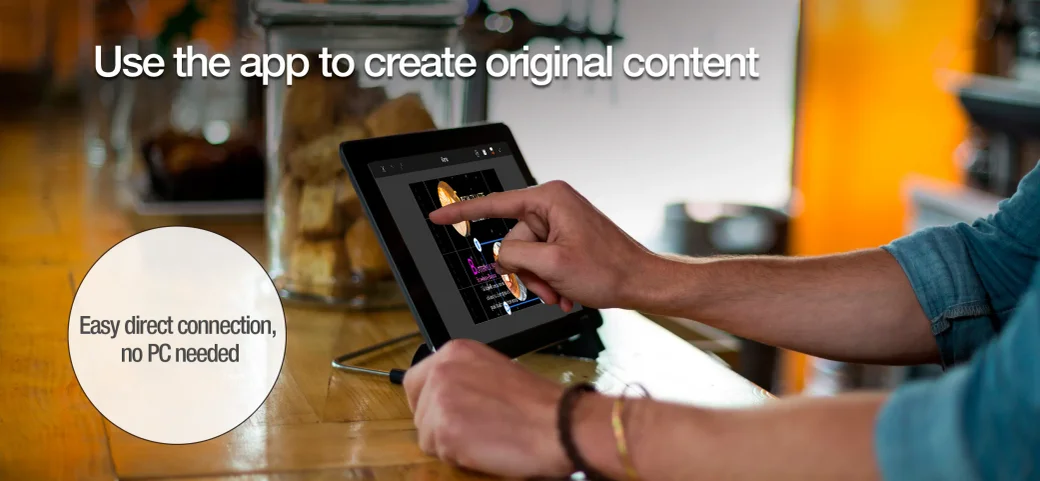
Epson Creative Projection is an app that allows you to enjoy creating custom content on an iPhone or iPad easily.
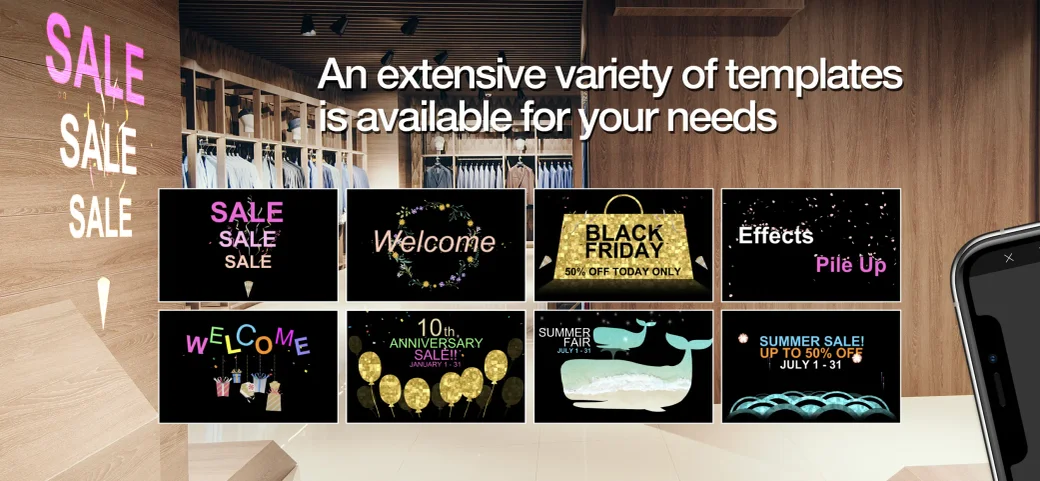
Decorate any room or space by combining your photos and movies with the app’s built-in templates and stamps.
With Epson Creative Projection, you can create original, dazzling content to enliven rooms, product displays, and spaces around you, anytime and anywhere.
Steps
• Set up your projector.
Insert a USB memory or SD card into the projector and connect the projector to a network.
• Preview content on the projector.
Connecting your iPhone or iPad and projector enables you to edit content on your iPhone or iPad while projecting a preview. You can easily connect your device by reading a QR code displayed on the projected image.
• Select a template and edit your content.
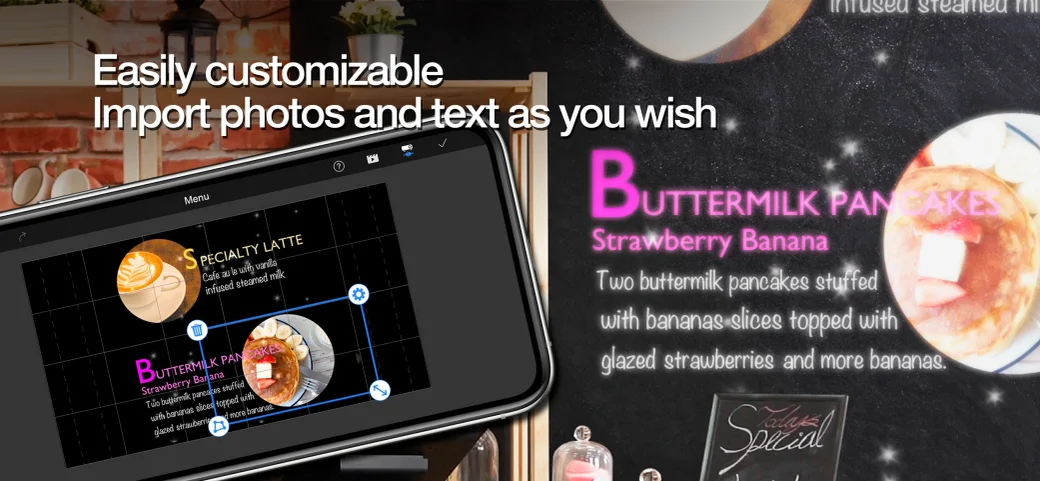
Select a built-in template that fits your vision of the content you want to create. You can customize your content by adding text, stamps, and effects.
• Save your content to your projector.
After you finish editing your content, save the file to the USB memory or SD card that you inserted in the projector. You can play the content that you save from the projector even if you do not have your device with you.
Main Features
• Stamp layout
Freely arrange and combine the materials provided in the app any way you like. Use seasonal materials to create new content for each season.
• Photo and movie capture
Load photos and movies from your iPhone or iPad for use in creating content.
• Visual effects
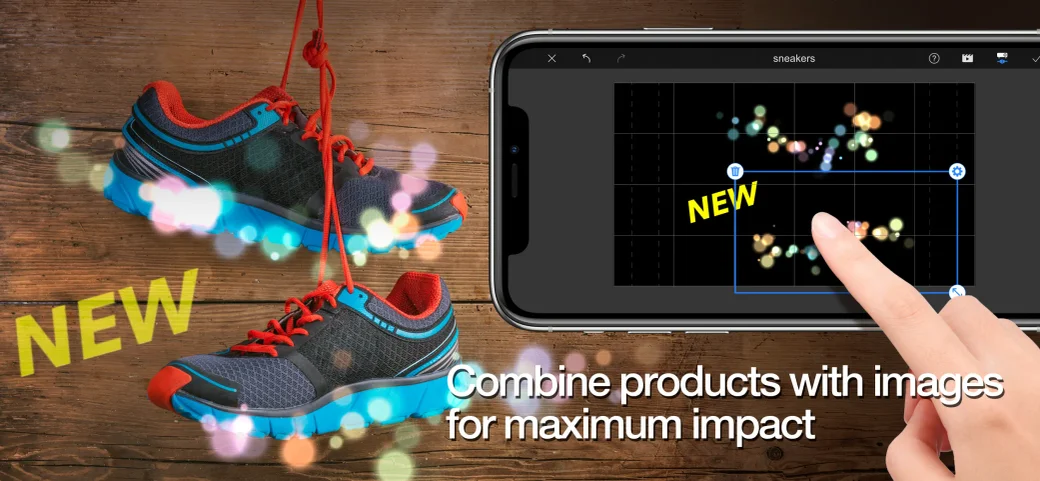
You can make snow or flower blossoms flutter down. You can even add a line anywhere you like and make them accumulate on the line.
• 4-point free geometry correction
This feature allows you to adjust the 4 corners of stamps. It also allows you to correct distortions in images projected on two or more surfaces (planes).
Projectors that support the app:
Please go to https://support.epson.net/projector_appinfo/creative_projection/en/ to find the list of all supported projectors.
[App Permissions]
To use the app, the following permissions are required.
[Required] Local Network
For searching and connecting to the projector.
[Optional] Camera
Capture a connection QR code.
[Optional] Photo
Project selected photos from the device to the projector.
* Optional permissions can be declined, but some features may not work.
Có gì mới
Phiên bản 1.0.7 · 31/10/2025
Minor bug fixes
Quyền riêng tư của ứng dụng
Những gì Seiko Epson Corporation khai báo trên App Store về cách ứng dụng này xử lý dữ liệu.
-
Dữ liệu không liên kết với bạn
Có thể được thu thập nhưng không liên kết với danh tính của bạn.
- Mã định danh
- Dữ liệu sử dụng
Phương thức đảm bảo quyền riêng tư có thể khác nhau, chẳng hạn như tuỳ theo các tính năng bạn sử dụng hoặc độ tuổi của bạn.
Thông tin
- Người bán
- Seiko Epson Corporation
- Danh mục
- Giải Trí
- Phiên bản
- 1.0.7
- Cập nhật
- 31/10/2025
- Phát hành
- 31/03/2020
- Kích thước
- 88,2 MB
- Yêu cầu
- iOS 15.6 trở lên
- Độ tuổi
- 4+
- Giá
- Miễn phí
- Ngôn ngữ
- Tiếng Anh, Tiếng Pháp, Tiếng Đức, Tiếng Nhật, Tiếng Hàn, Tiếng Bồ Đào Nha, Tiếng Trung Giản thể, Tiếng Tây Ban Nha, Tiếng Trung Phồn thể
- Bản quyền
- © Seiko Epson Corporation