Ferry Remote Desktop
Screen Sharing & VNC Client
Diseñada para iPhone, iPad
Gratis
- Clasificación por edad4+
- CategoríaUtilidades
- Desarrollador泽超 林
- IdiomasInglés+ 3 más
- Tamaño46,7 MB
Enlaza a la página oficial de App Store
Download.org no aloja ningún archivo de Ferry Remote Desktop. El botón abre la página de la aplicación en App Store, donde la publica 泽超 林. Ficha comprobada por última vez el 26/11/2026.
Capturas de pantalla
Acerca de
El desarrollador no ha proporcionado este texto en tu idioma.
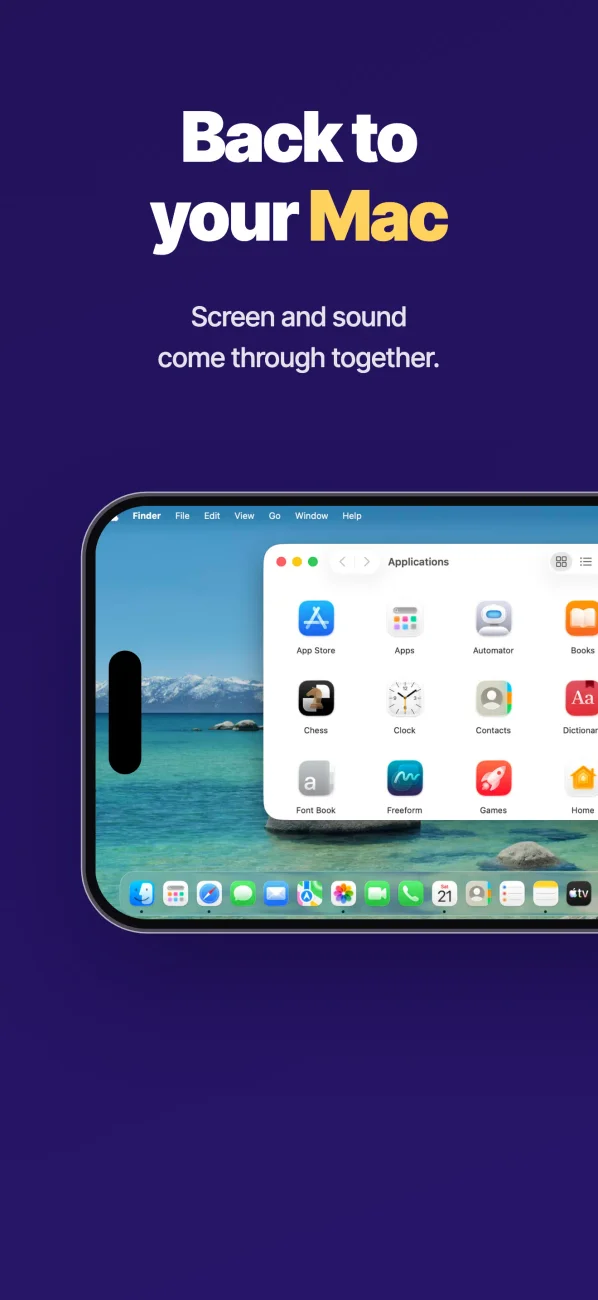
YOUR MAC. STILL IN VIEW.
Keep your remote desktop in Picture in Picture while you browse, message or work in another app.
Ferry is a remote desktop client for iPhone, iPad, Mac and Apple TV. It's built for connecting to Macs, and also works with standard VNC servers on Windows and Linux.
MADE FOR THE MAC
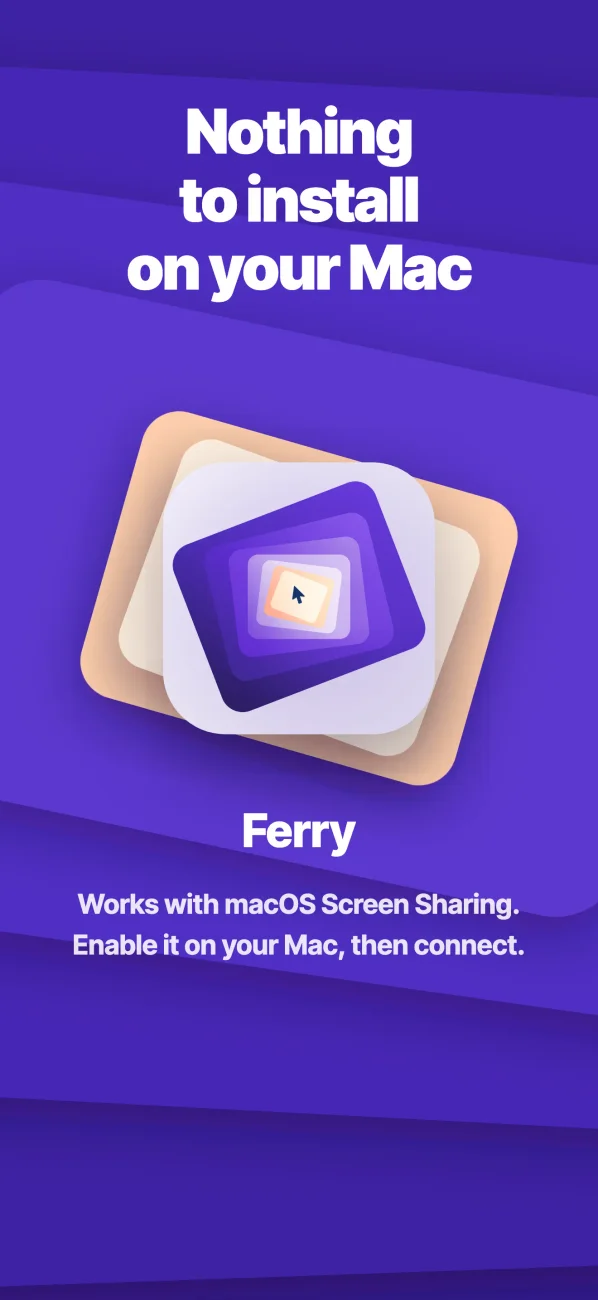
• Works with the Screen Sharing built into macOS. Sign in with your Mac user account; your sign-in is always encrypted
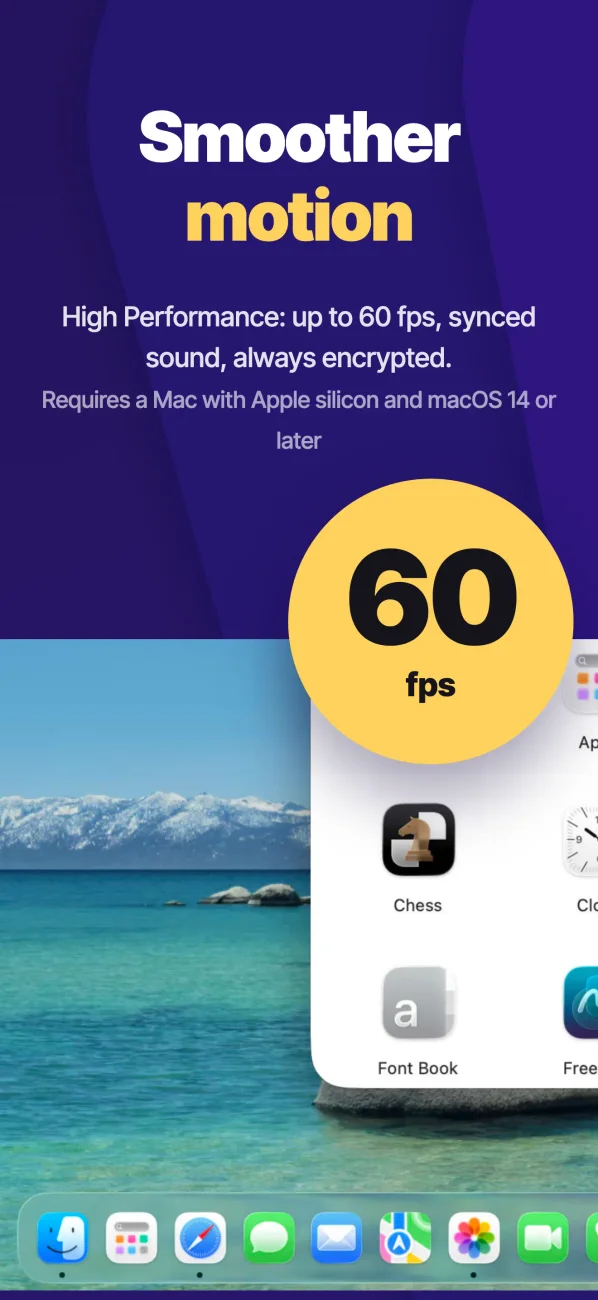
• High performance: encrypted sessions with Macs running macOS 14 or later on Apple silicon. On your local network, the screen and sound are streamed with hardware video encoding for a sharper, smoother picture
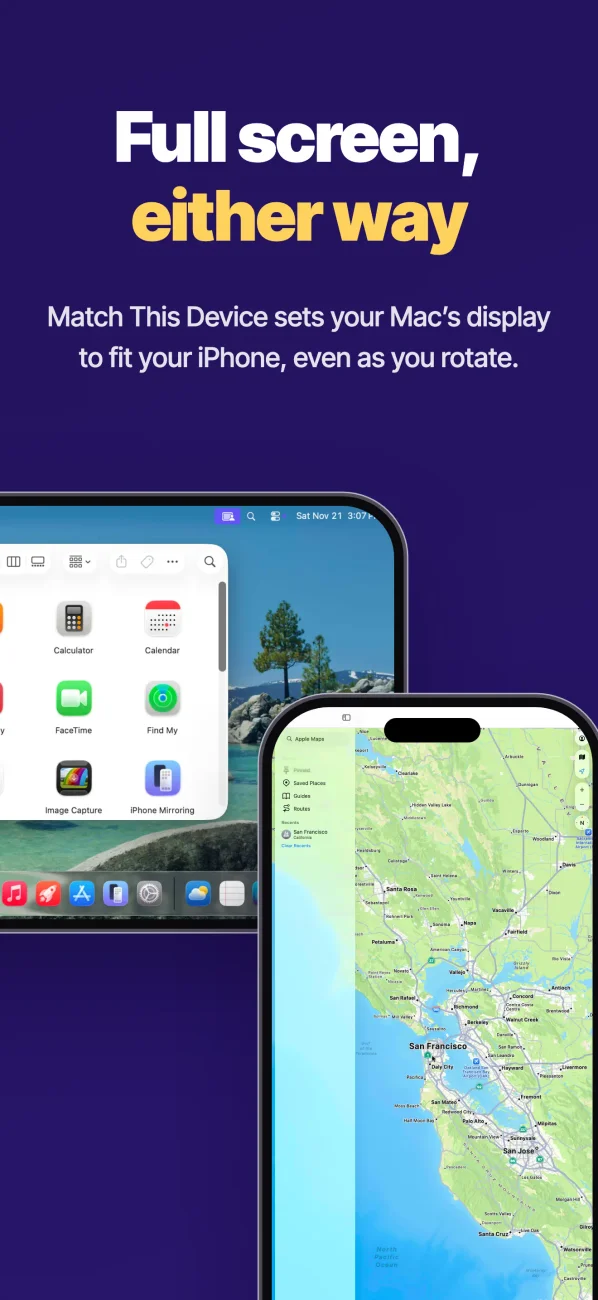
• Virtual displays: create a display sized for this iPhone or iPad that fills the screen and adapts when you rotate or use Split View
• Hide the Mac's screen, choose a display, precise scrolling
EASY TO CONTROL
• Trackpad and direct touch modes, pinch to zoom, two-finger scrolling
• Keyboard toolbar with ⌘ ⌥ ⌃ ⇧, Esc, arrow keys, function keys and common commands
• Hardware keyboards, mice and trackpads
• Observe mode to watch without controlling
FILES AND CLIPBOARD
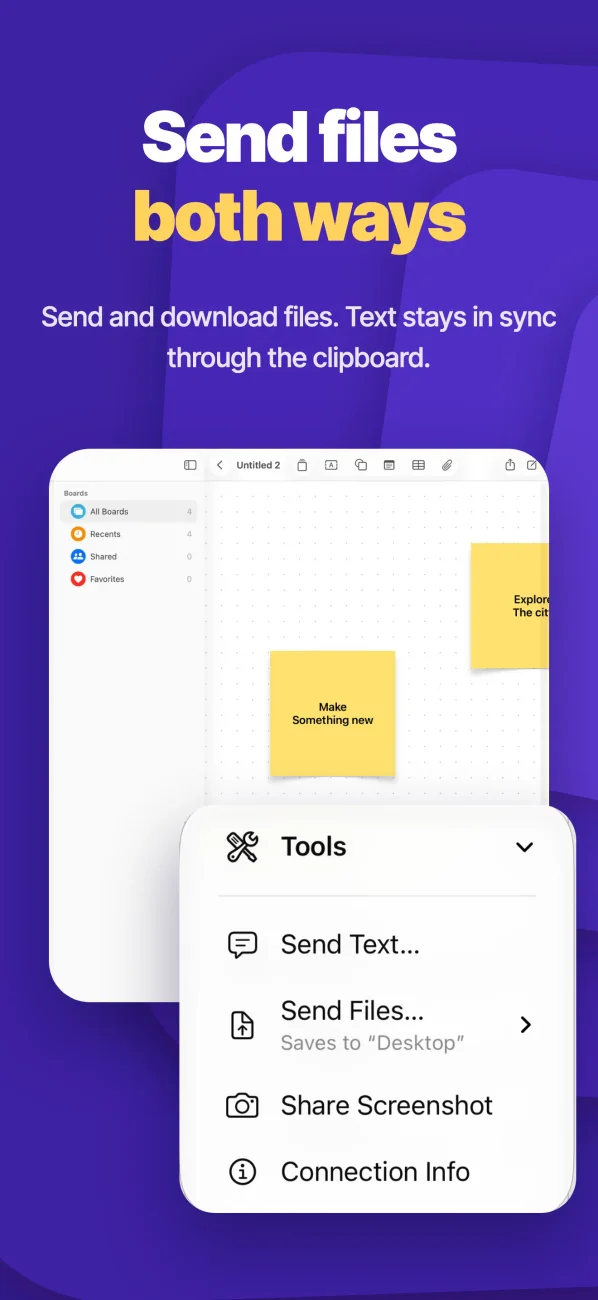
• Clipboard syncs between your device and the computer automatically
• Drag in photos and files, or pick them in Files, to send them to your Mac
• Drag files from your remote Mac into the download area to save them on your device
CONNECT SECURELY
• Connect over SSH to encrypt the screen and input end to end. Passwords and Ed25519, ECDSA and RSA keys are supported
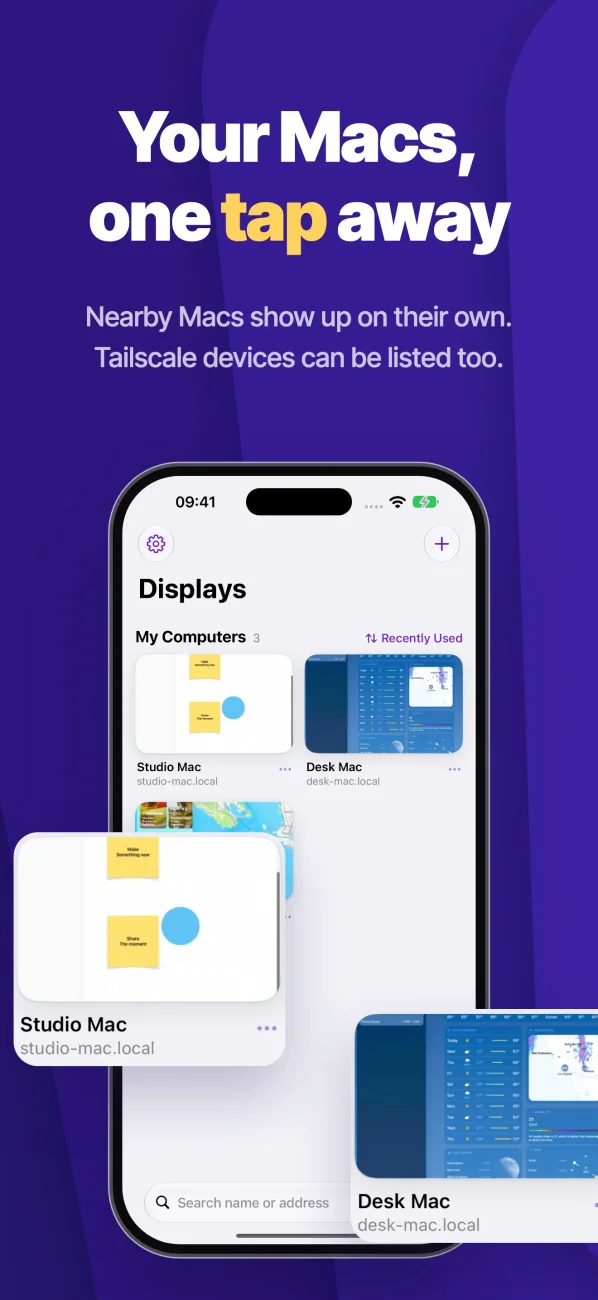
• Nearby finds computers with Screen Sharing on your network
• Protect specific computers with Face ID or Touch ID
DISCOVER MORE. GO BIGGER.
• Read-only Tailscale device directory alongside Nearby discovery
• Apple TV: use Siri Remote as a trackpad, switch to scrolling, and hold to open the command wheel
AND MORE
• iCloud Sync for your computers, connection options, passwords and SSH keys across iPhone, iPad, Mac and Apple TV
• Shortcuts and Siri: connect to a computer with a single phrase
• One app for iPhone, iPad, Mac and Apple TV
Before you start, turn on Screen Sharing on your Mac in System Settings › General › Sharing.
Features vary by platform. Apple TV does not include file transfer or Tailscale account linking. High-performance sessions and virtual displays require a compatible Apple silicon Mac running macOS 14 or later.
Novedades
Versión 1.0.5 · 25/11/2026
Bug fixes and performance improvements.
Privacidad de la aplicación
Lo que 泽超 林 declara en App Store sobre cómo esta aplicación gestiona los datos.
-
No se recopilan datos
El desarrollador no recopila ningún dato de esta aplicación.
Las prácticas de privacidad pueden variar, por ejemplo, según las funciones que uses o tu edad.
Información
- Vendedor
- 泽超 林
- Categoría
- Utilidades
- Versión
- 1.0.5
- Actualizado
- 25/11/2026
- Publicado
- 13/11/2026
- Tamaño
- 46,7 MB
- Requiere
- iOS 17.0 o posterior
- Clasificación por edad
- 4+
- Precio
- Gratis
- Idiomas
- Inglés, Japonés, Chino simplificado, Chino tradicional
- Copyright
- © 2026 Lin Zechao
Quizá también te guste
-
 VPingsUtilidades
-
 Neural Flow: Mapas mentales 3DDel texto al esquema visual
-
 武汉护理学会Utilidades
-
 Breaking LimitUtilidades
-
 Mirage – Remote DisplayPantalla remota: ordenadores
-
 FlowDown - Open & Fast AIUtilidades
-
 Beacon Walker: iBeacon ToolsUtilidades
-
 CENFCUtilidades
-
 AX-CPU: Device InfoUtilidades
-
 立达信Utilidades