
- Age rating4+
- CategoryUtilities
- Developer泽超 林
- LanguagesEnglish+ 3 more
- Size36.3 MB
Links to the official App Store page
Download.org hosts no file of Ferry Remote Desktop. The button opens its official App Store page, published by 泽超 林. Listing last checked on Nov 23, 2026.
Screenshots


About
YOUR MAC. STILL IN VIEW.
Keep your remote desktop in Picture in Picture while you browse, message or work in another app.
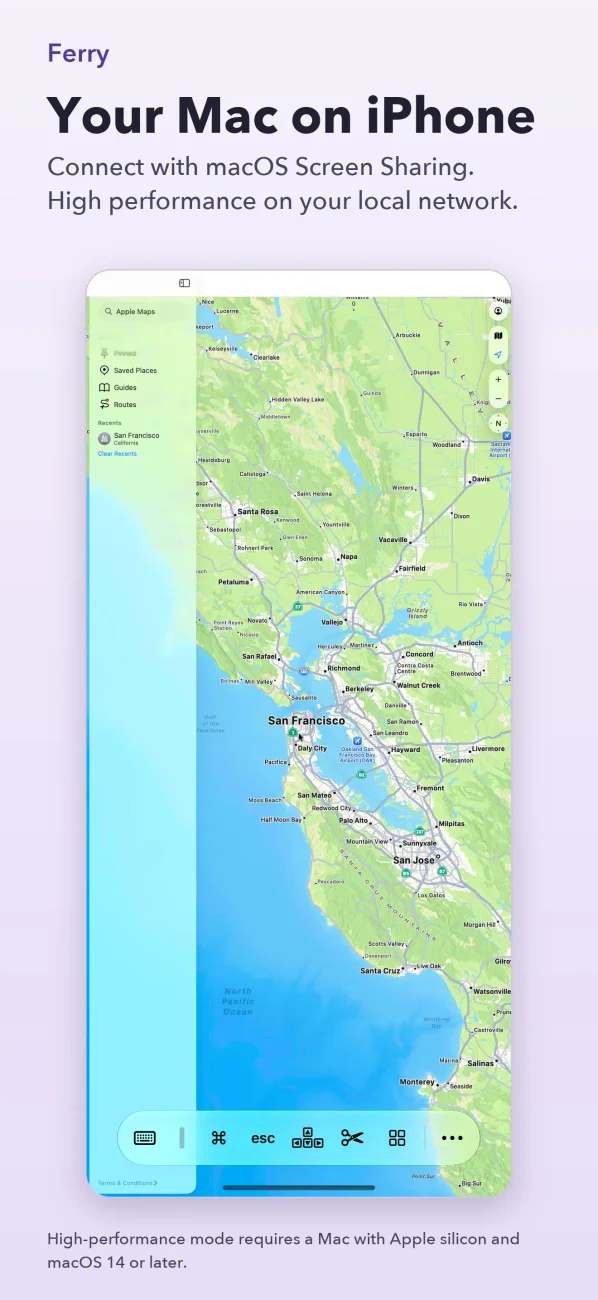
Ferry is a remote desktop client for iPhone, iPad, Mac and Apple TV. It's built for connecting to Macs, and also works with standard VNC servers on Windows and Linux.
MADE FOR THE MAC
• Works with the Screen Sharing built into macOS. Sign in with your Mac user account; your sign-in is always encrypted
• High performance: encrypted sessions with Macs running macOS 14 or later on Apple silicon. On your local network, the screen and sound are streamed with hardware video encoding for a sharper, smoother picture
• Virtual displays: create a display sized for this iPhone or iPad that fills the screen and adapts when you rotate or use Split View
• Hide the Mac's screen, choose a display, precise scrolling
EASY TO CONTROL
• Trackpad and direct touch modes, pinch to zoom, two-finger scrolling
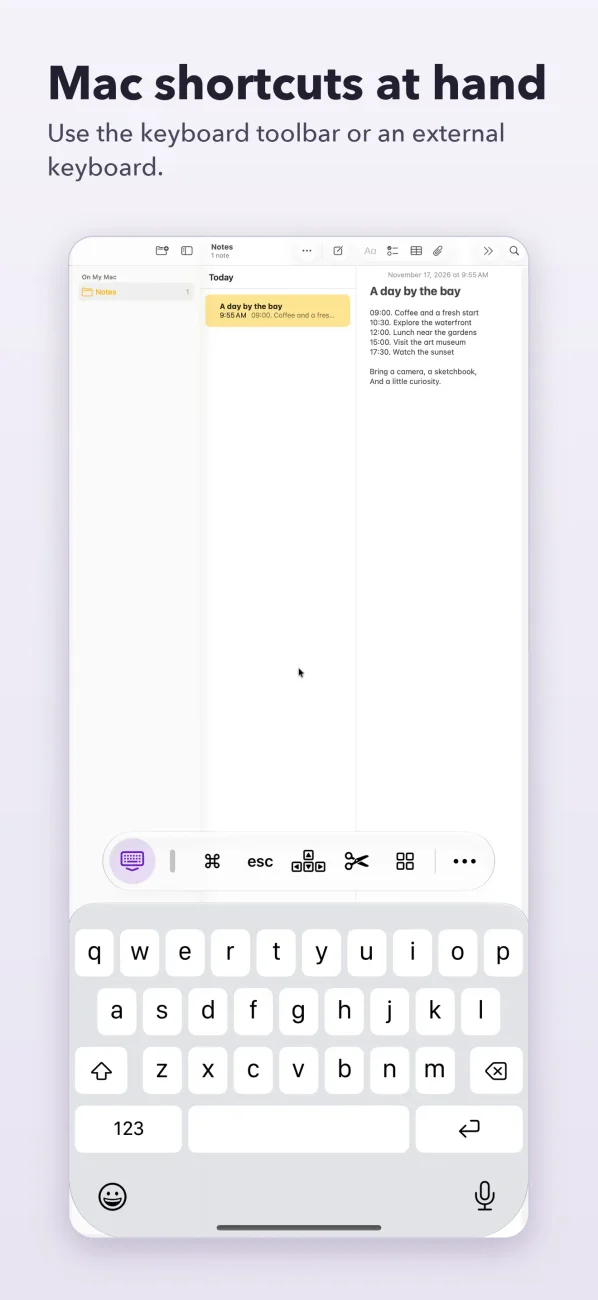
• Keyboard toolbar with ⌘ ⌥ ⌃ ⇧, Esc, arrow keys, function keys and common commands
• Hardware keyboards, mice and trackpads
• Observe mode to watch without controlling
FILES AND CLIPBOARD
• Clipboard syncs between your device and the computer automatically
• Drag in photos and files, or pick them in Files, to send them to your Mac
• Drag files from your remote Mac into the download area to save them on your device
CONNECT SECURELY
• Connect over SSH to encrypt the screen and input end to end. Passwords and Ed25519, ECDSA and RSA keys are supported
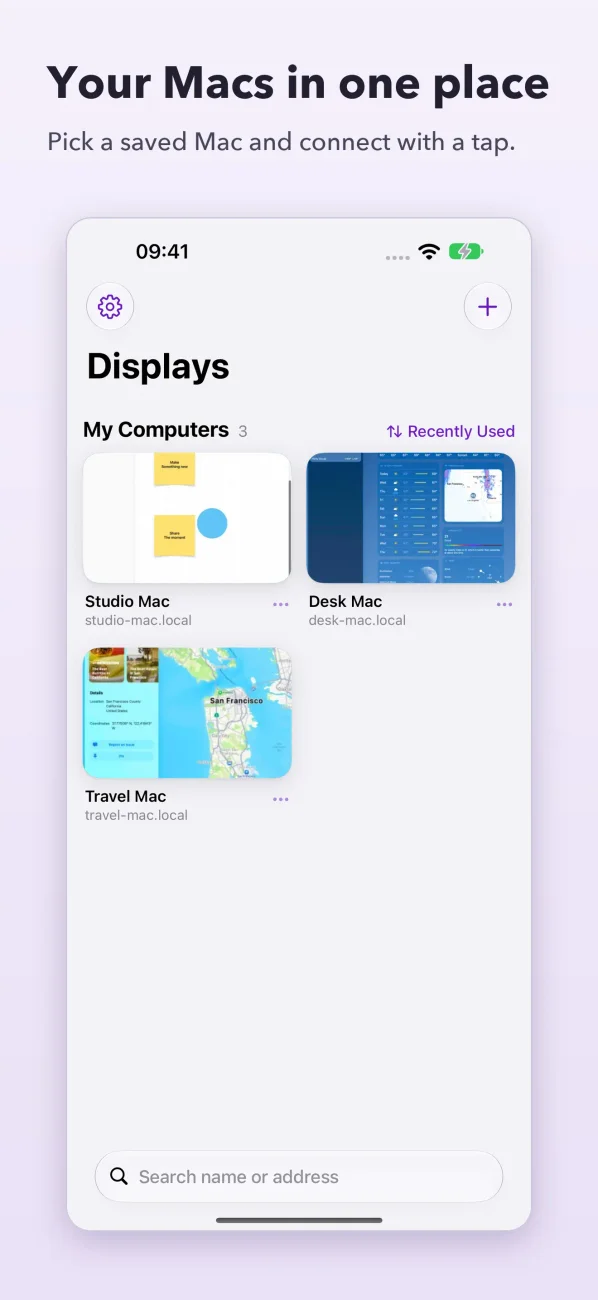
• Nearby finds computers with Screen Sharing on your network
• Protect specific computers with Face ID or Touch ID
DISCOVER MORE. GO BIGGER.
• Read-only Tailscale device directory alongside Nearby discovery
• Apple TV: use Siri Remote as a trackpad, switch to scrolling, and hold to open the command wheel
AND MORE
• iCloud Sync for your computers, connection options, passwords and SSH keys across iPhone, iPad, Mac and Apple TV
• Shortcuts and Siri: connect to a computer with a single phrase
• One app for iPhone, iPad, Mac and Apple TV
Before you start, turn on Screen Sharing on your Mac in System Settings › General › Sharing.
Features vary by platform. Apple TV does not include file transfer or Tailscale account linking. High-performance sessions and virtual displays require a compatible Apple silicon Mac running macOS 14 or later.
What’s new
Version 1.0.3 · Nov 21, 2026
Bug fixes and performance improvements.
App privacy
What 泽超 林 declares on the App Store about how this app handles data.
-
Data not collected
The developer does not collect any data from this app.
Privacy practices may vary, for example with the features you use or your age.
Information
- Seller
- 泽超 林
- Category
- Utilities
- Version
- 1.0.3
- Updated
- Nov 21, 2026
- Released
- Nov 13, 2026
- Size
- 36.3 MB
- Requires
- iOS 17.0 or later
- Age rating
- 4+
- Price
- Free
- Languages
- English, Japanese, Simplified Chinese, Traditional Chinese
- Copyright
- © 2026 Lin Zechao
You might also like
-
 VPingsUtilities
-
 Neural Flow 3D Mind MapAI-powered 3D mind mapping
-
 武汉护理学会Utilities
-
 Breaking LimitRaytracing benchmark
-
 Mirage – Remote DisplayRemote display for computers
-
 FlowDown - Open & Fast AIGet your task done smooth.
-
 Beacon Walker: iBeacon ToolsSimulator & BLE beacon scanner
-
 CENFCAdvanced NFC Tool
-
 AX-CPU: Device InfoSystem + Processor Profiler
-
 立达信Utilities