Ferry Remote Desktop
Screen Sharing & VNC Client
Được thiết kế cho iPhone, iPad
Miễn phí
- Độ tuổi4+
- Danh mụcTiện Ích
- Nhà phát triển泽超 林
- Ngôn ngữTiếng Anh+ 3 ngôn ngữ khác
- Kích thước46,7 MB
Liên kết đến trang App Store chính thức
Download.org không lưu trữ tệp nào của Ferry Remote Desktop. Nút này mở trang ứng dụng trên App Store, nơi 泽超 林 phát hành ứng dụng. Trang được kiểm tra lần cuối: 26/11/2026.
Ảnh chụp màn hình
Giới thiệu
Nhà phát triển chưa cung cấp nội dung này bằng ngôn ngữ của bạn.
YOUR MAC. STILL IN VIEW.
Keep your remote desktop in Picture in Picture while you browse, message or work in another app.
Ferry is a remote desktop client for iPhone, iPad, Mac and Apple TV. It's built for connecting to Macs, and also works with standard VNC servers on Windows and Linux.
MADE FOR THE MAC
• Works with the Screen Sharing built into macOS. Sign in with your Mac user account; your sign-in is always encrypted
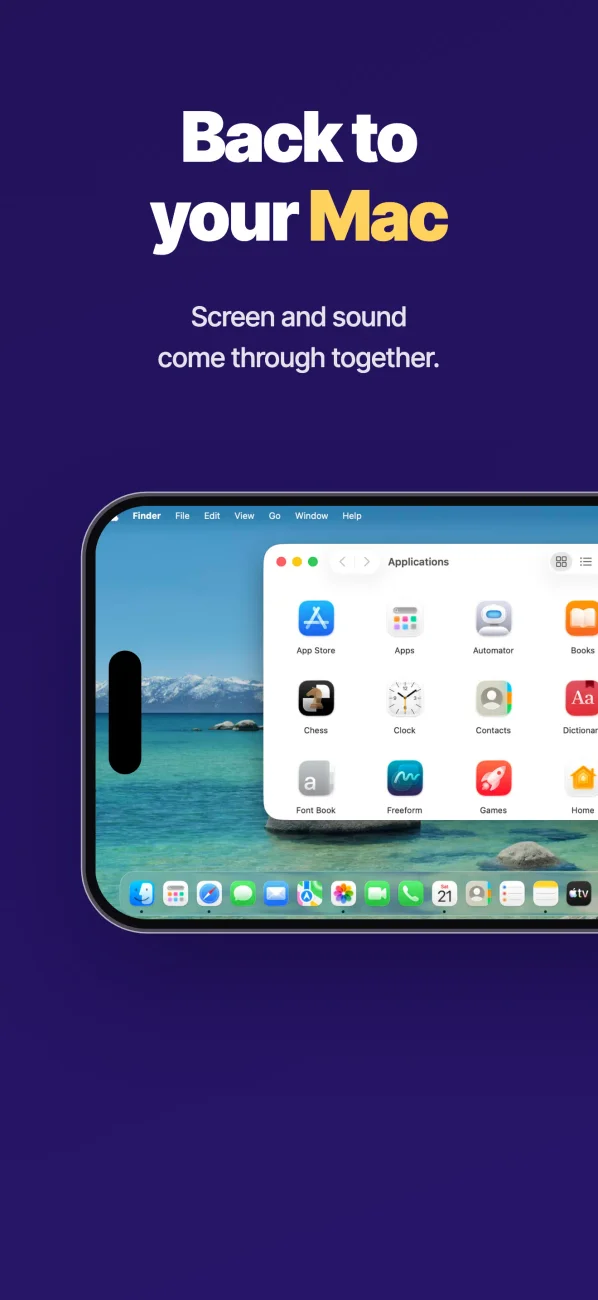
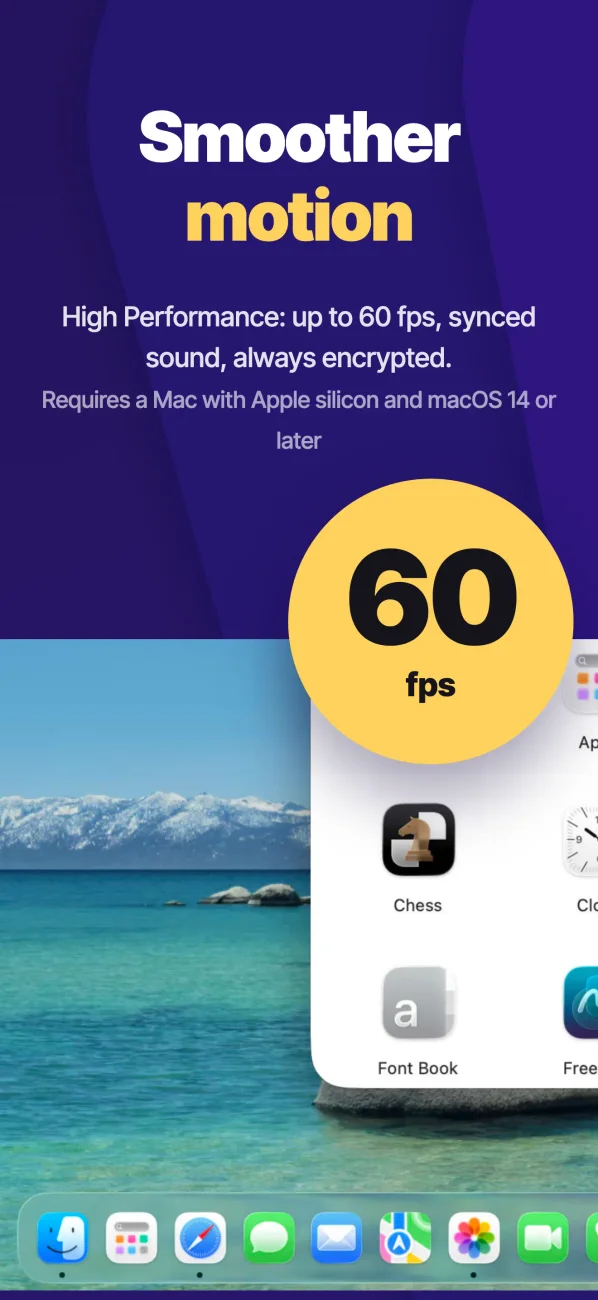
• High performance: encrypted sessions with Macs running macOS 14 or later on Apple silicon. On your local network, the screen and sound are streamed with hardware video encoding for a sharper, smoother picture
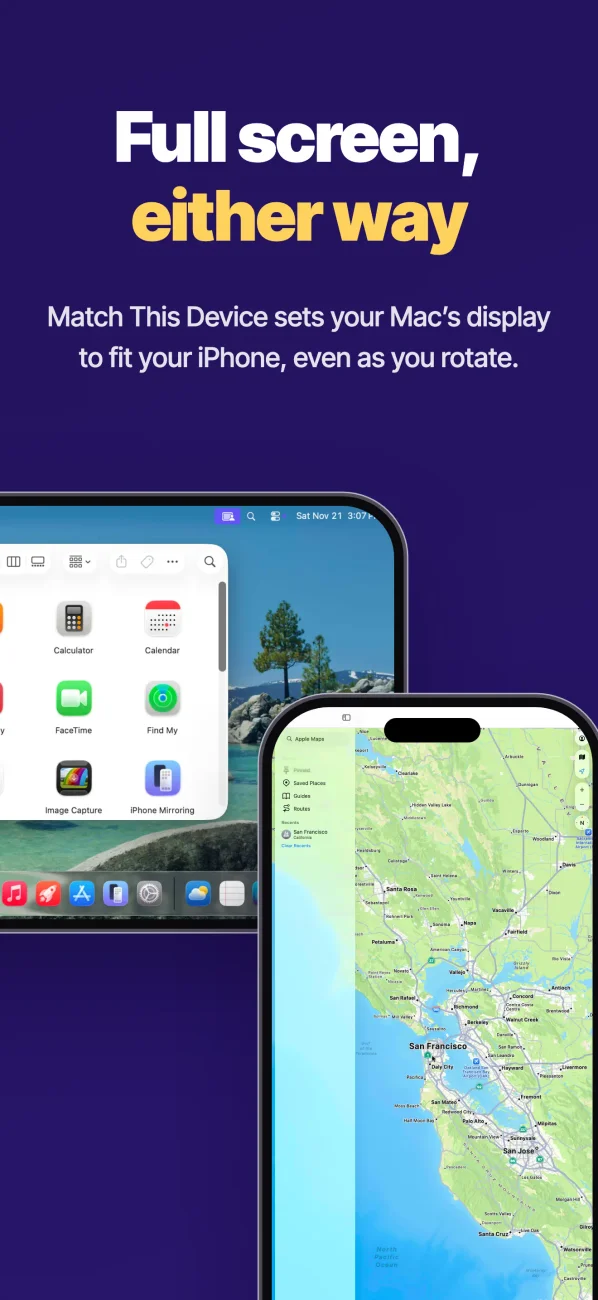
• Virtual displays: create a display sized for this iPhone or iPad that fills the screen and adapts when you rotate or use Split View
• Hide the Mac's screen, choose a display, precise scrolling
EASY TO CONTROL
• Trackpad and direct touch modes, pinch to zoom, two-finger scrolling
• Keyboard toolbar with ⌘ ⌥ ⌃ ⇧, Esc, arrow keys, function keys and common commands
• Hardware keyboards, mice and trackpads
• Observe mode to watch without controlling
FILES AND CLIPBOARD
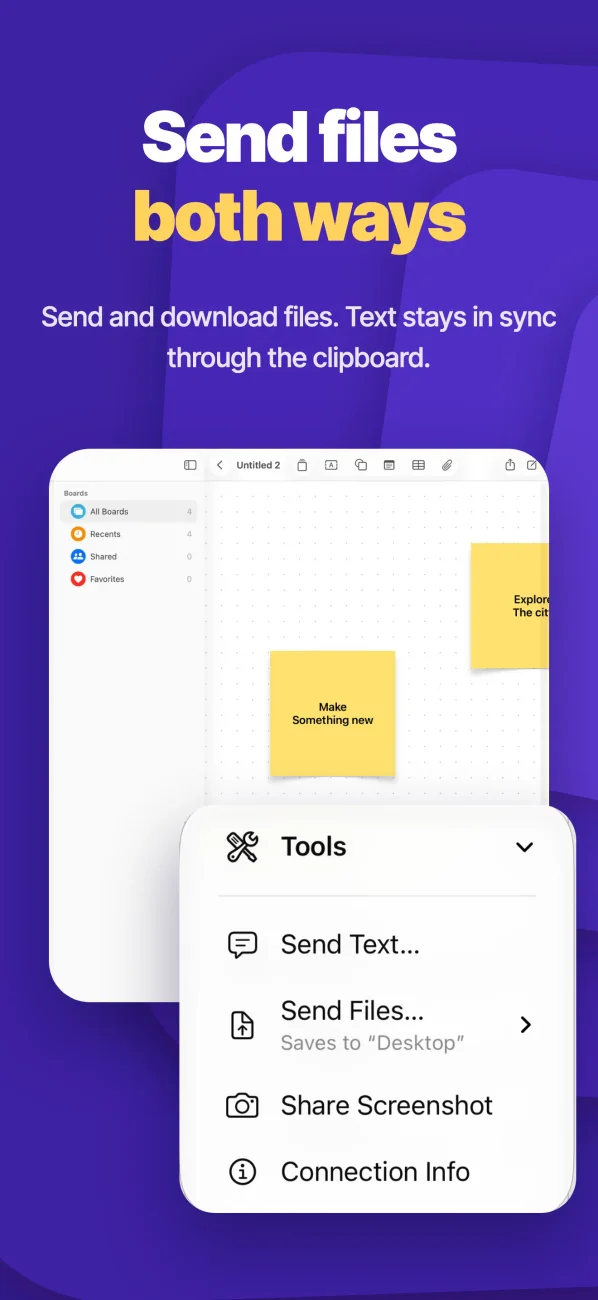
• Clipboard syncs between your device and the computer automatically
• Drag in photos and files, or pick them in Files, to send them to your Mac
• Drag files from your remote Mac into the download area to save them on your device
CONNECT SECURELY
• Connect over SSH to encrypt the screen and input end to end. Passwords and Ed25519, ECDSA and RSA keys are supported
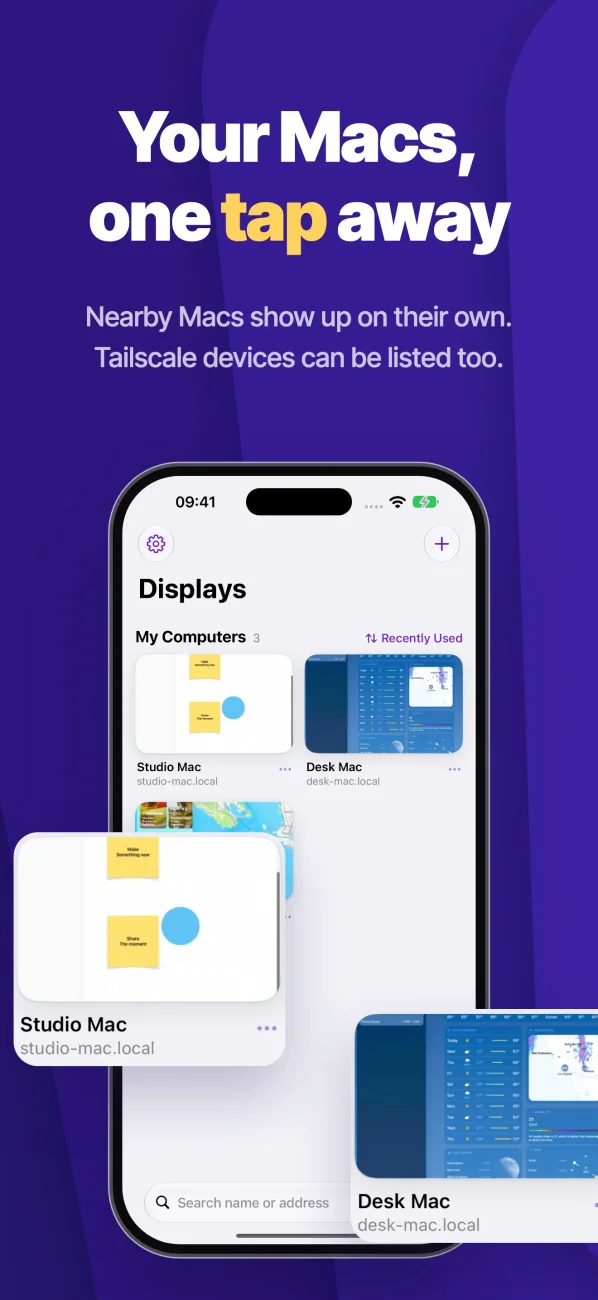
• Nearby finds computers with Screen Sharing on your network
• Protect specific computers with Face ID or Touch ID
DISCOVER MORE. GO BIGGER.
• Read-only Tailscale device directory alongside Nearby discovery
• Apple TV: use Siri Remote as a trackpad, switch to scrolling, and hold to open the command wheel
AND MORE
• iCloud Sync for your computers, connection options, passwords and SSH keys across iPhone, iPad, Mac and Apple TV
• Shortcuts and Siri: connect to a computer with a single phrase
• One app for iPhone, iPad, Mac and Apple TV
Before you start, turn on Screen Sharing on your Mac in System Settings › General › Sharing.
Features vary by platform. Apple TV does not include file transfer or Tailscale account linking. High-performance sessions and virtual displays require a compatible Apple silicon Mac running macOS 14 or later.
Có gì mới
Phiên bản 1.0.5 · 25/11/2026
Bug fixes and performance improvements.
Quyền riêng tư của ứng dụng
Những gì 泽超 林 khai báo trên App Store về cách ứng dụng này xử lý dữ liệu.
-
Dữ liệu không được thu thập
Nhà phát triển không thu thập bất kỳ dữ liệu nào từ ứng dụng này.
Phương thức đảm bảo quyền riêng tư có thể khác nhau, chẳng hạn như tuỳ theo các tính năng bạn sử dụng hoặc độ tuổi của bạn.
Thông tin
- Người bán
- 泽超 林
- Danh mục
- Tiện Ích
- Phiên bản
- 1.0.5
- Cập nhật
- 25/11/2026
- Phát hành
- 13/11/2026
- Kích thước
- 46,7 MB
- Yêu cầu
- iOS 17.0 trở lên
- Độ tuổi
- 4+
- Giá
- Miễn phí
- Ngôn ngữ
- Tiếng Anh, Tiếng Nhật, Tiếng Trung Giản thể, Tiếng Trung Phồn thể
- Bản quyền
- © 2026 Lin Zechao