
Files Player
Play audio/video files easily
Diseñada para iPhone, iPad, iPod touch
Gratis · Compras en la aplicación
- Clasificación por edad4+
- CategoríaEntretenimiento
- DesarrolladorIvo Wessel
- IdiomasAlemán+ 1 más
- Tamaño5,2 MB
Enlaza a la página oficial de App Store
Download.org no aloja ningún archivo de Files Player. El botón abre la página de la aplicación en App Store, donde la publica Ivo Wessel. Ficha comprobada por última vez el 12/11/2026.
Capturas de pantalla

Acerca de
El desarrollador no ha proporcionado este texto en tu idioma.
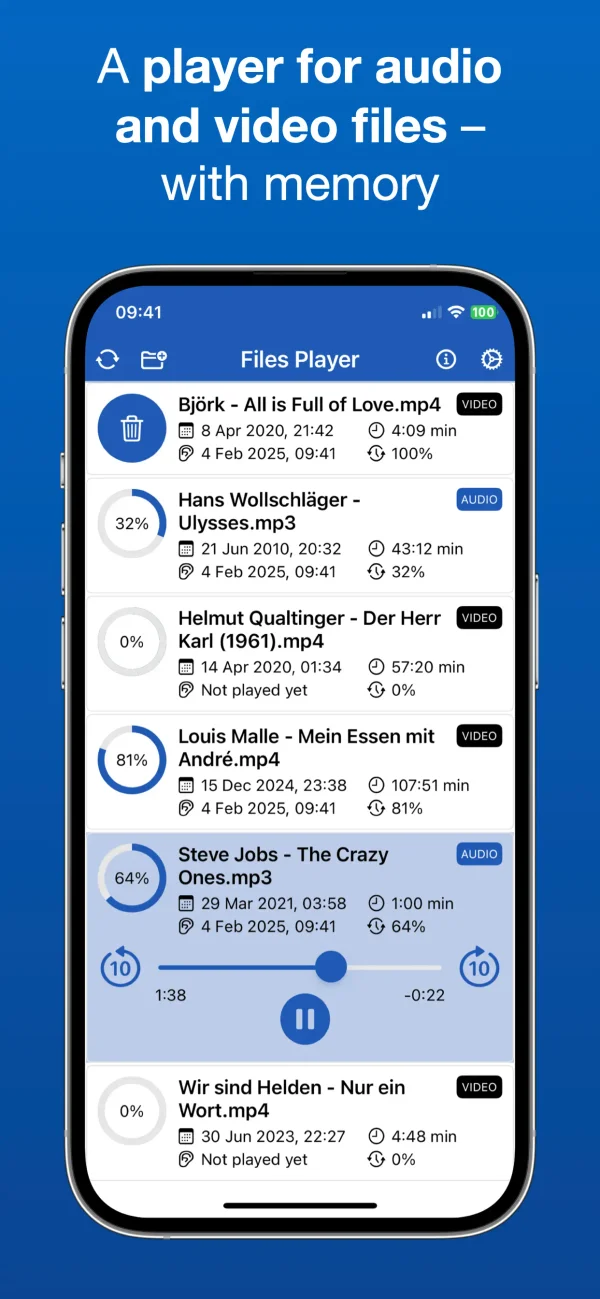
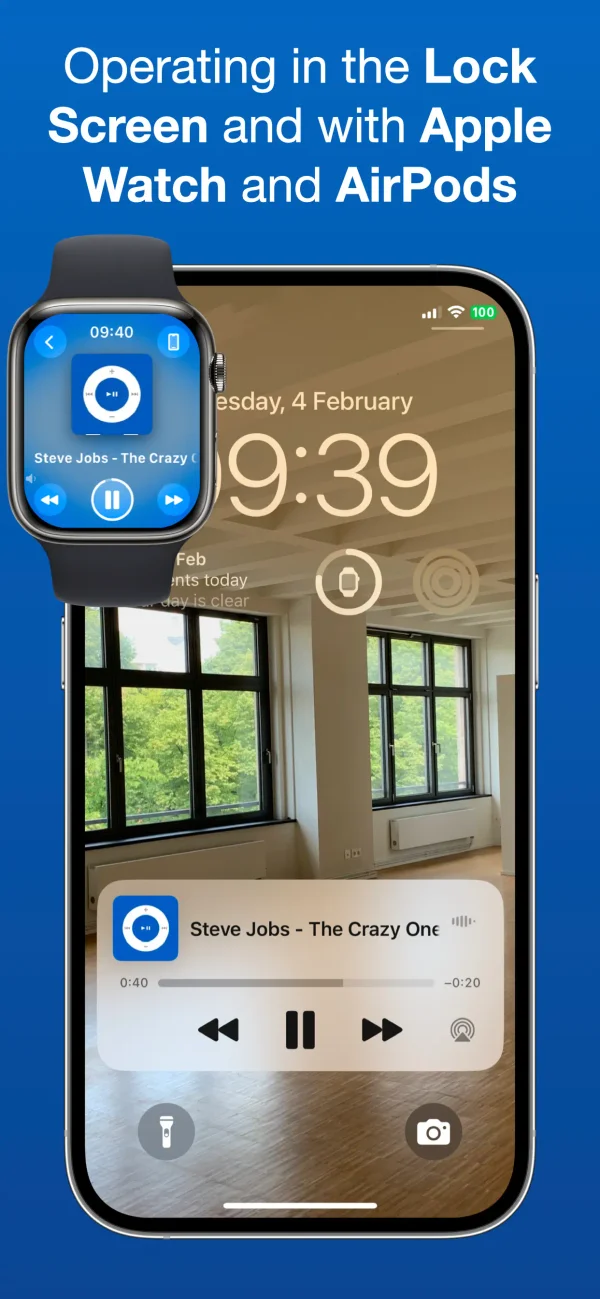
For years, I have been collecting countless audio and video files on my hard drives that I want to listen to and watch in between or on the go. No streaming, no subscription, no cloud, no cover art – and no annoying risk of Wi-Fi dropouts or mobile network playback glitches – just copy the files over and take them with you offline. But with “memory”: the app remembers which files I have already played (incl. position). And it works in standby mode and can be conveniently operated from Lock Screen, Apple Watch and AirPods.
THE THREE MOST IMPORTANT FEATURES
1) Easy
2) Simple
3) Uncomplicated
THE APP WILL BE USEFUL FOR
1) Tidying up
2) Sorting
3) Discovering
A PLAYER LIKE A BIG MEMORY STICK
For the price of a veeeery small memory stick. The app shares its Documents folder. So you can upload and delete files and folders directly via the Finder.
TRANSFER AUDIO/VIDEO FILES
1) Connect your iPhone/iPad to your Mac.
2) Select it on the desktop or in the Finder sidebar.
3) In the “Files” tab, expand the “Files Player” app with >.
4) Drag & drop audio/video files into the app.
5) Delete files / folders with context menu. Can also be done in the app with the “Trash” button.
6) Refresh the list using the “Refresh” button or “Pull to refresh”.
7) HandOff active? Then alternatively copy files to the clipboard and transfer them to the device using the “Folder” button.
8) On a PC use iTunes.
9) Formats: mp3, m4a, aiff (audio), mp4, m4v, mov (video).
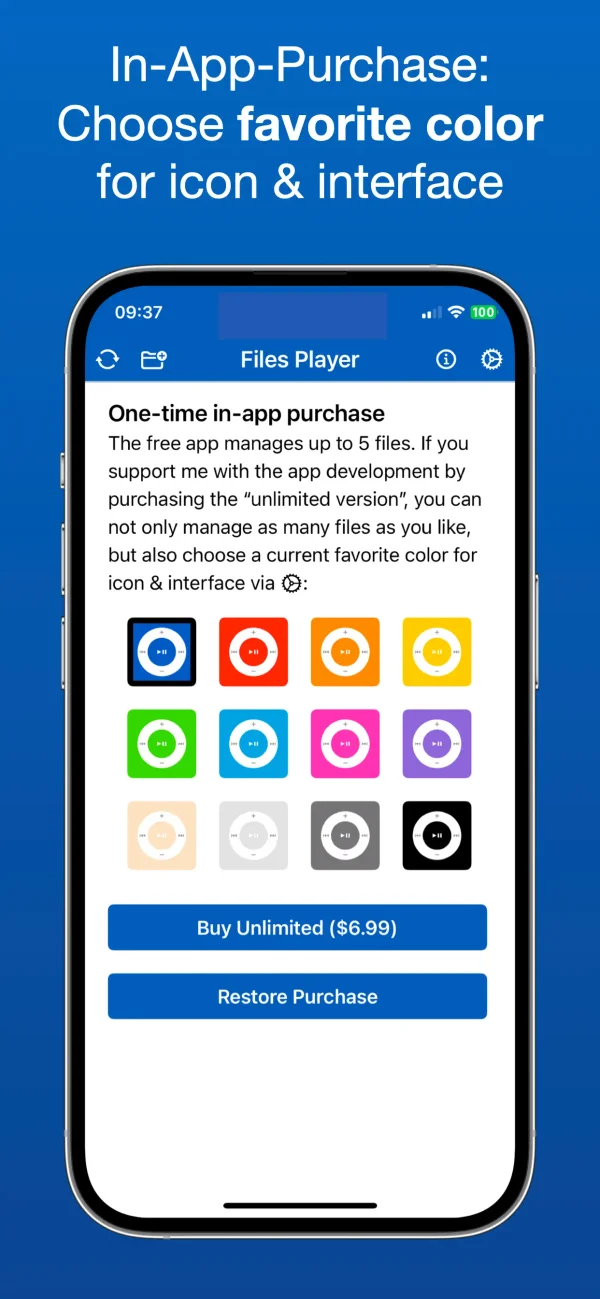
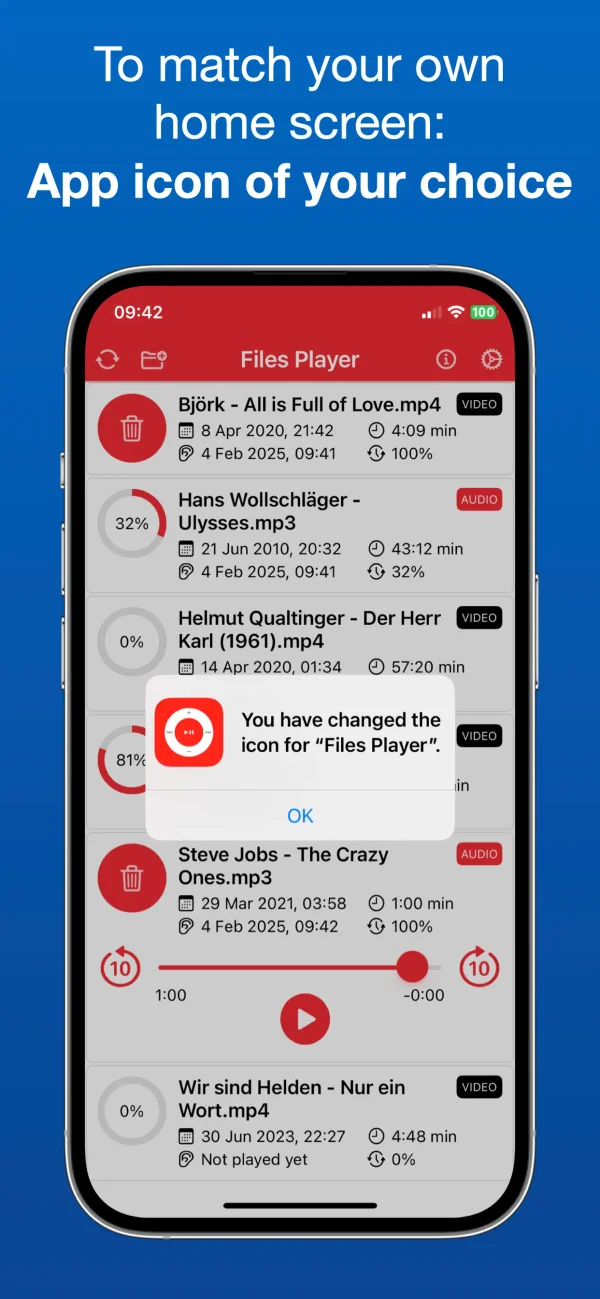
The free app is limited to 5 files. If you support me in the development of the app by purchasing it, you can not only manage as many files as you like, but also choose your favorite color for icon & interface via button “Settings” button.
Novedades
Versión 1.7 · 30/9/2026
– Bug fixed when saving / loading the position. Any subdirectories that may exist are now taken into account.
Privacidad de la aplicación
Lo que Ivo Wessel declara en App Store sobre cómo esta aplicación gestiona los datos.
-
No se recopilan datos
El desarrollador no recopila ningún dato de esta aplicación.
Las prácticas de privacidad pueden variar, por ejemplo, según las funciones que uses o tu edad.
Información
- Vendedor
- Ivo Wessel
- Categoría
- Entretenimiento
- Versión
- 1.7
- Actualizado
- 30/9/2026
- Publicado
- 4/2/2025
- Tamaño
- 5,2 MB
- Requiere
- iOS 15.6 o posterior
- Clasificación por edad
- 4+
- Precio
- Gratis
- Compras en la aplicación
- Sí
- Idiomas
- Alemán, Inglés
- Copyright
- © 2026 Ivo Wessel
Quizá también te guste
-
 Offline Media - ReproductorMúsica, vídeo y ecualizador
-
 popspaceEntretenimiento
-
 MX Video Player - MAX PlayerEntretenimiento
-
 ARTES Collectors AppEntretenimiento
-
 MX Player : All Video PlayerEntretenimiento
-
 Simple Show Tracker - tveeEntretenimiento
-
 MX Movie & X Media PlayerEntretenimiento
-
 KittyTalk - Talk With Your CatEntretenimiento
-
 Rainy Relax 4KEspacios relajantes para tu TV
-
 LaZ Viz Audio VisualizerEntretenimiento