
Glass Book Reader
Read aloud, shown on glasses
Diseñada para iPhone, iPad
Gratis
- Clasificación por edad4+
- CategoríaLibros
- DesarrolladorRed Shore Tech
- IdiomasInglés+ 1 más
- Tamaño22,4 MB
Enlaza a la página oficial de App Store
Download.org no aloja ningún archivo de Glass Book Reader. El botón abre la página de la aplicación en App Store, donde la publica Red Shore Tech. Ficha comprobada por última vez el 12/11/2026.
Capturas de pantalla
Acerca de
El desarrollador no ha proporcionado este texto en tu idioma.
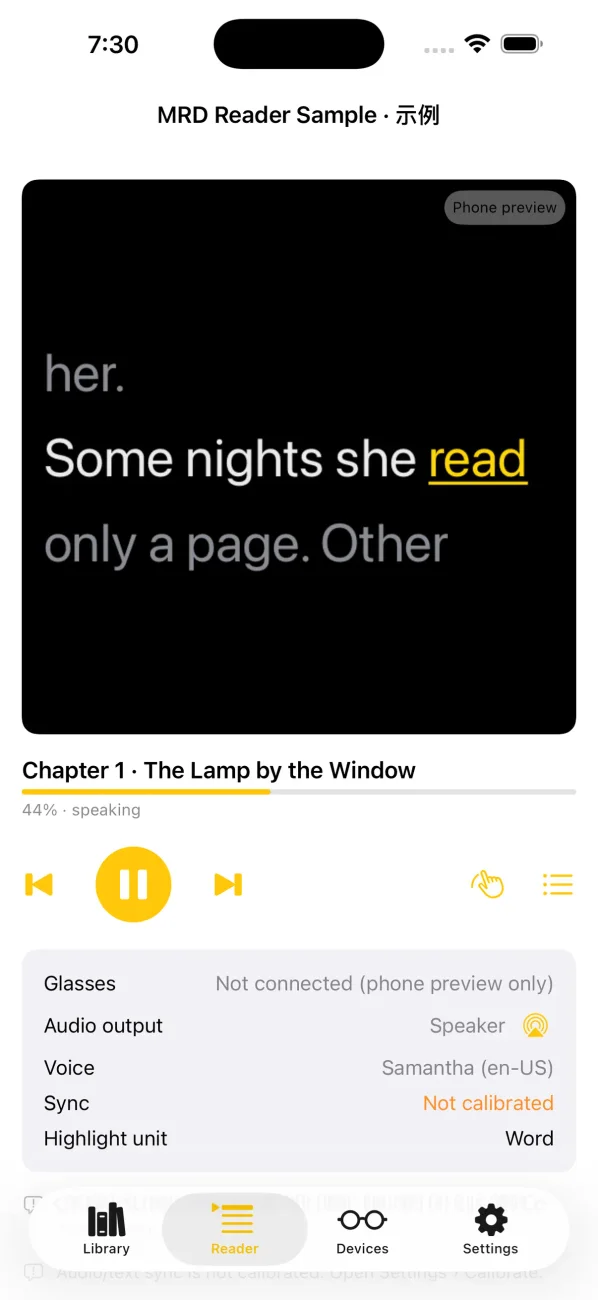
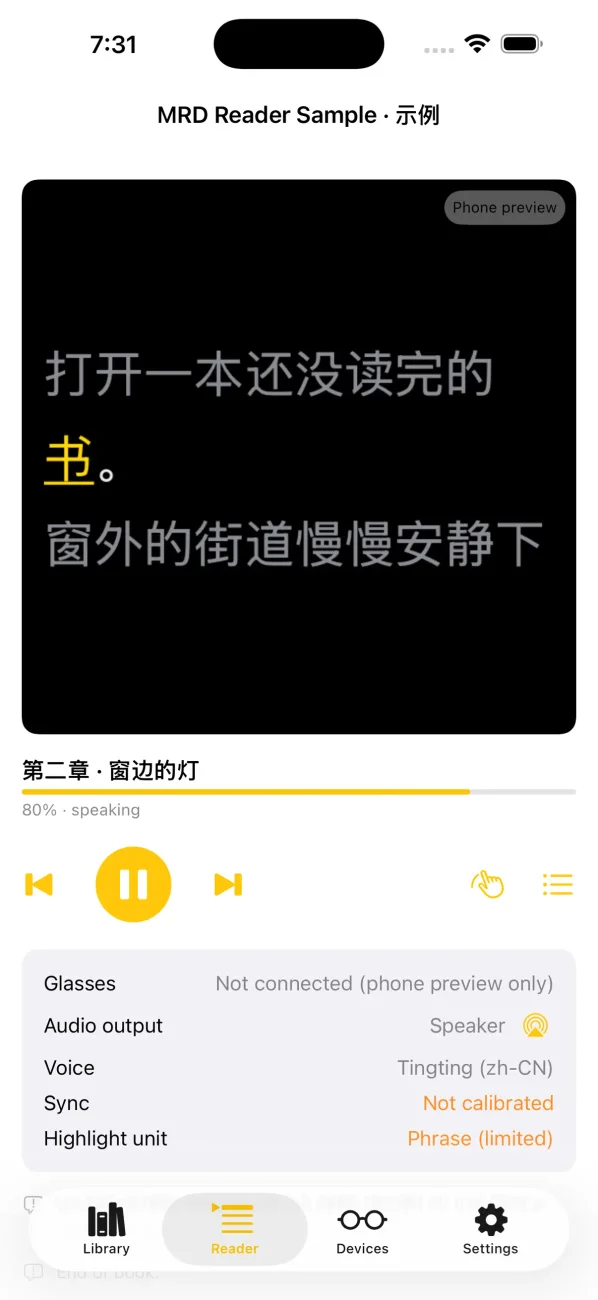
Glass Book Reader reads your own e-books aloud with the voices built into iOS and, if you own Meta Ray-Ban Display glasses, shows the previous, current and next line on the glasses with the spoken word highlighted.
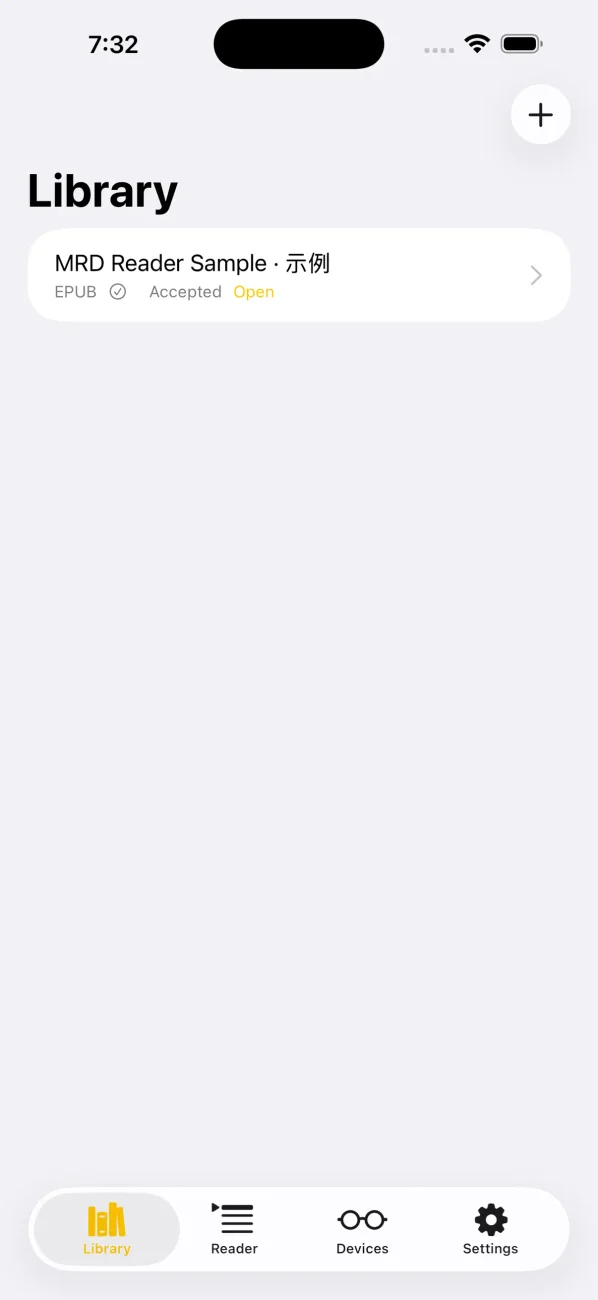
• Import DRM-free EPUB, text PDF and TXT files, or start with the built-in sample.
• Reading uses the system voices on your iPhone — nothing is sent to the cloud.
• Three lines on the glasses: the line being read in the middle, the word being spoken highlighted.
• Control reading from headphones, AirPods or the glasses touchpad: play/pause, next and previous page.
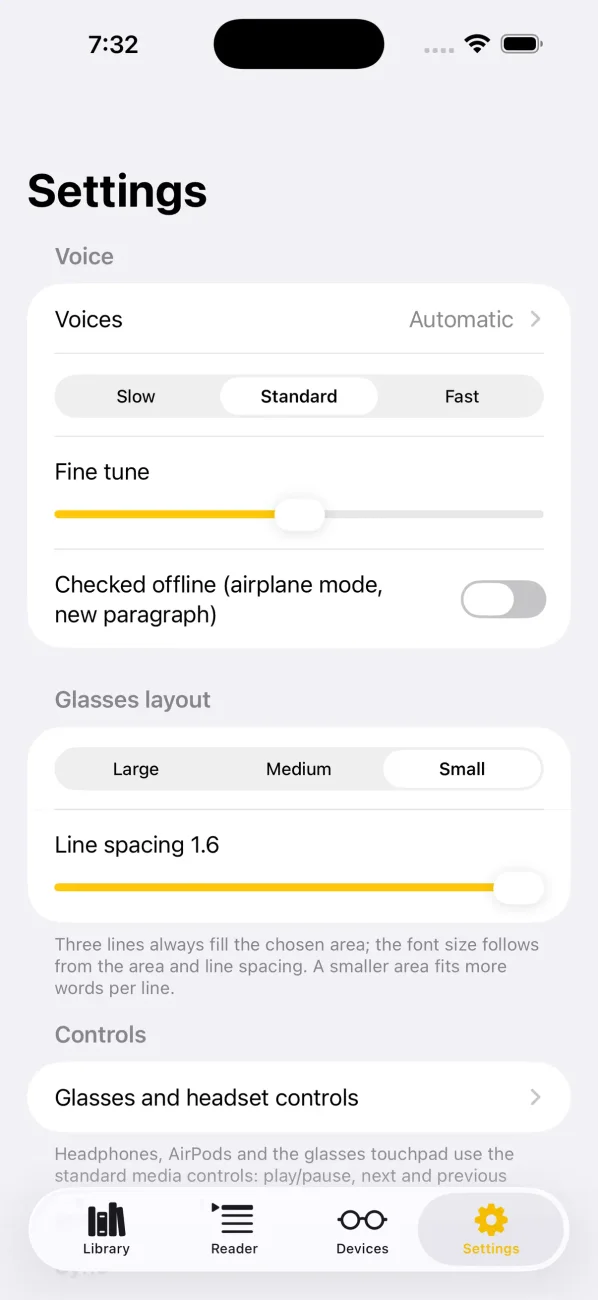
• Resume where you left off; pick a voice, speed and reading area; adjust audio/text sync.
• English and Simplified Chinese text and interface.
Meta glasses are optional: without them, Glass Book Reader reads on the phone with a three-line preview. Showing text on glasses requires the Meta AI app and a one-time approval of Glass Book Reader in it.
No accounts, no analytics, no servers. Your books stay on your phone.
Novedades
Versión 0.2.0 · 29/10/2026
New: word-by-word translation on the glasses. When you pause reading, the glasses menu highlights the current word and shows its translation; the word buttons step one word back or forward. Translation uses Apple's on-device translation (iOS 26 or later) and goes into your phone's language by default; choose another language or turn it off in Settings → Word translation.
Fixed: Meta Neural Band gestures on the paused menu. A swipe now moves the focus between the menu buttons and a pinch presses the focused button, as the glasses touchpad already did.
The paused menu on the glasses is also clearer.
Privacidad de la aplicación
Lo que Red Shore Tech declara en App Store sobre cómo esta aplicación gestiona los datos.
-
No se recopilan datos
El desarrollador no recopila ningún dato de esta aplicación.
Las prácticas de privacidad pueden variar, por ejemplo, según las funciones que uses o tu edad.
Información
- Vendedor
- Red Shore Tech L.L.C.
- Categoría
- Libros
- Versión
- 0.2.0
- Actualizado
- 29/10/2026
- Publicado
- 12/10/2026
- Tamaño
- 22,4 MB
- Requiere
- iOS 17.2 o posterior
- Clasificación por edad
- 4+
- Precio
- Gratis
- Idiomas
- Inglés, Chino simplificado
- Copyright
- © 2026 Red Shore Tech L.L.C.
Quizá también te guste
-
 Bible - The Word of Promise®Libros
-
 Bible - Catholic StudyLibros
-
 PARALLEL PLUS Bible-study appLibros
-
 Biblia y Concordancia BíblicaBible Concordance in Spanish
-
 Panels - Comic ReaderEl mejor lector de cómics
-
 WebComics - Webtoon, MangaRead Manga, Comics & Manhwa
-
 NovelToon: Libro, Novela eBookLeer libros y descargar ebooks