
Glass Book Reader
Read aloud, shown on glasses
Được thiết kế cho iPhone, iPad
Miễn phí
- Độ tuổi4+
- Danh mụcSách
- Nhà phát triểnRed Shore Tech
- Ngôn ngữTiếng Anh+ 1 ngôn ngữ khác
- Kích thước22,4 MB
Liên kết đến trang App Store chính thức
Download.org không lưu trữ tệp nào của Glass Book Reader. Nút này mở trang ứng dụng trên App Store, nơi Red Shore Tech phát hành ứng dụng. Trang được kiểm tra lần cuối: 12/11/2026.
Ảnh chụp màn hình
Giới thiệu
Nhà phát triển chưa cung cấp nội dung này bằng ngôn ngữ của bạn.
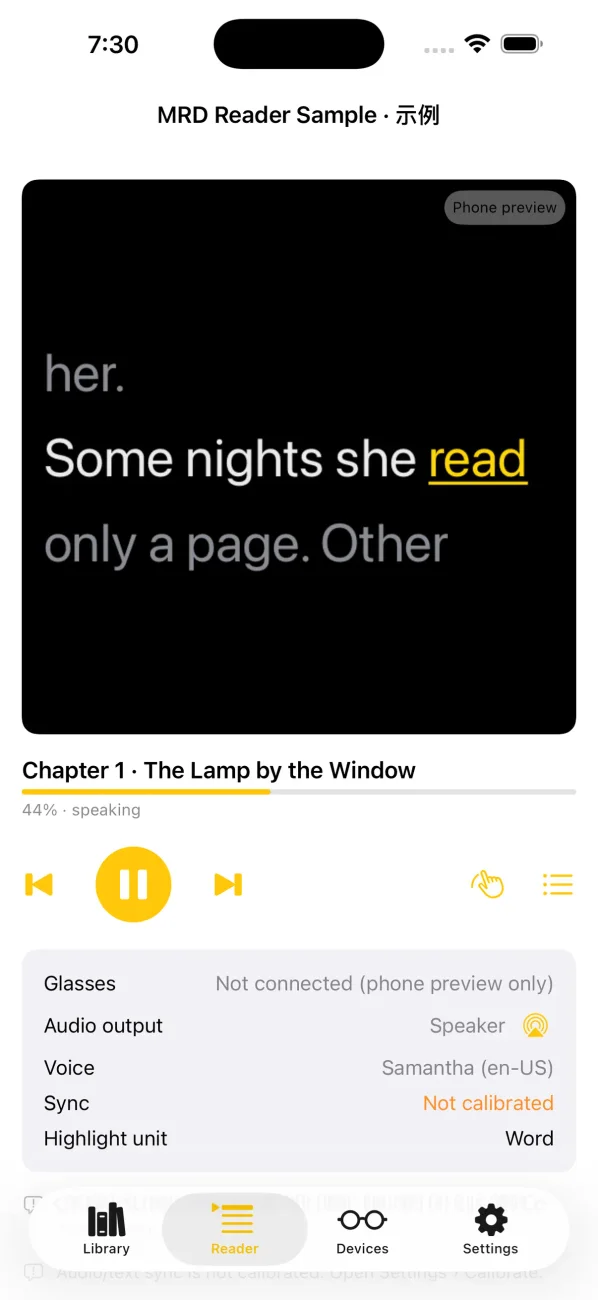
Glass Book Reader reads your own e-books aloud with the voices built into iOS and, if you own Meta Ray-Ban Display glasses, shows the previous, current and next line on the glasses with the spoken word highlighted.
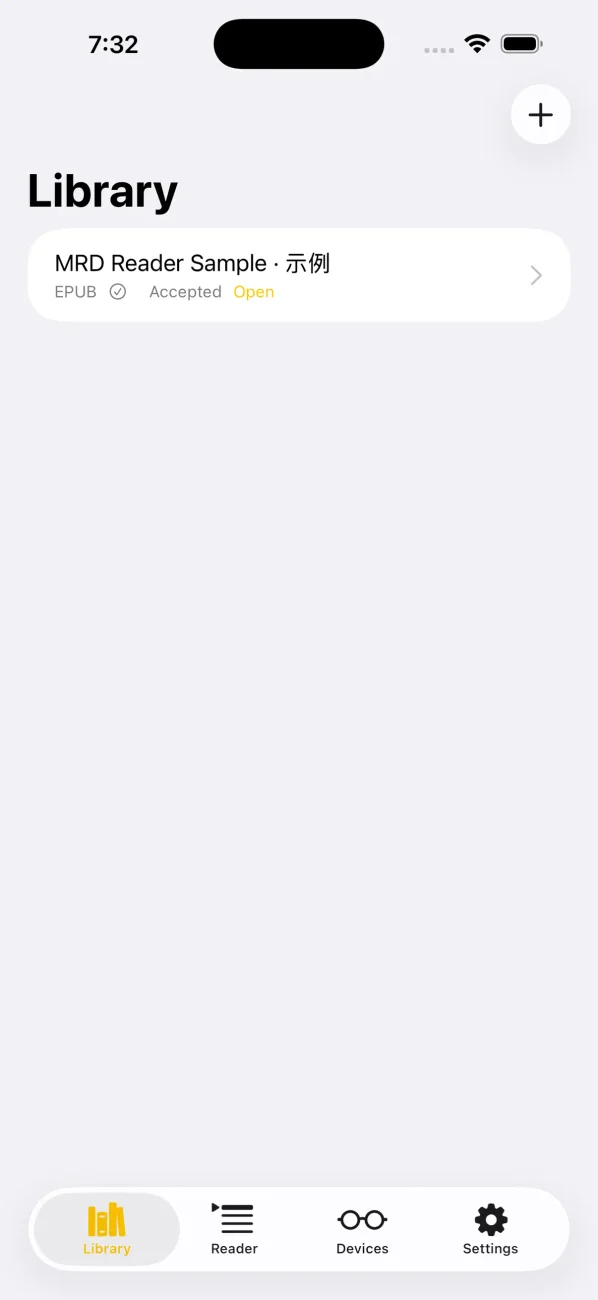
• Import DRM-free EPUB, text PDF and TXT files, or start with the built-in sample.
• Reading uses the system voices on your iPhone — nothing is sent to the cloud.
• Three lines on the glasses: the line being read in the middle, the word being spoken highlighted.
• Control reading from headphones, AirPods or the glasses touchpad: play/pause, next and previous page.
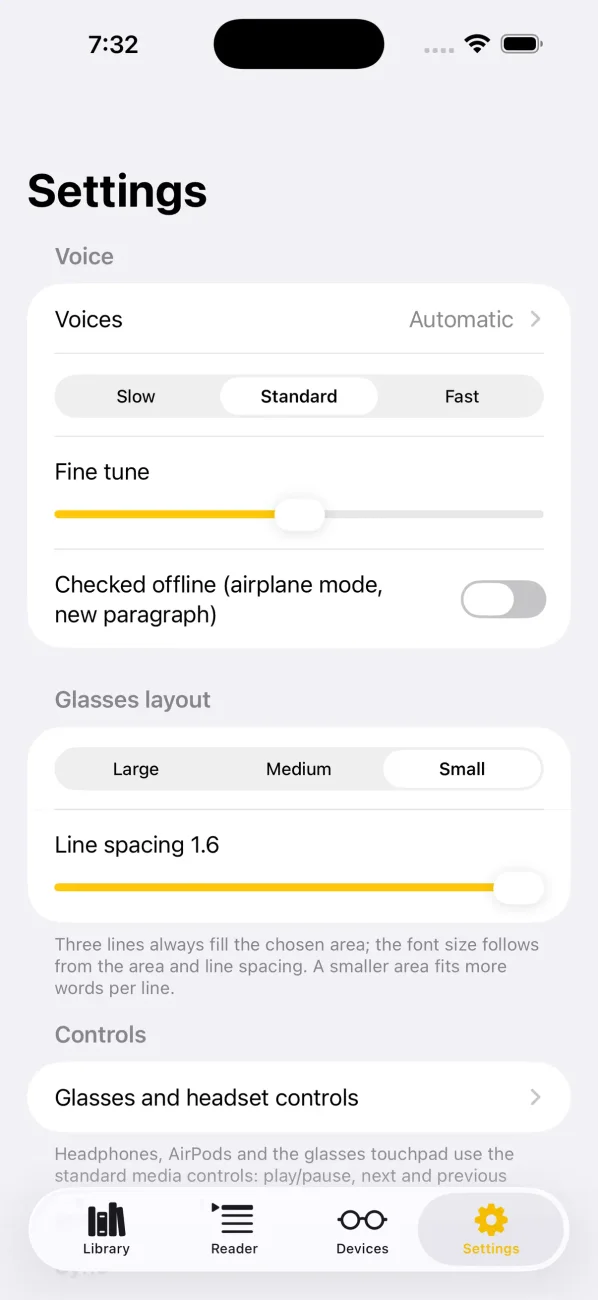
• Resume where you left off; pick a voice, speed and reading area; adjust audio/text sync.
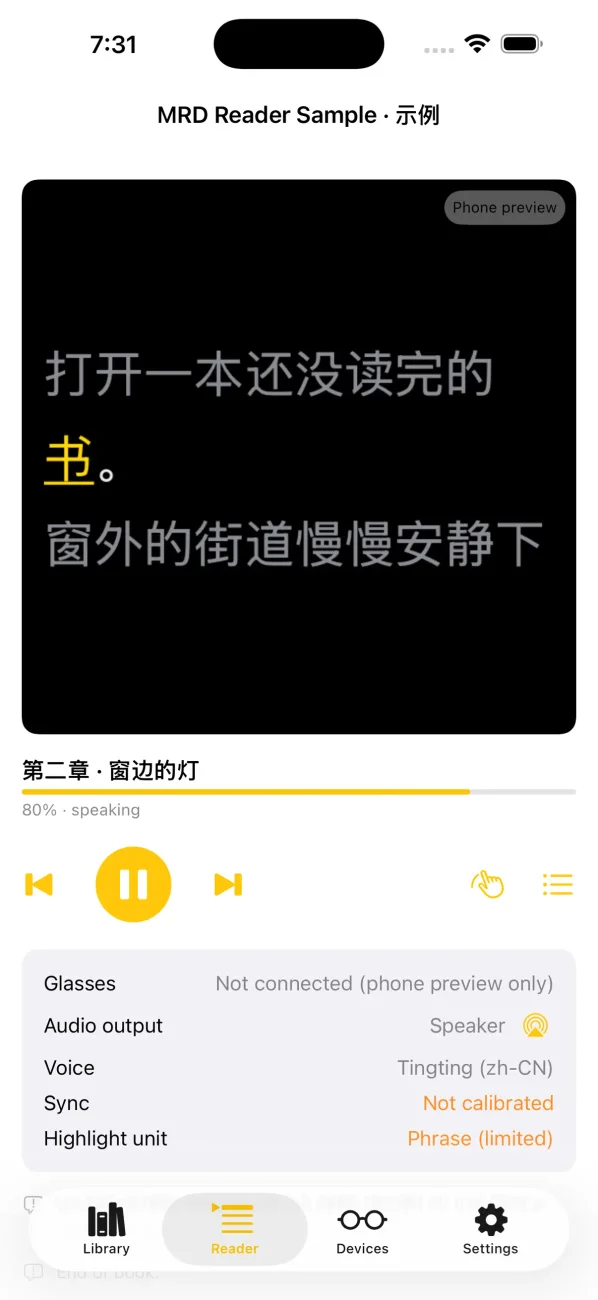
• English and Simplified Chinese text and interface.
Meta glasses are optional: without them, Glass Book Reader reads on the phone with a three-line preview. Showing text on glasses requires the Meta AI app and a one-time approval of Glass Book Reader in it.
No accounts, no analytics, no servers. Your books stay on your phone.
Có gì mới
Phiên bản 0.2.0 · 29/10/2026
New: word-by-word translation on the glasses. When you pause reading, the glasses menu highlights the current word and shows its translation; the word buttons step one word back or forward. Translation uses Apple's on-device translation (iOS 26 or later) and goes into your phone's language by default; choose another language or turn it off in Settings → Word translation.
Fixed: Meta Neural Band gestures on the paused menu. A swipe now moves the focus between the menu buttons and a pinch presses the focused button, as the glasses touchpad already did.
The paused menu on the glasses is also clearer.
Quyền riêng tư của ứng dụng
Những gì Red Shore Tech khai báo trên App Store về cách ứng dụng này xử lý dữ liệu.
-
Dữ liệu không được thu thập
Nhà phát triển không thu thập bất kỳ dữ liệu nào từ ứng dụng này.
Phương thức đảm bảo quyền riêng tư có thể khác nhau, chẳng hạn như tuỳ theo các tính năng bạn sử dụng hoặc độ tuổi của bạn.
Thông tin
- Người bán
- Red Shore Tech L.L.C.
- Danh mục
- Sách
- Phiên bản
- 0.2.0
- Cập nhật
- 29/10/2026
- Phát hành
- 12/10/2026
- Kích thước
- 22,4 MB
- Yêu cầu
- iOS 17.2 trở lên
- Độ tuổi
- 4+
- Giá
- Miễn phí
- Ngôn ngữ
- Tiếng Anh, Tiếng Trung Giản thể
- Bản quyền
- © 2026 Red Shore Tech L.L.C.